


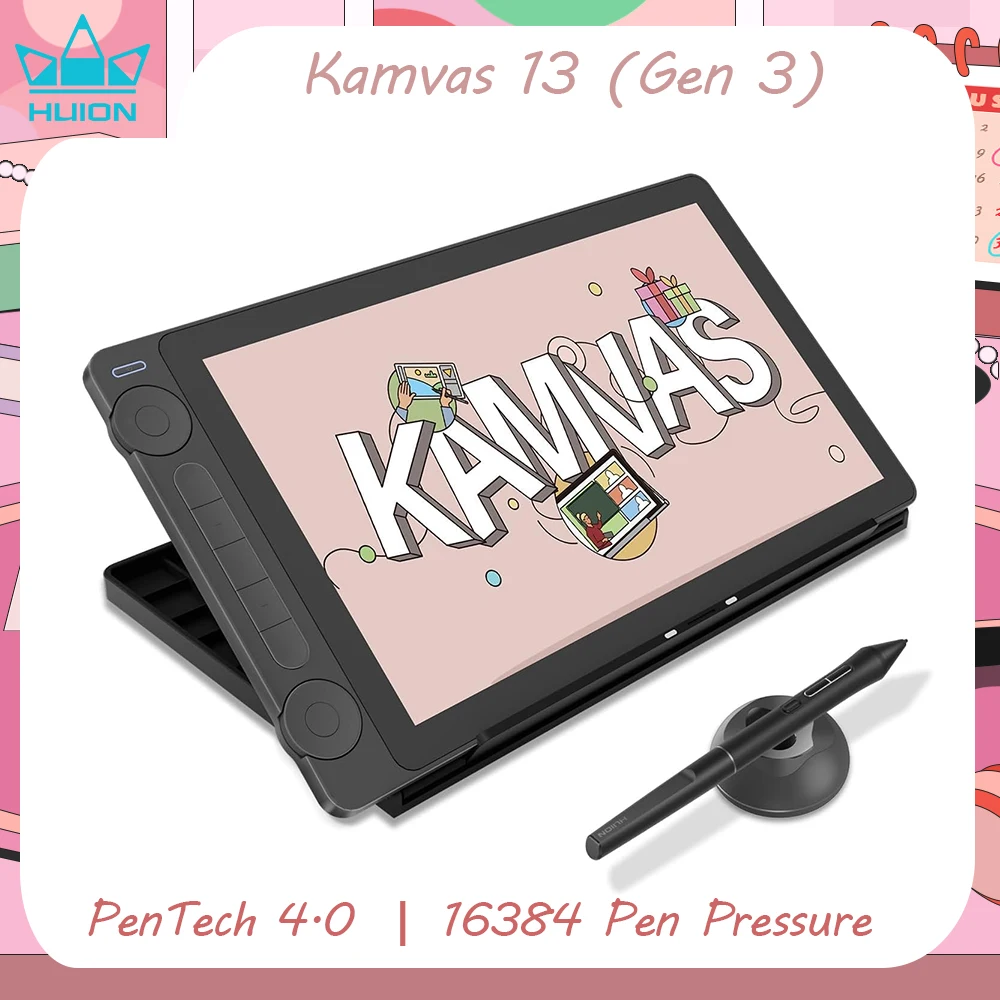



Huion Kamvas 13 Gen 3 13.3-inch Drawing Display
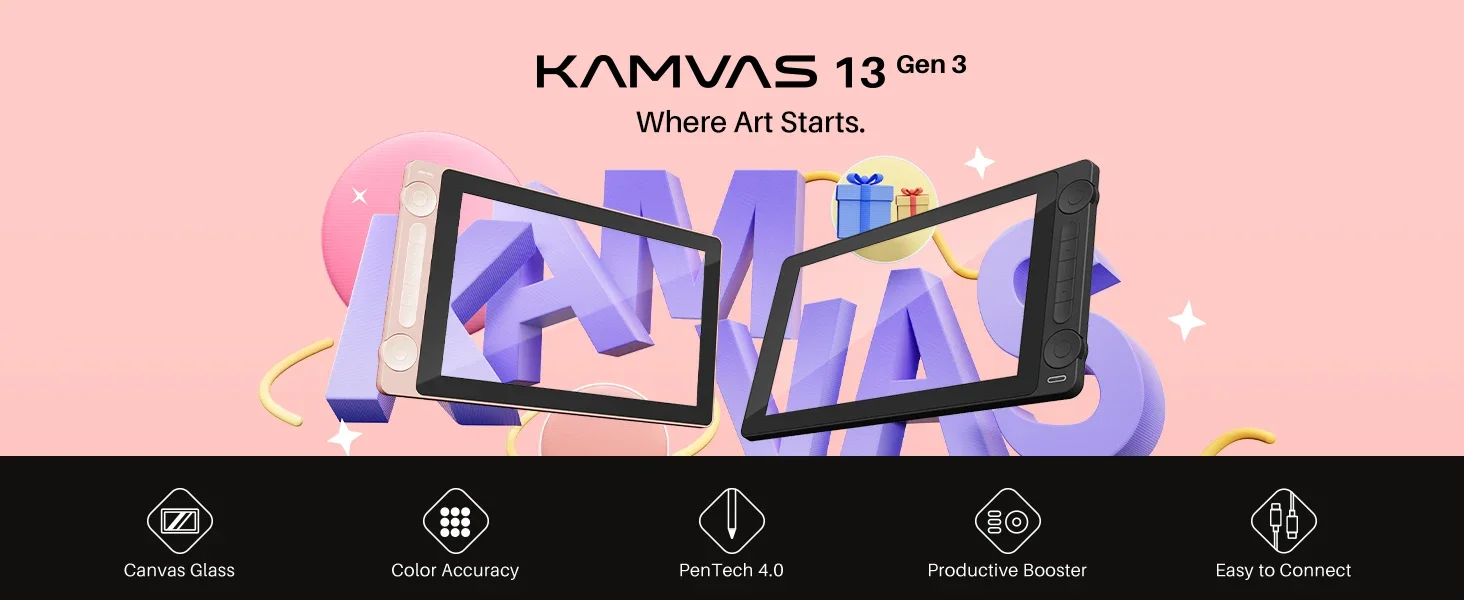
Kamvas 13 Gen 3 Where Art Starts
Start creating with a compact 13.3-inch Full HD pen display built to feel natural, look accurate, and connect reliably. Kamvas 13 Gen 3 upgrades color accuracy, improves pen performance with PenTech 4.0, and keeps the setup stable for beginners who want strong features without a complicated workflow.
Why will you choose it?
- 13.3-inch Full HD screen in a lighter, thinner body
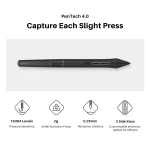
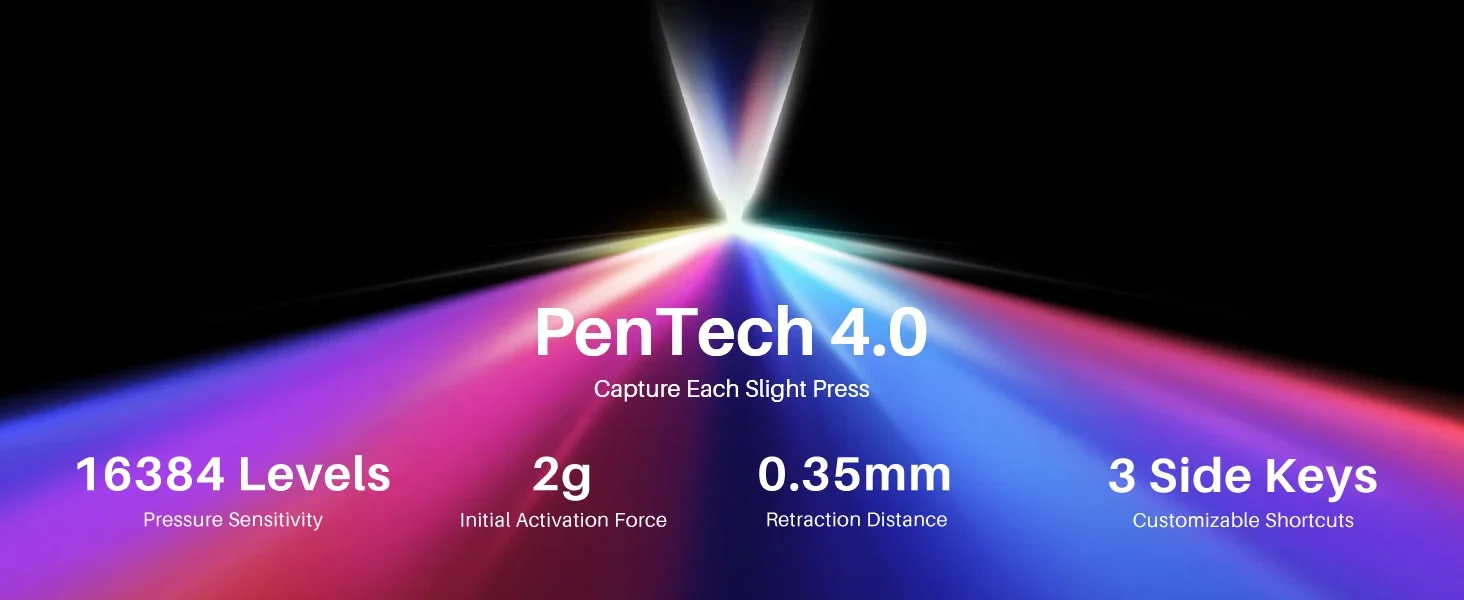
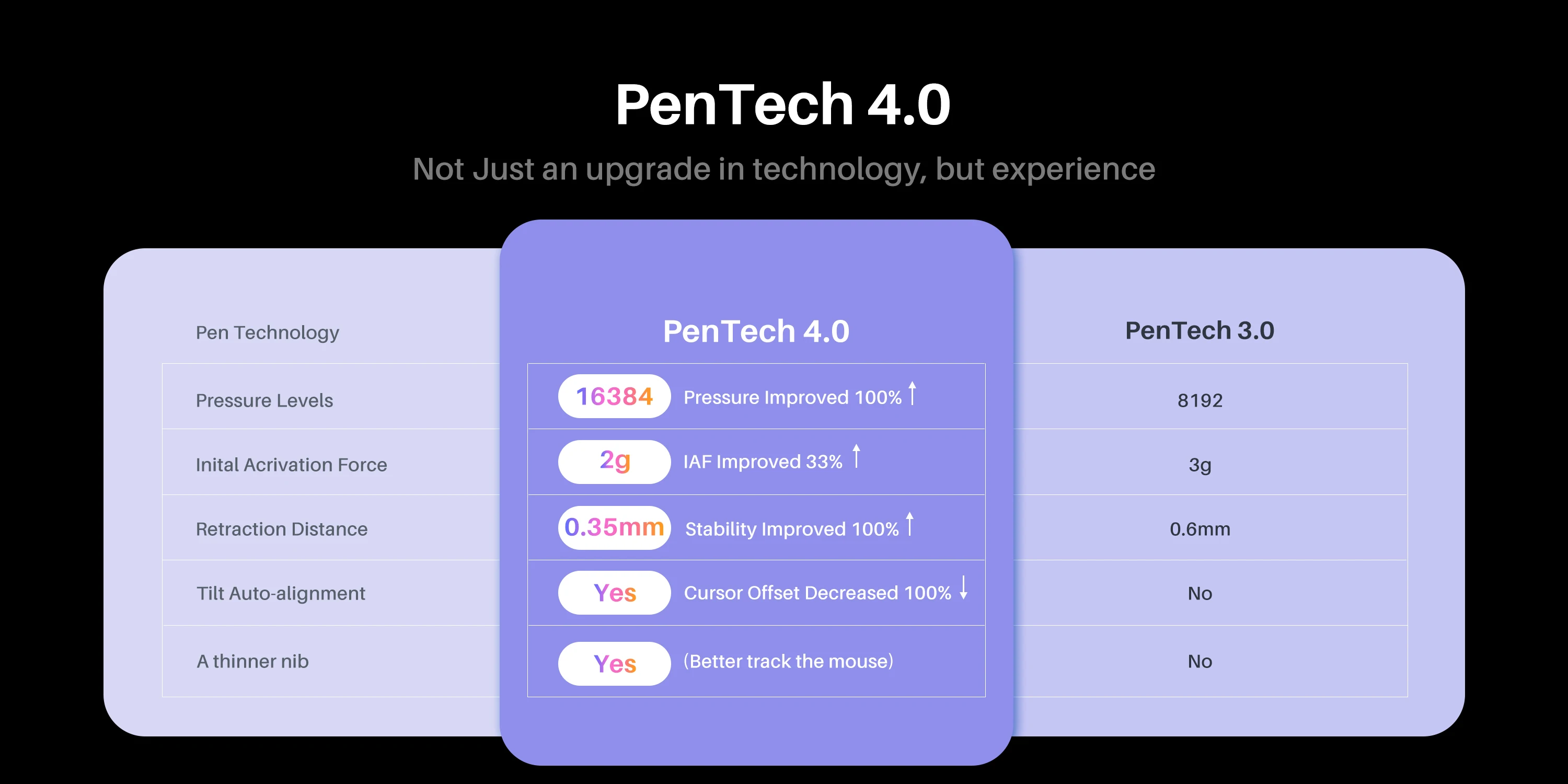
- 16K pressure levels with PenTech 4.0 and a 2g initial activation force
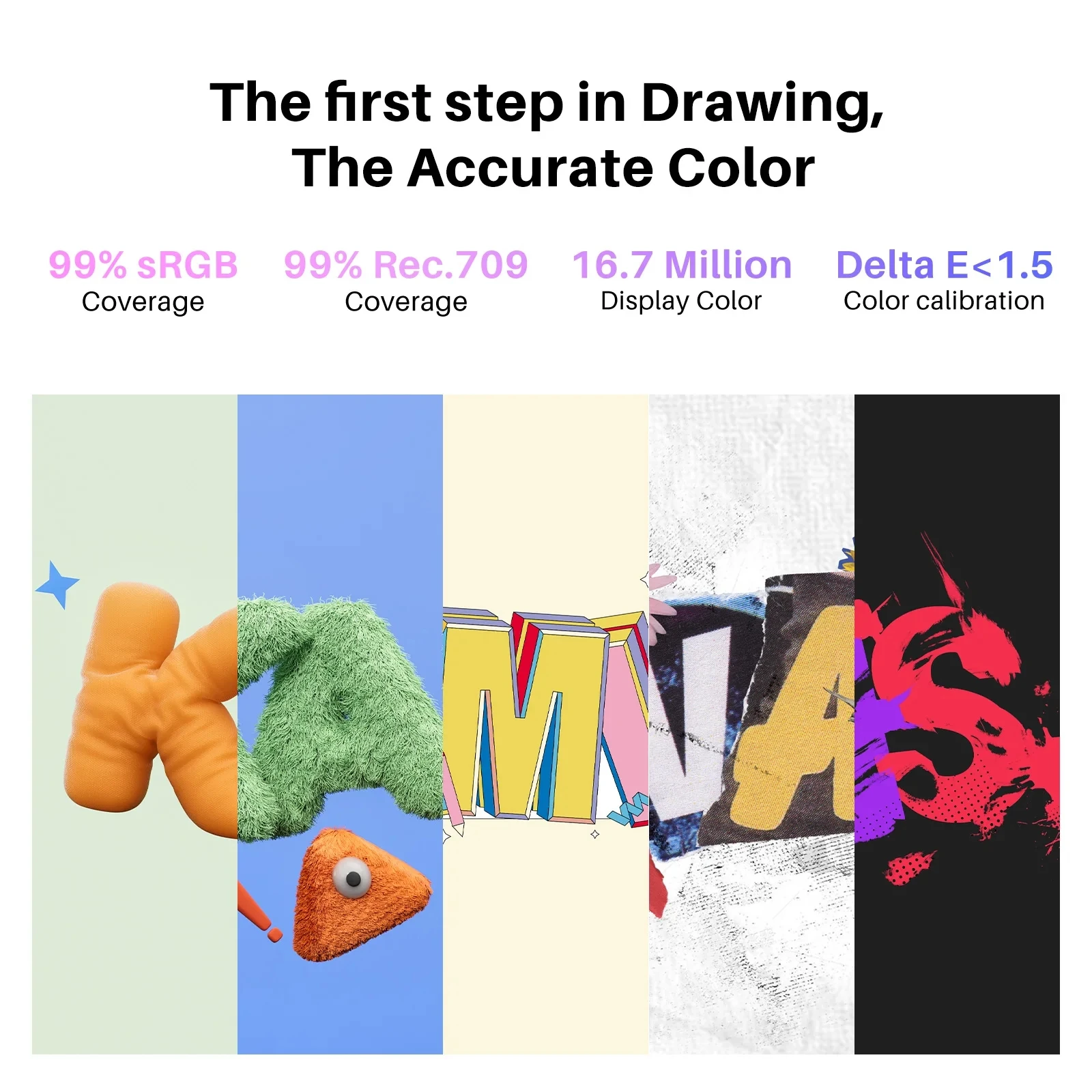
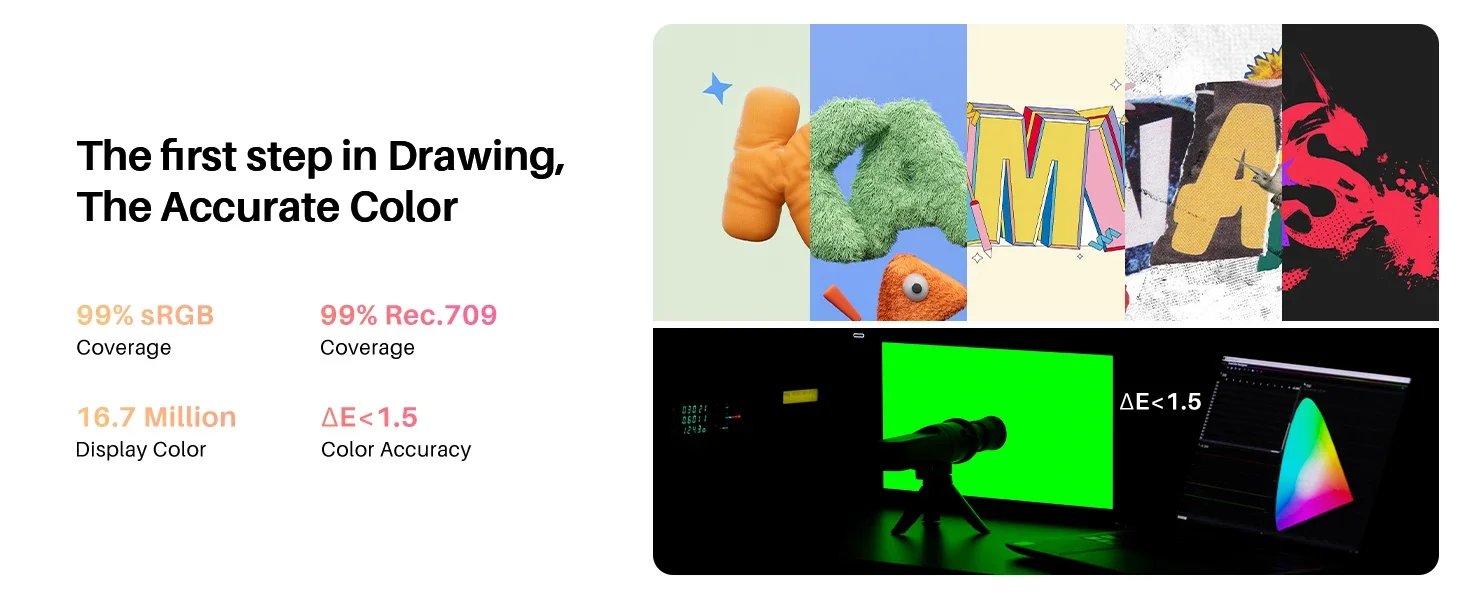
- Wide color coverage: 99% sRGB, 99% Rec.709, 90% Adobe RGB
- Two color options: Sakura Pink and Cosmo Black
- Stable connection options with support for full-featured USB-C to USB-C (cable sold separately)
Easy to carry, built to last
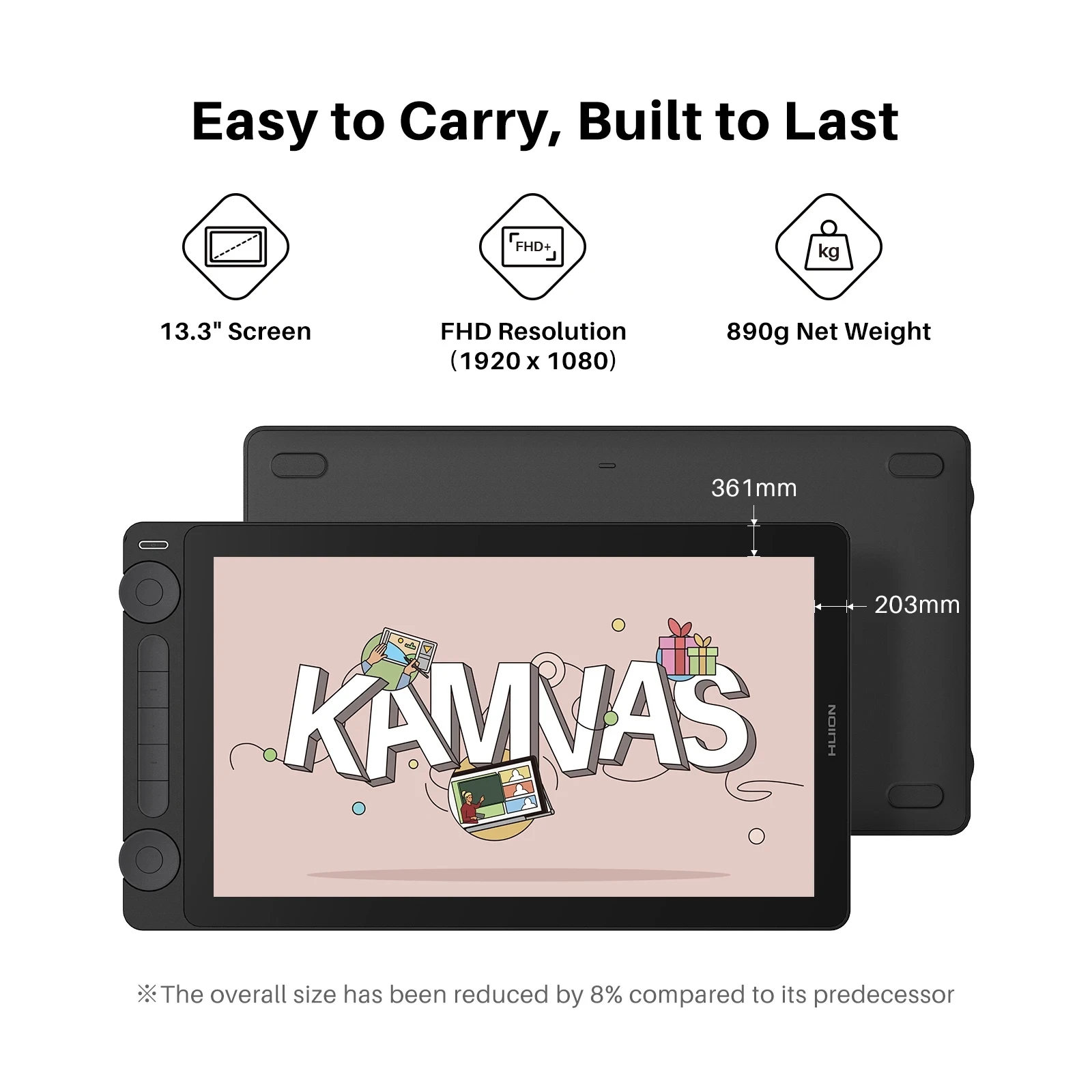
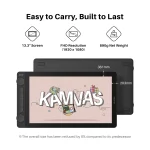
Designed to travel, the overall size is reduced compared to the previous model, and the weight is about 890g. A durable back cover helps protect it in a backpack, making it a solid choice for desk setups, dorm rooms, and on-the-go creation.
Better color for your first step
Kamvas 13 Gen 3 supports wide color coverage so your illustrations, comics, animations, and edits look consistent and vibrant. Each unit is factory calibrated to achieve ΔE<1.5 and includes a calibration report for more confidence when you are working with color.
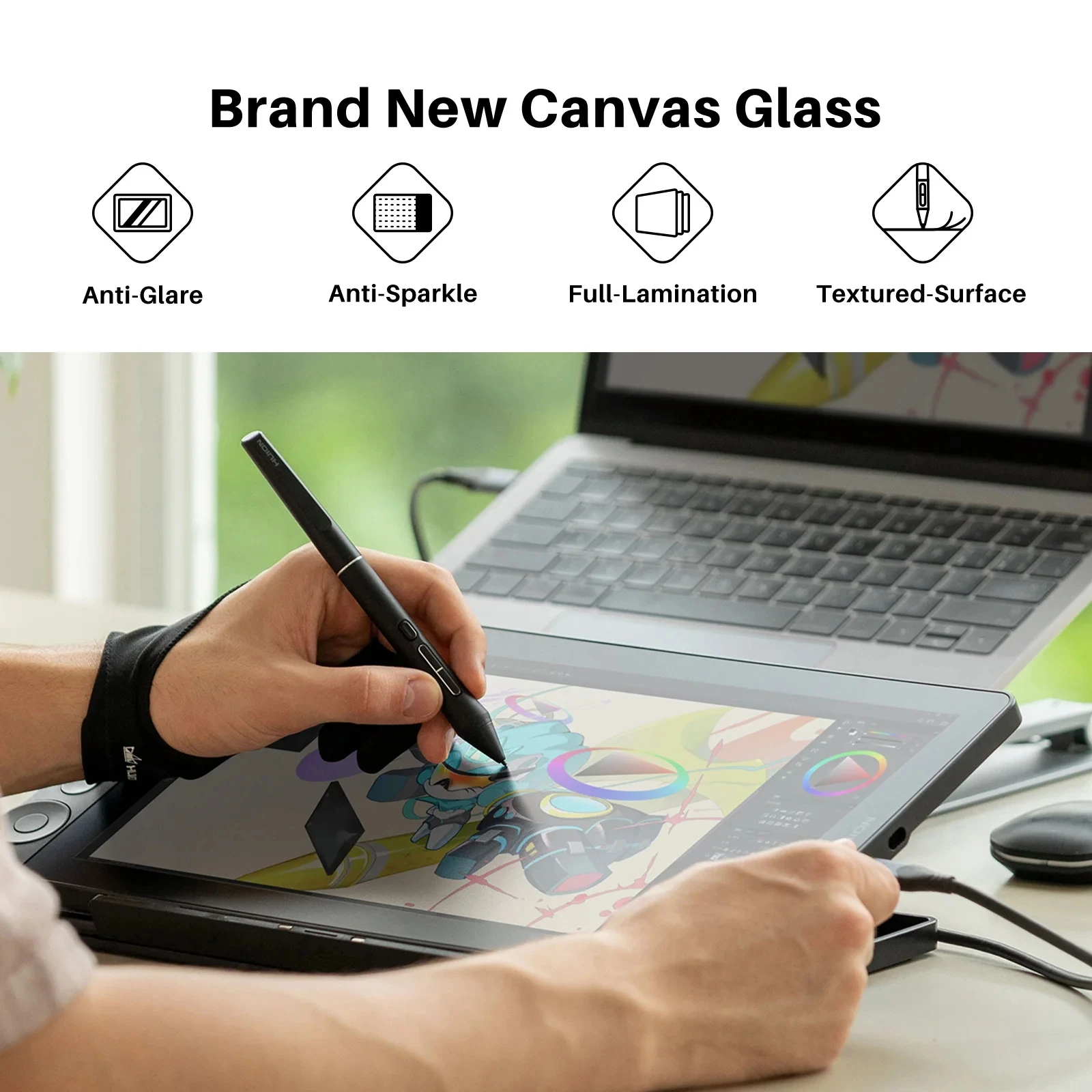
All new Canvas Glass surface
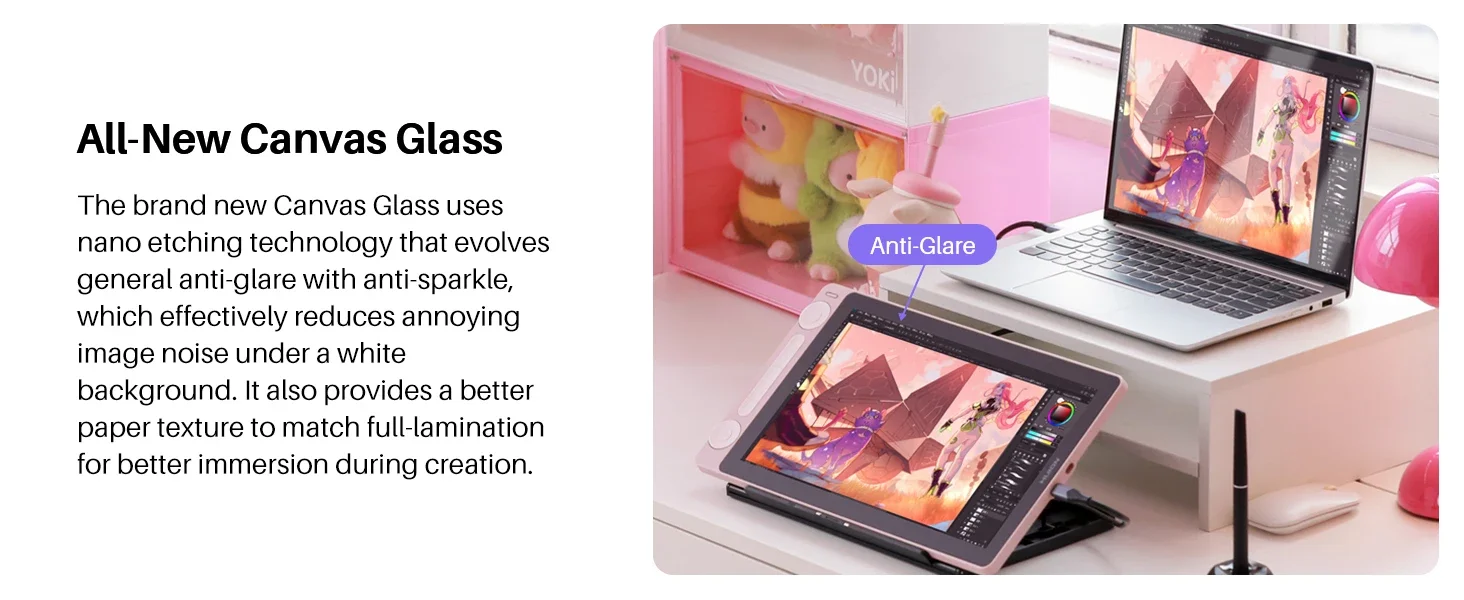
Huion upgraded the surface to Canvas Glass, designed for durability and a more paper-like texture. Nano etching helps reduce glare while also reducing sparkle and grain under bright or white backgrounds, improving clarity and immersion during long sessions.
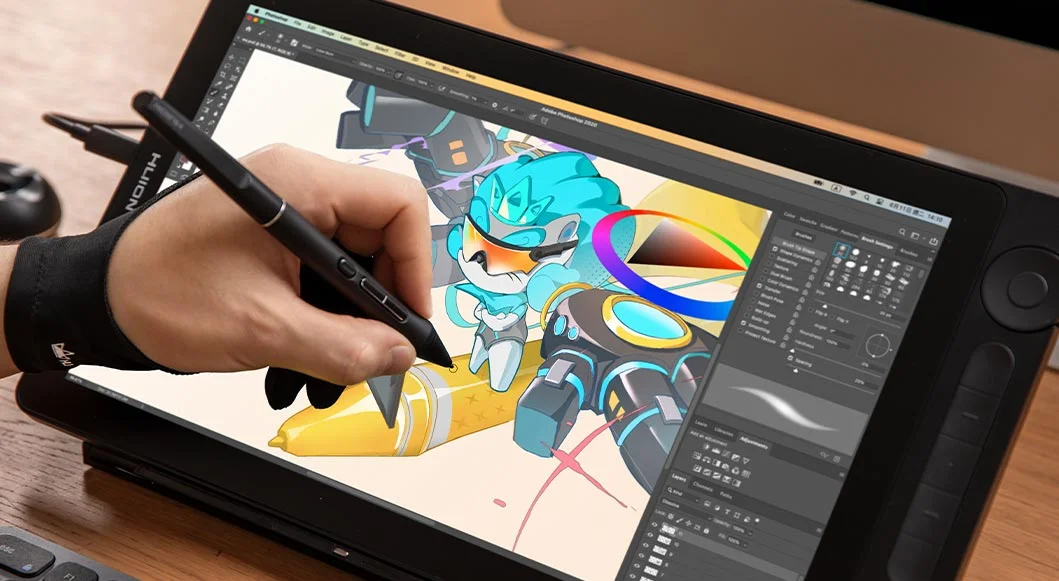
PW600L digital pen with PenTech 4.0
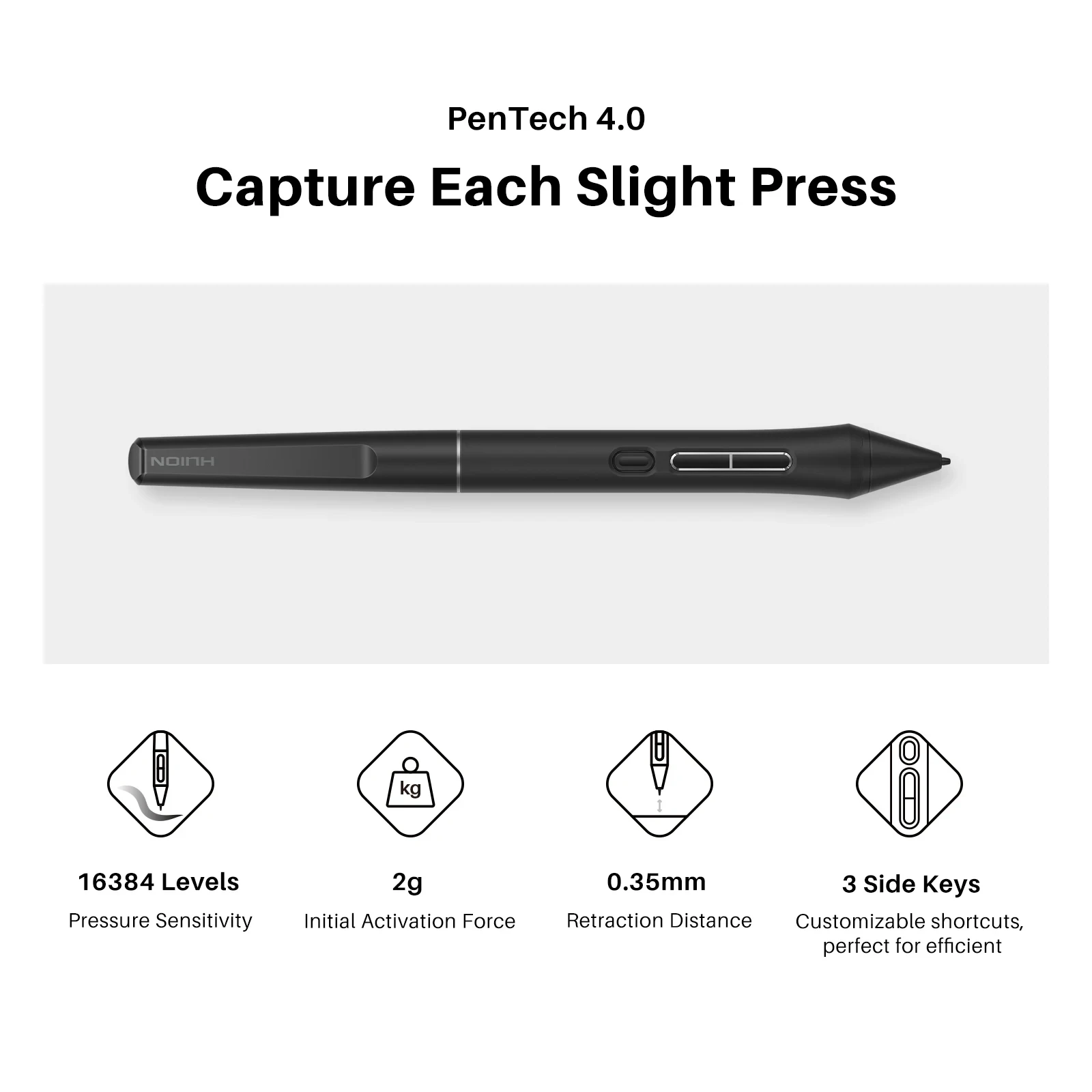
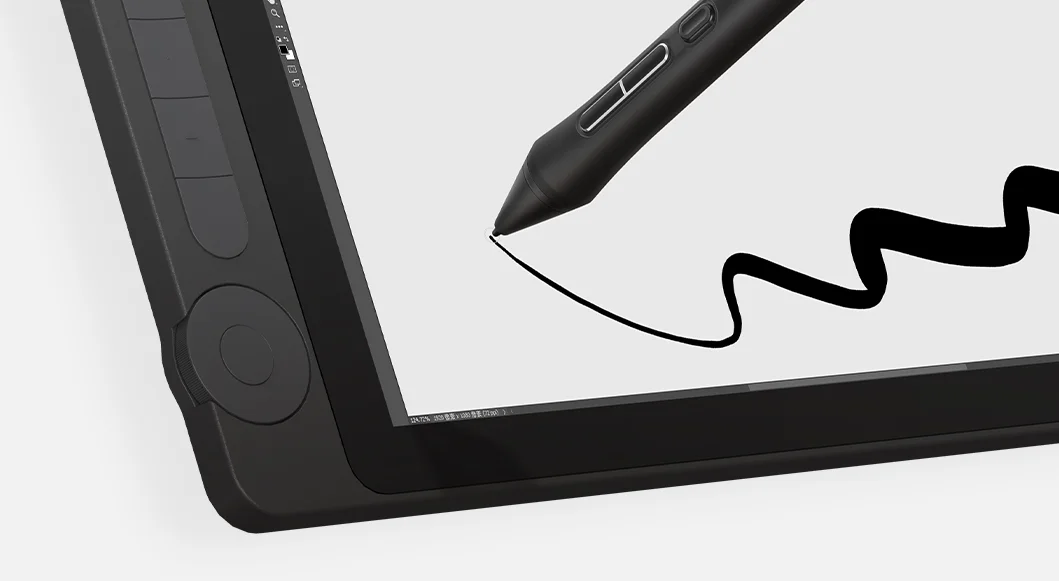
Kamvas 13 Gen 3 includes the PW600L pen built around PenTech 4.0. It supports 16K pressure sensitivity, captures light strokes with a 2g activation force, and is designed to improve cursor tracking and reduce wobble. The pen includes three side buttons and a dust-proof grip to help speed up common actions and keep handling comfortable.
Dual dials for faster workflow
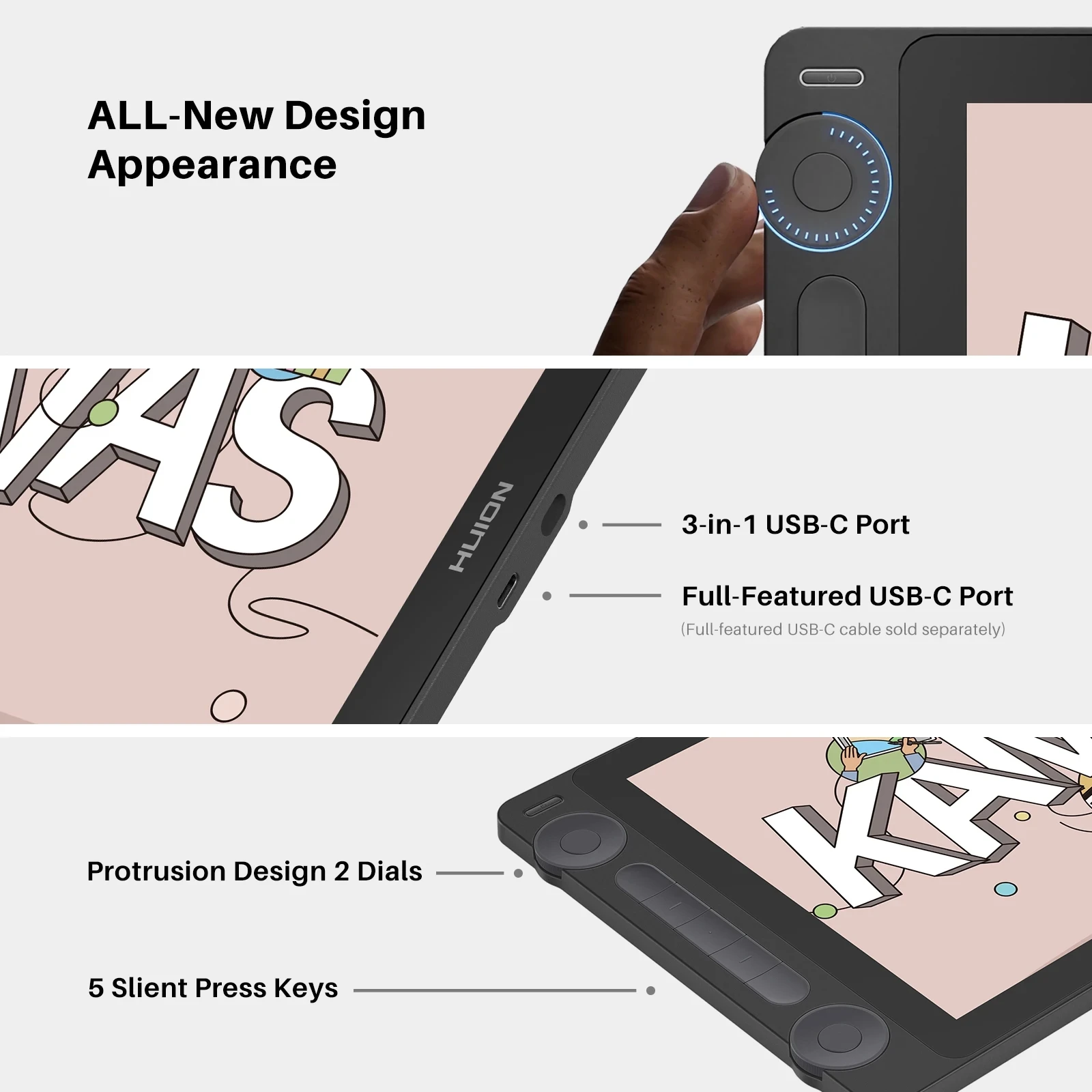
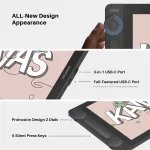
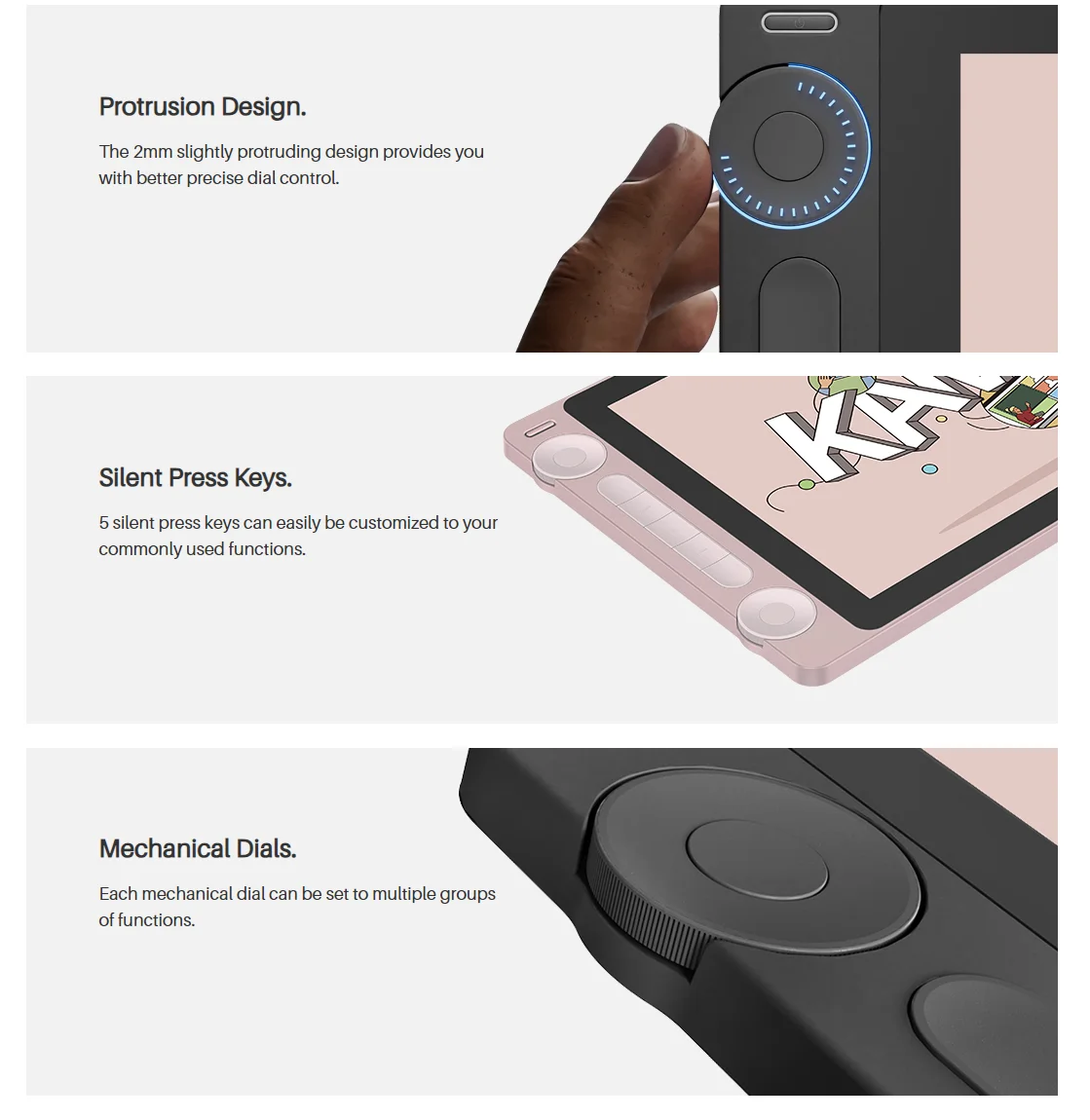
Two dial controllers and five silent press keys help you adjust brushes, zoom, rotate, sliders, opacity, frame stepping, and more. The slightly raised design improves tactile control, and functions can be customized through the driver.
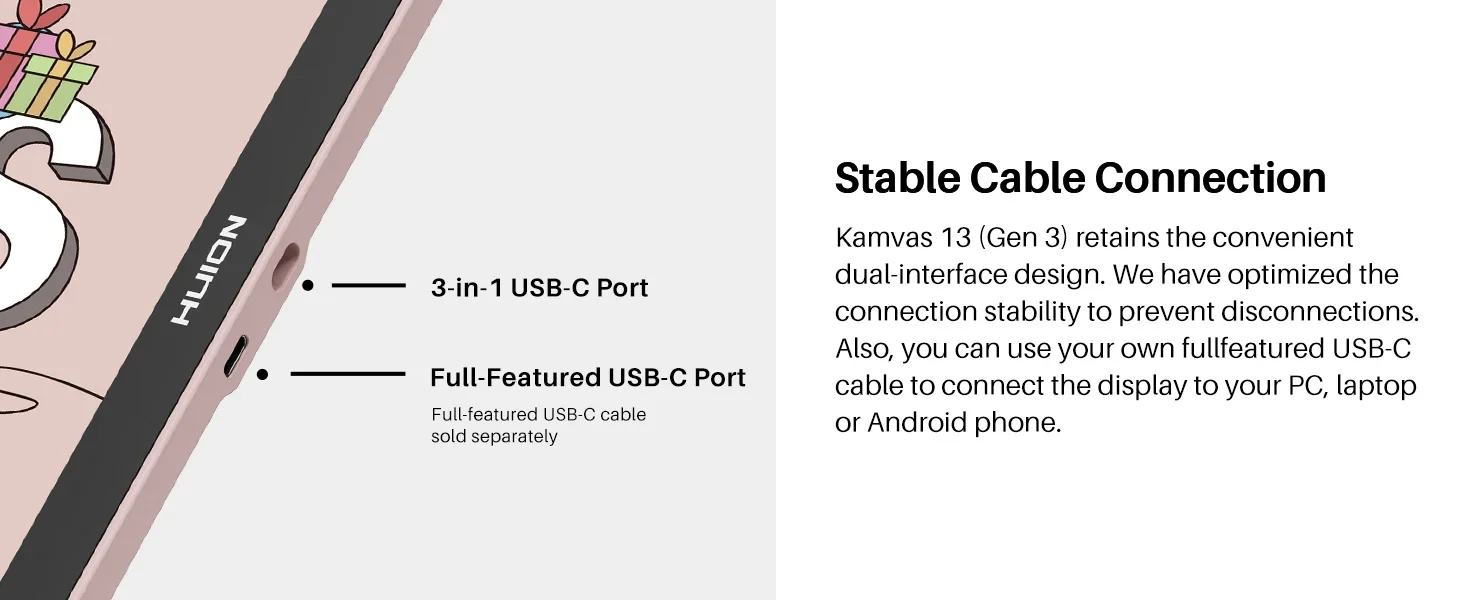
Stable cable connection
Use the included 3-in-1 cable for a dependable setup. You can also connect with your own full-featured USB-C to USB-C cable for a cleaner desk setup or Android compatibility when supported.
Full featured USB C to USB-C cable is not included. If you use your own cable, make sure it supports USB 3.1 Gen 1 and DisplayPort 1.2 or higher.
Good for lefties too
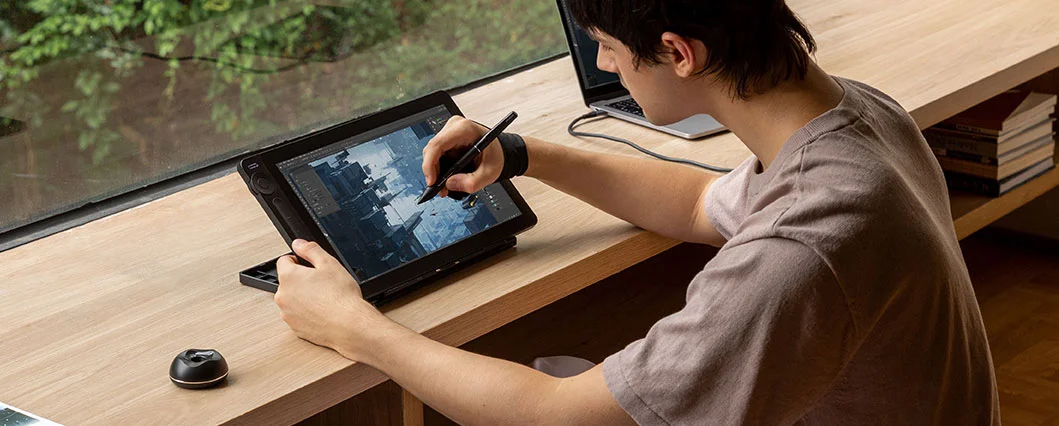
The symmetrical design supports both left-handed and right-handed use. Rotate the working area in the driver to match how you like to create.
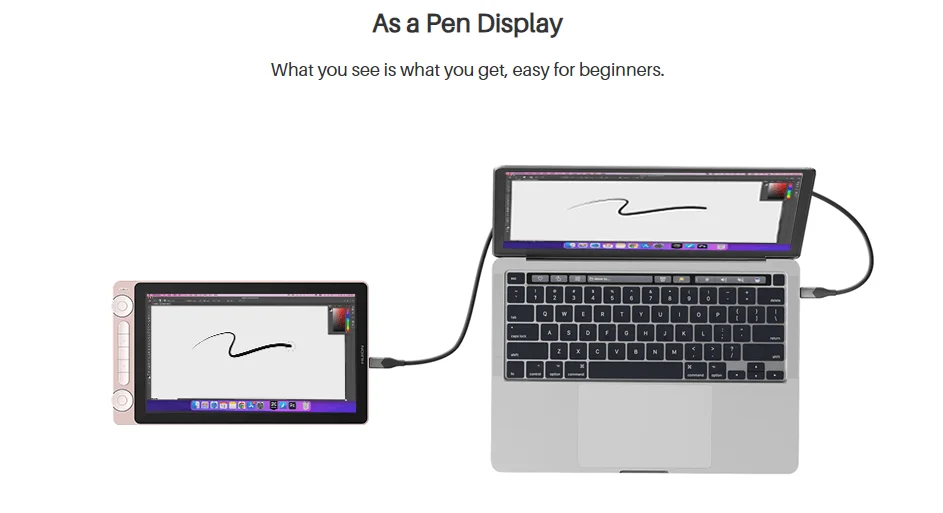
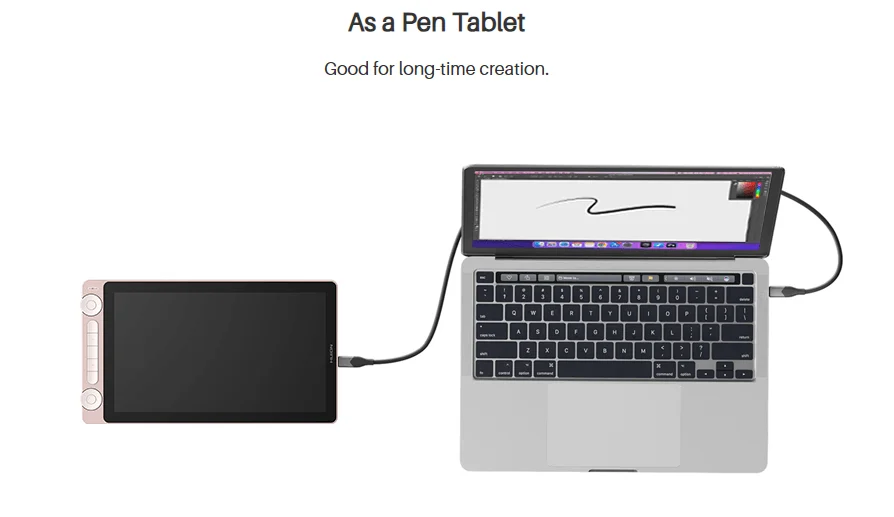
Be a pen display, as a pen tablet
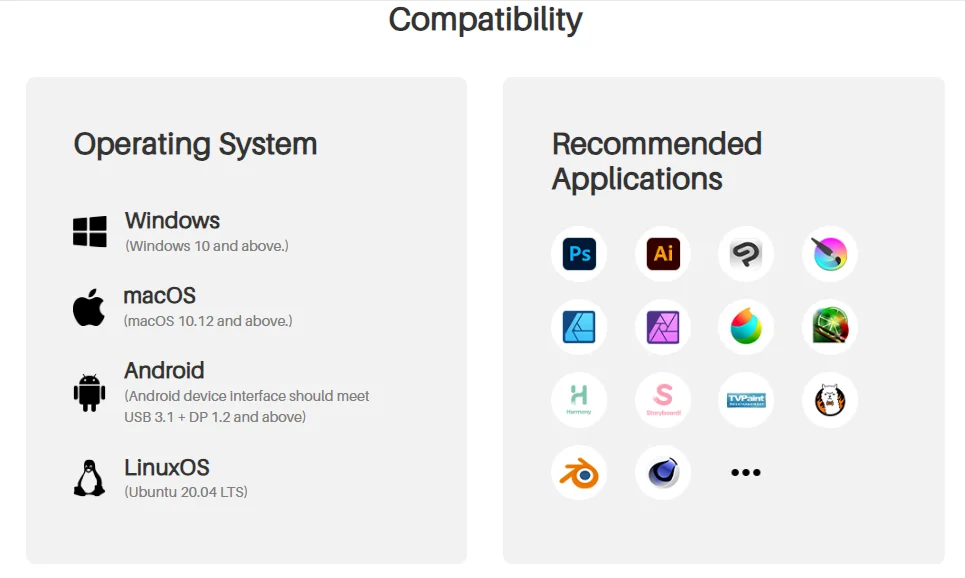
Operating system compatibility
- Windows 10 and above
- macOS 10.12 and above
- Linux Ubuntu 20.04 LTS
- Android devices that support USB 3.1 plus DP 1.2 and above
Recommended software
Supports many mainstream creative apps. Use the driver to customize shortcuts, pressure sensitivity, and work area settings for your workflow.
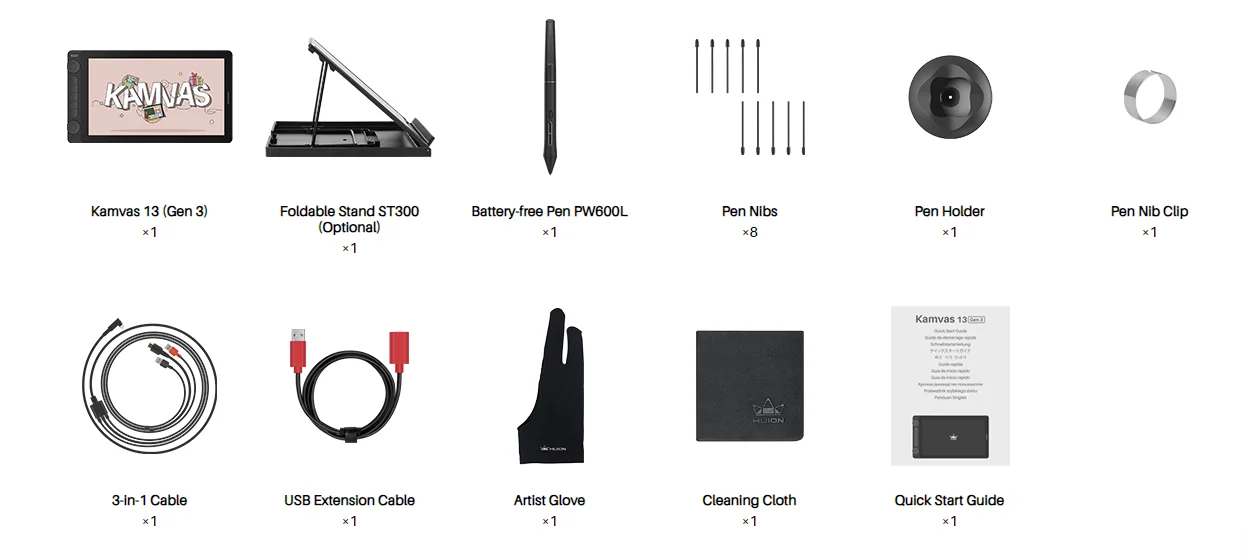
Package list
- Kamvas 13 Gen 3
- Adjustable stand (optional, if included in your bundle)
- PW600L pen
- Pen holder, pen nib clip, 8 pen nibs
- 3-in-1 cable and USB extension cable
- Artist glove, cleaning cloth, quick start guide
FAQs
Do I need to connect the Huion Kamvas 13 (Gen 3) to a computer to make it work?
Yes, the Huion Kamvas 13 (Gen 3) is a drawing monitor. You need to connect the monitor to a computer, laptop, or a supported Android device to make it work.
What does Gen 3 mean?
Gen 3 means the 3rd generation Kamvas series display.
What color modes does the Huion Kamvas 13 (Gen 3) support?
The Huion Kamvas 13 (Gen 3) supports sRGB, Rec. 709, Adobe RGB, and User color modes. You can adjust it in the OSD menu.
What are the advantages and improvements of Canvas Glass?
Canvas Glass is designed to provide anti-glare performance and a paper-like texture. It is also designed to reduce sparkle and grain issues by tuning haze and gloss values, helping reduce color noise, especially on bright or white backgrounds.
What is Huion PenTech 4.0 Technology?
PenTech 4.0 is Huion’s 4th-generation pen technology designed to improve pressure response and line consistency. It supports 16K pressure sensitivity, a 2g initial activation force, tilt recognition, and an optimized retraction distance for reduced nib wobble.
Which pen comes with the Huion Kamvas 13 (Gen 3) standard package?
The Huion Kamvas 13 (Gen 3) comes with a PW600L digital pen. You can purchase a PW600 or PW600S pen separately if you want a different feel.
What are the differences between PW600L, PW600, and PW600S?
PW600 is the standard version with three side keys and a tail eraser. PW600L is a lighter version with three side keys but no tail eraser. PW600S is a slim version with two side keys and a tail eraser.
Does the Huion Kamvas 13 (Gen 3) have touch input?
No, the Huion Kamvas 13 (Gen 3) does not have touch input.
Can I set up the dual dial controllers on the Huion Kamvas 13 (Gen 3) separately?
Yes. You can set the dual dial controllers to different functions separately in the Huion Driver. Each dial controller has three sets of functions that can be switched by pressing the center key.
Can I use the Huion Kamvas 13 (Gen 3) as a second monitor?
Yes. It can function as an additional display when connected to a computer, depending on your system and connection setup.
Is a USB-C to USB-C cable included with the Huion Kamvas 13 (Gen 3)?
No. A USB-C to USB-C cable is not included in the standard package. You can purchase one separately or use your own full-featured cable that supports USB 3.1 Gen 1 and DP 1.2 or above.
Can I use a USB-C to USB-C cable from other brands on the Huion Kamvas 13 (Gen 3)?
Yes. You can use a full-featured cable from other brands, but it must support USB 3.1 Gen 1 data transfer protocol and DP 1.2 or above.
What is the cable length of the Huion Kamvas 13 (Gen 3)?
3-in-1 cable: 1.8m. USB extension cable: 1.2m. Cable length information is for reference only; refer to the physical cables included in your purchase.
Is a stand included with the Huion Kamvas 13 (Gen 3)?
It depends on your bundle. There is a with-stand version and a without-stand version.
Will the fan noise of the Huion Kamvas 13 (Gen 3) be very loud?
The Huion Kamvas 13 (Gen 3) has no fan inside, so you do not have to worry about fan noise.




There are no reviews yet.