






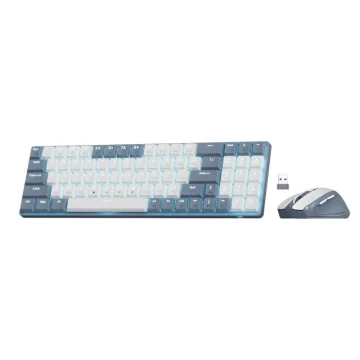
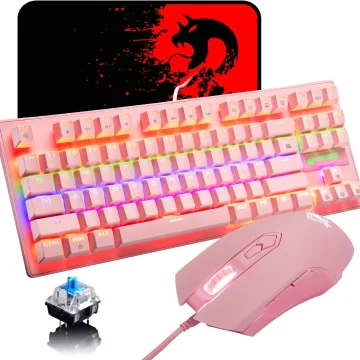
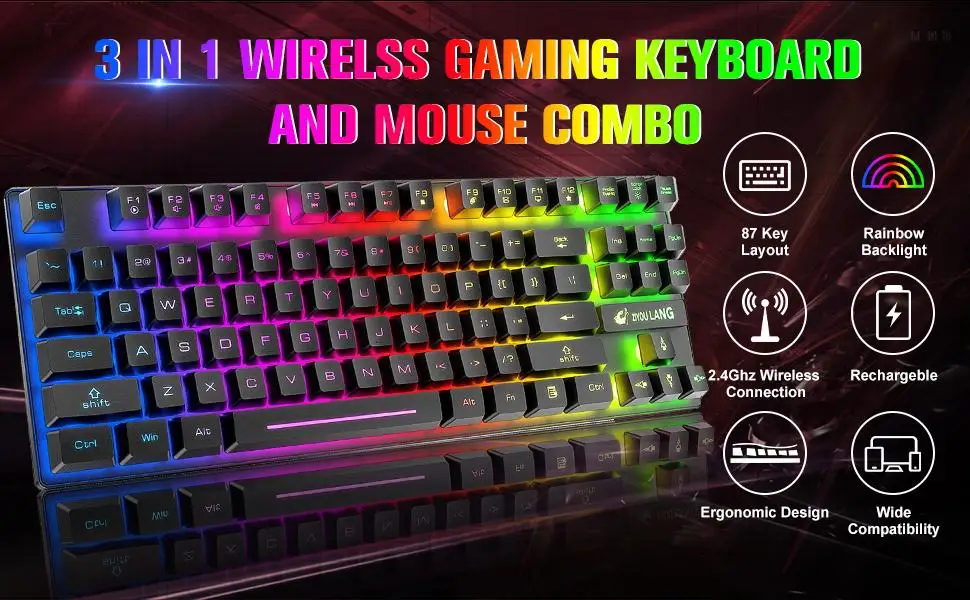
T87 Wireless Gaming Keyboard Mouse Combo
Compact Wireless Gaming Keyboard and Mouse Combo
Keyboard Specifications:
-
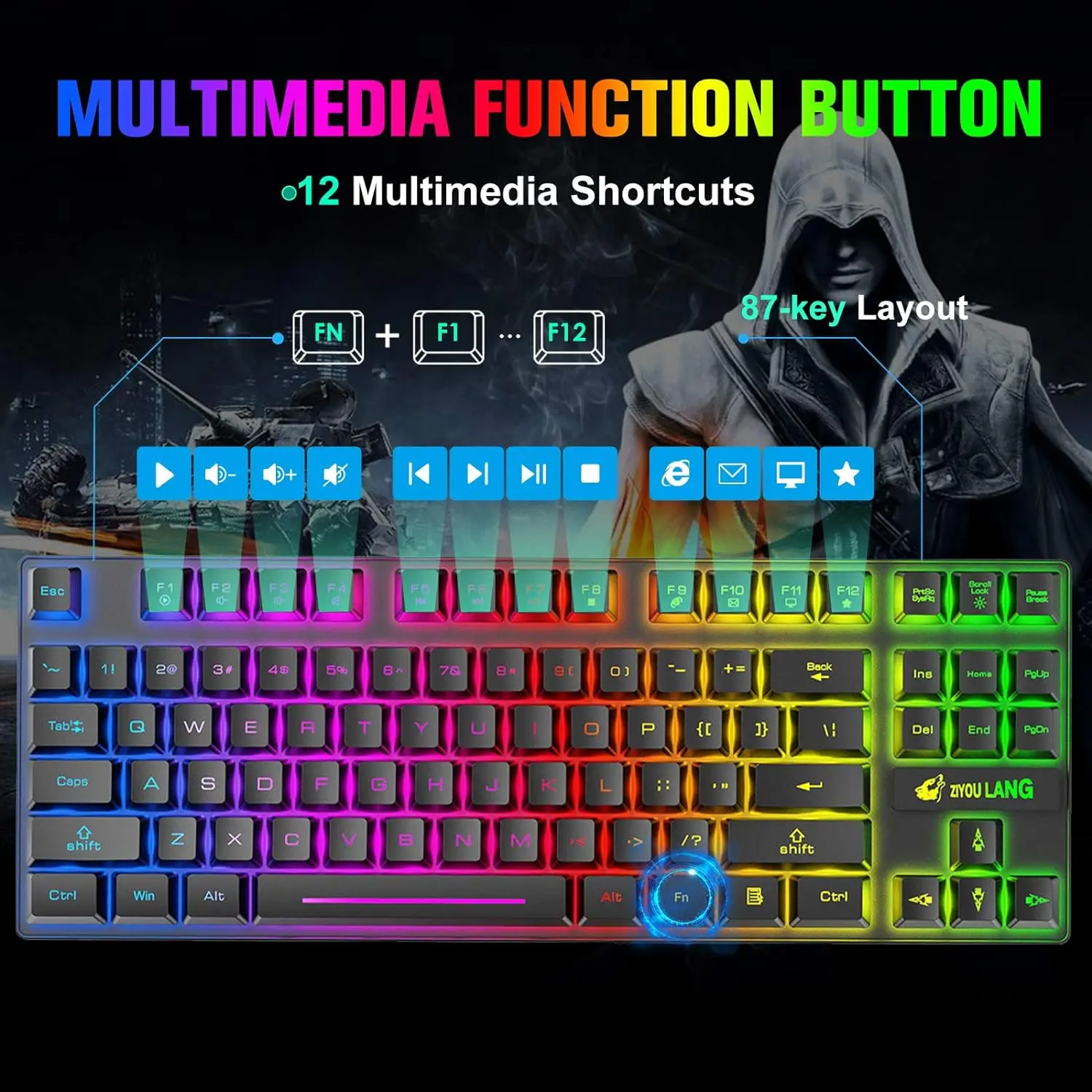
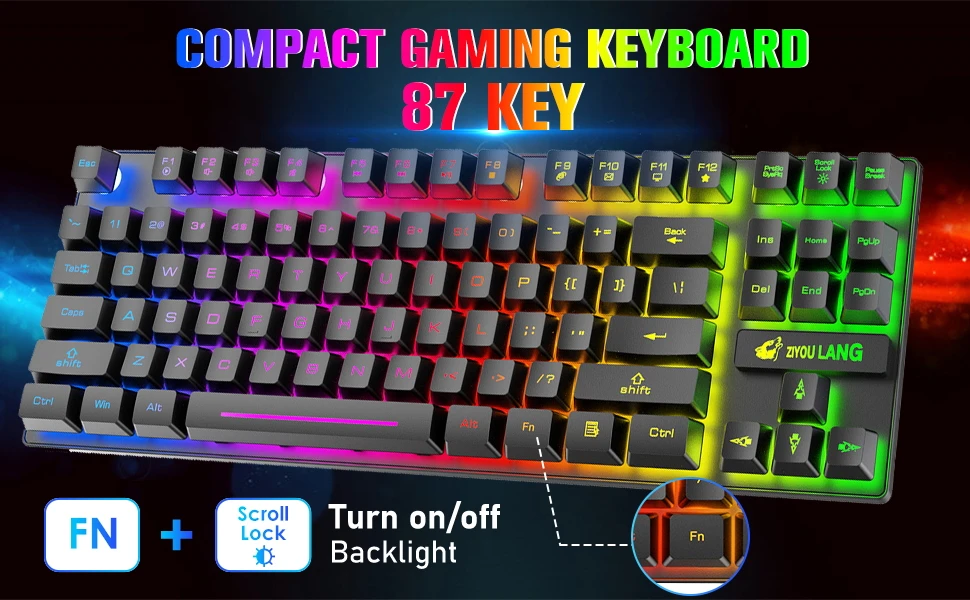
Number of keys: 87
-
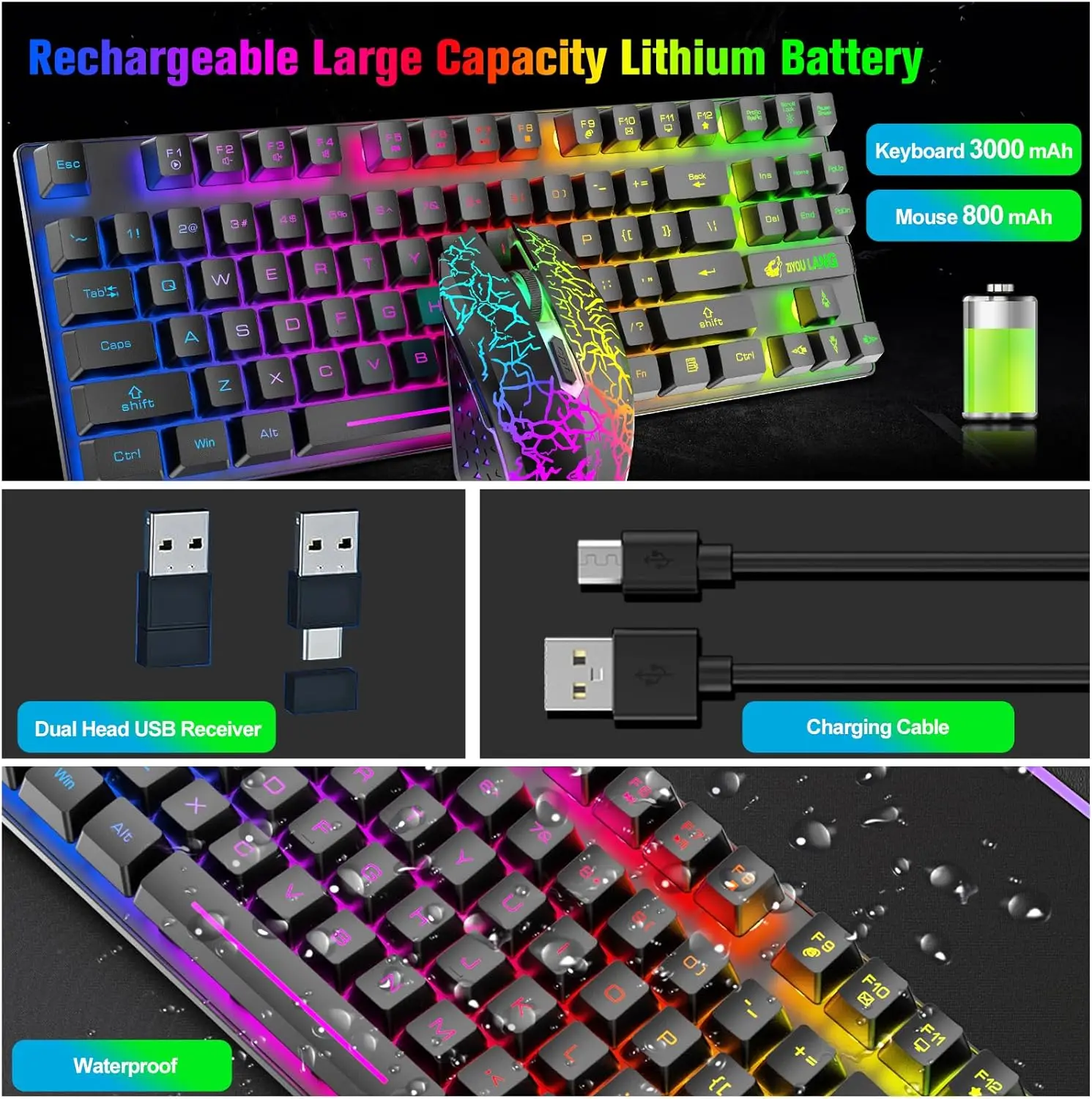
Built-in battery capacity: 3000 mAh
-
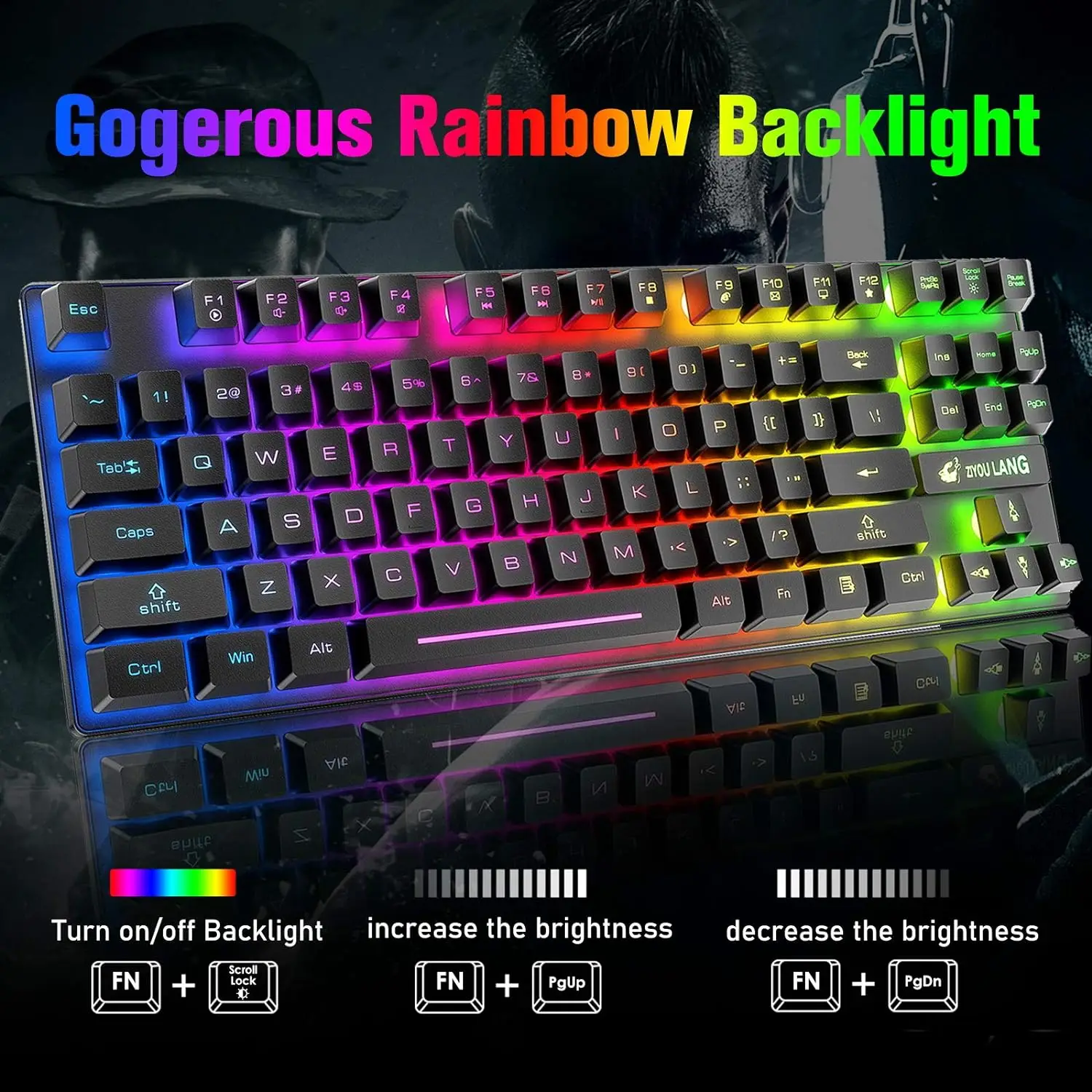
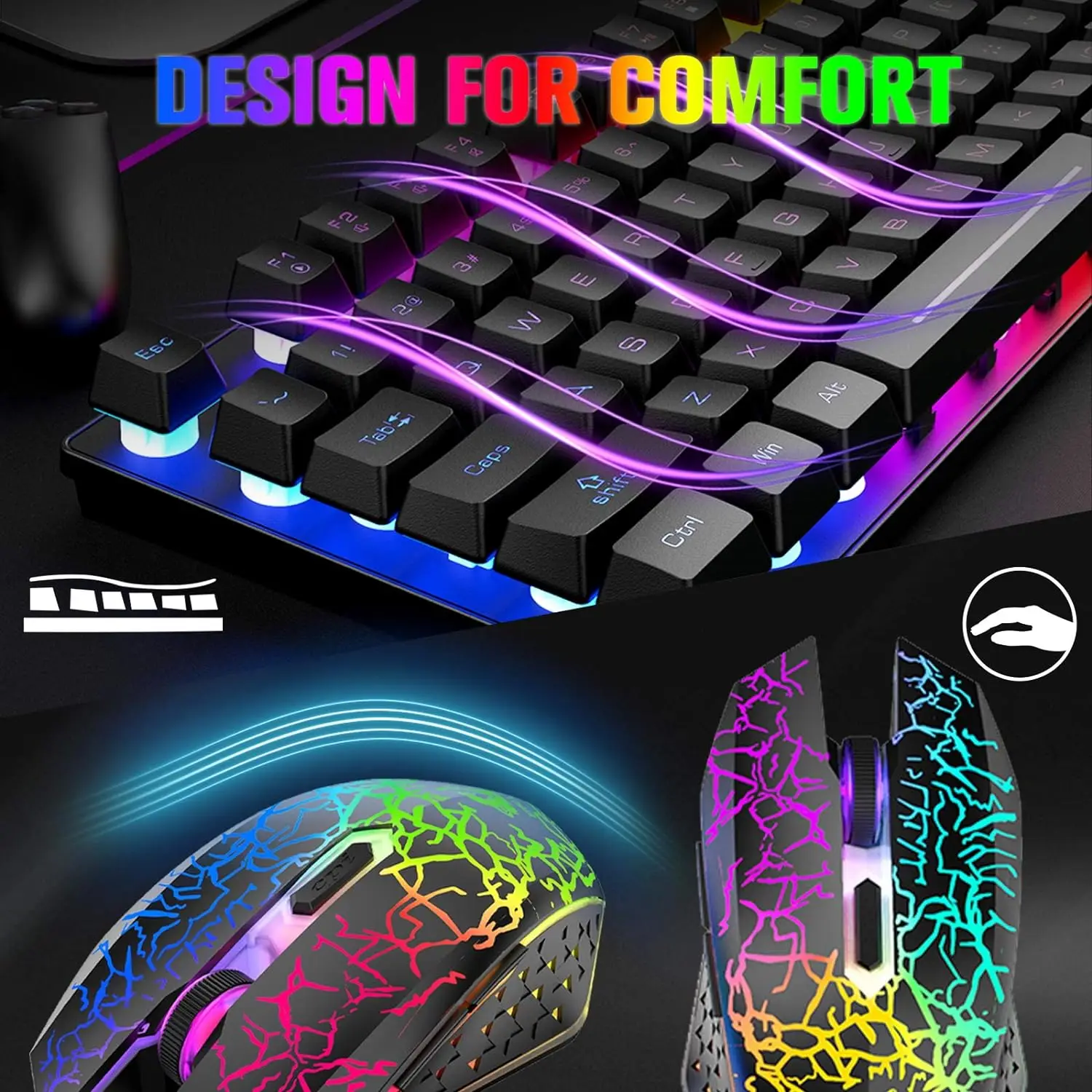
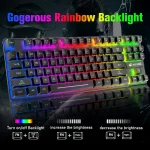
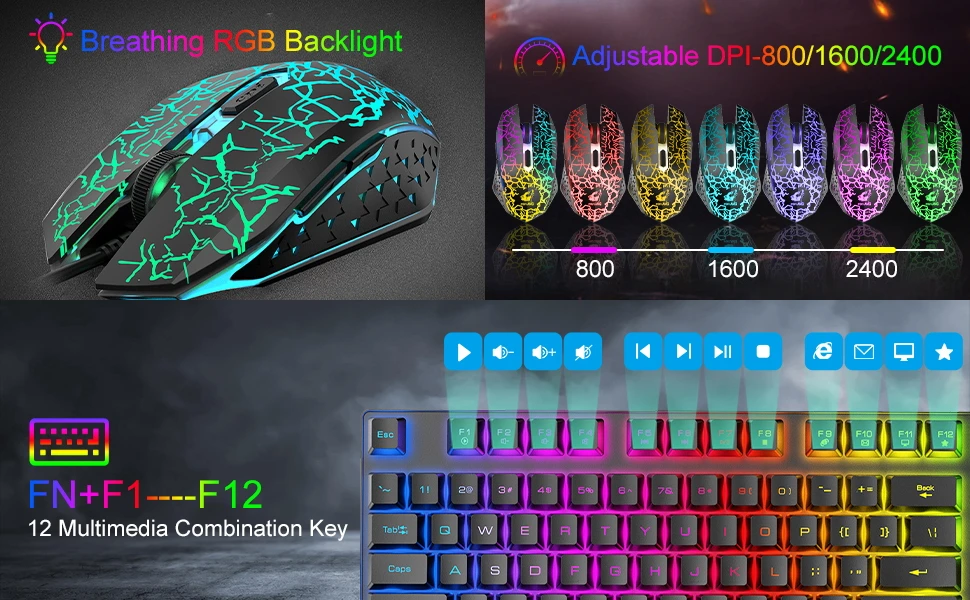
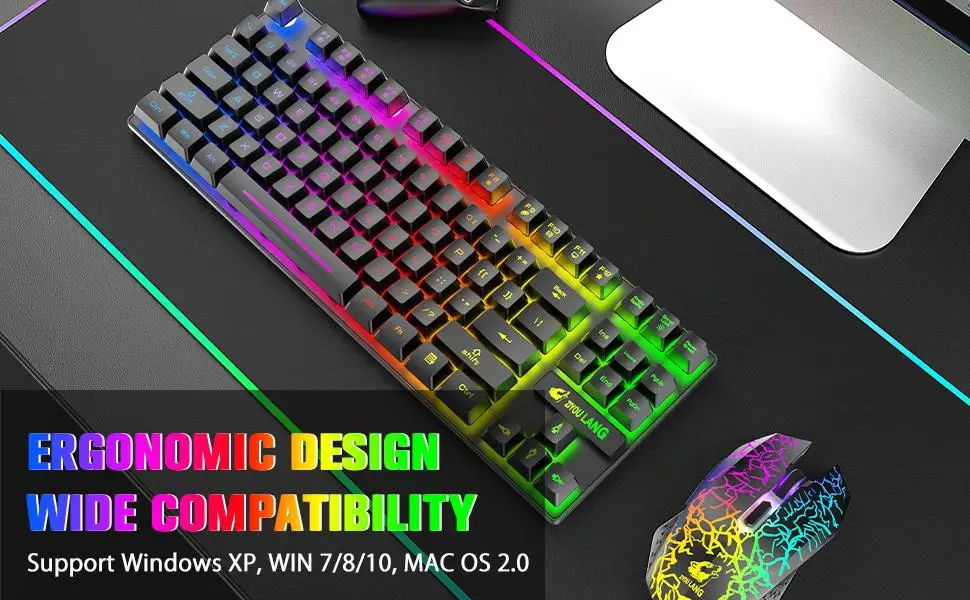
Rainbow backlight
-
Three brightness levels (level 2 is the default)
-
Backlight controls: FN + Scroll Lock to toggle; FN + PgUp to increase; FN + PgDn to decrease
-
Supported systems: Windows XP/7/8/10, macOS
-
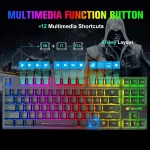
Multimedia keys (FN + F1–F12): F1 Media Player; F2 Volume −; F3 Volume +; F4 Mute; F5 Previous; F6 Next; F7 Play/Pause; F8 Stop; F9 Home; F10 Mail; F11 My Computer; F12 Favorites
Mouse Specifications:
-
Number of buttons: 6
-
Built-in battery capacity: 800 mAh
-
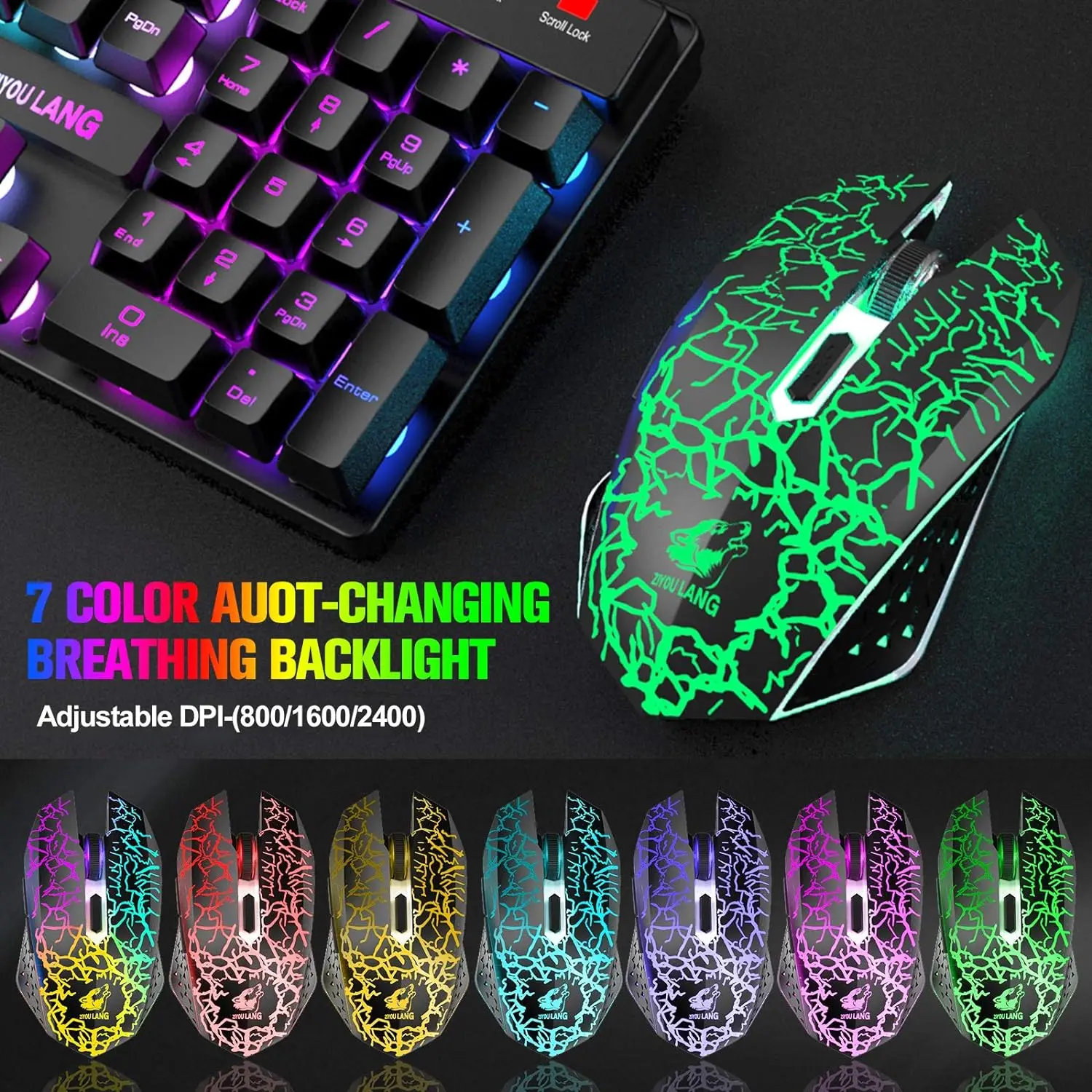
Adjustable DPI: 800 / 1600 / 2400
-
Seven single-color breathing backlight (auto switching)
Notes:
-
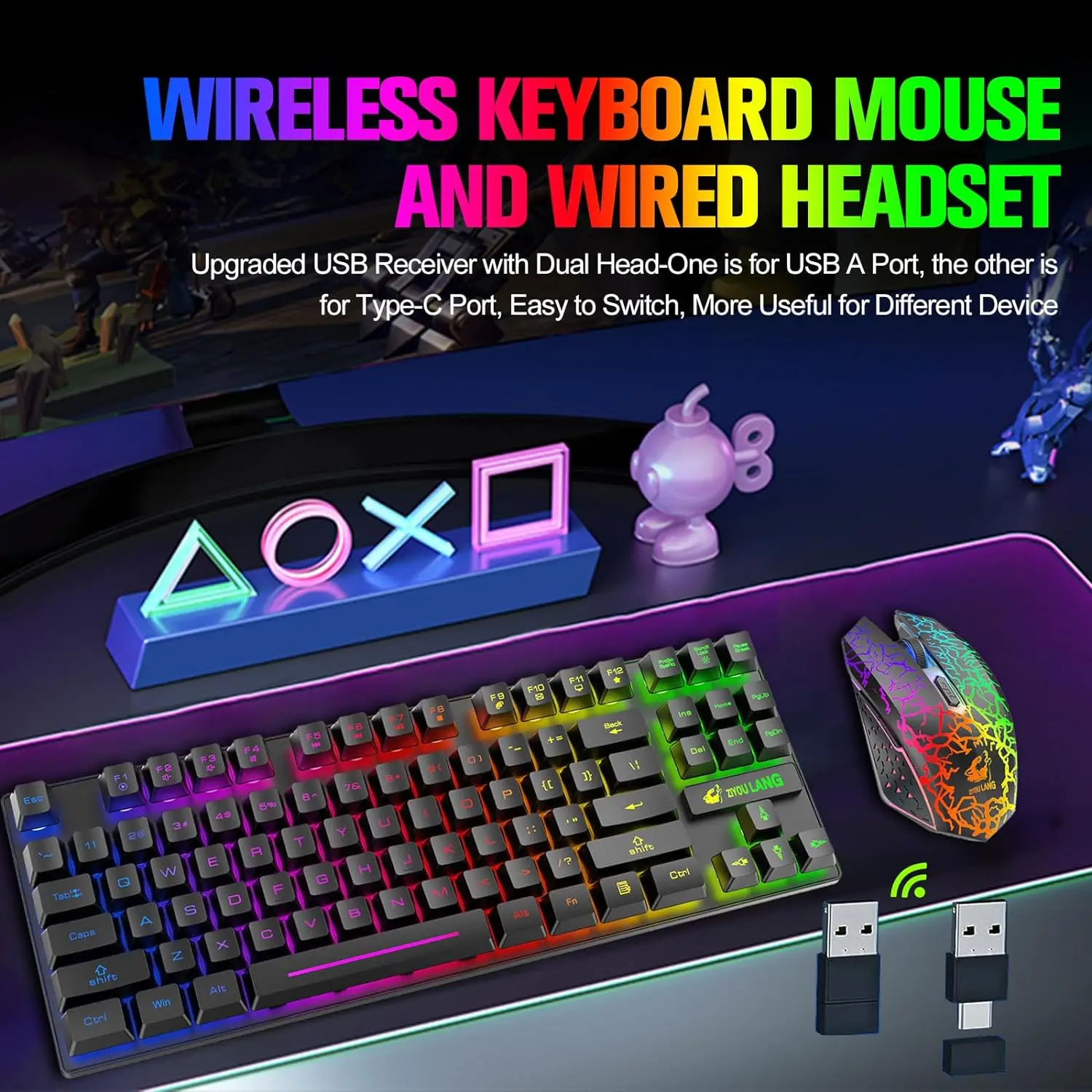
The keyboard and mouse share one USB receiver with dual heads (USB-A and USB-C). Insert the appropriate end into your computer. The USB-C end is under a protective cap—remove it if you need USB-C.
-
Both keyboard and mouse have a power switch. Turn them on before use. Effective range is up to 10 meters. Keep them within range for proper operation.
-
Charge fully before first use. Do not use chargers over 5V or fast chargers. Prefer charging from a computer USB port. Insert the cable gently and in the correct orientation to avoid damage.
-
The keyboard enters sleep mode after 2 minutes of inactivity. Press any key to wake it (this cannot be changed).
-
Backlighting reduces battery life. For longer use per charge, turn off the backlight or lower the brightness.
-
If the battery is low, you may notice input lag or lights not turning on. Charge promptly. The charging indicator turns off when fully charged.
-
If the devices lose connection with the receiver, re-pair them. If a button is stuck, check for debris and clean after removing the cover.
-
If you have any issues, we will do our best to resolve them.
Keyboard Pairing Steps: Unplug the USB receiver. Keep the keyboard close to the receiver. Turn on the keyboard. Press and hold ESC and the +/= key at the same time until the indicator stays on. Insert the receiver into the computer to complete pairing.
Mouse Pairing Steps: Unplug the USB receiver. Keep the mouse close to the receiver. Turn on the mouse. Press and hold the scroll wheel, right, and left buttons for 3 seconds. Insert the receiver into the computer to complete pairing.
Package Includes:
-
1 × 87-key wireless keyboard (TKL, no separate numeric keypad)
-
1 × wireless mouse
-
1 × mouse pad
-
1 × USB charging cable
-
1 × user manual (USB receiver is packed with the manual)

There are no reviews yet.