


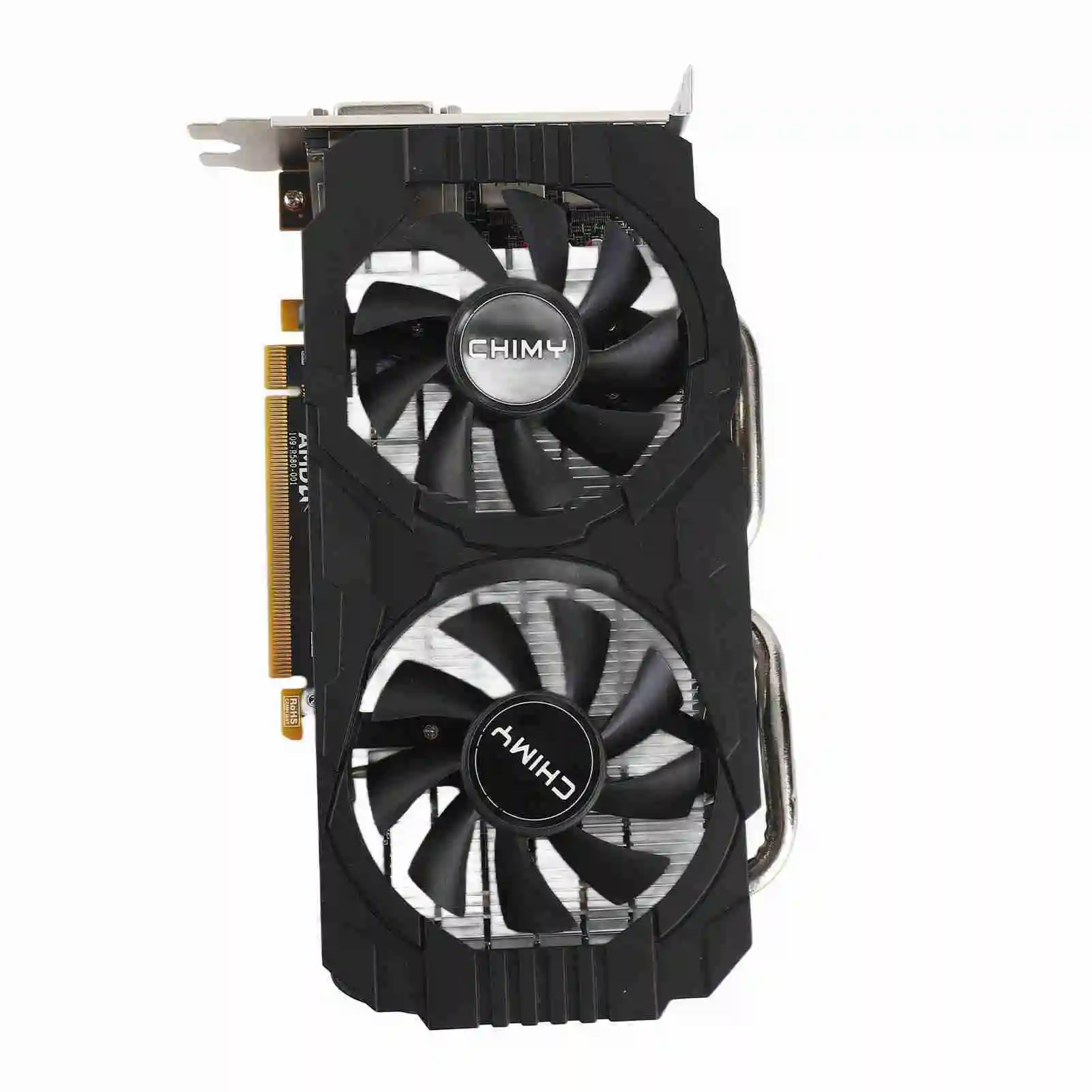
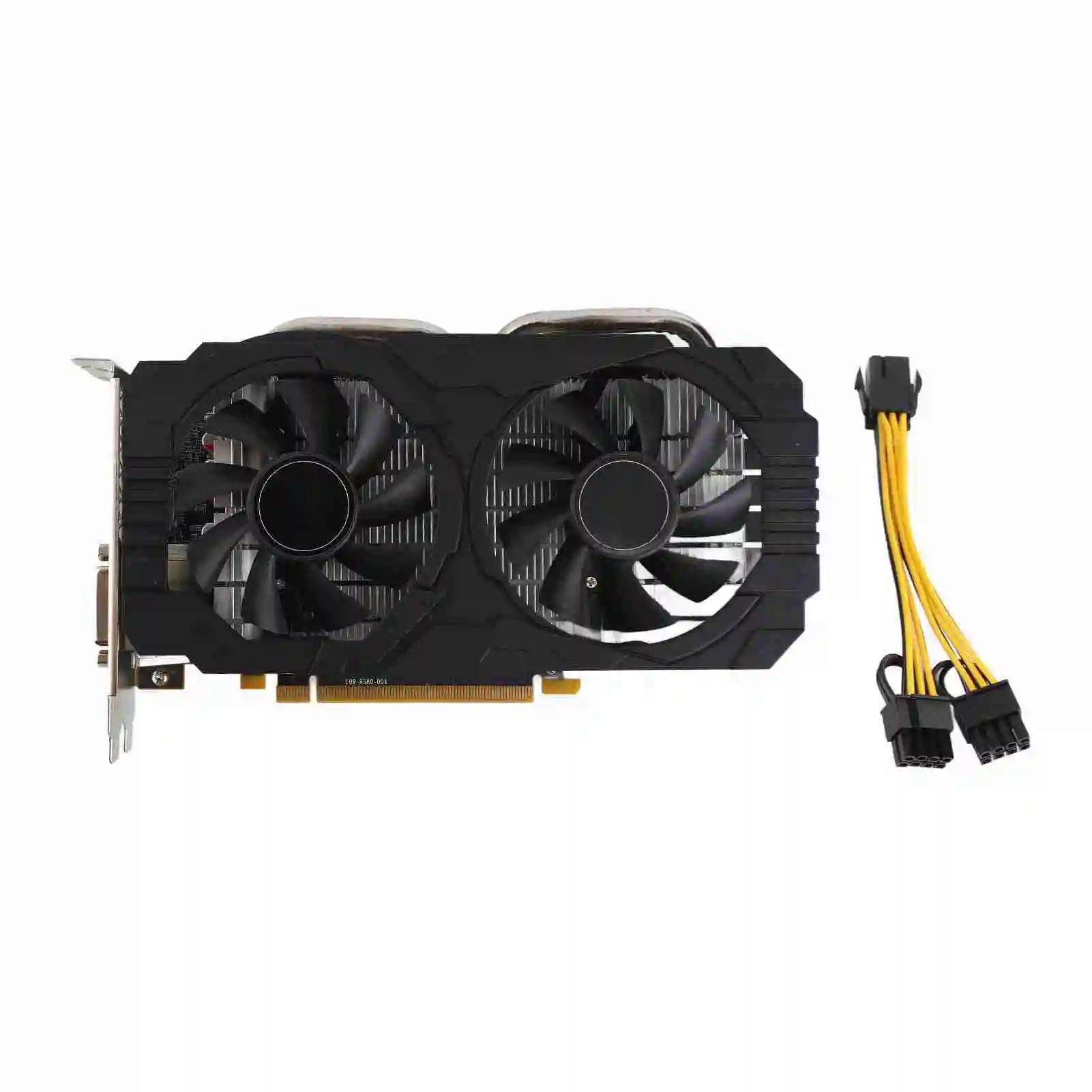
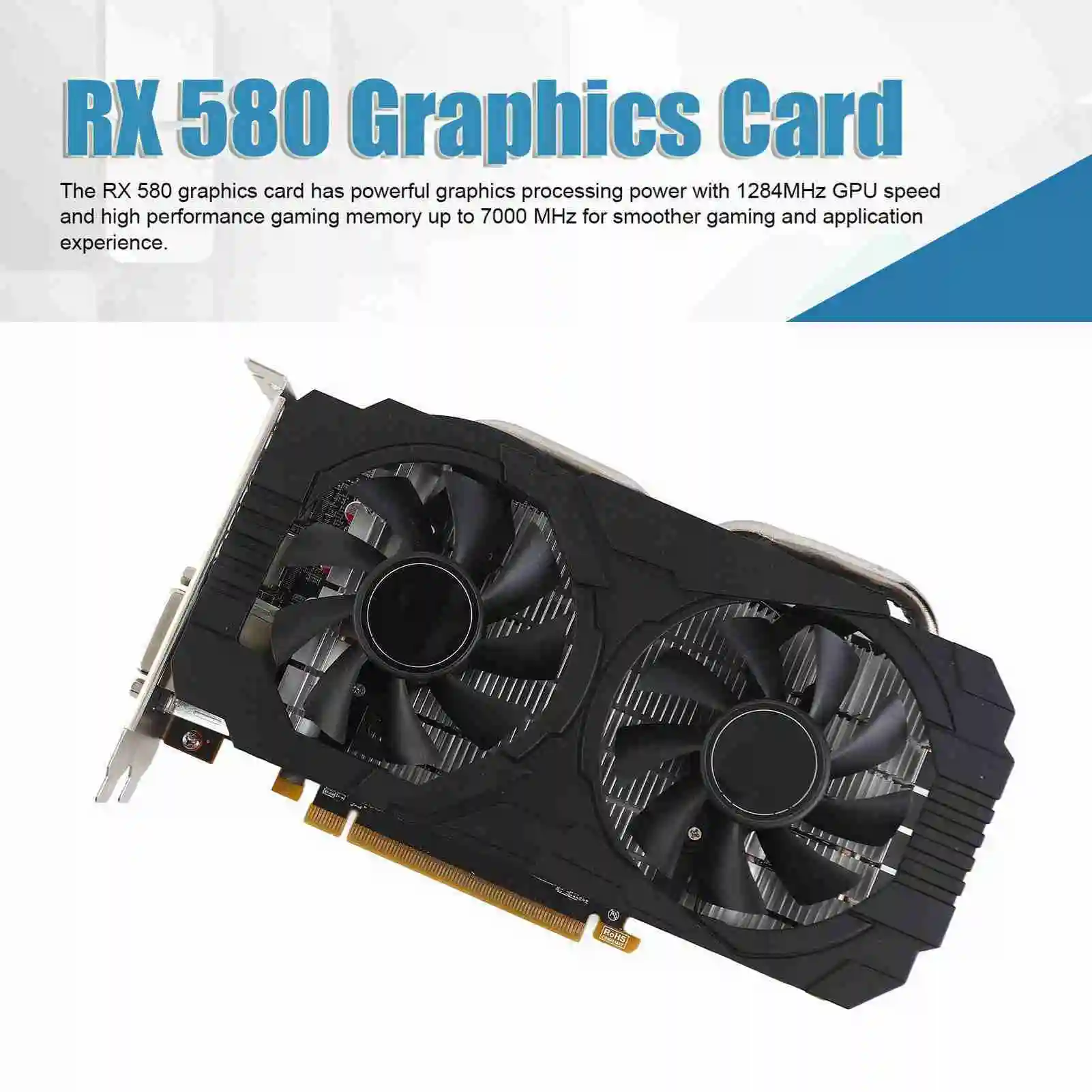
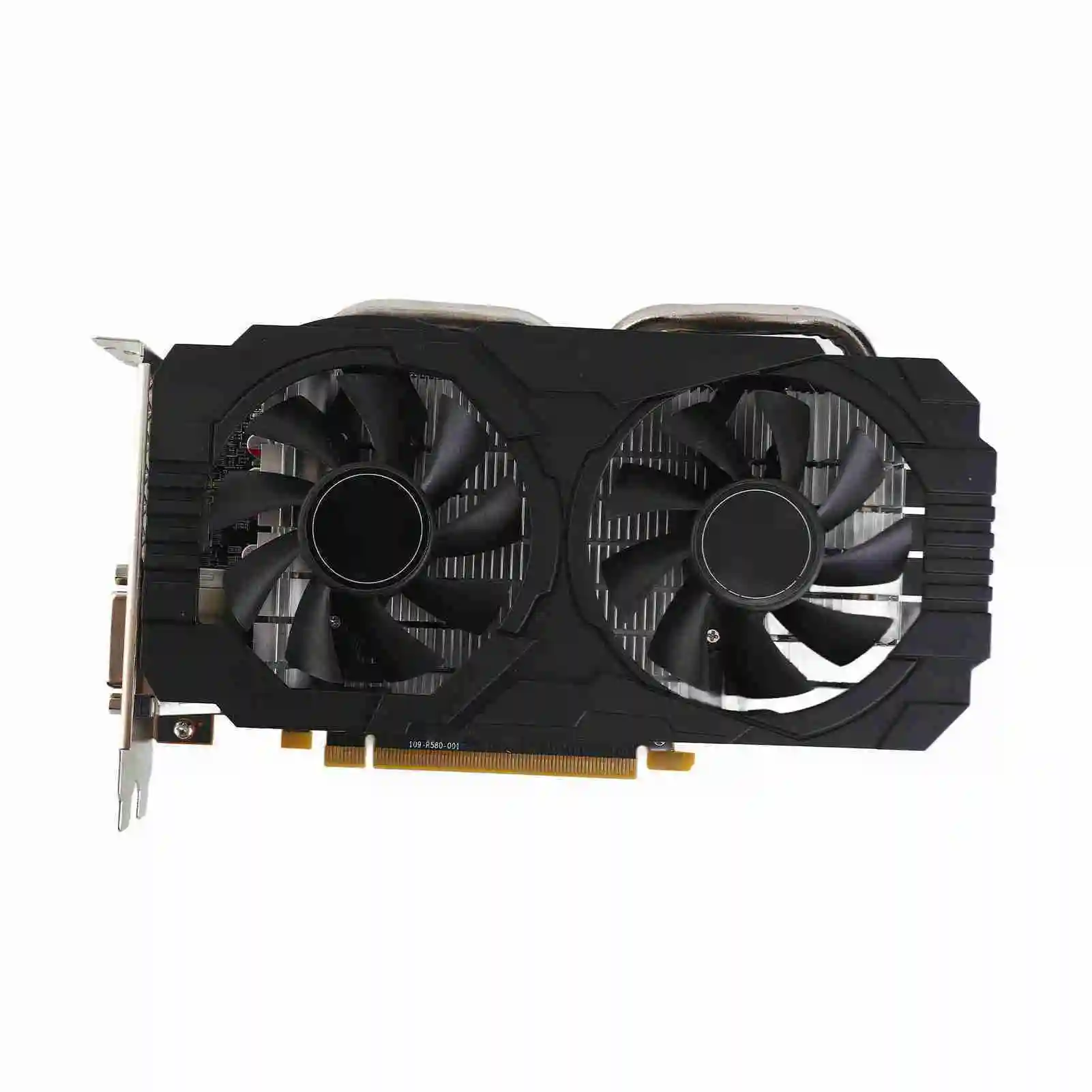
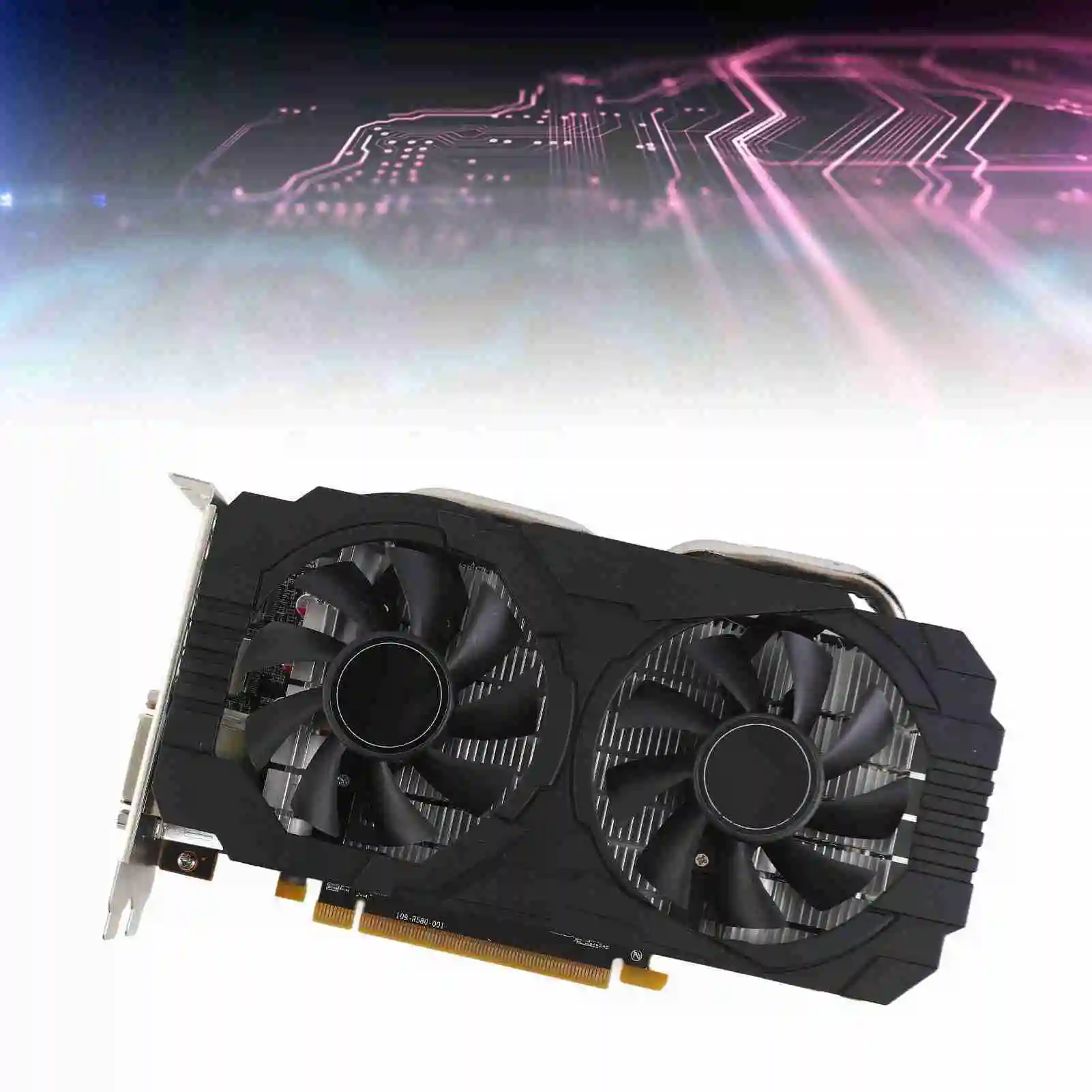
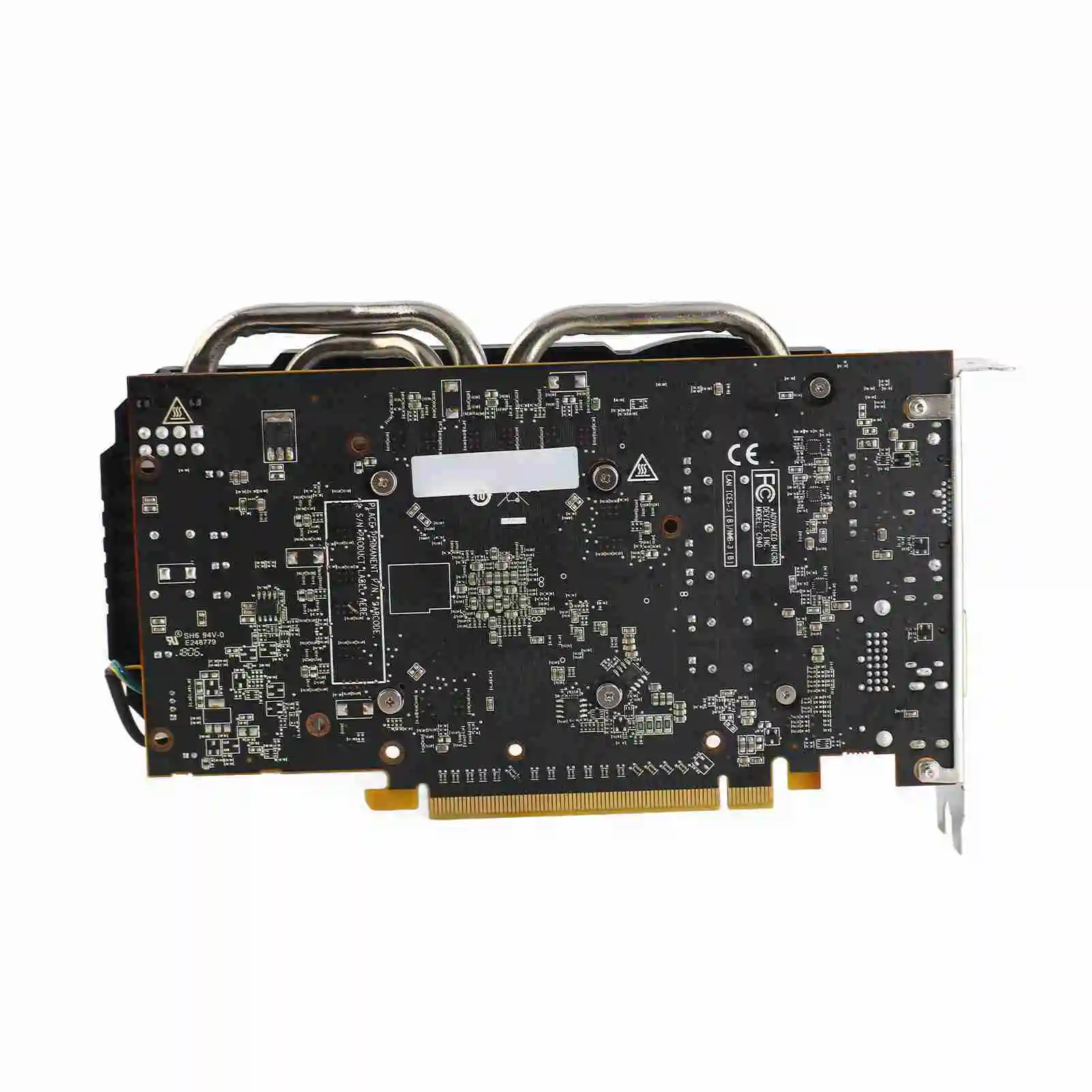
RX580 8GB GDDR5 Dual Fan Gaming GPU
Feature:
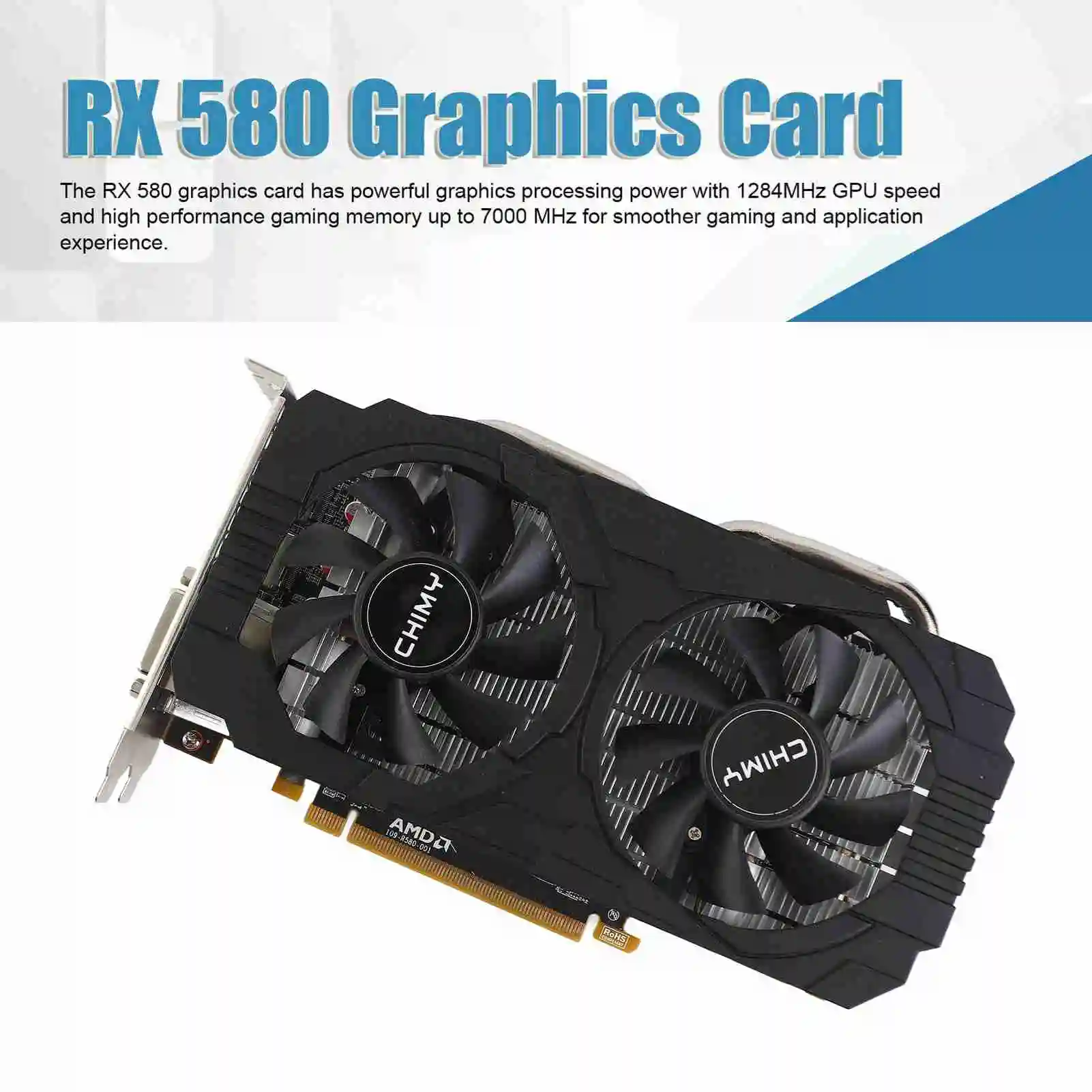
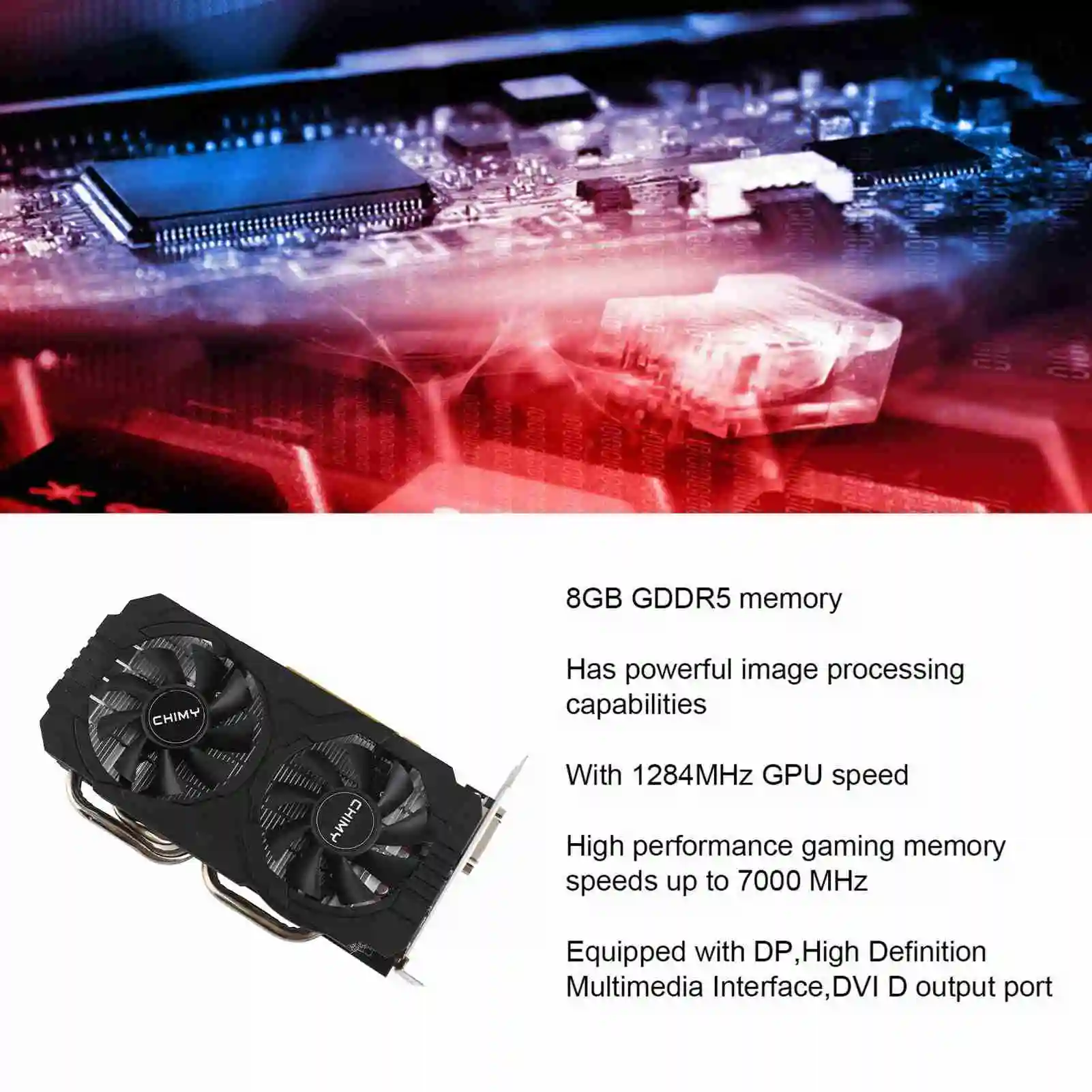
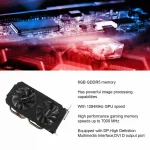
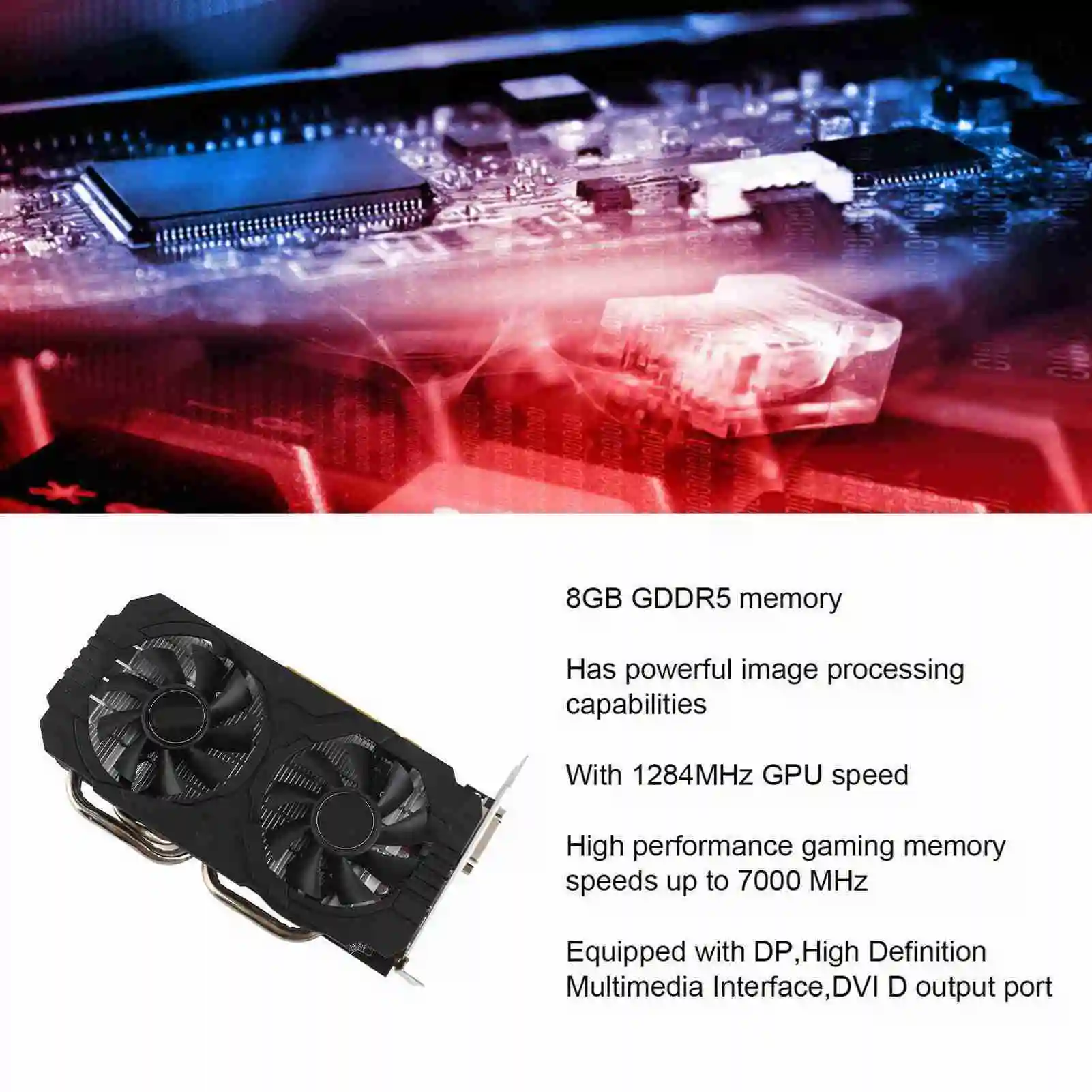
1. 8GB GDDR5 Memory: The RX580 graphics card has powerful graphics processing with a 1284MHz GPU speed and high performance gaming memory up to 7000MHz for a smoother gaming and application experience.
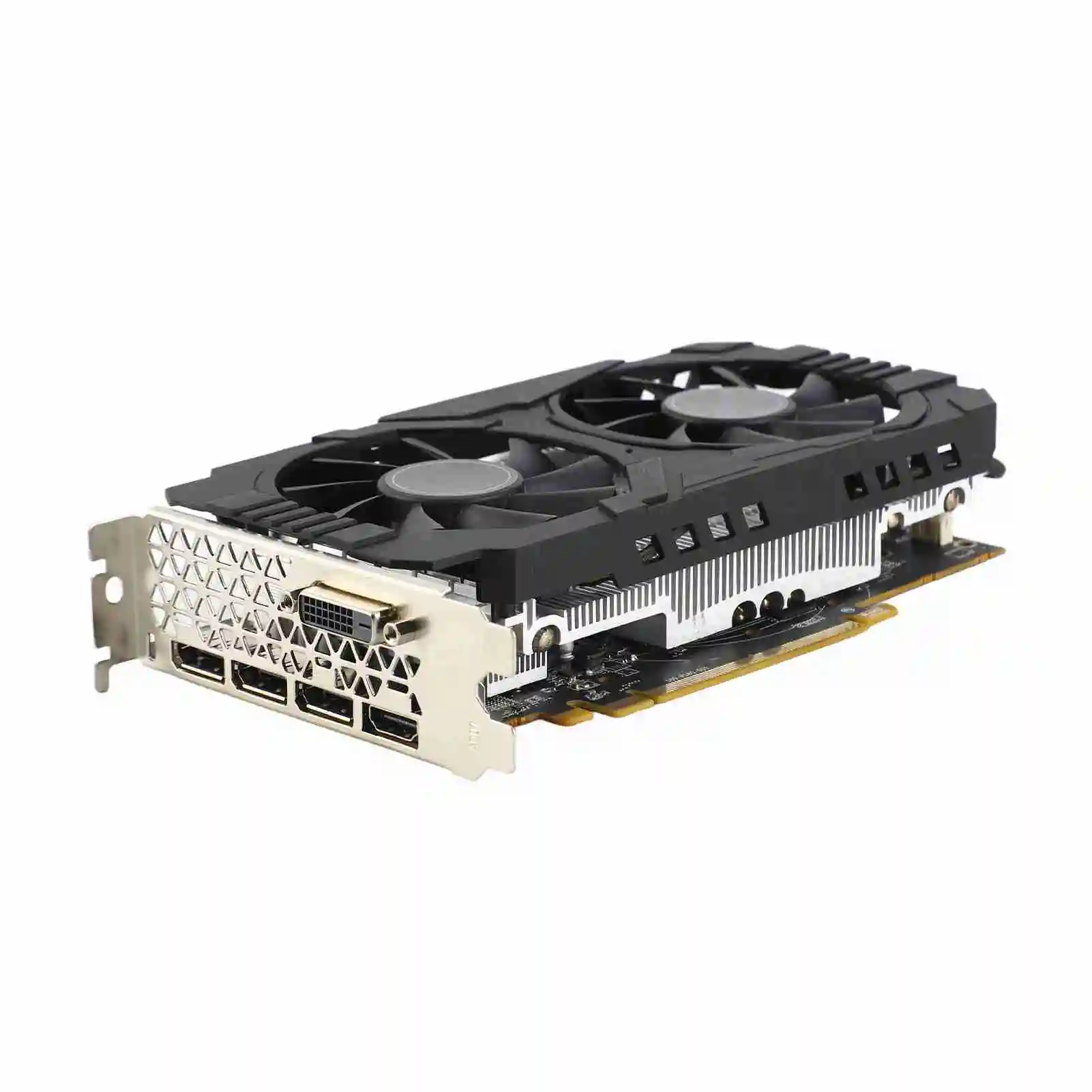
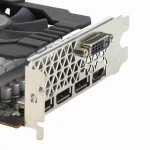
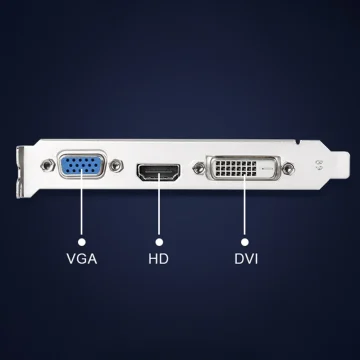
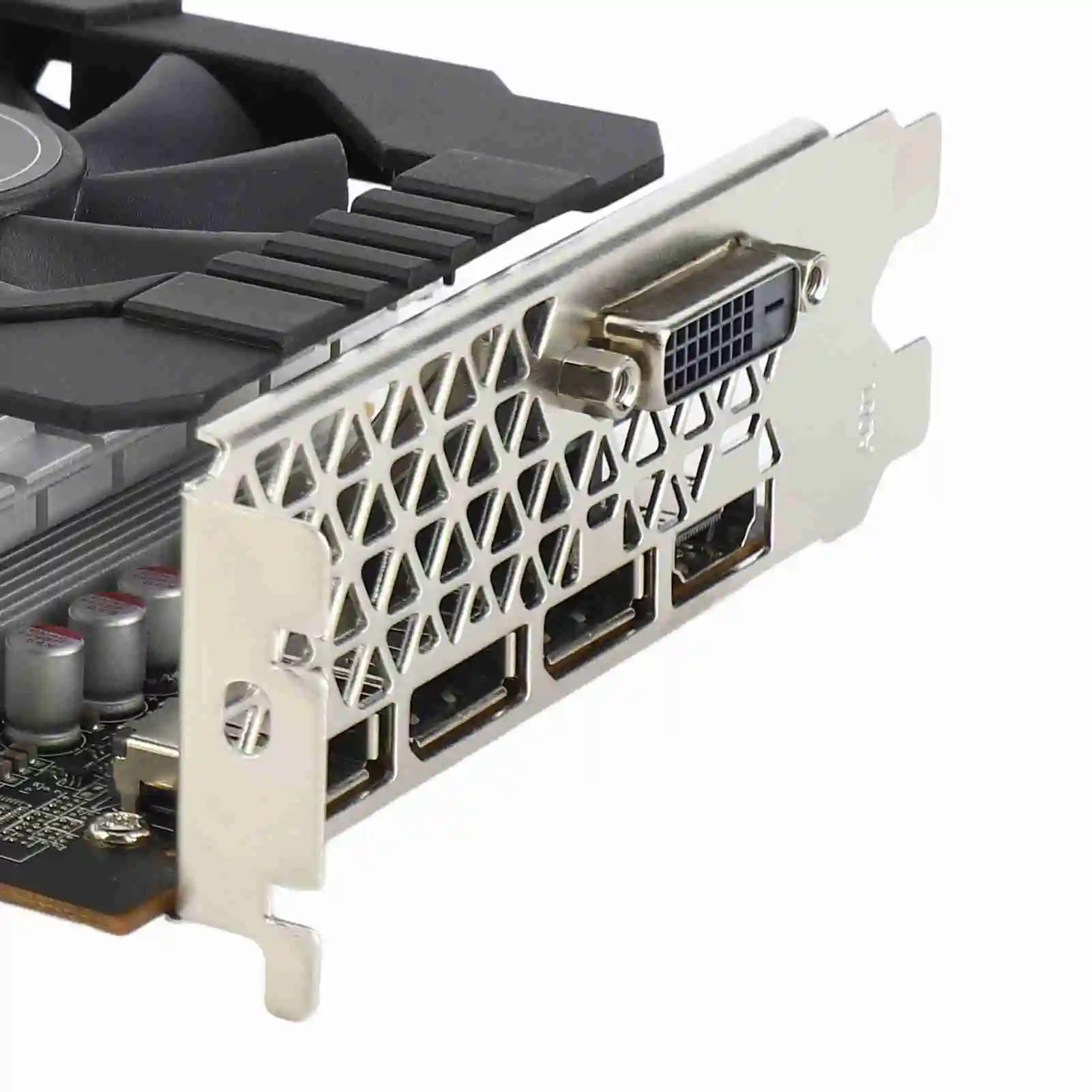
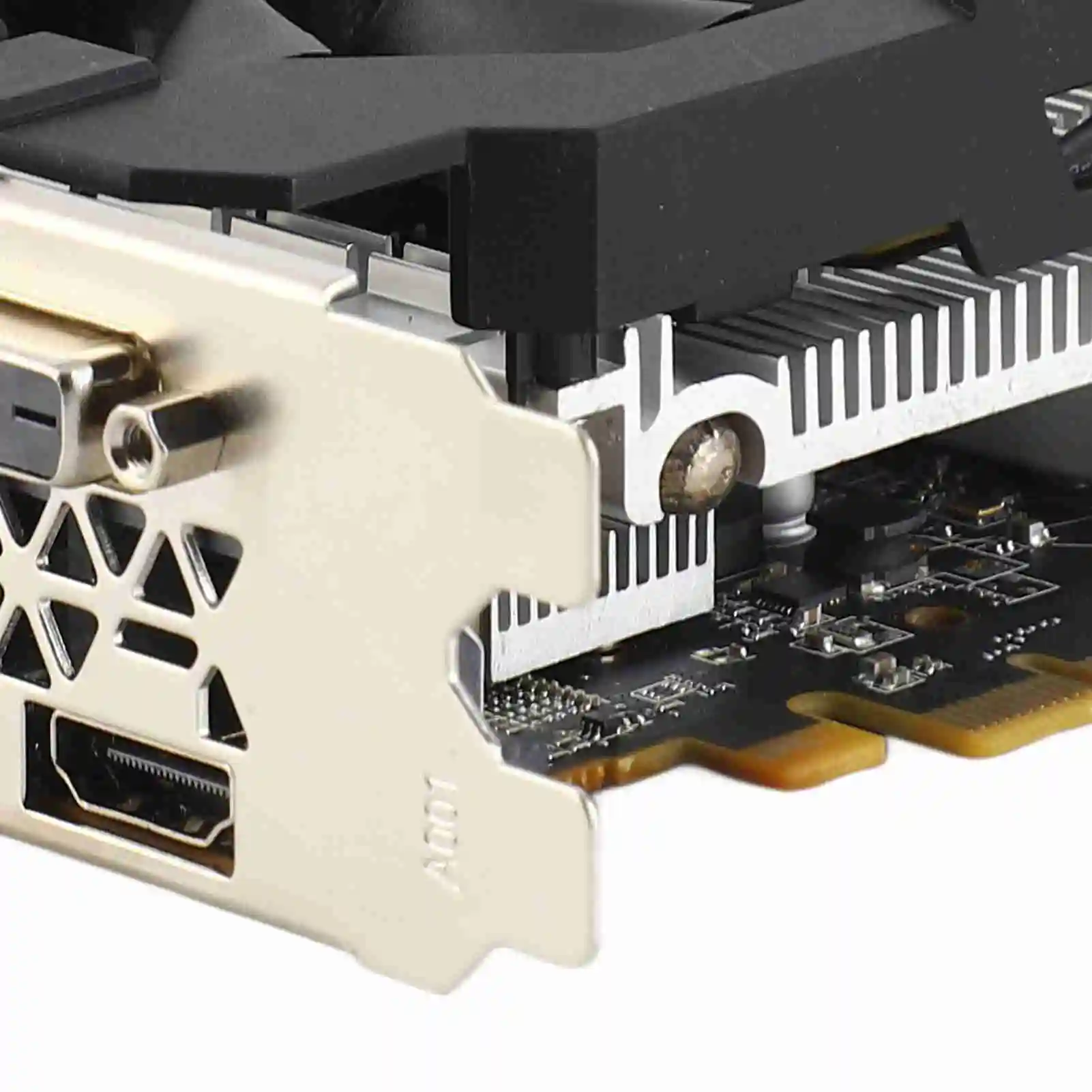
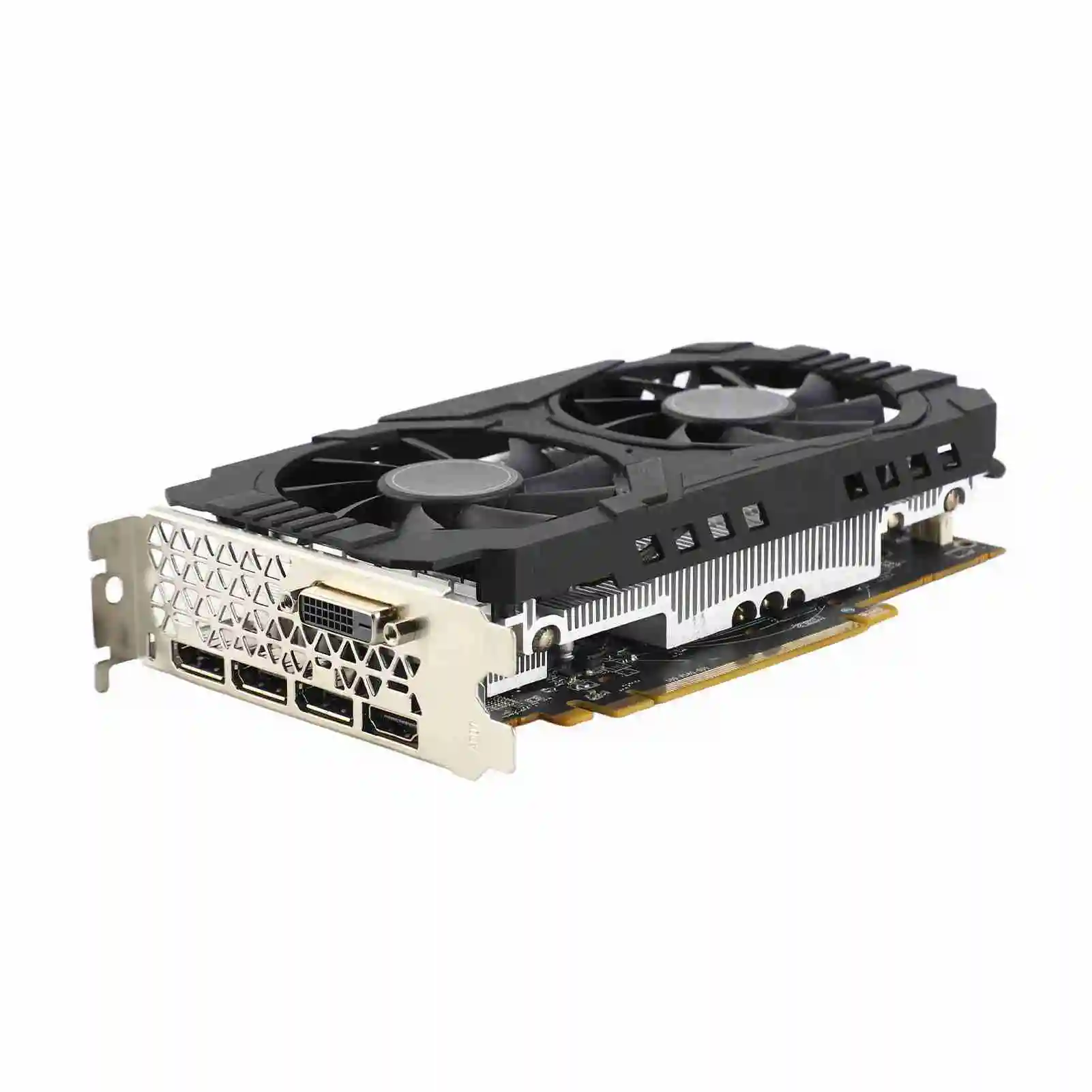
2. Good Experience: The graphics card is equipped with DP, High Definition Multimedia Interface, and DVI-D output ports, supports HD 60Hz output with 4K resolution, greatly improves game performance, and can smoothly support various 1080P 3A games.
3. PCI Express 3.0: The 8GB graphics card adopts a PCI Express 3.0 graphics card slot, which is plug-and-play, easy to use, and offers good performance. At the same time, it is equipped with a 2048 stream processor chip, which is sturdy and practical and has a long service life.
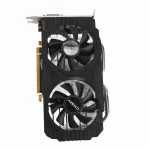
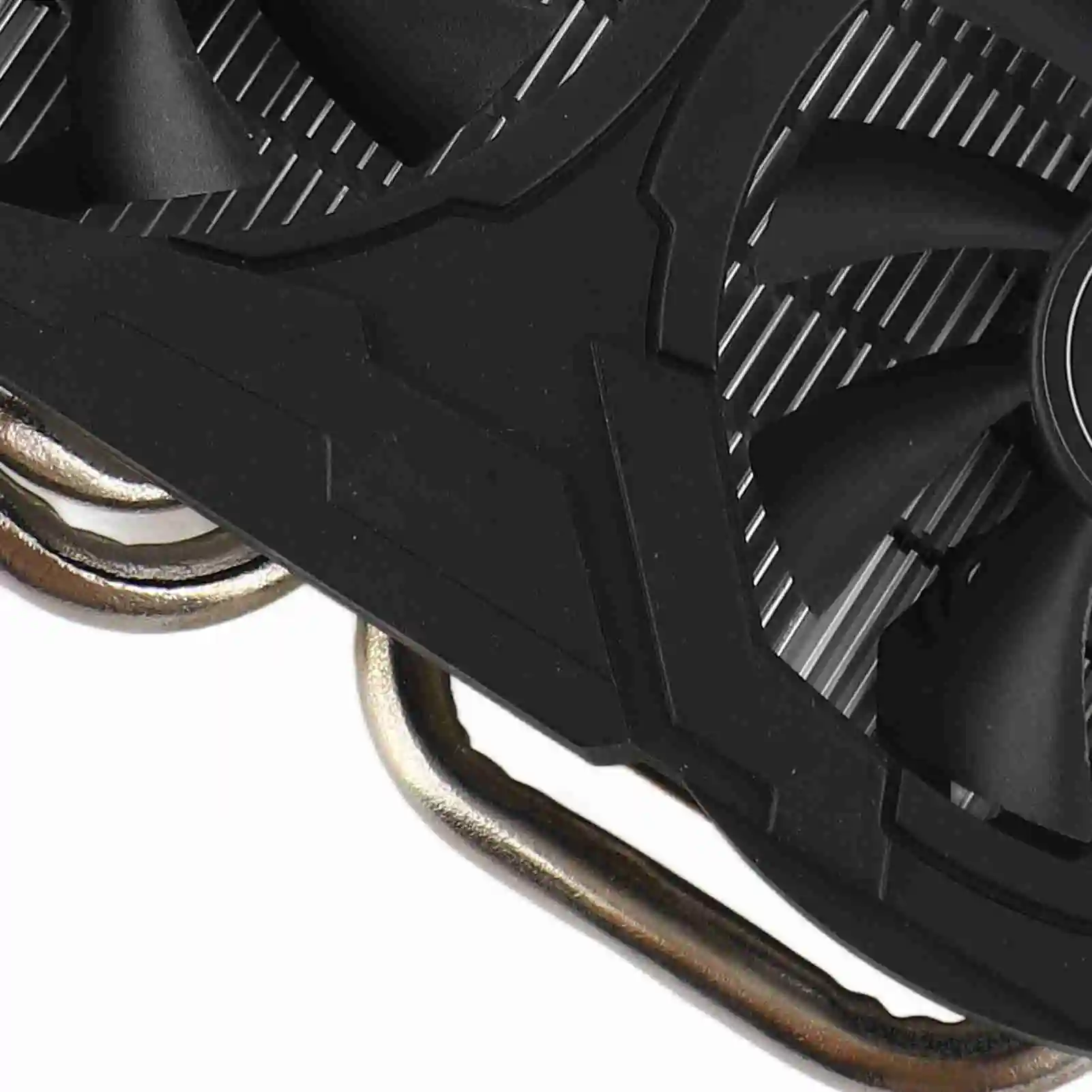
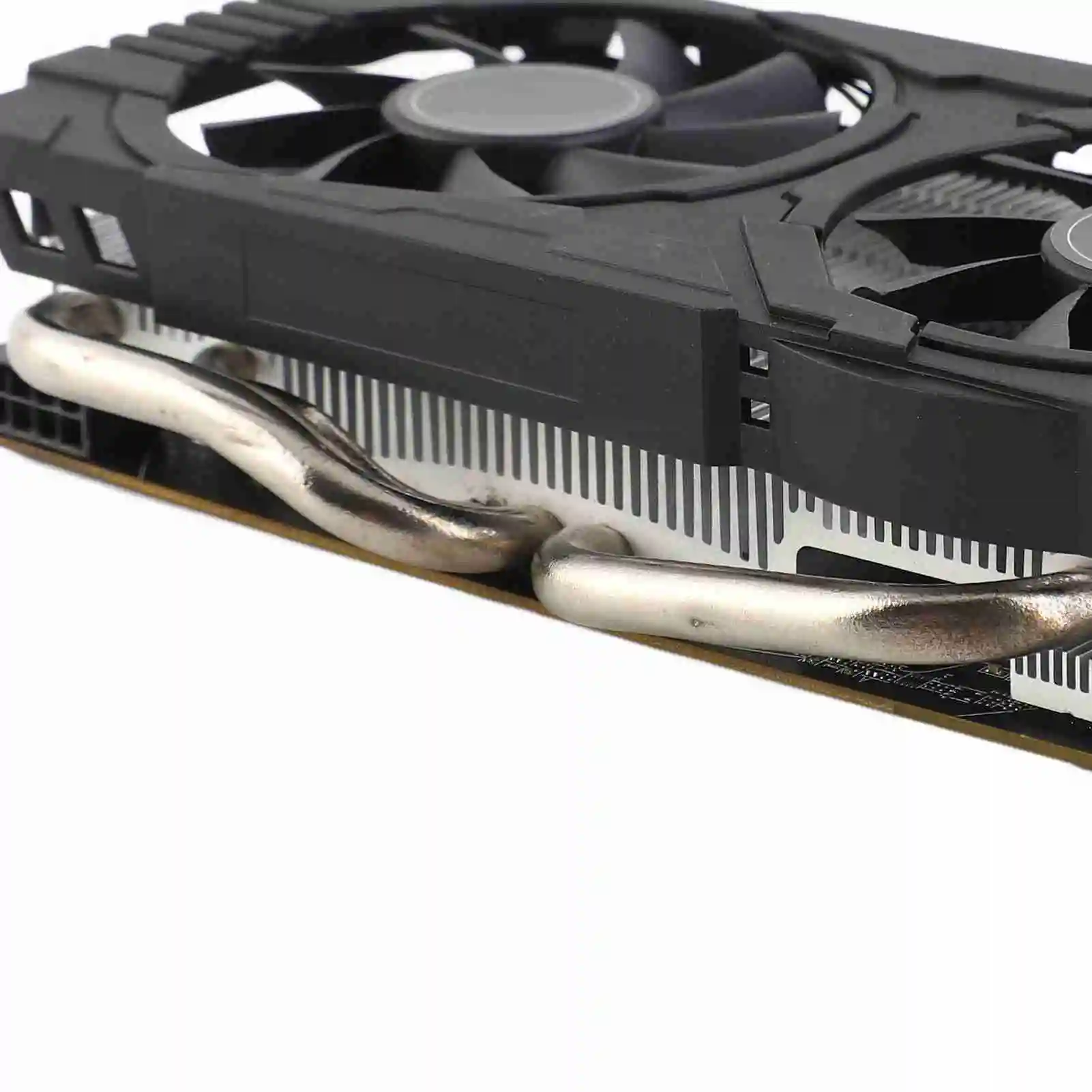
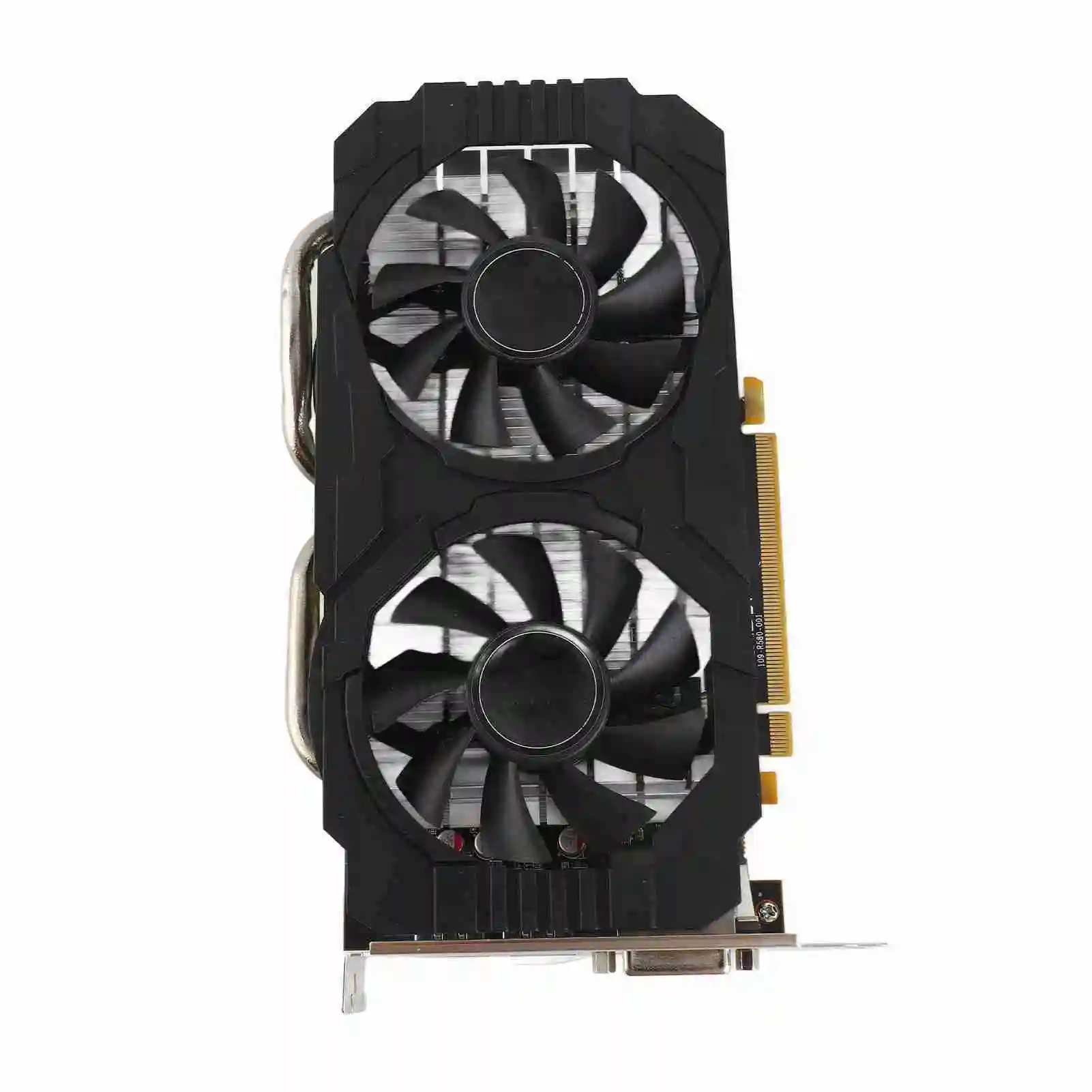
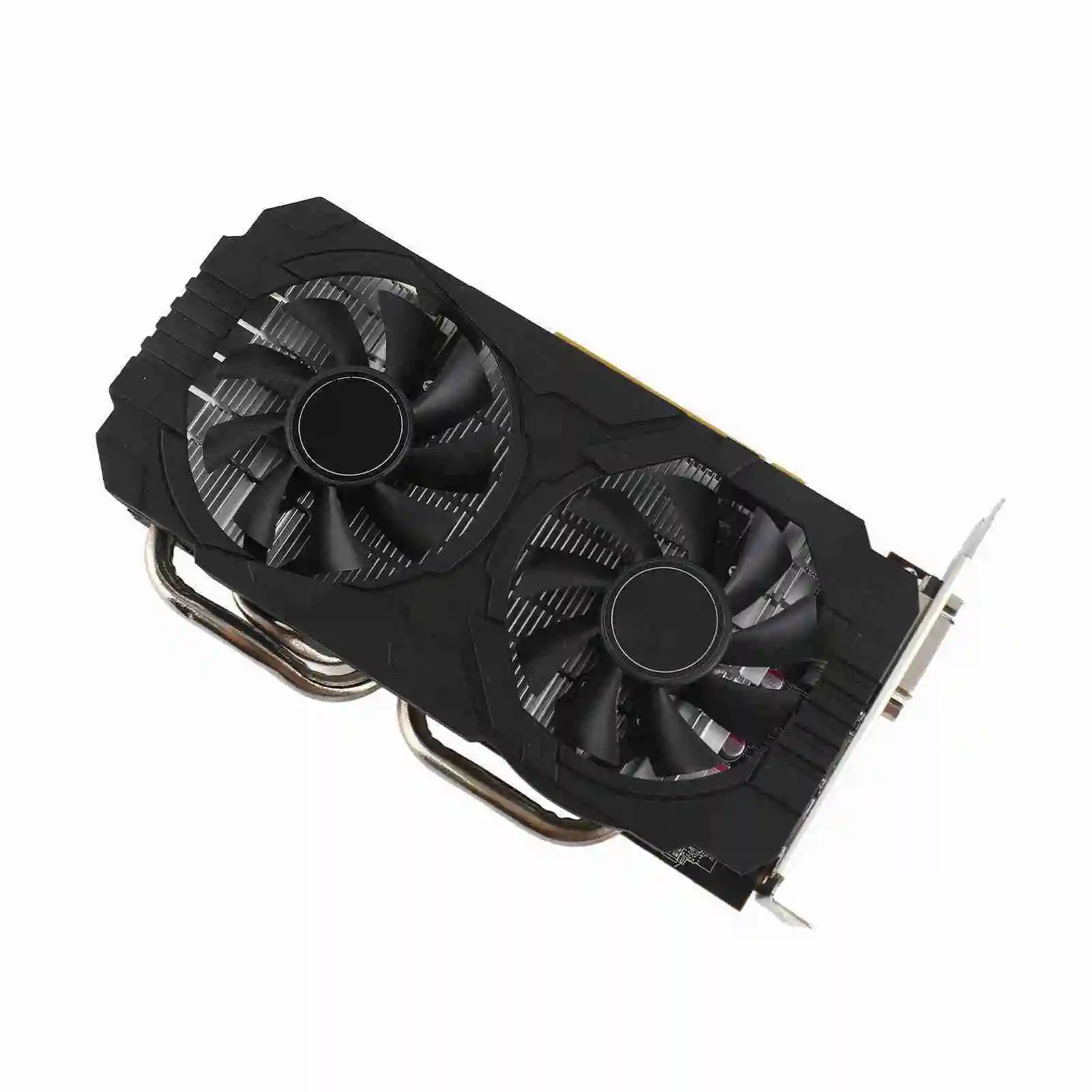
4. 2 Cooling Fans: The 256bit graphics card has dual cooling fans to provide more airflow for a cool and quiet gaming experience. Excellent quality electrical components and a PCB board help ensure safety and stability.
5. Good Performance: This gaming graphics card is a practical starter card for 3D CAD, CAM, video and picture editing, and playing games. If you have room in a desktop case, you can run dual monitors on it, and it works well.
Specification:
Item Type: RX580 Graphics Card
Material: PCB
Model: RX580 8GB
Core Code and Process: Ellesmere, 14nm
Unity Shaders: 2048
Core Frequency and Memory Frequency: 1284 and 7000MHz
Memory Capacity: 8G, 256bit, GDDR5
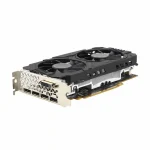
Output Interface: 3 x DP, High Definition Multimedia Interface, DVI
Bus Interface: 16 x PCI Express 3.0
Cooling Fan: Support
How to Use:
Product installation:
1. Turn off the power and unplug all connectors, then disassemble the main case.
2. If another graphics card is installed on the motherboard, remove it first, then insert the new graphics card into the PCI Express X16 slot provided by the motherboard.
3. If the graphics card comes with an additional power supply input interface, find the corresponding plug on the host power supply and connect it to the graphics card. Use the proper adapter plugs if needed to provide enough power to the graphics card.
4. Tighten the fixing screws on the graphics card bracket to confirm that the graphics card is properly secured.
5. Close the case, reconnect all peripheral device connectors, and then connect the monitor cable to the corresponding interface on the graphics card.
6. If you need to use the TV OUT, High Definition Multimedia Interface, DisplayPort, or other interfaces on the TV or display device, first confirm that the graphics card has the corresponding interface. If so, use the matching cable to connect the display device to the graphics card.
Package List:
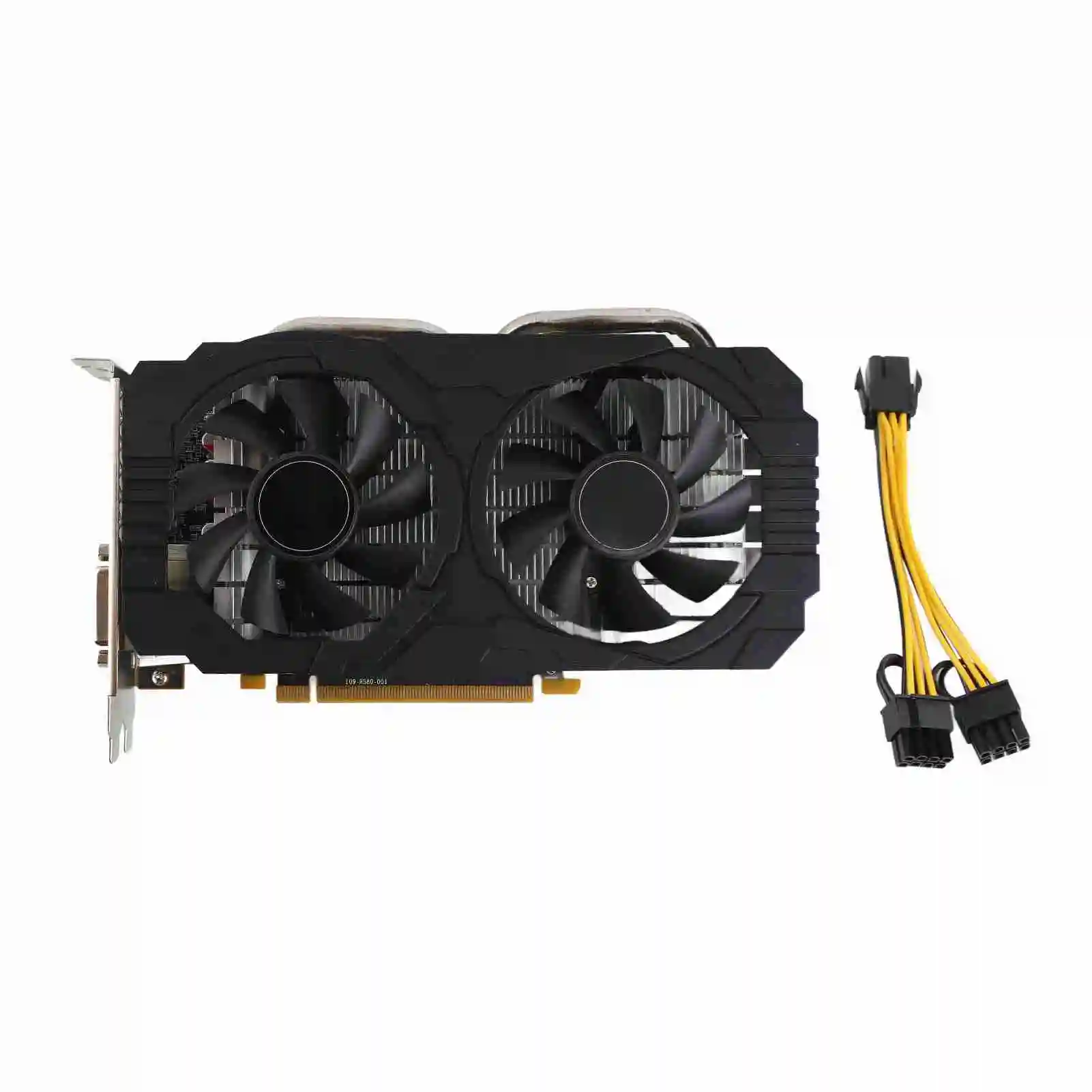
1 x RX580 Graphics Card
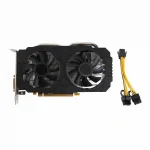
1 x Power Cable
1 x User Manual
Note:
Please note that the appearance of the product may vary depending on the production batch.
Please make sure that the product is a refurbished part before purchasing.
It is recommended to download the stable driver version. For the Win10 64-bit version, Adrenalin 22.10.3 Optional WHQL is recommended.
There are no reviews yet.