



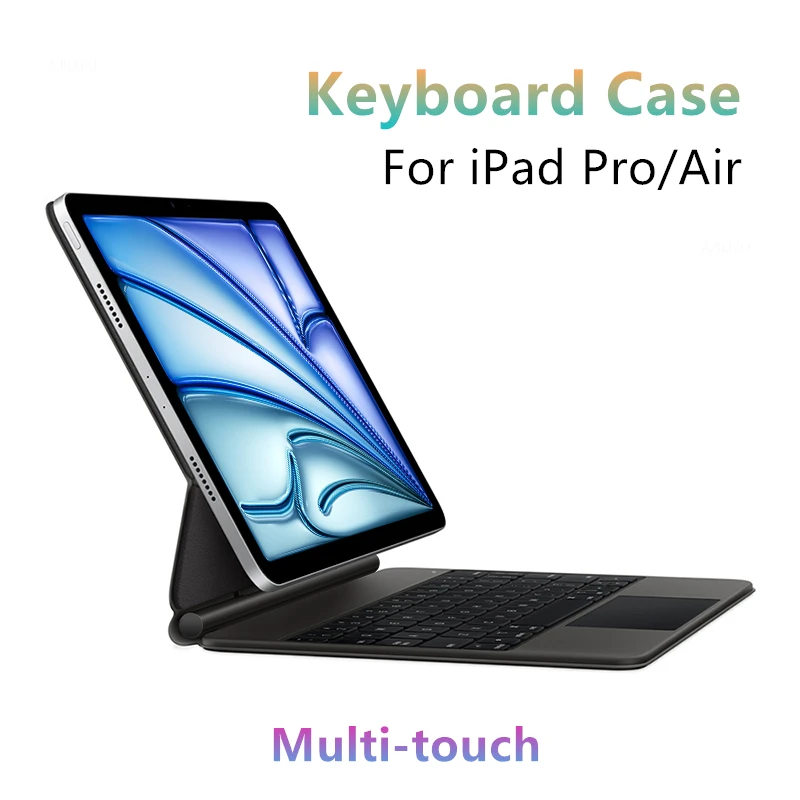
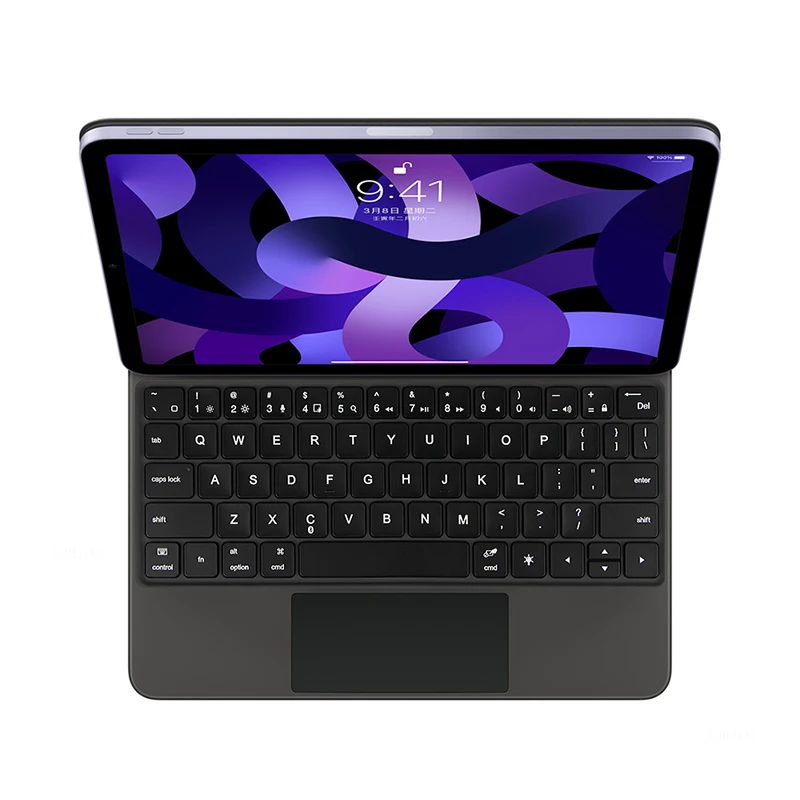
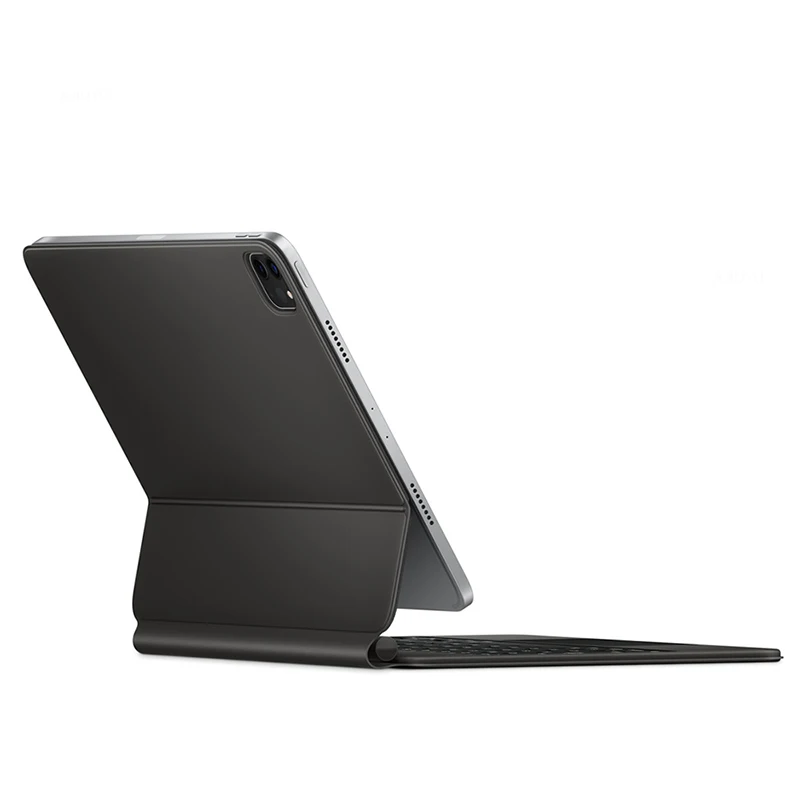
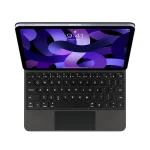
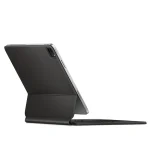
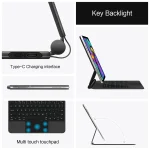
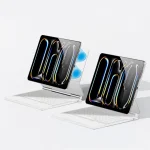
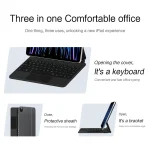

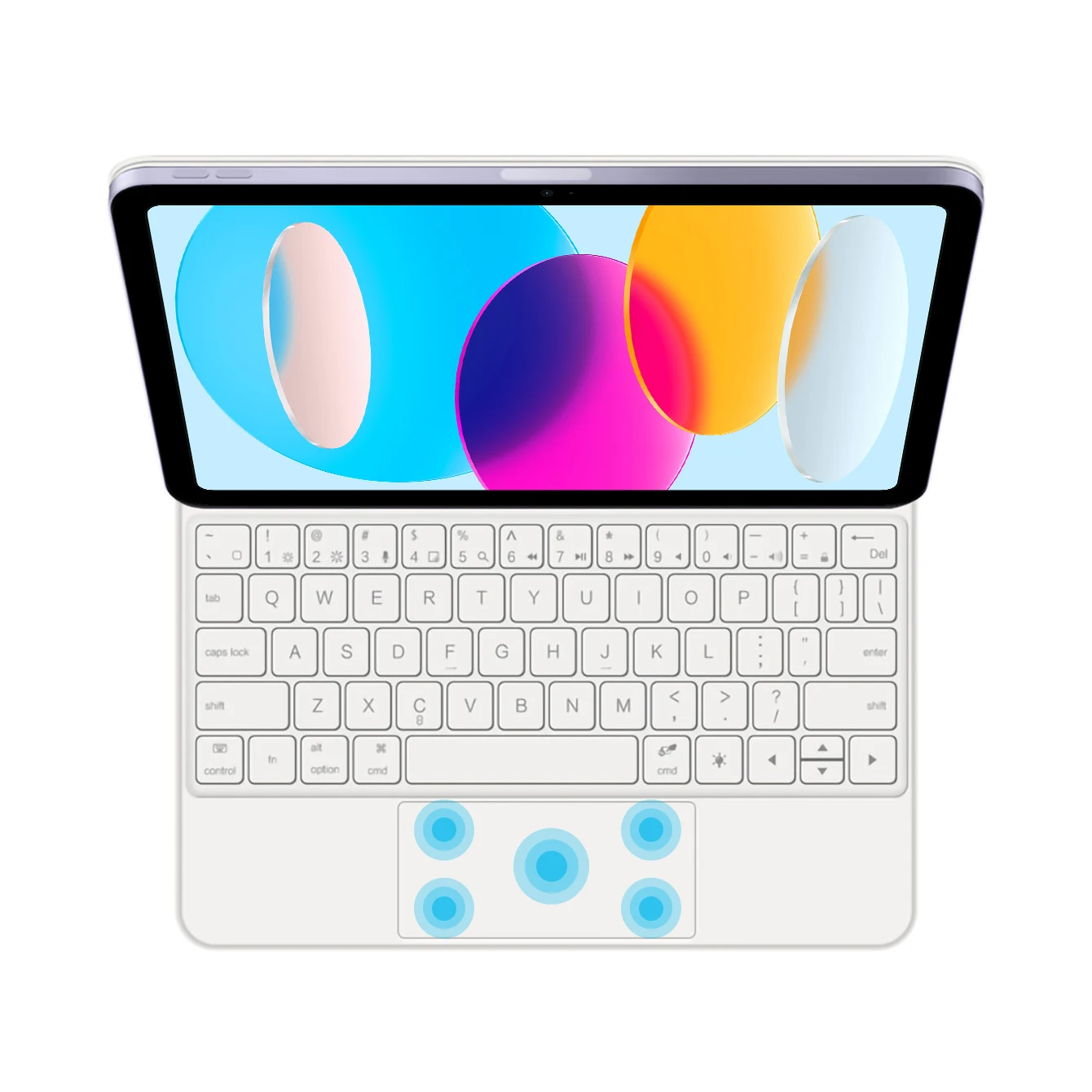
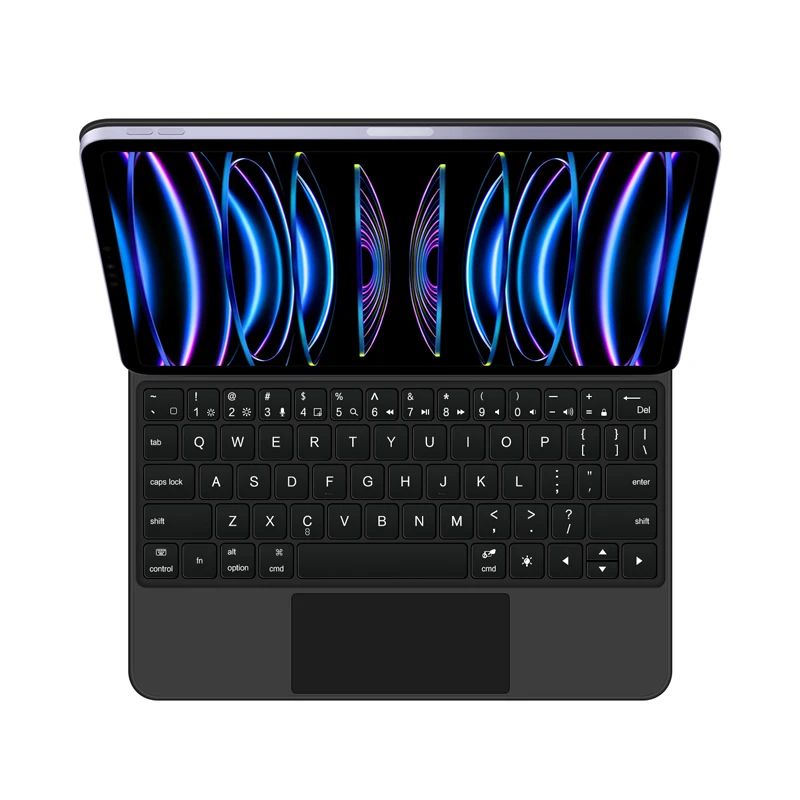
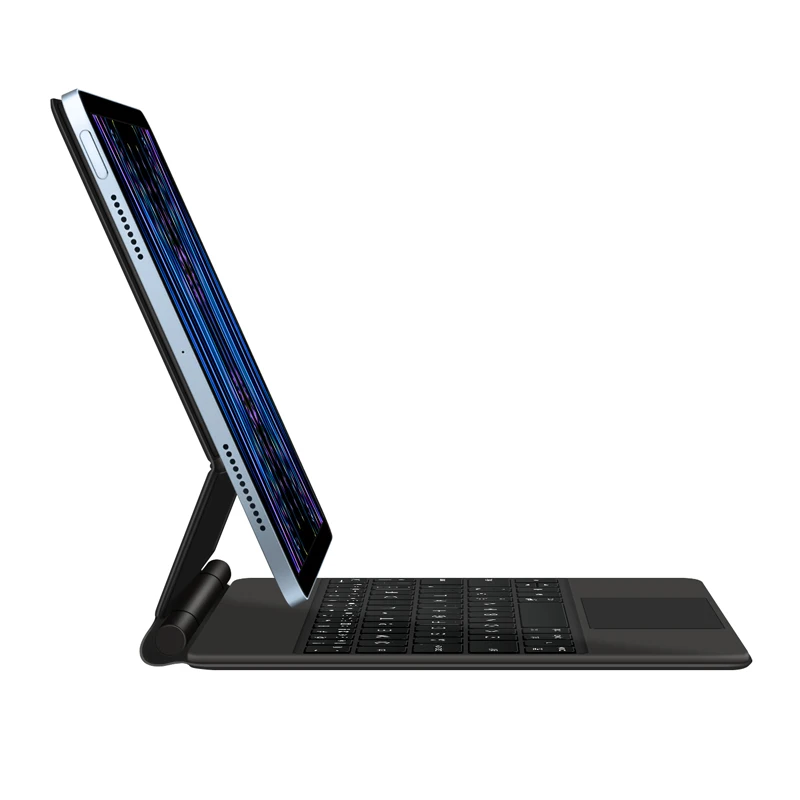
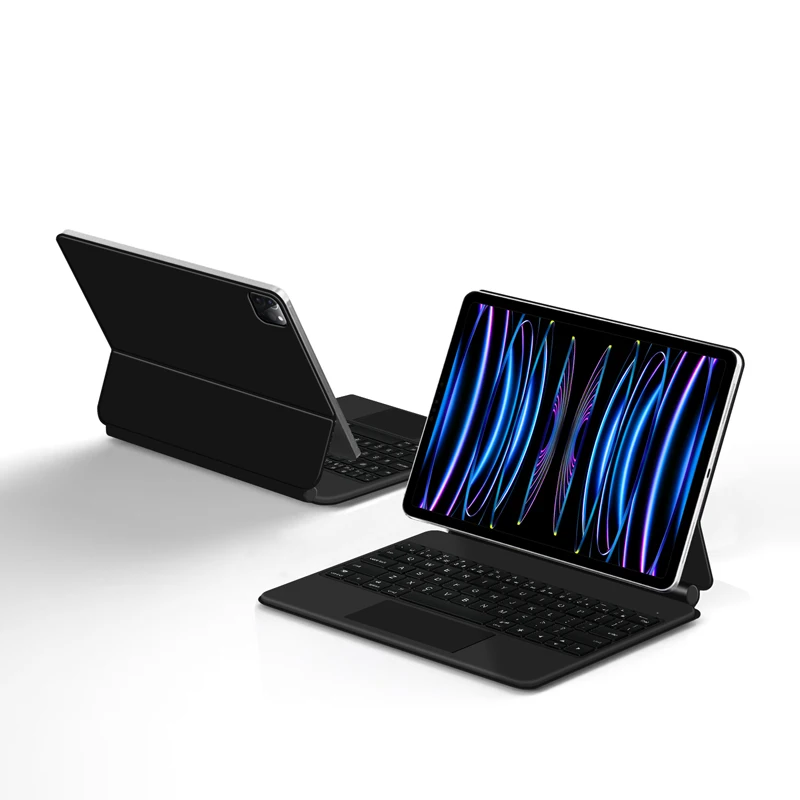
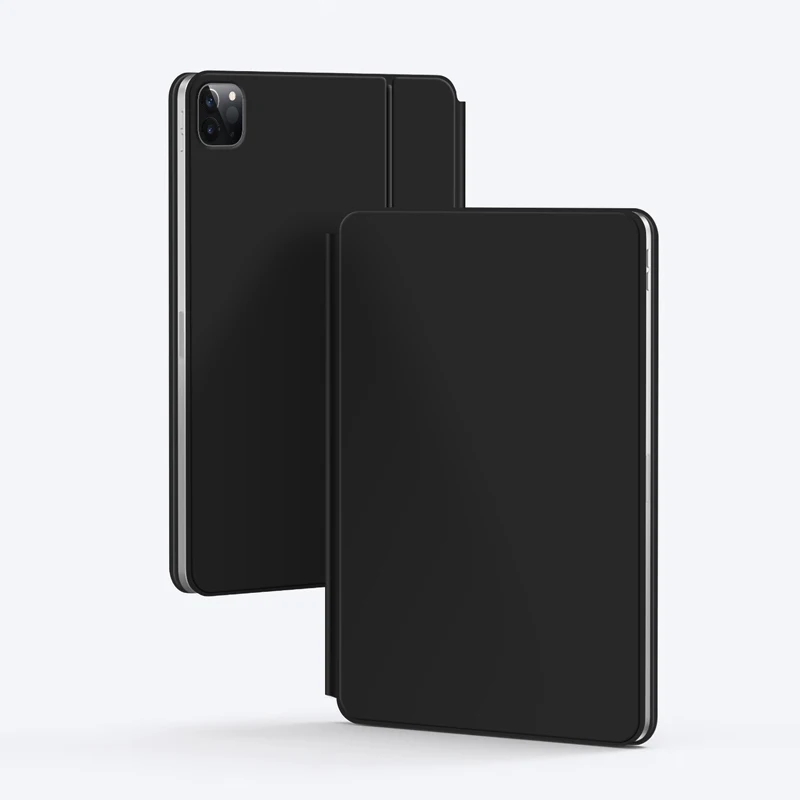
Magic Keyboard for iPad Pro and Air Smart Case
Notes:
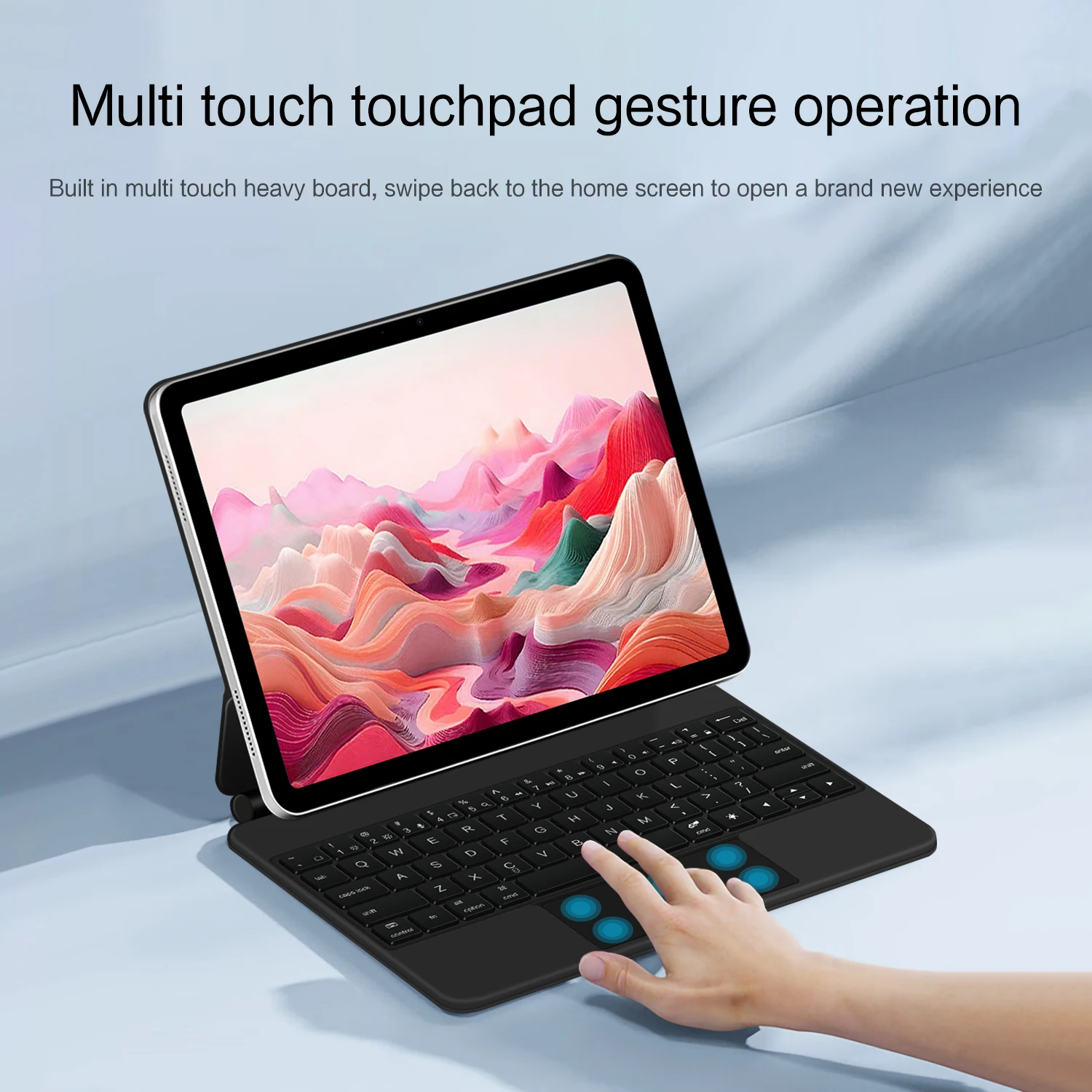
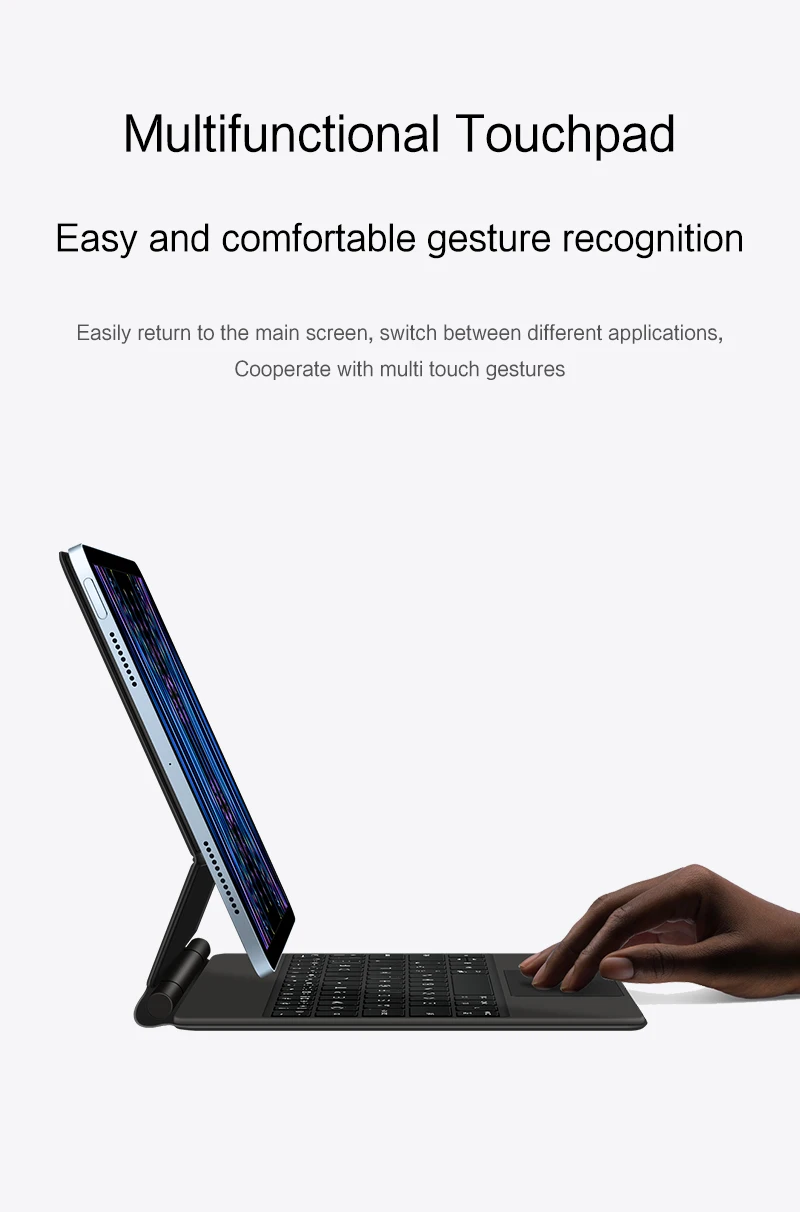
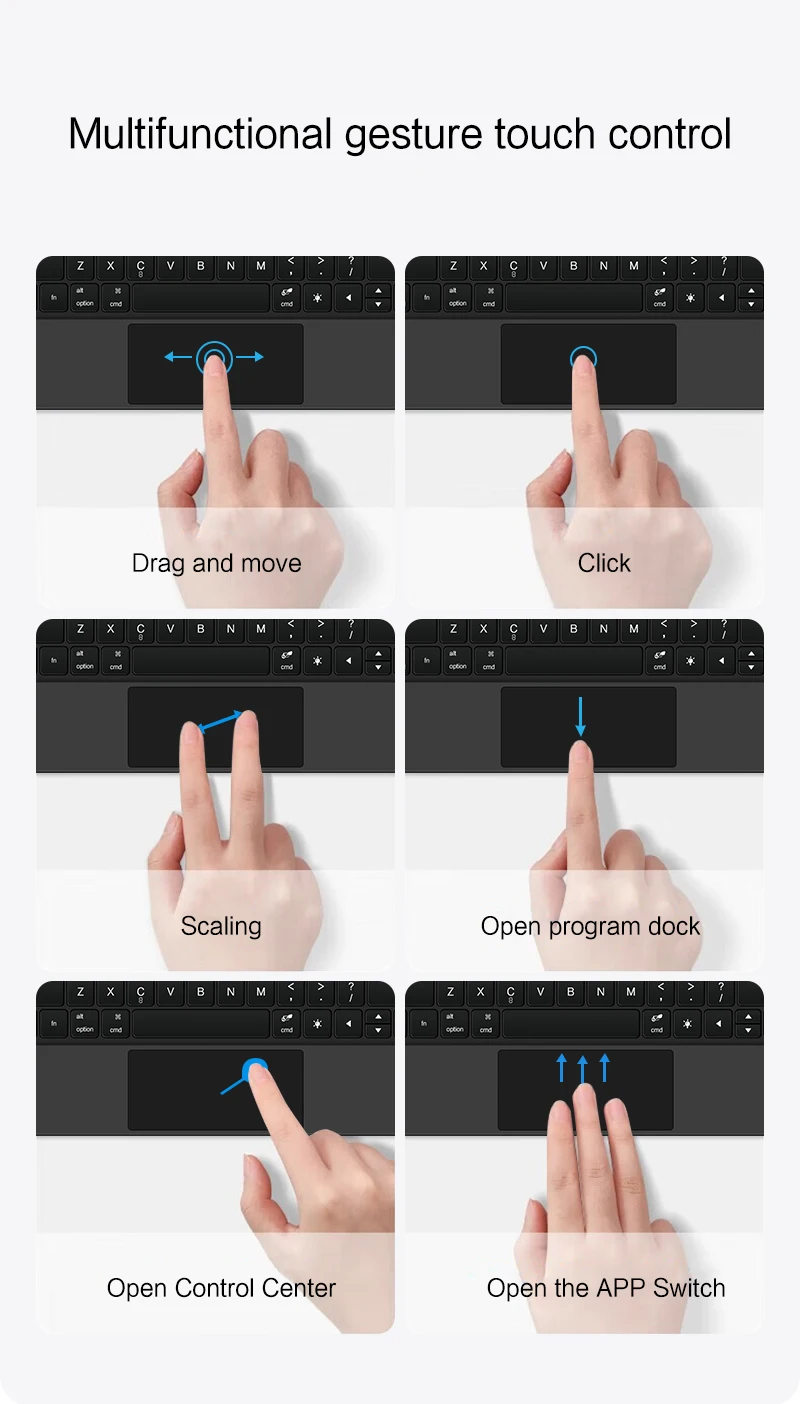
- Note 1: You need to upgrade iPadOS to version 15.0 or higher to use the touchpad.
- Note 2: Please check your iPad size and exact model. It is very important. The keyboard for the Pro 11-inch and Air 10.9-inch is different from the iPad Pro 12.9-inch, so the price is different. What you choose is what you will get.
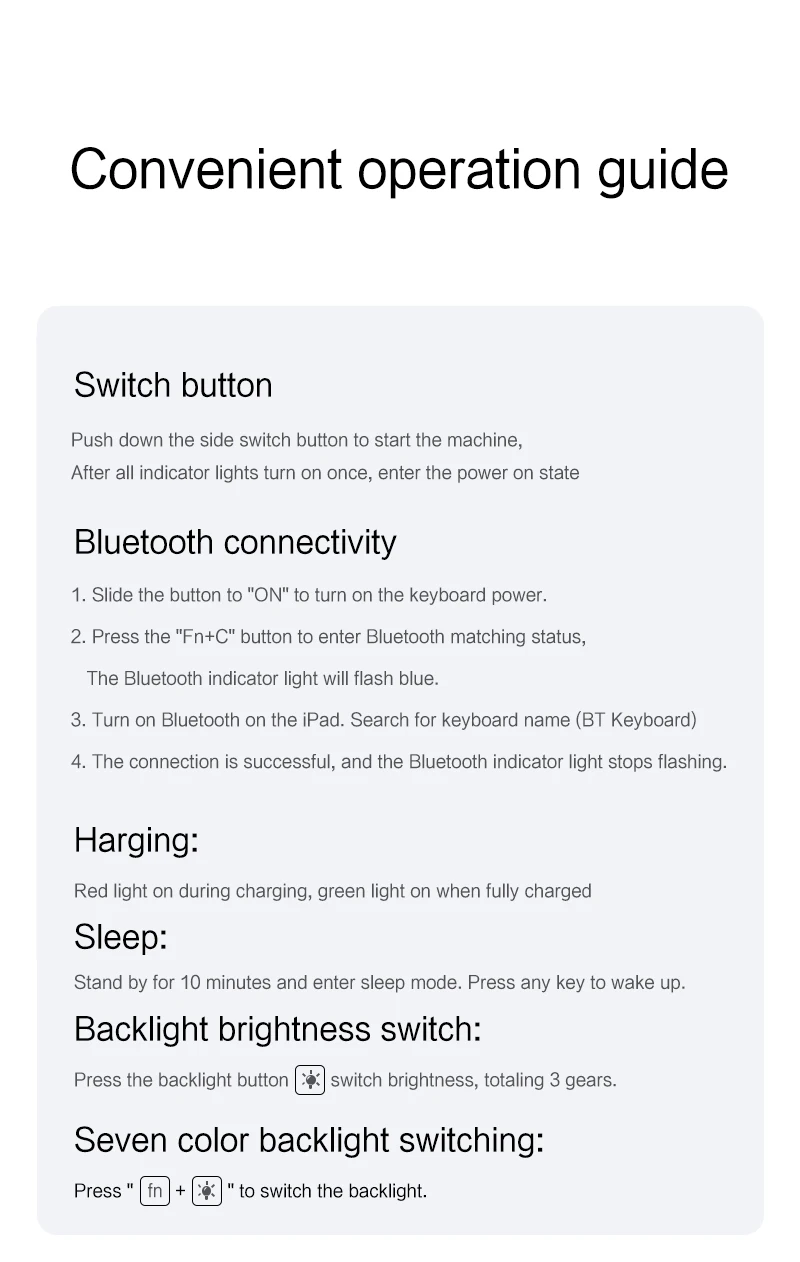
- Note 3: After turning on the power, press Fn + C together to enable the keyboard’s Bluetooth. This is very important.
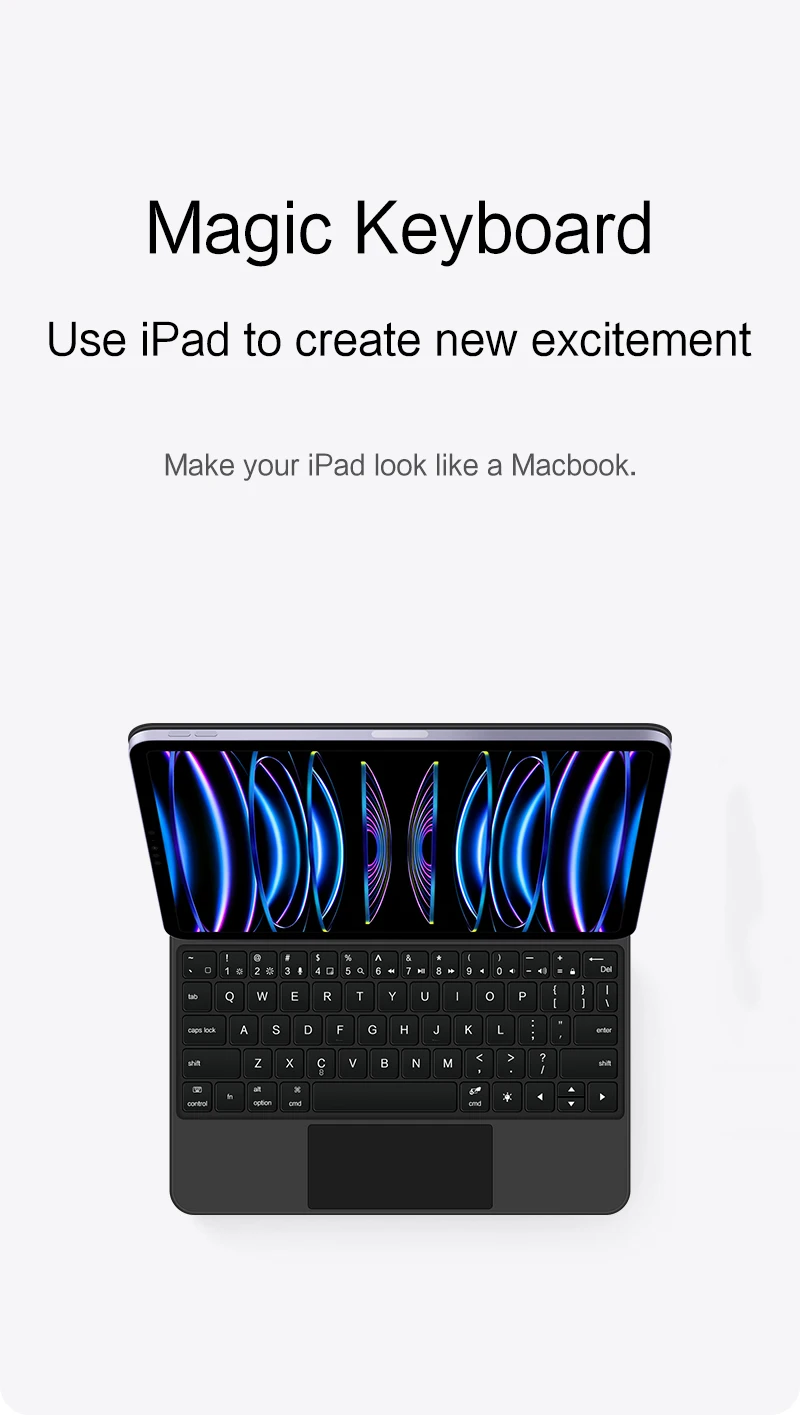
- Note 4 (Switch language): Go to Settings → Language & Input → Physical Keyboard → Add Language Layout.
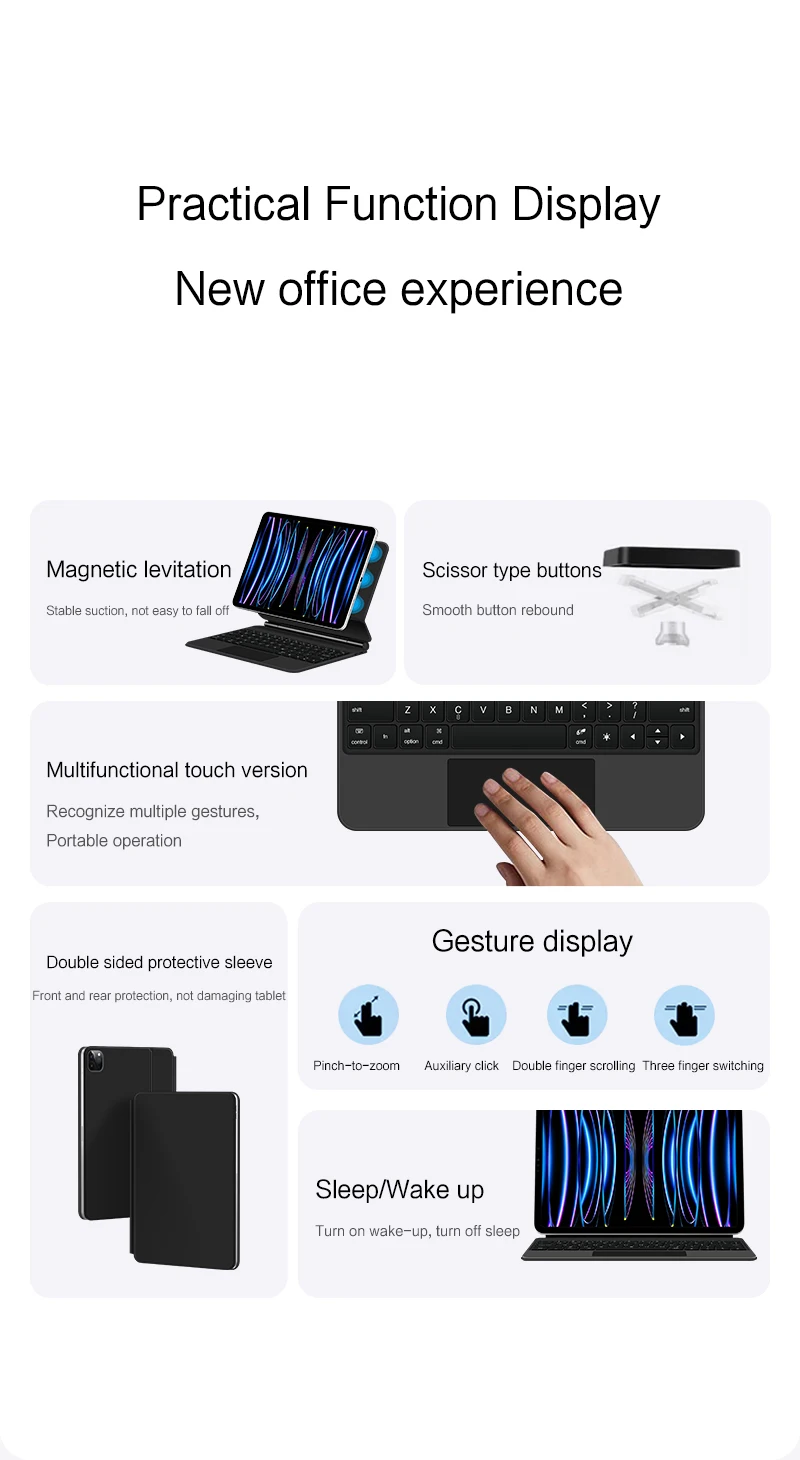
iPadOS touchpad gesture function activation: press Fn + Q.
Product Details:
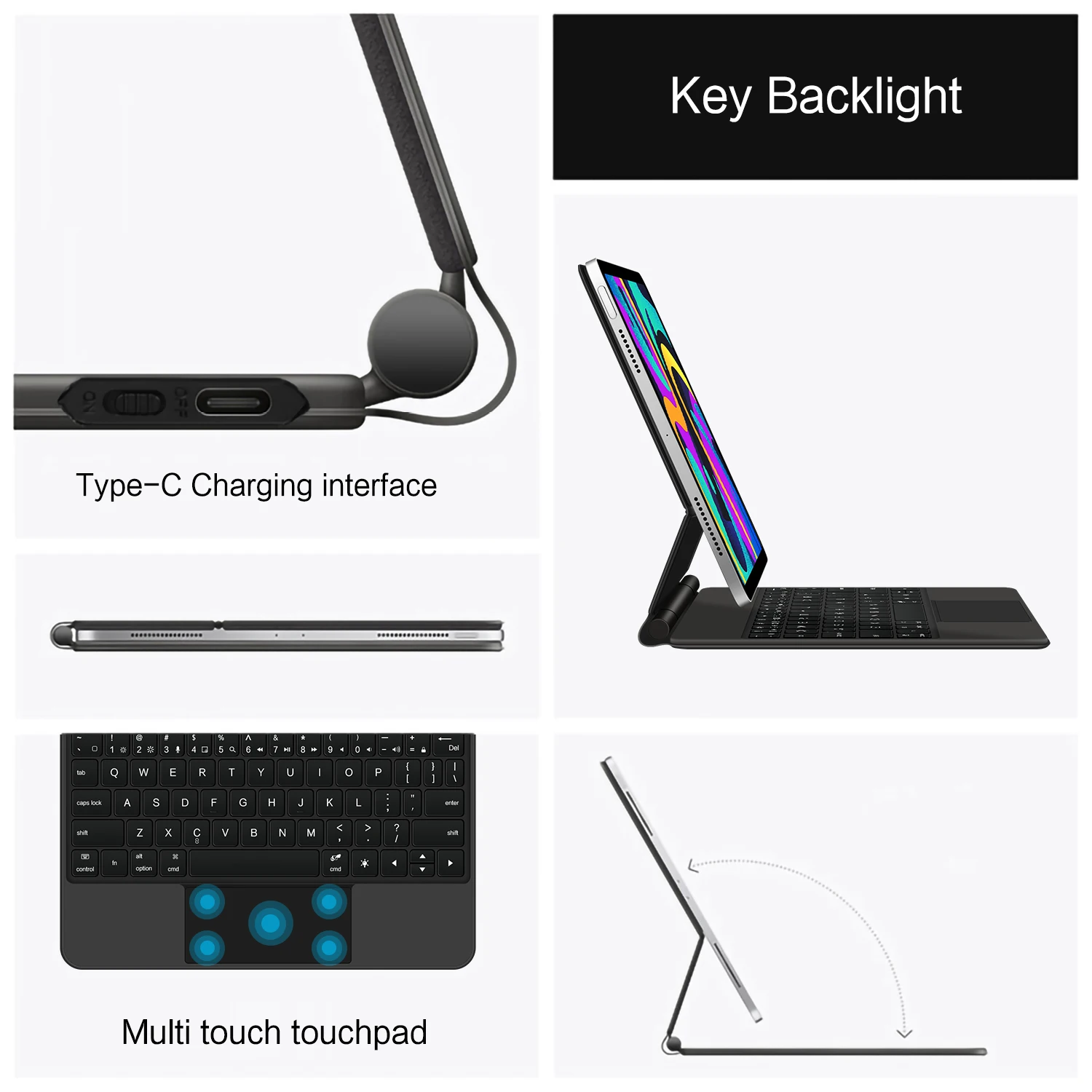
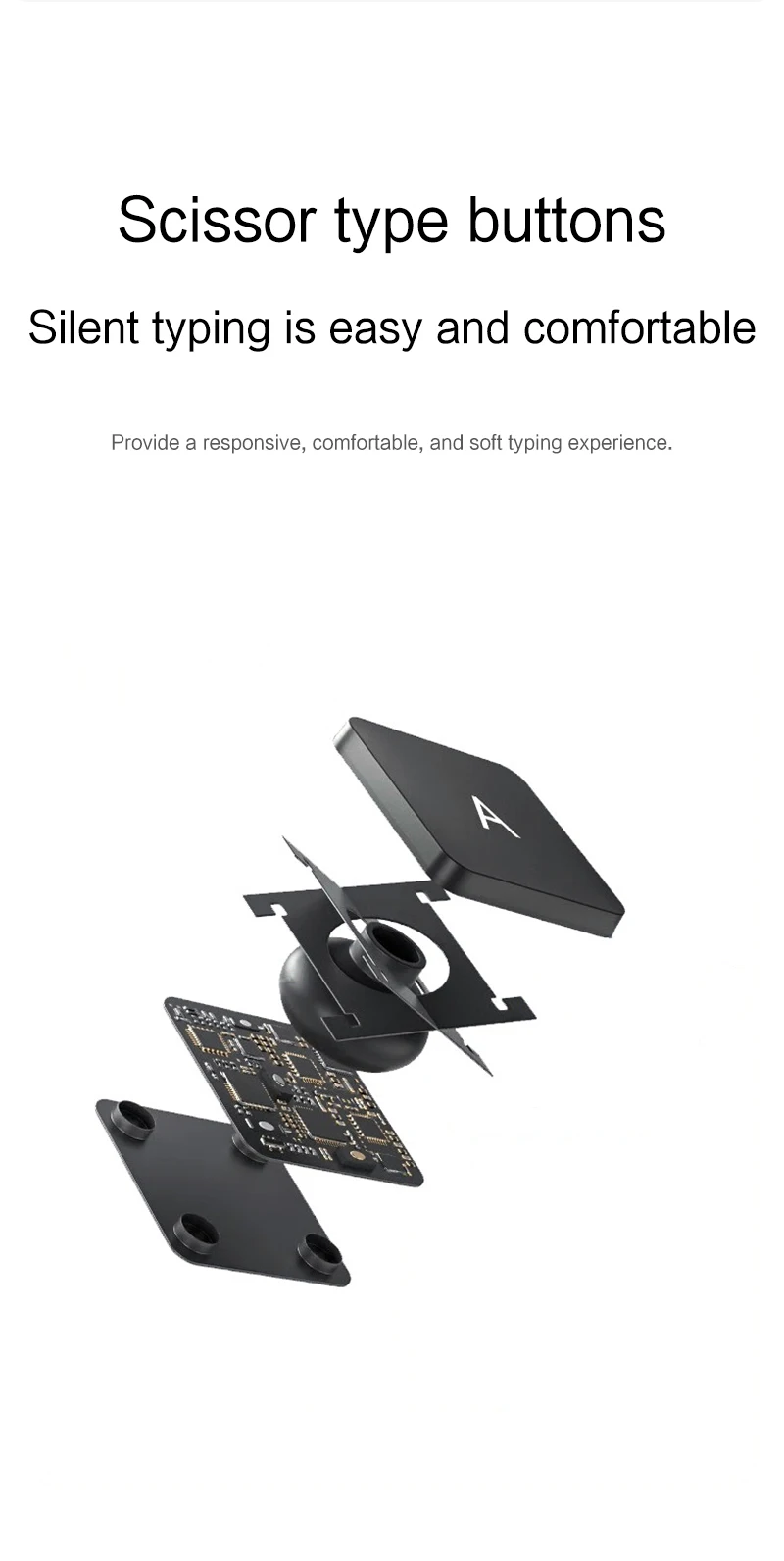
- Number of buttons: 64
- Battery: 500 mAh lithium
- Standby time: 150 days
- Working time: 5 hours (with backlight on), 120 hours (with backlight off)
- Working voltage: 3.0 – 4.2 V
- Charging current: < 250 mA
- Effective distance: 10 meters
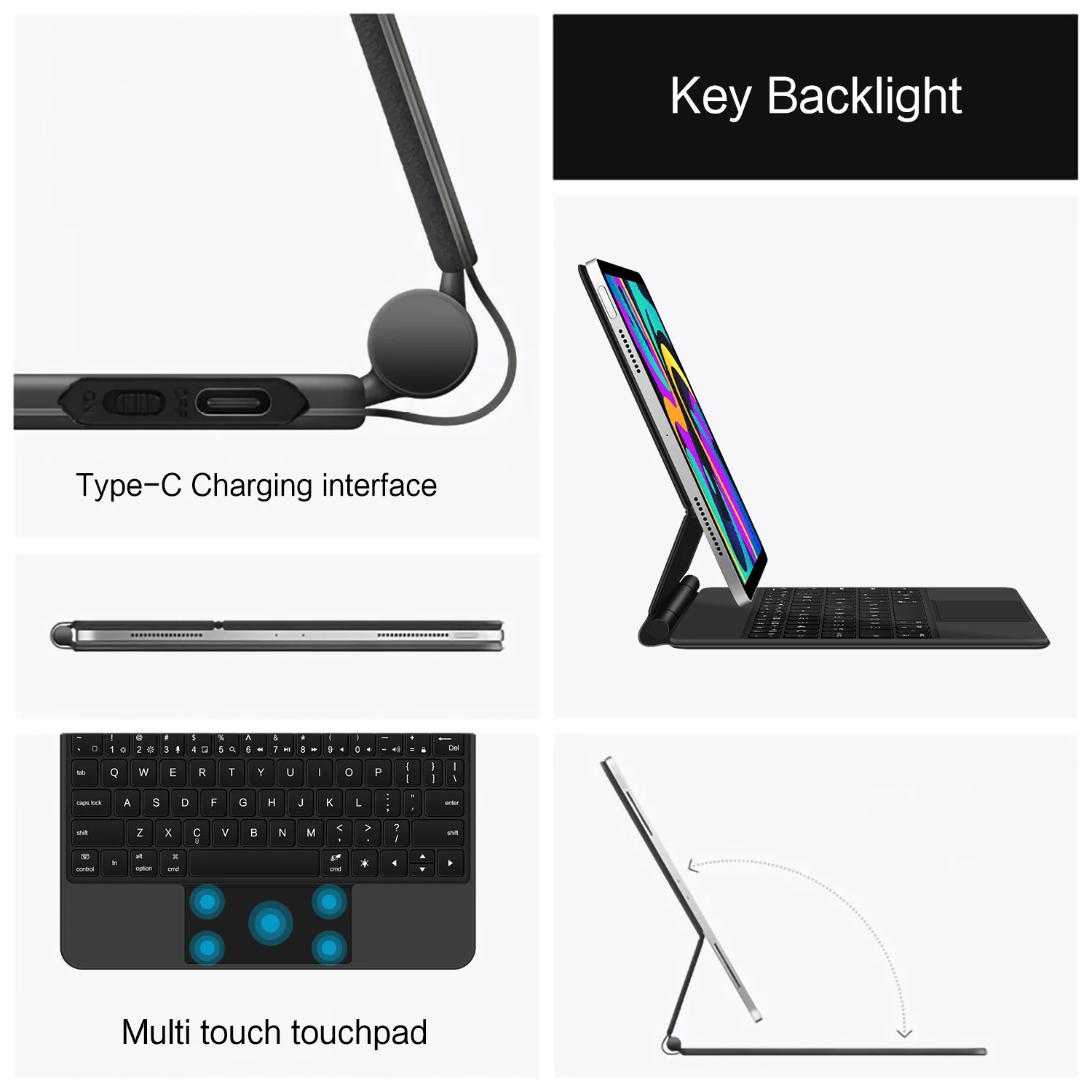
- Backlight: 7 colors
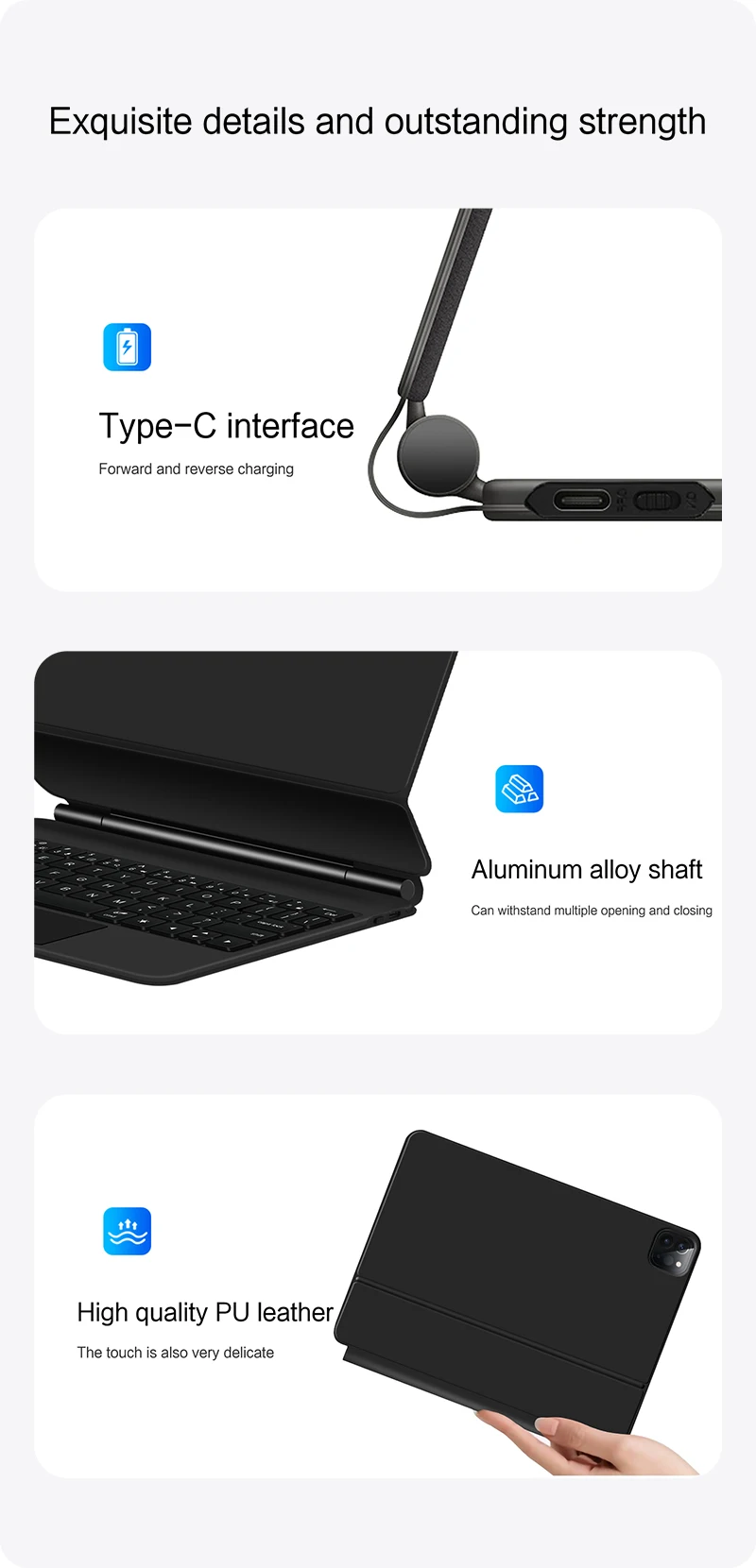
- Charge port: Type-C
- Material: Anti-fouling, durable PU
- Key life: 3 million presses
- Charging time: 3 hours
- Color: Black
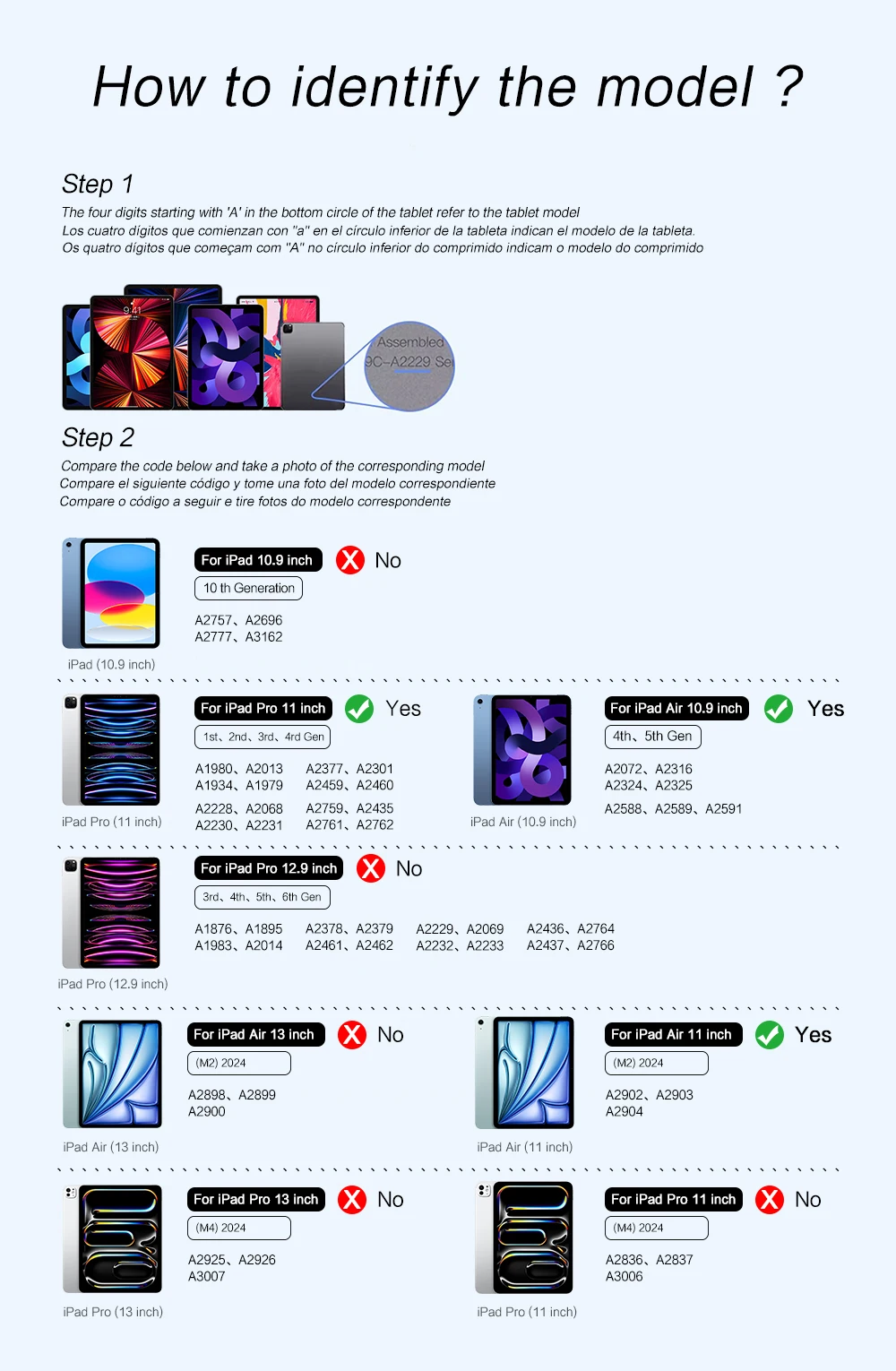
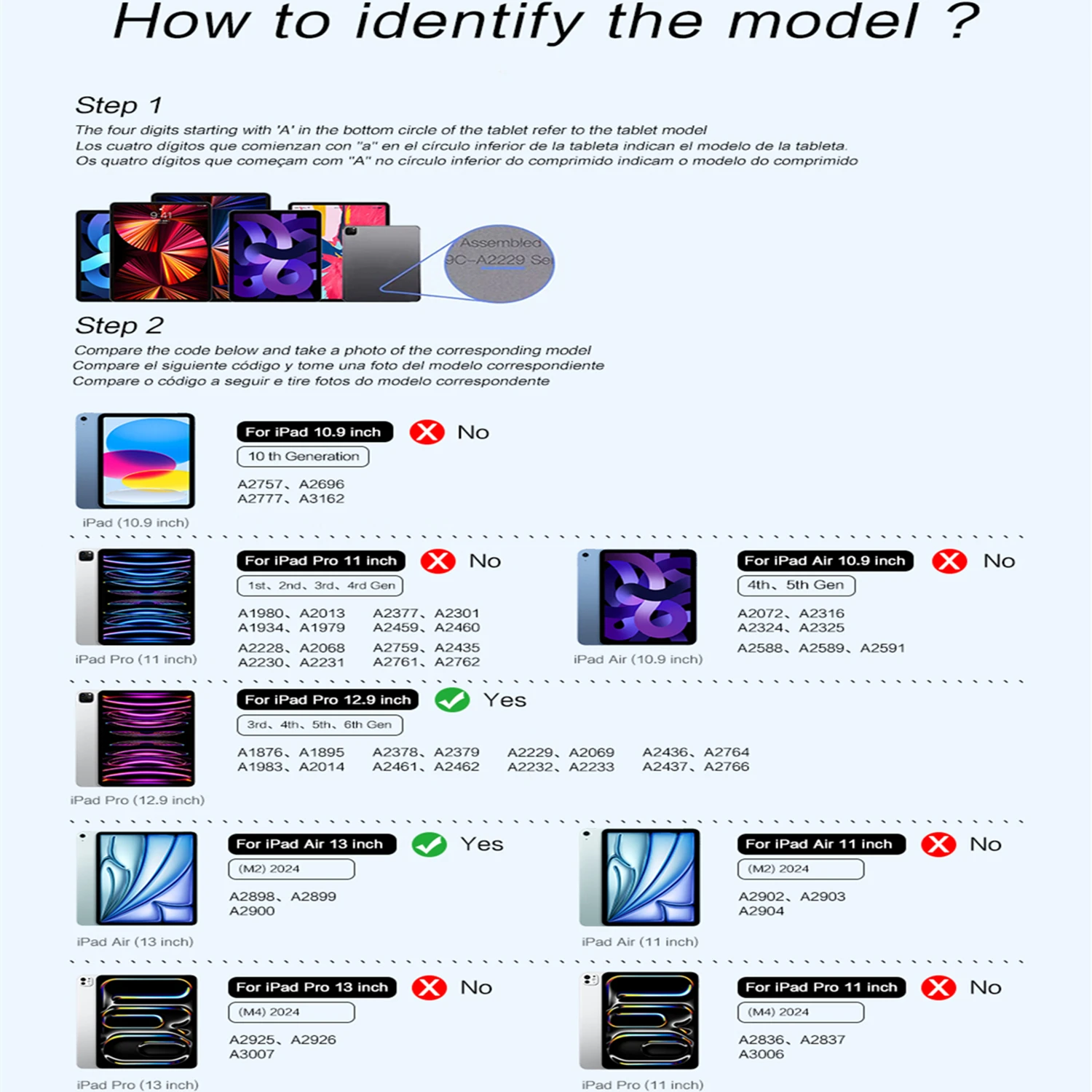
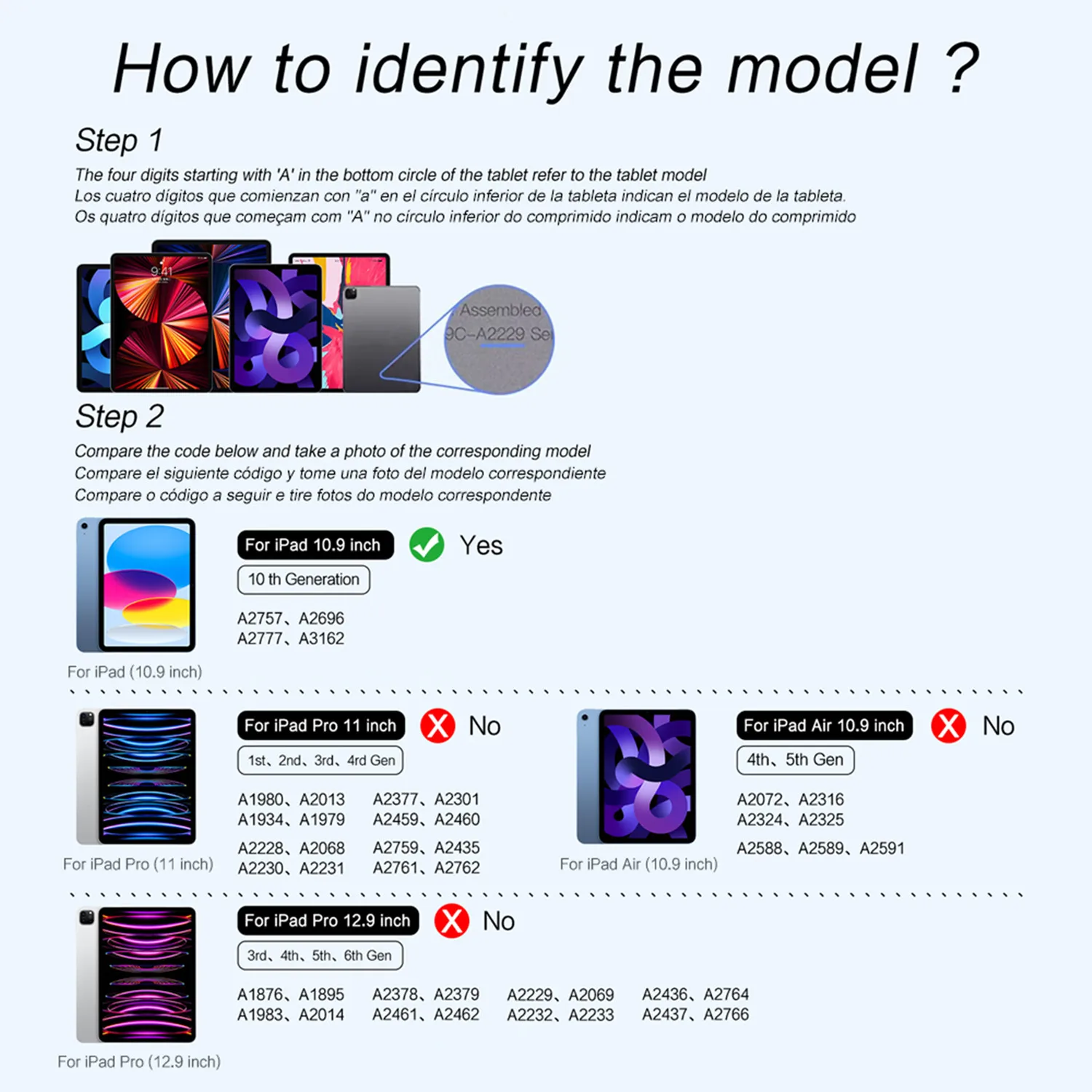
How to Verify Your Tablet Model:
- Turn your iPad over and find the specific model number (for example: A****).
- Open Settings → tap About → find the Model entry.
- Please select the correct model number before purchasing.
Applicable Models:
- iPad Air 10.9-inch: Air 4 (2020) — A2324, A2325, A2072, A2136; Air 5 (2022) — A2589, A2591
- iPad Pro 11-inch: 2018 (1st gen) — A1980, A1934, A1979, A2013; 2020 (2nd gen) — A2228, A2068, A2230, A2231; 2021 (3rd gen) — A2301, A2459, A2460; 2022 (4th gen) — A2759, A2435, A2761, A2762
- iPad Pro 12.9-inch: 2018 (3rd gen) — A1876, A2014, A1895, A1983; 2020 (4th gen) — A2069, A2232, A2229, A2233; 2021 (5th gen) — A2378, A2379, A2461, A2462; 2022 (6th gen) — A2436, A2764, A2437, A2766
- iPad 10th Generation 10.9-inch (2022): A2696, A2757, A2777
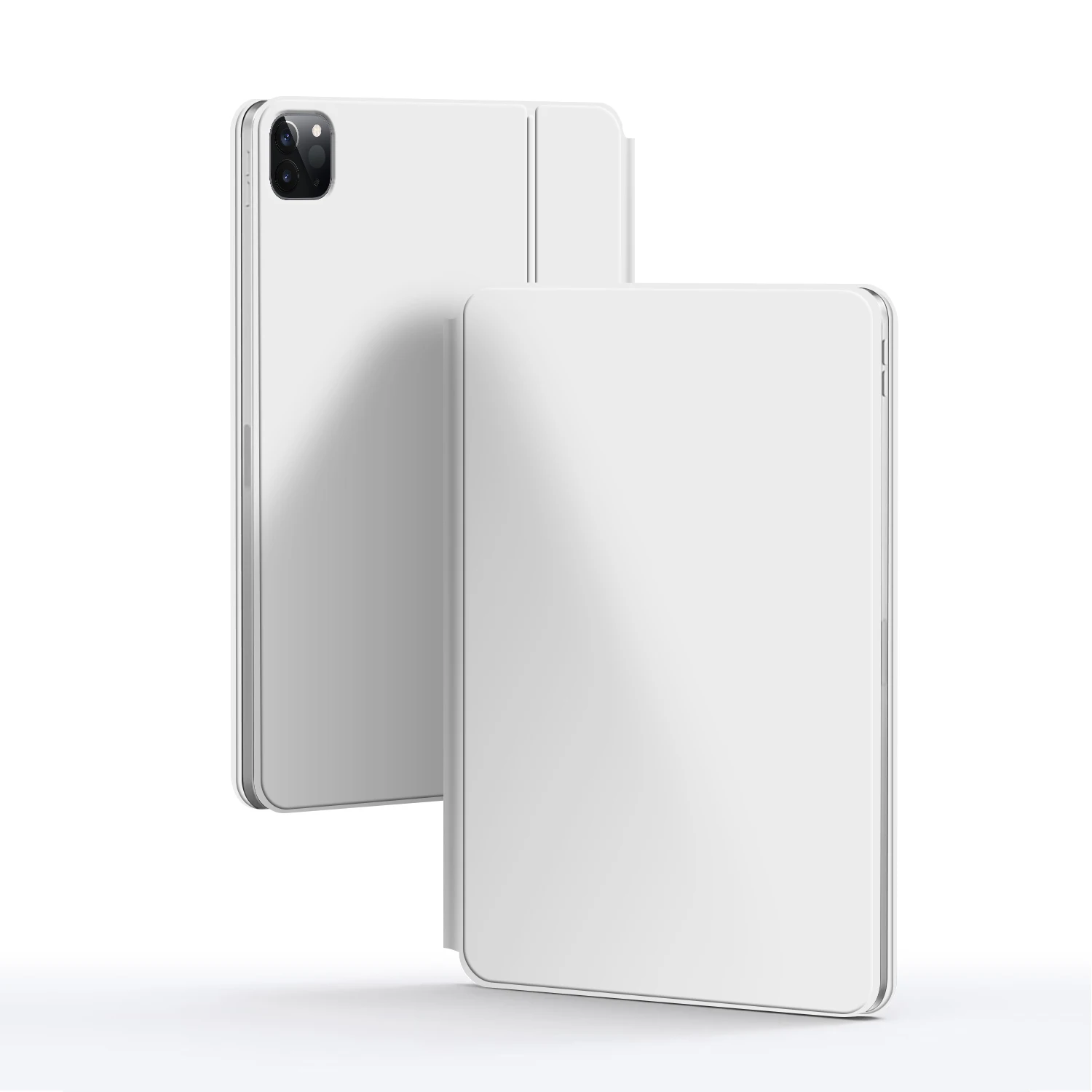
Note: The camera hole for iPad Air 4/5 and iPad Pro 11/12.9 (2018) has been upgraded to a universal square opening.
There are no reviews yet.