




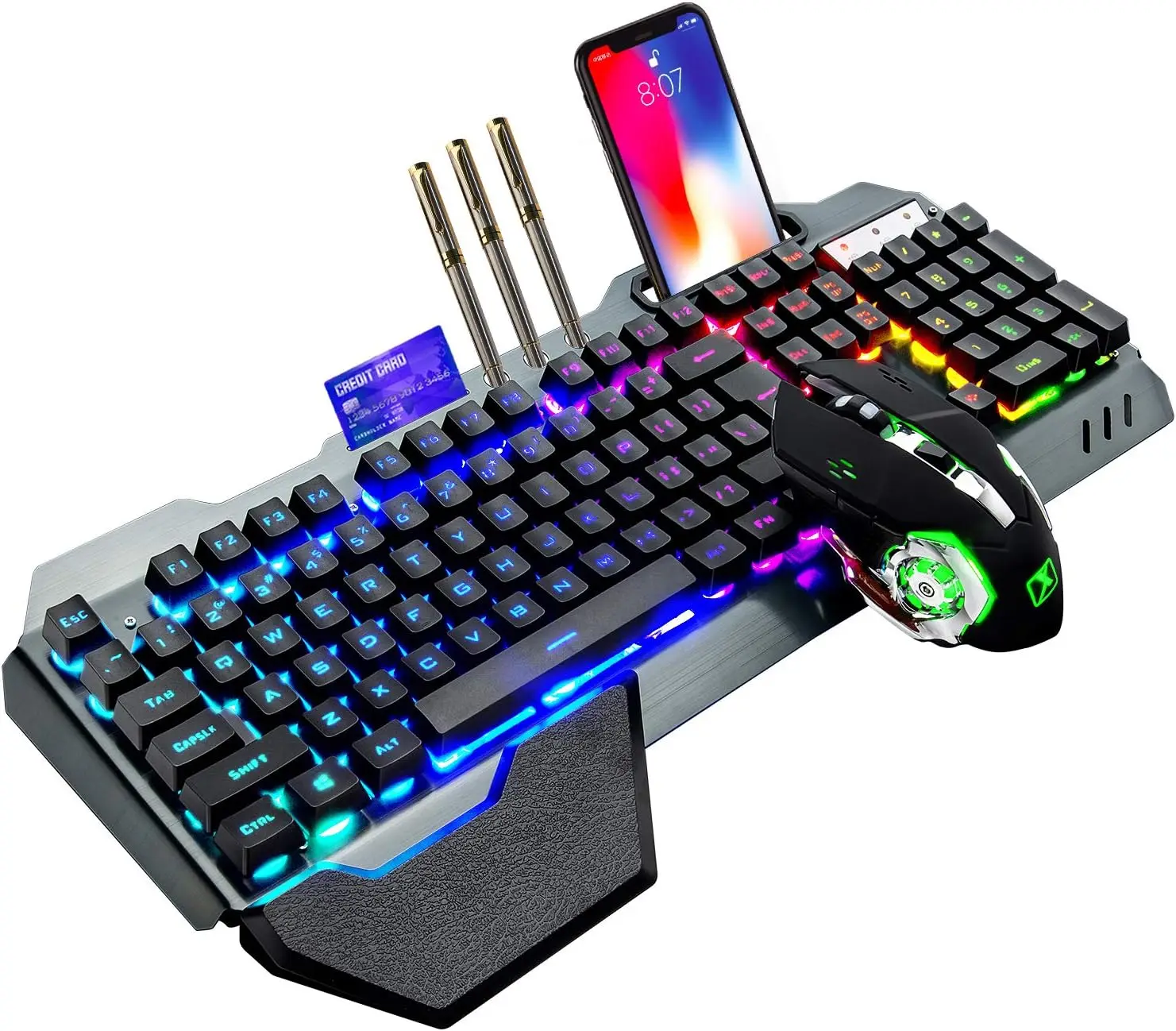


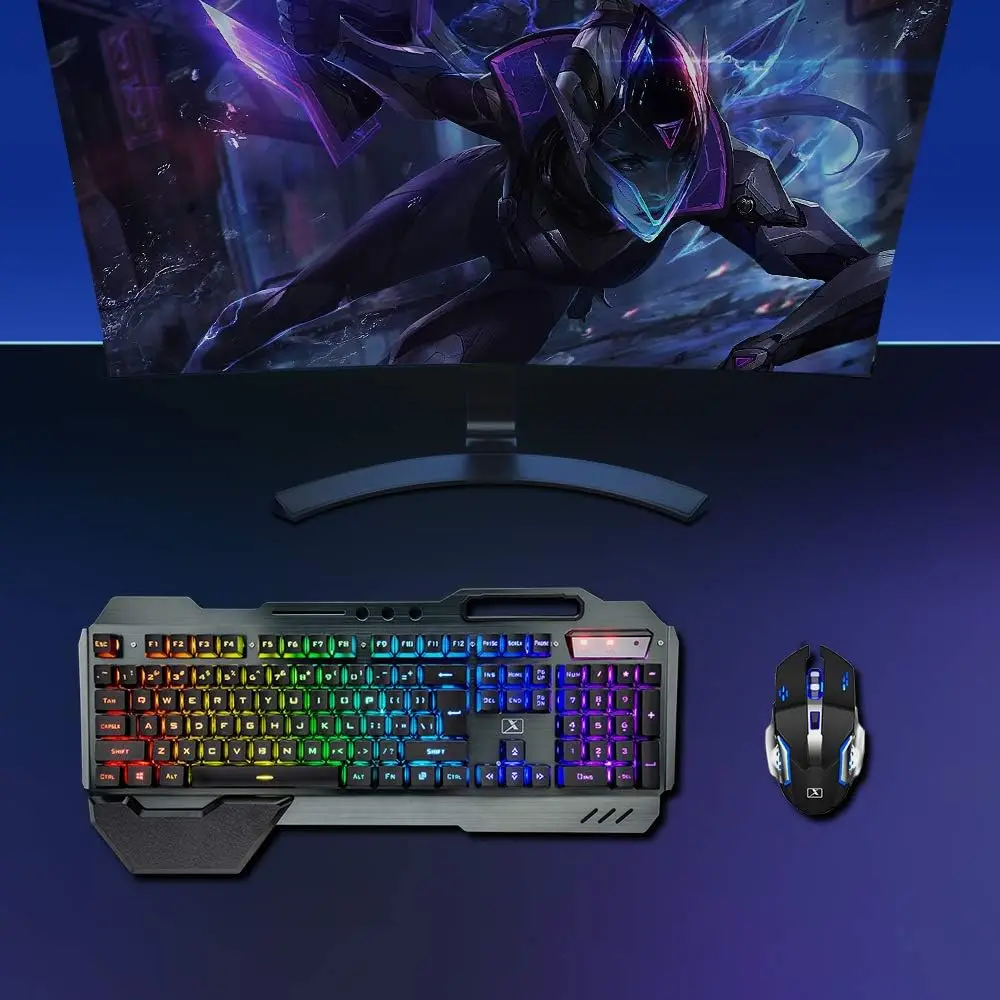
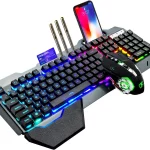



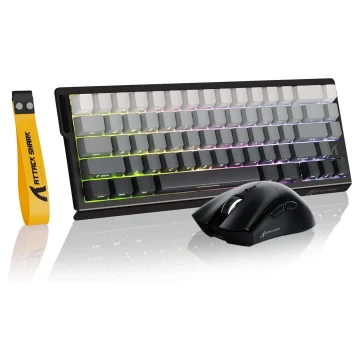
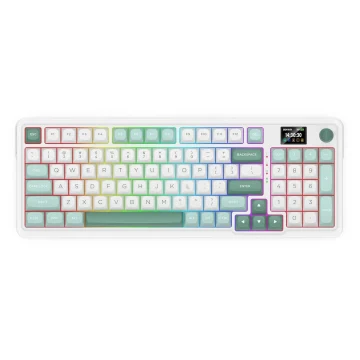
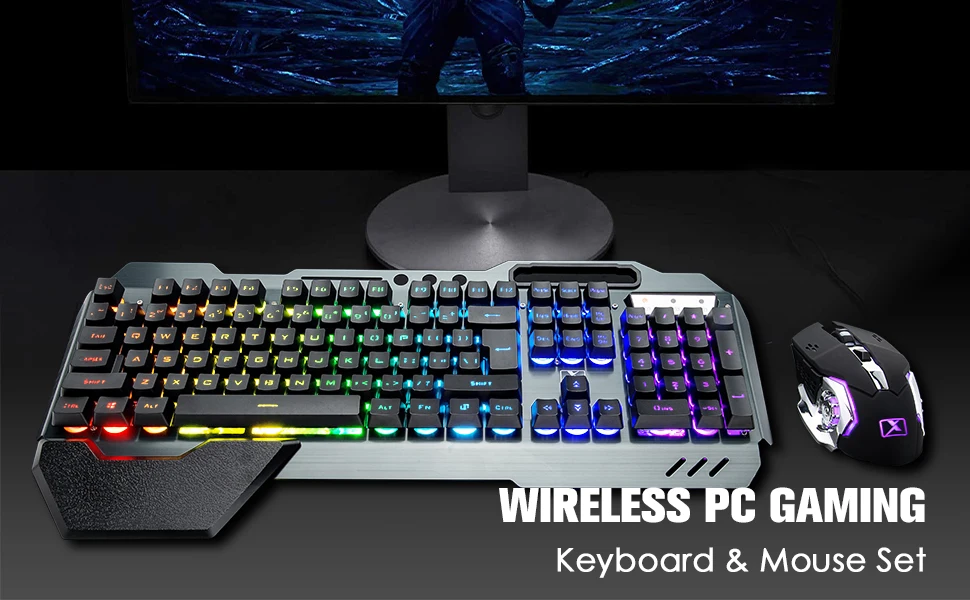
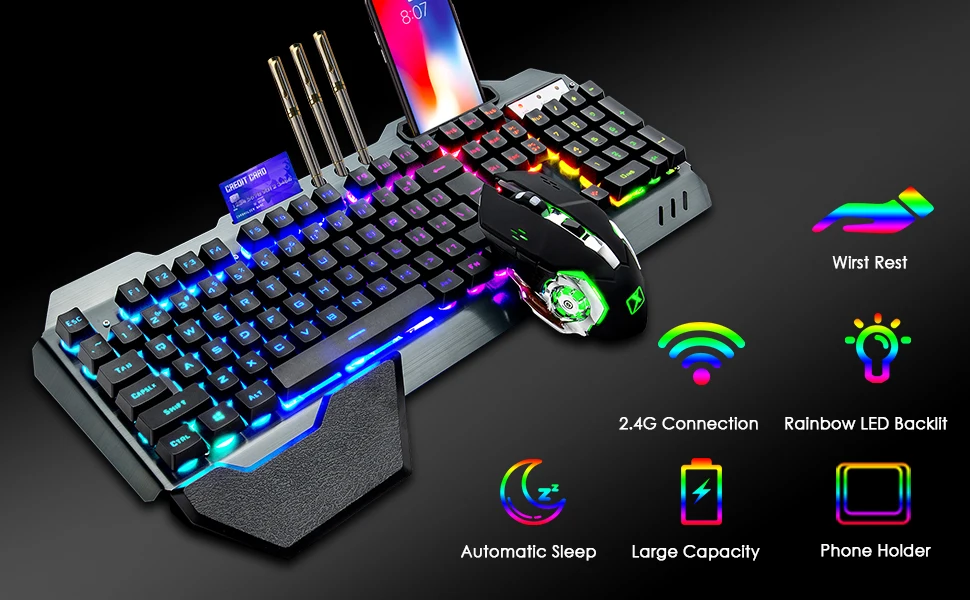
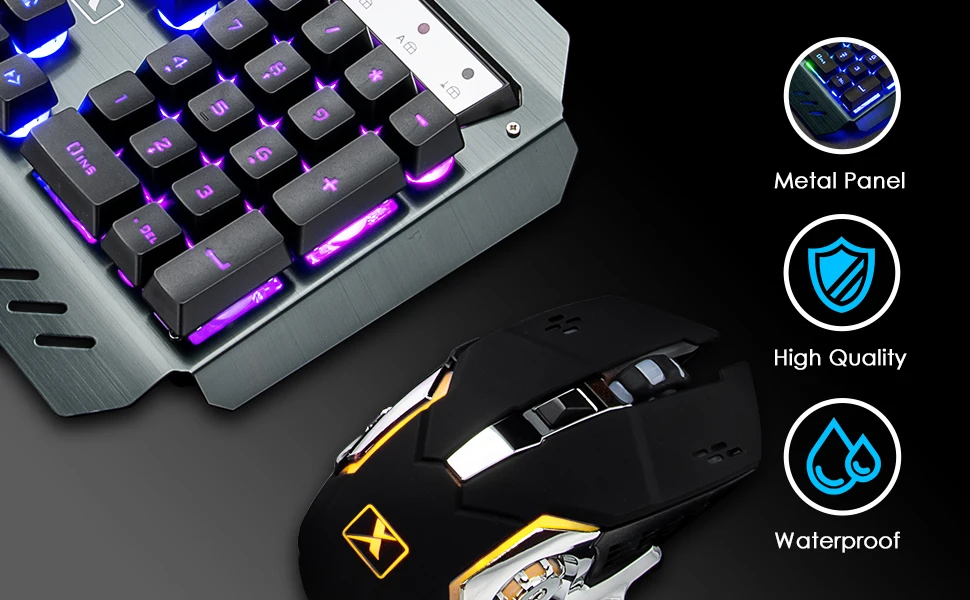
K680 Wireless Gaming Keyboard Mouse Combo
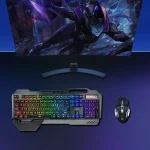
RGB LED Backlit Keyboard
-
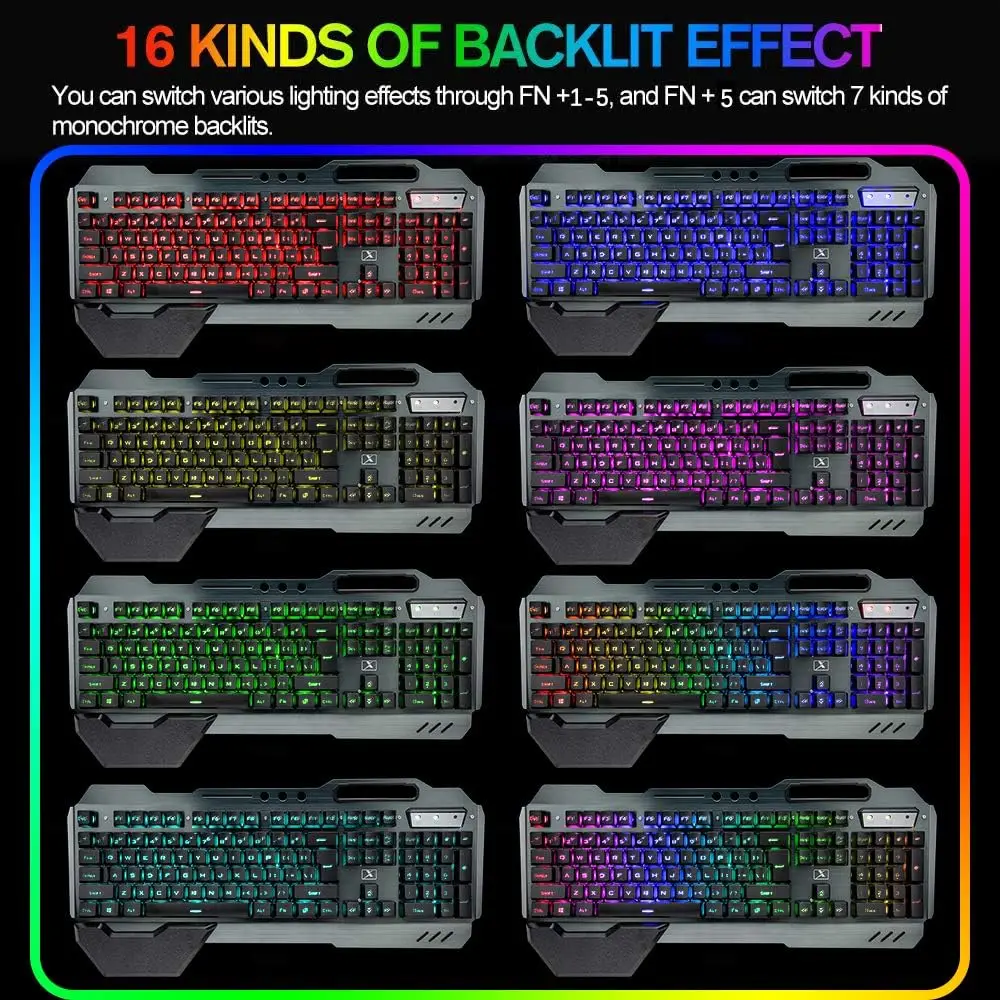
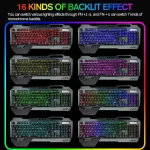
FN 1-5: Switch between five backlight modes; FN+5 cycles through seven single colors.
-
FN + ↑/↓: Increase or decrease backlight brightness.
-
FN + â†/→: Speed up or slow down the breathing light effect.
Note:
-
Before use, set the switch on the keyboard side and the bottom of the mouse to ON.
-
The keyboard and mouse share one receiver located at the bottom of the mouse.
-
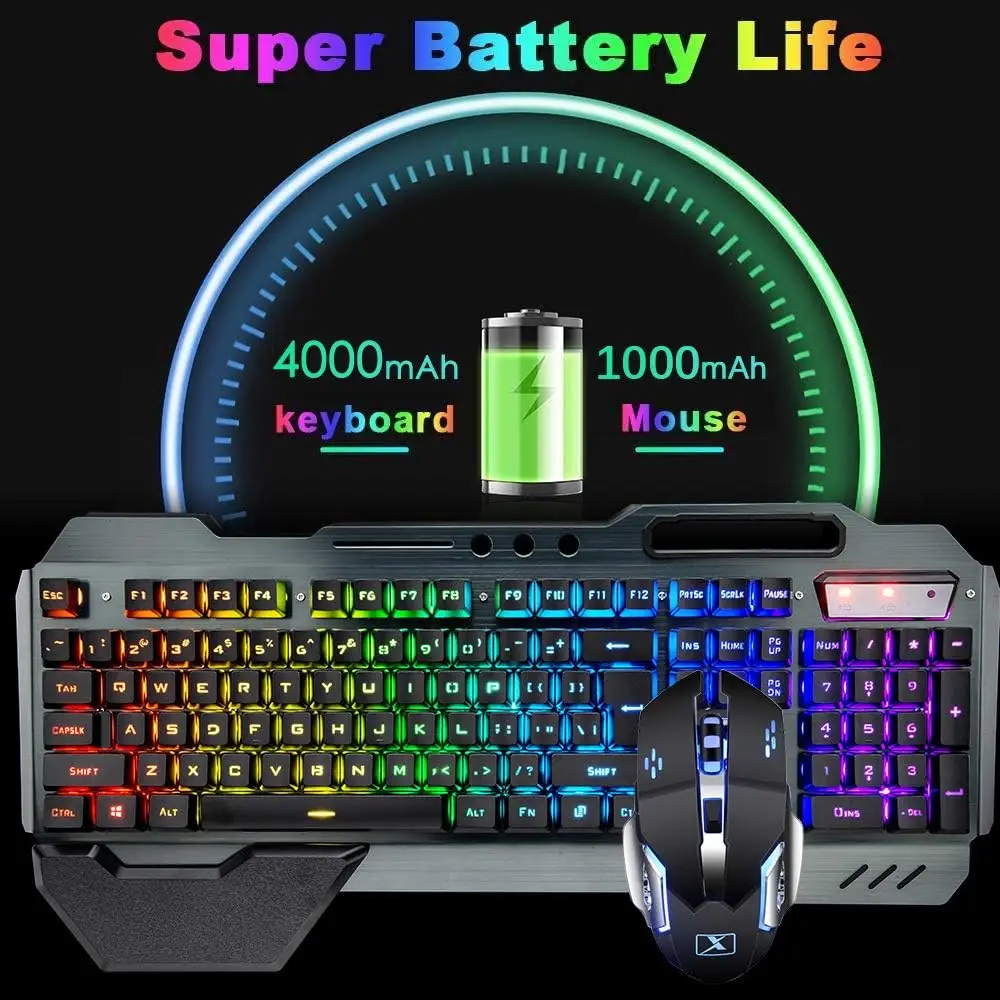
If the mouse head light dims or turns off, charge the mouse. If the keyboard LOCK light flashes, charge the keyboard.
-
Charge both devices with a 5V DC power source.


There are no reviews yet.