







Huion Kamvas 22 Plus 21.5-inch Pen Display
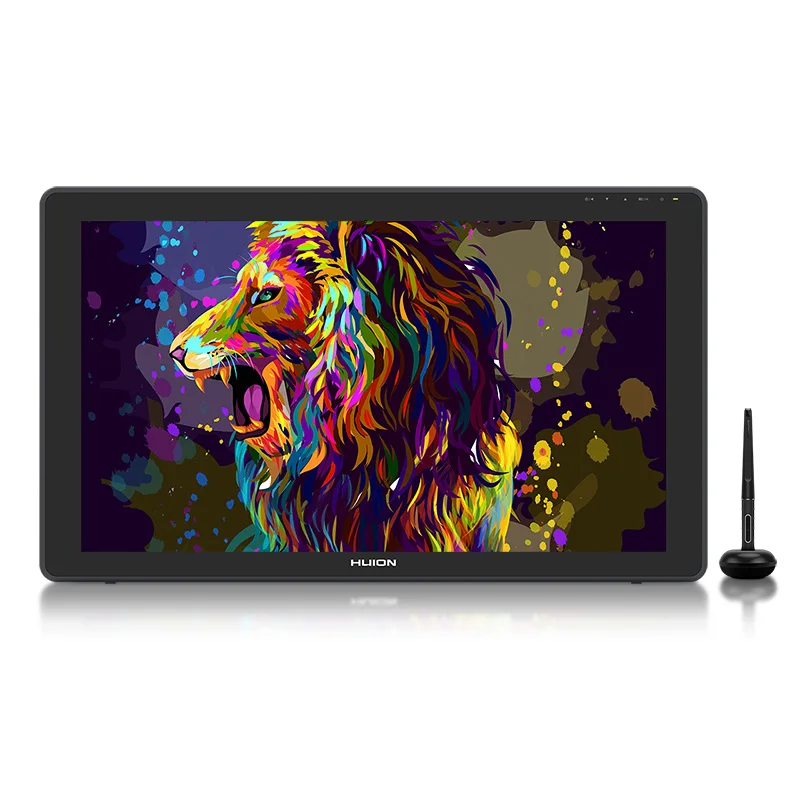
HUION KAMVAS 22 Plus Drawing Monitor
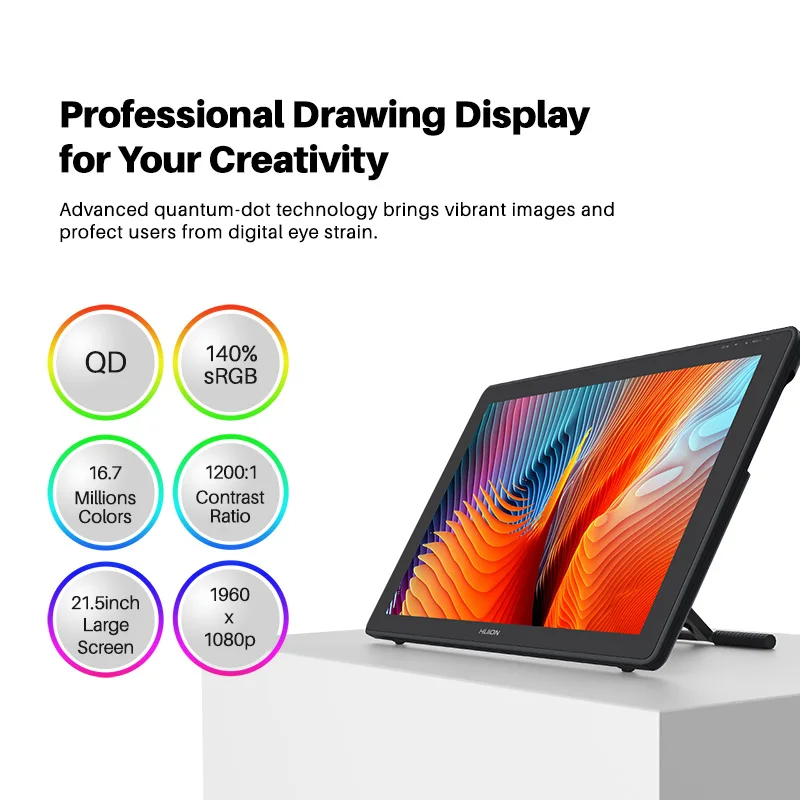
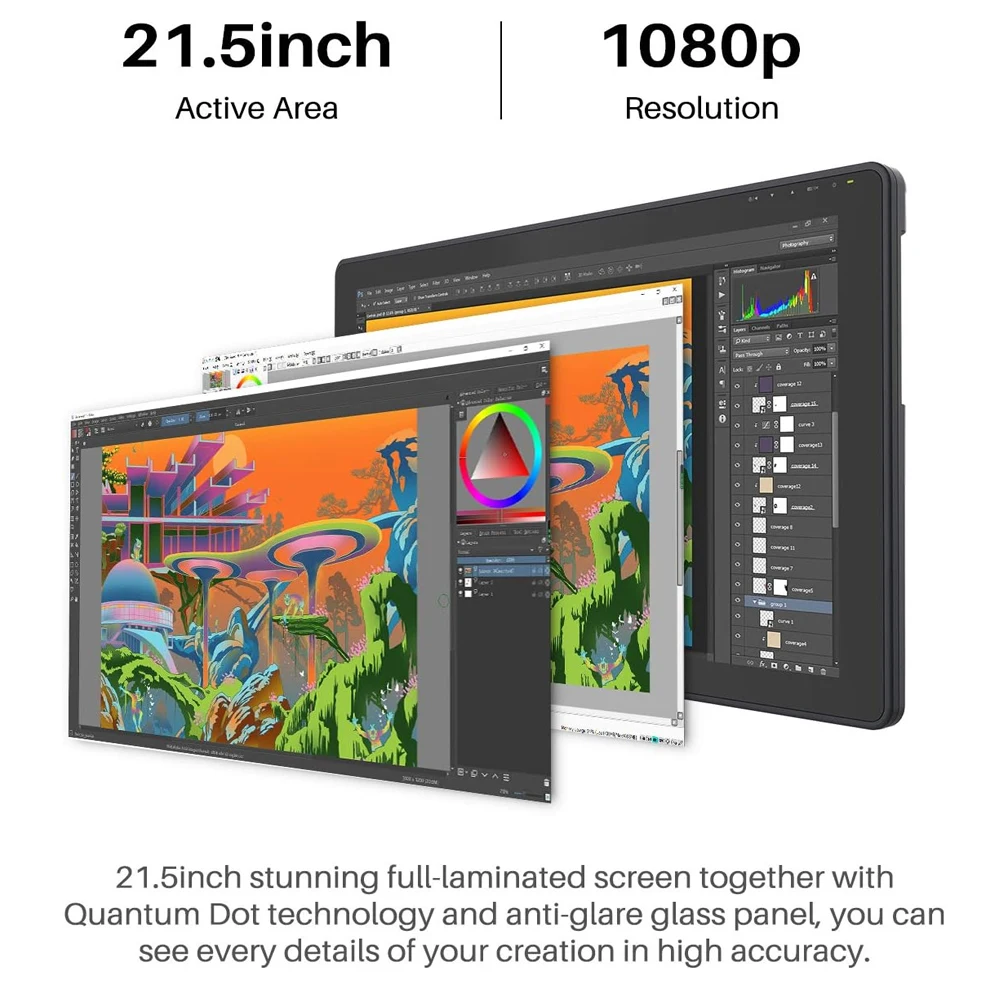
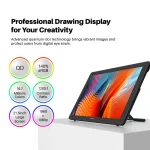
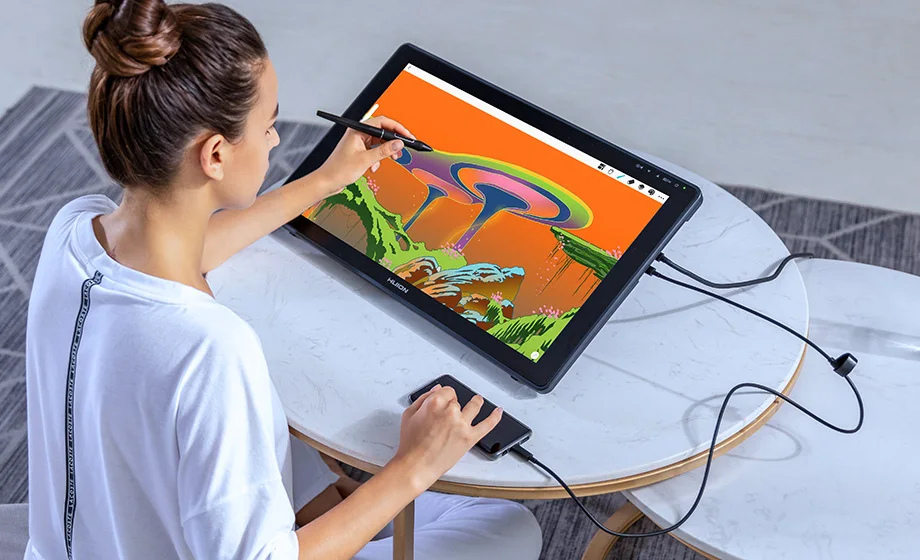
Level up your creative workspace with a large 21.5-inch pen display built for smoother drawing, cleaner color, and a more natural on-screen feel. With a vivid, wide color gamut, a fully laminated screen, and etched glass for glare reduction, you get better accuracy, less parallax, and a paper-like texture that makes long sessions more comfortable.
Brighter, richer color
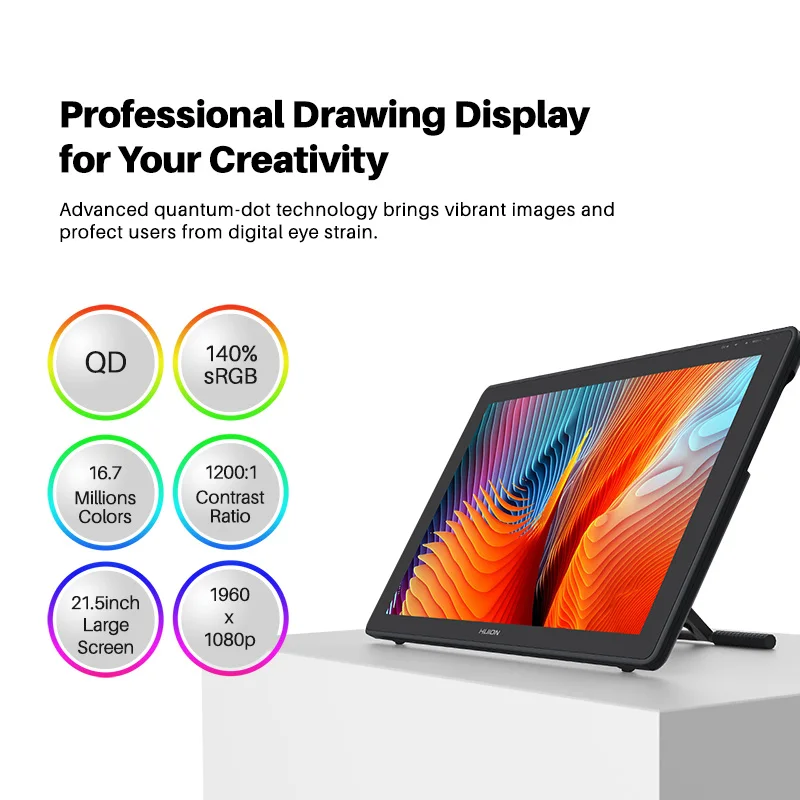
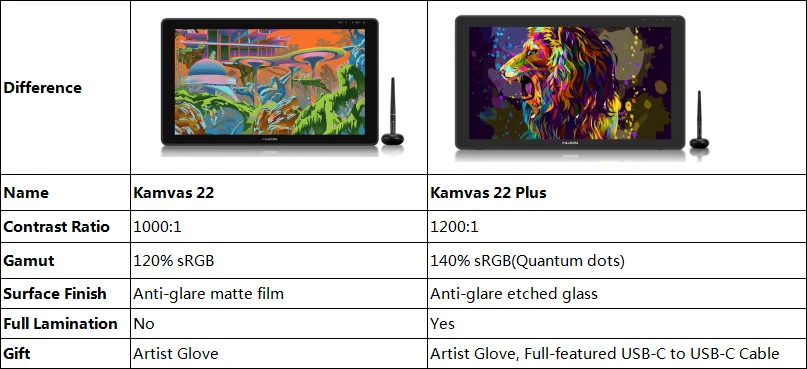
Enjoy 16.7 million display colors and a wide 140% color gamut volume powered by Quantum Dot technology, designed to deliver purer tones and more lifelike gradients than standard LCDs.
Fully laminated and glare-free
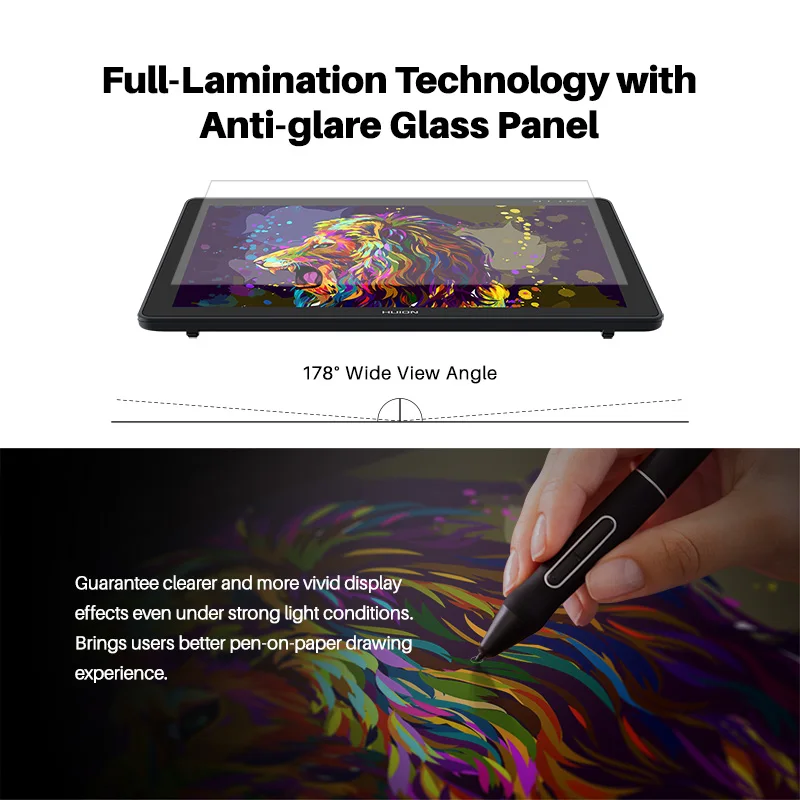
Full lamination helps reduce parallax so the cursor stays closer to the pen tip where you expect it. The etched glass surface reduces glare and reflections while adding a tactile, paper-like drawing feel.
More space to create
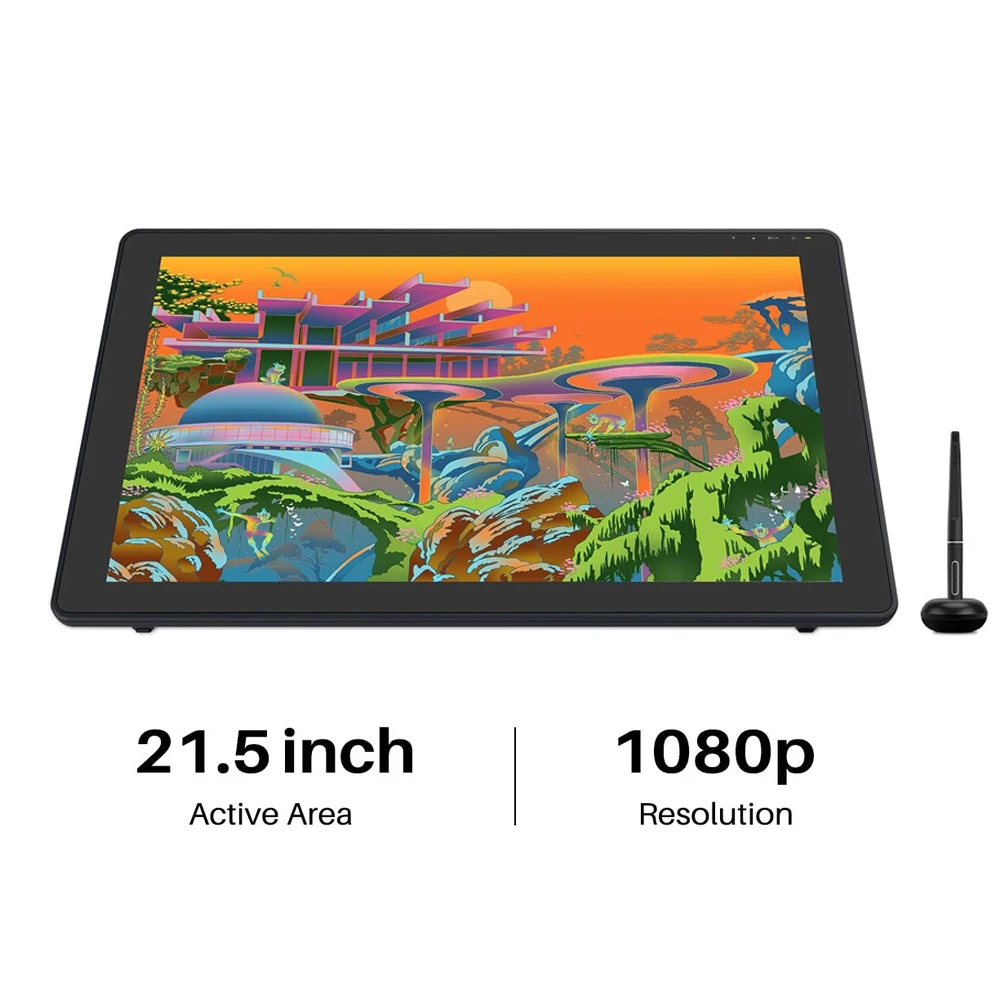
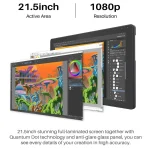
The 21.5-inch Full HD screen gives you clearer detail and more working room, so you can spend less time switching windows and more time creating.
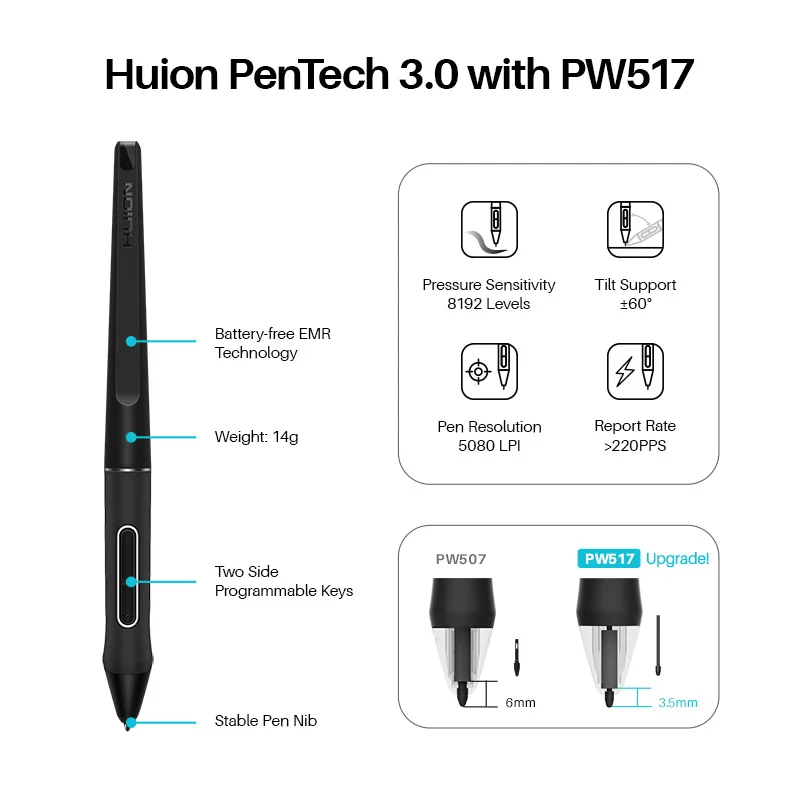
PenTech 3.0 precision with PW517
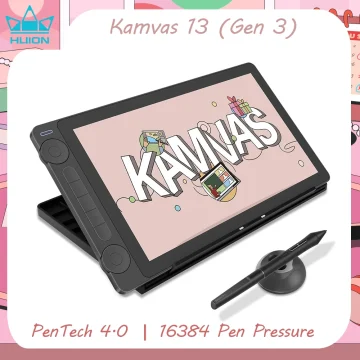
The included PW517 digital pen is designed for precise control with low wobble and minimal lag. Two customizable side buttons help speed up common actions like erase, right click, or undo.
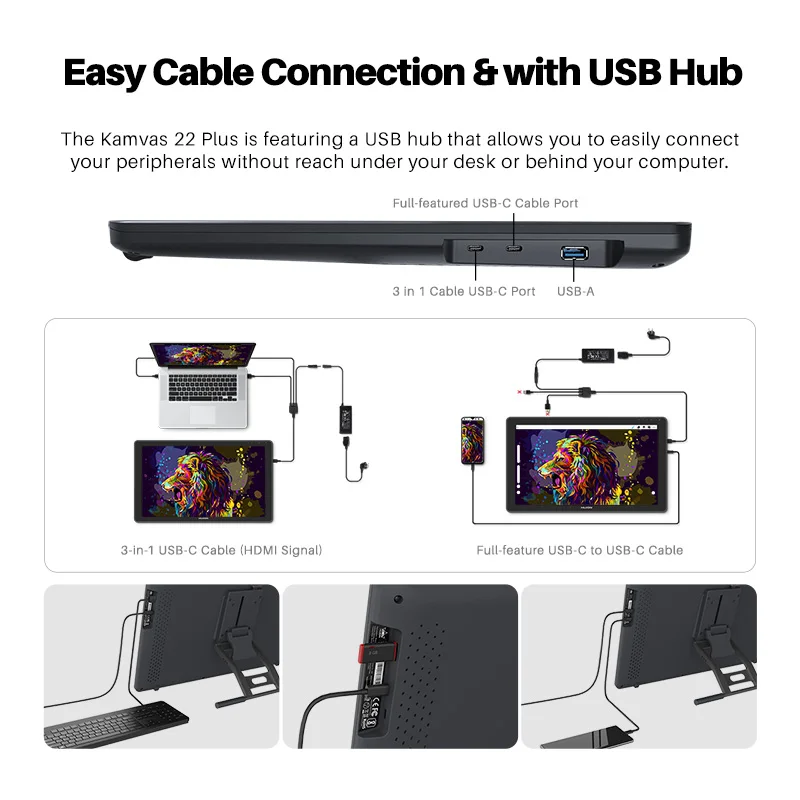
Fast, clean USB-C connectivity
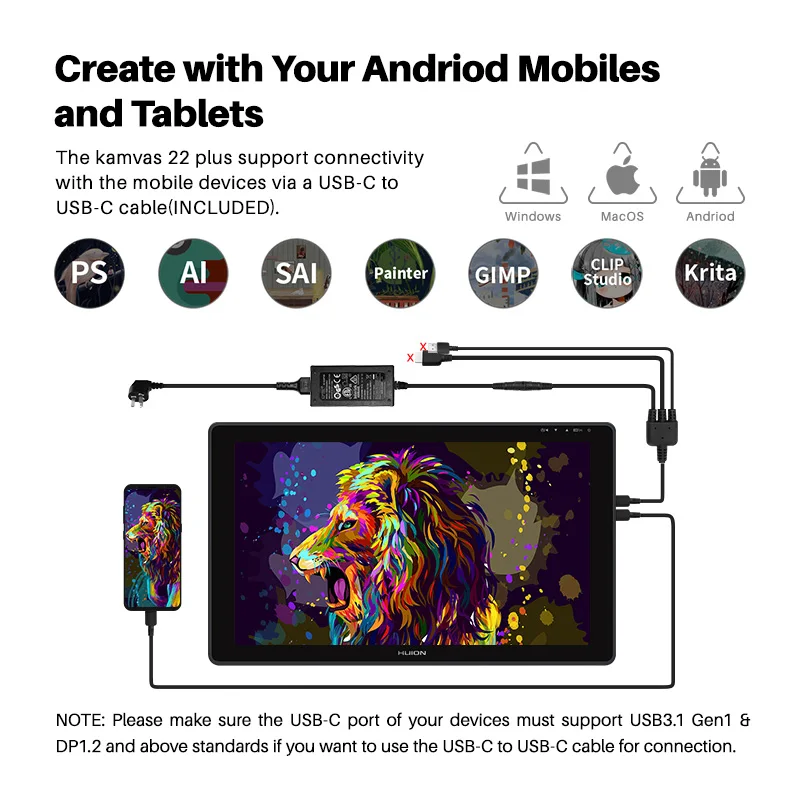
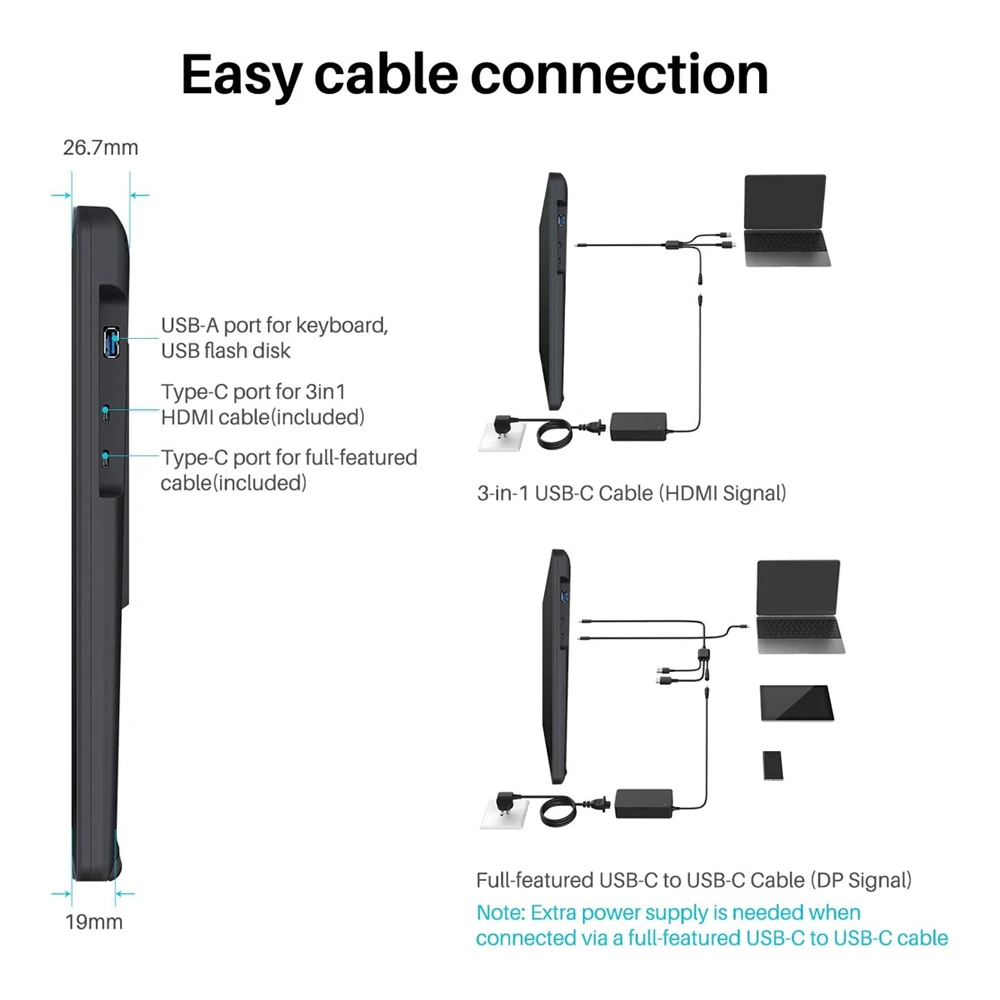
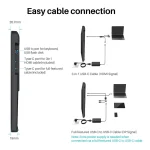
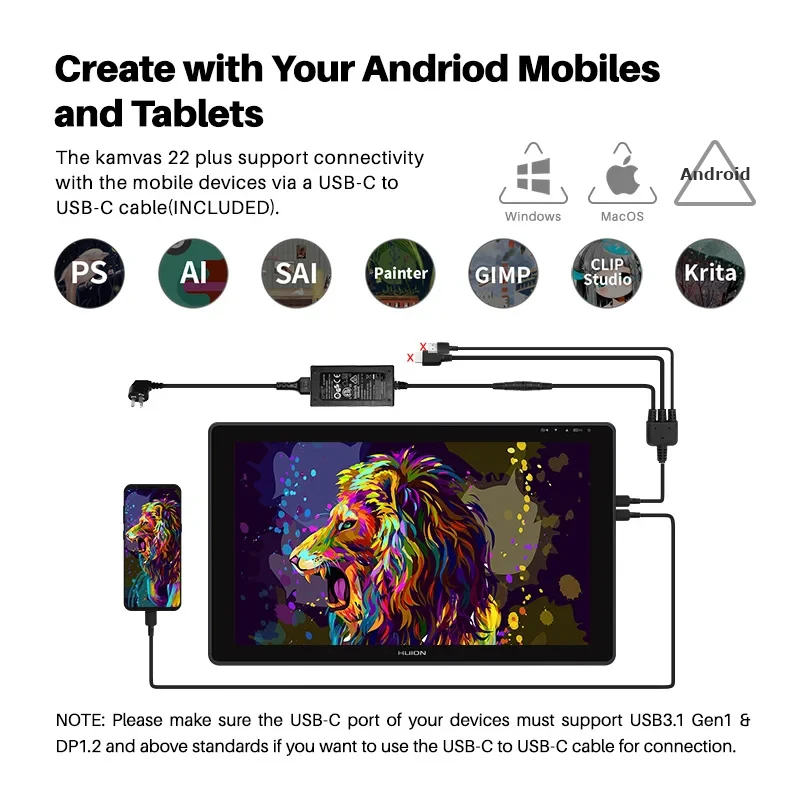
Use a full-featured USB-C connection for a cleaner desk setup and quicker connection. To use USB-C to USB-C, your device USB C port must support USB 3.1 Gen 1 and DisplayPort 1.2 or higher.
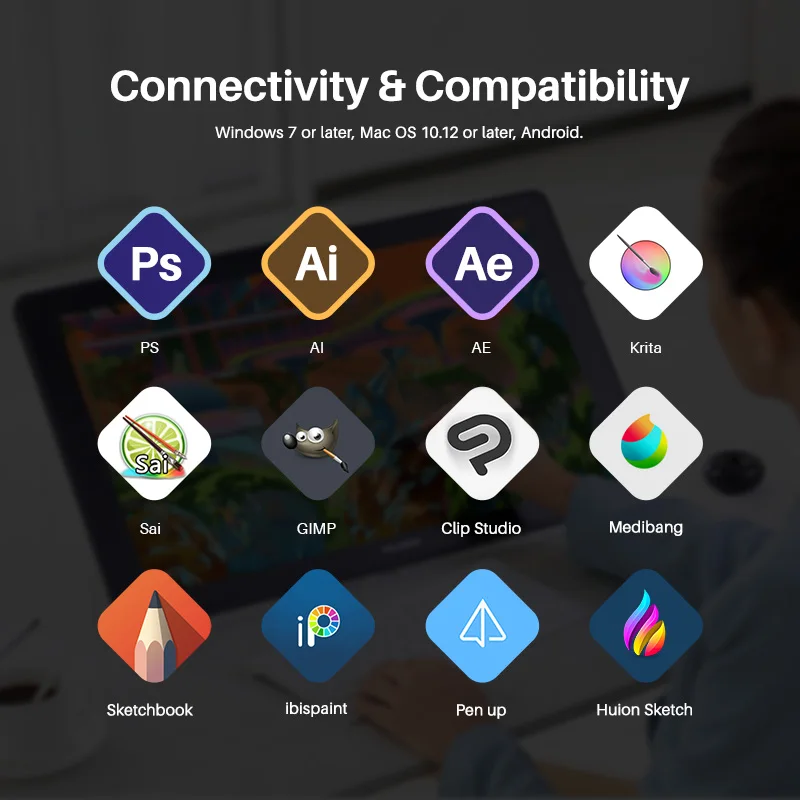
Wide compatibility
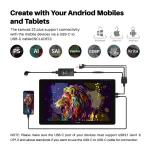
Works with Windows, macOS, Linux (Ubuntu), and certain Android devices. Android use requires a compatible device and the proper full-featured USB-C connection.
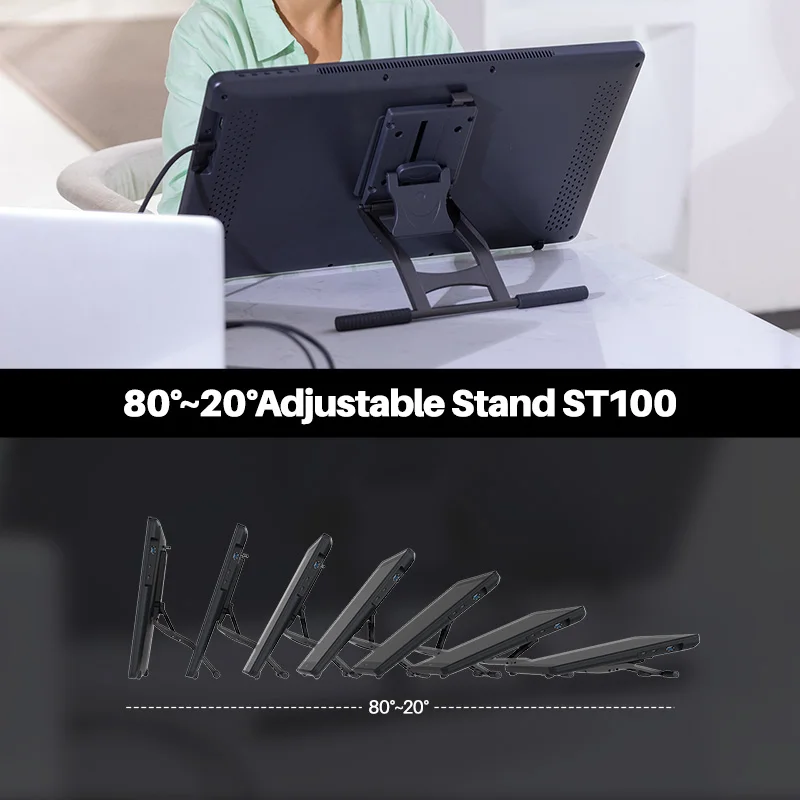
Comfortable adjustable stand
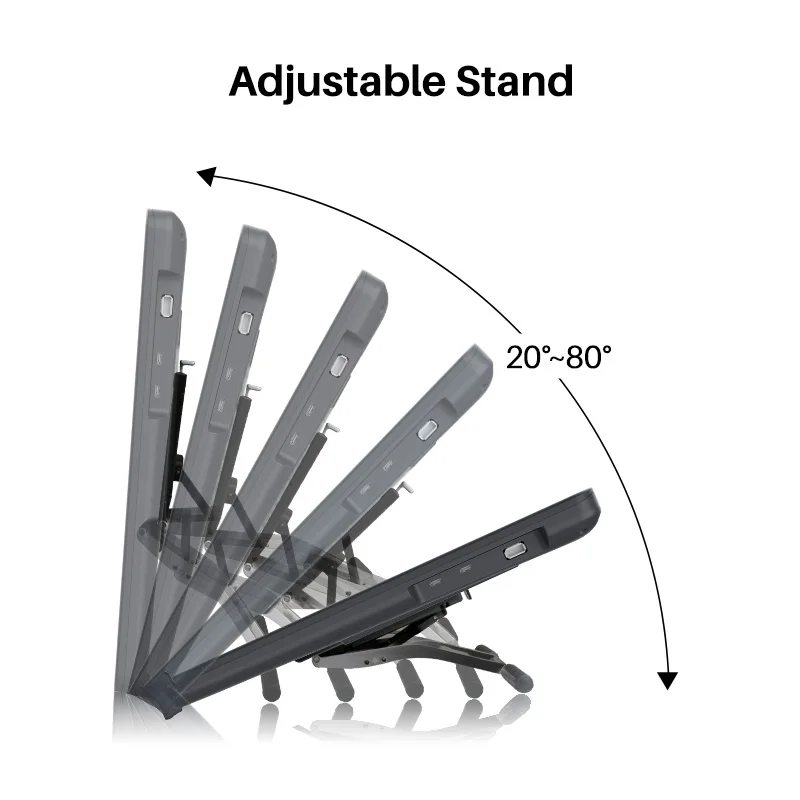
Includes a stable metallic stand with adjustable angles from 20 to 80 degrees, so you can find a comfortable working position.
What is included
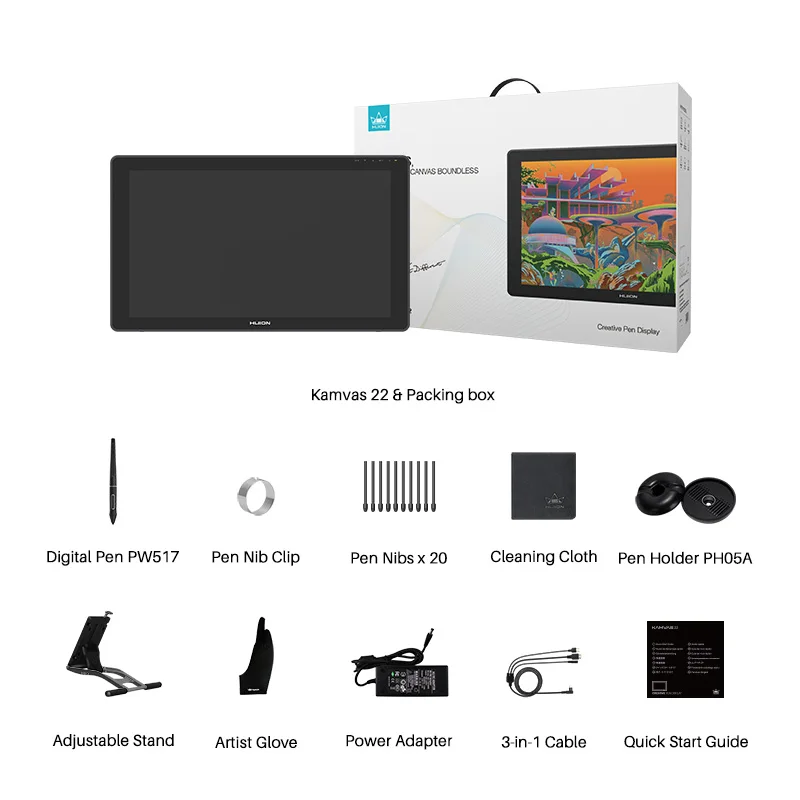
Kamvas 22 or Kamvas 22 Plus, PW517 digital pen, 3-in-1 HDMI cable, adjustable stand, AC adapter and power cord, pen holder, pen nibs x 10, nib clip, glove. Full featured USB C cable is only included with Kamvas 22 Plus.
Important notes
This is not a standalone device. It must be connected to a compatible computer or device to operate. If you plan to use USB-C to USB-C, confirm your USB-C port supports the required standards. For the smoothest experience, keep your driver updated and remove older tablet drivers before installing a new one.


There are no reviews yet.