

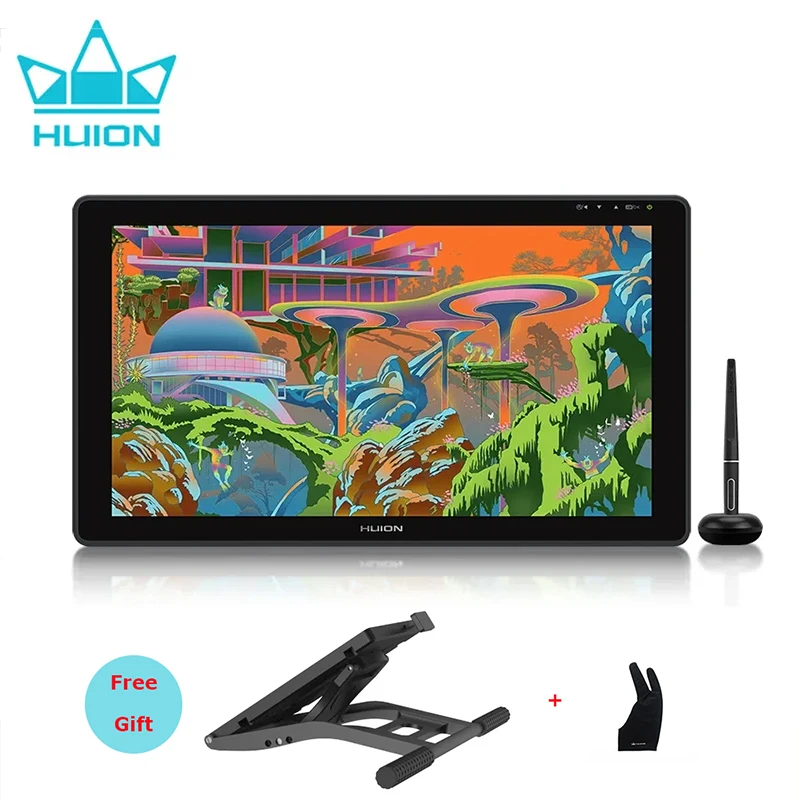
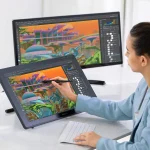
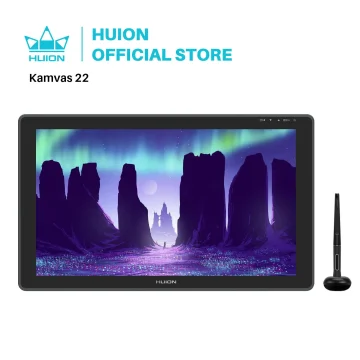
Huion Kamvas 22 21.5-inch Pen Display Tablet
Full Lamination and Wide Viewing Angle
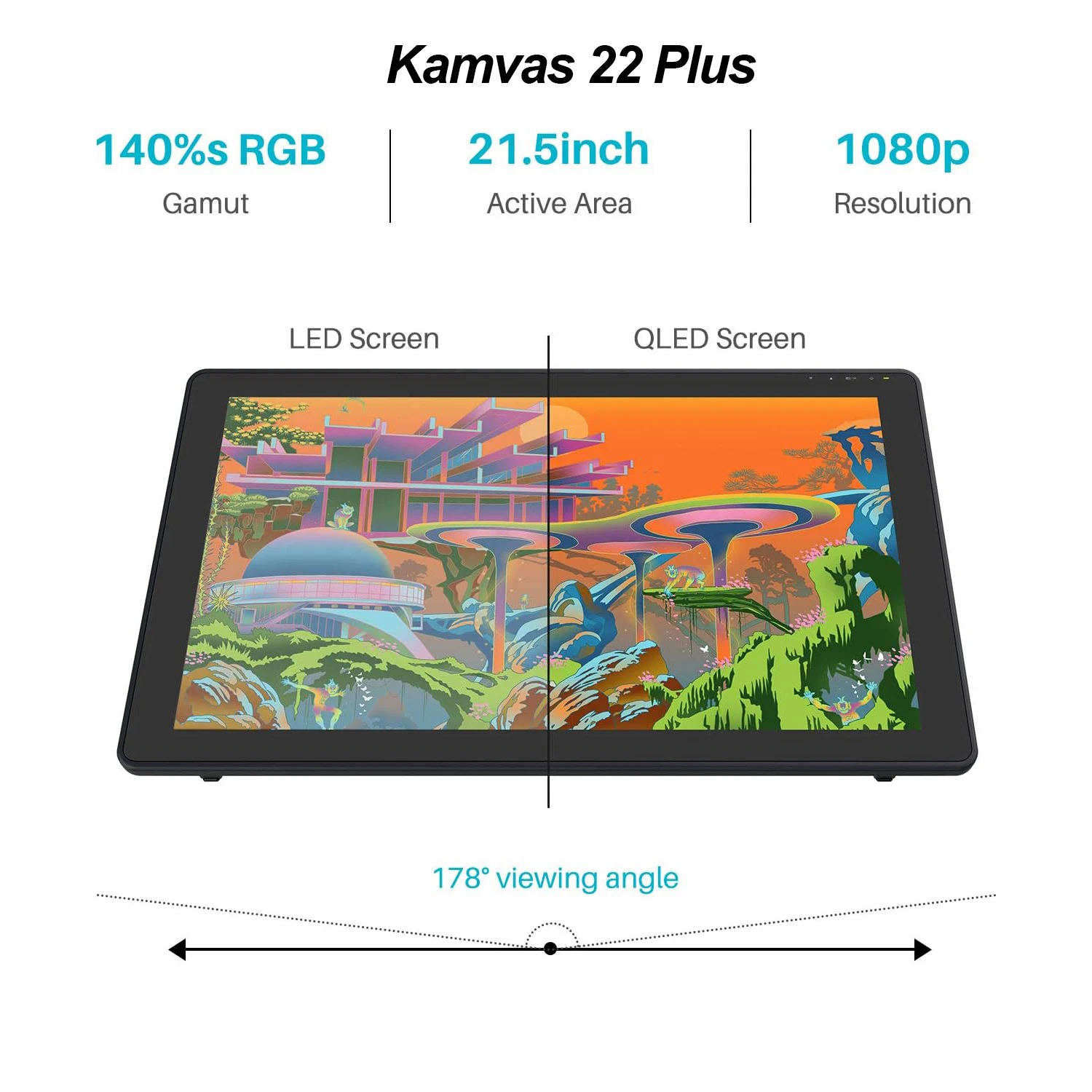
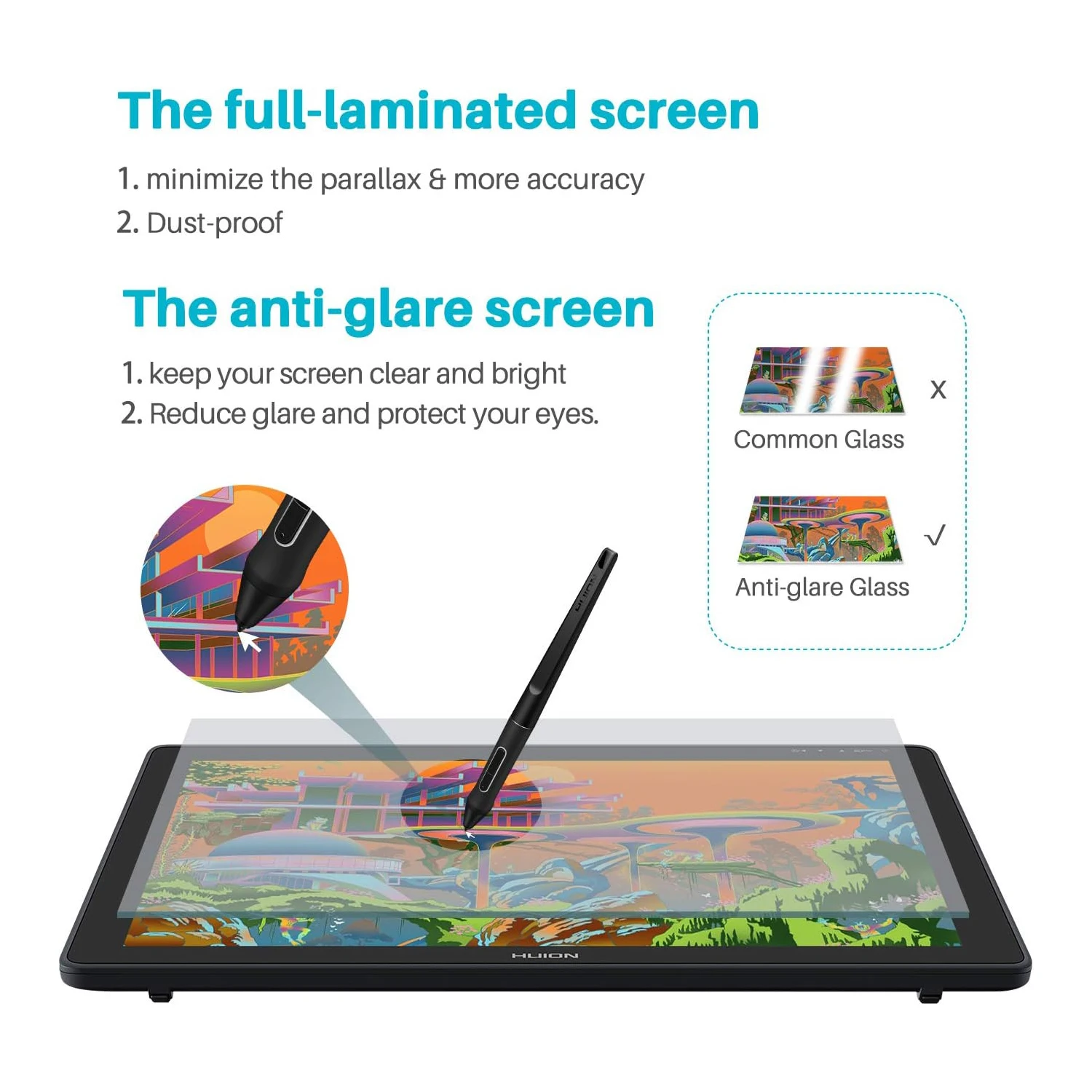
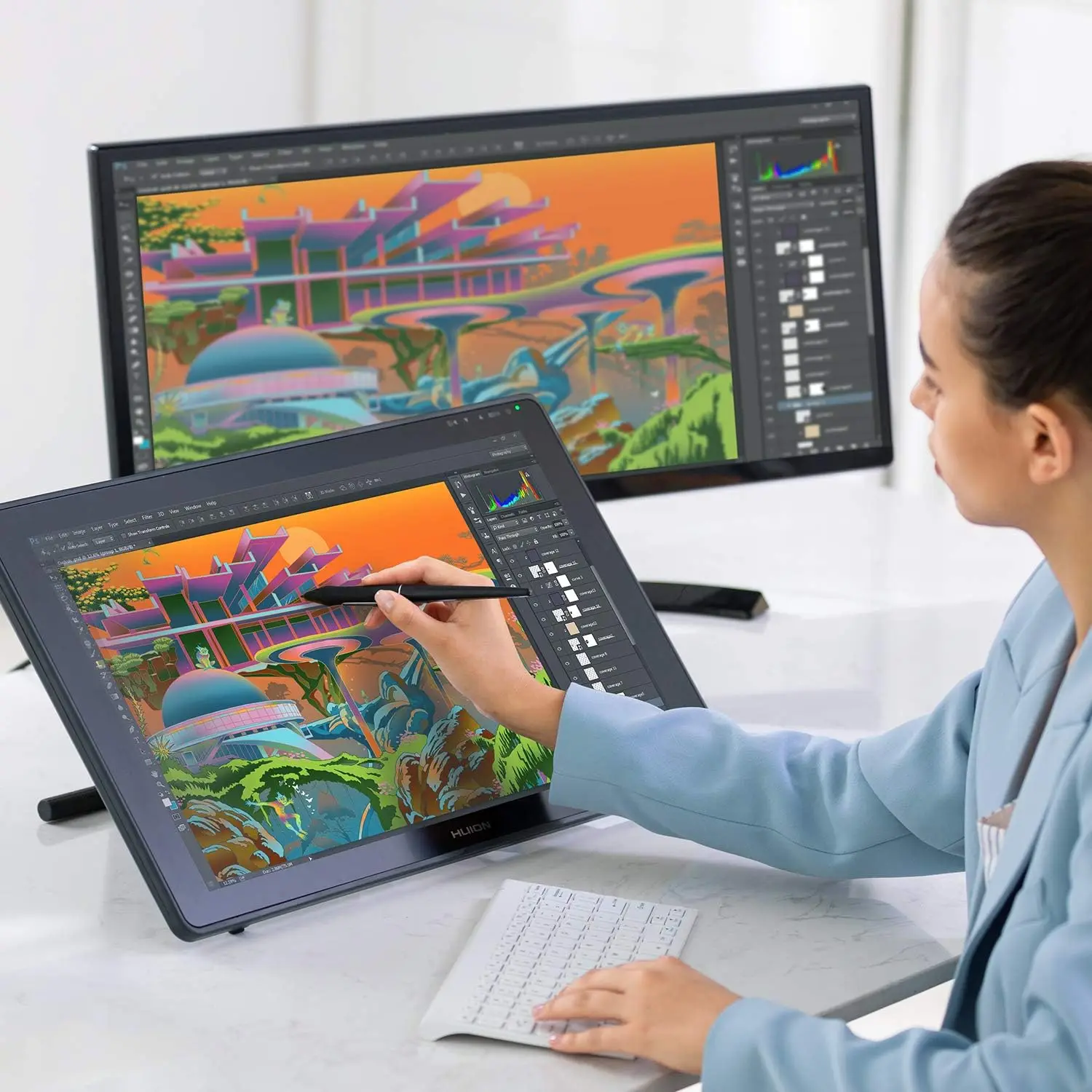
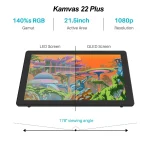
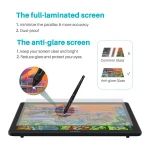
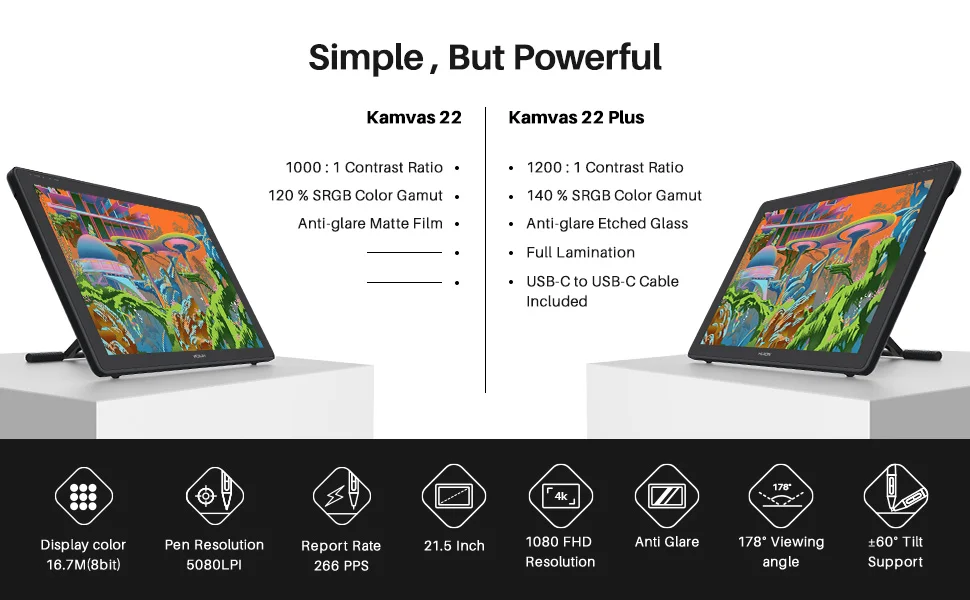
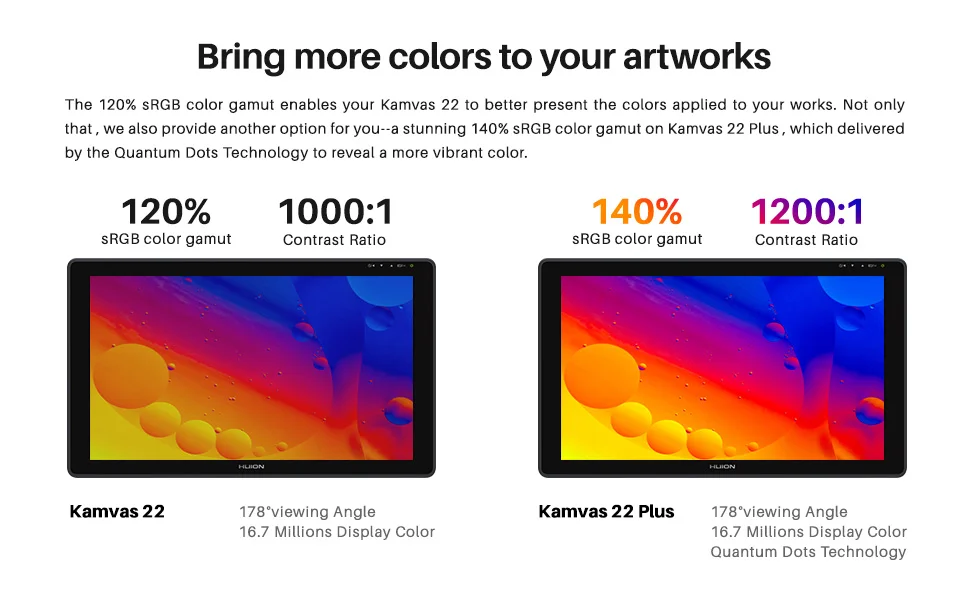
Enjoy rich color and a clean, natural drawing view with 120% sRGB (Kamvas 22) or 140% sRGB (Kamvas 22 Plus), full lamination technology, and a 178° viewing angle. Full lamination reduces parallax so the cursor stays closer to the pen tip, while anti-glare glass helps cut reflections from room lighting and improves viewing comfort.
PW517 Pen Upgrade for Better Accuracy
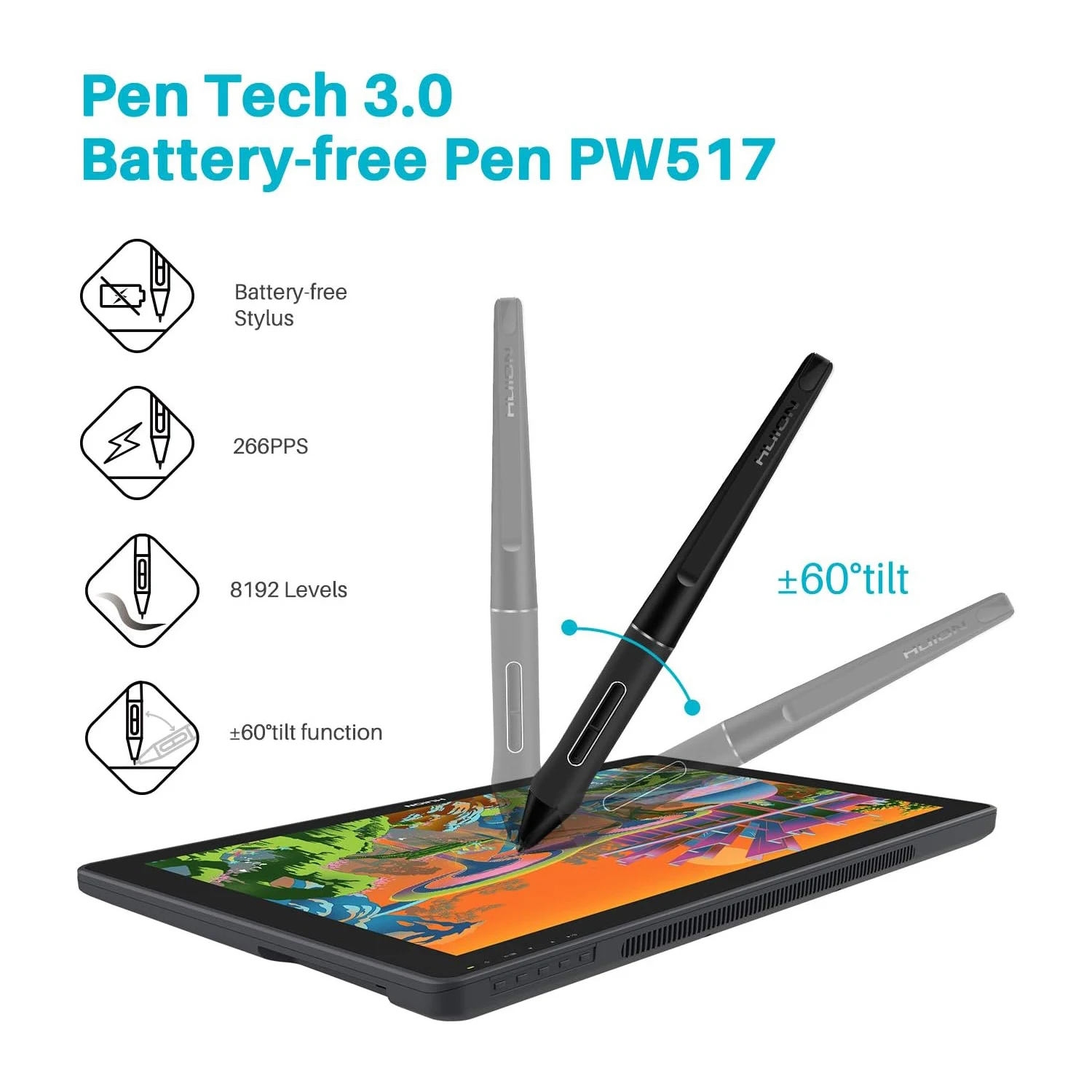
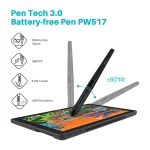
The PW517 pen is upgraded from PW507 for steadier strokes and better control. The pen tip is designed to feel more like writing with a real pen, helping you draw more accurately. The PN05A pen nib is thinner and longer for a more stable feel, and the PH05A pen holder helps protect nibs more securely. Pen shortcut keys can be customized in the driver.
Connection Options
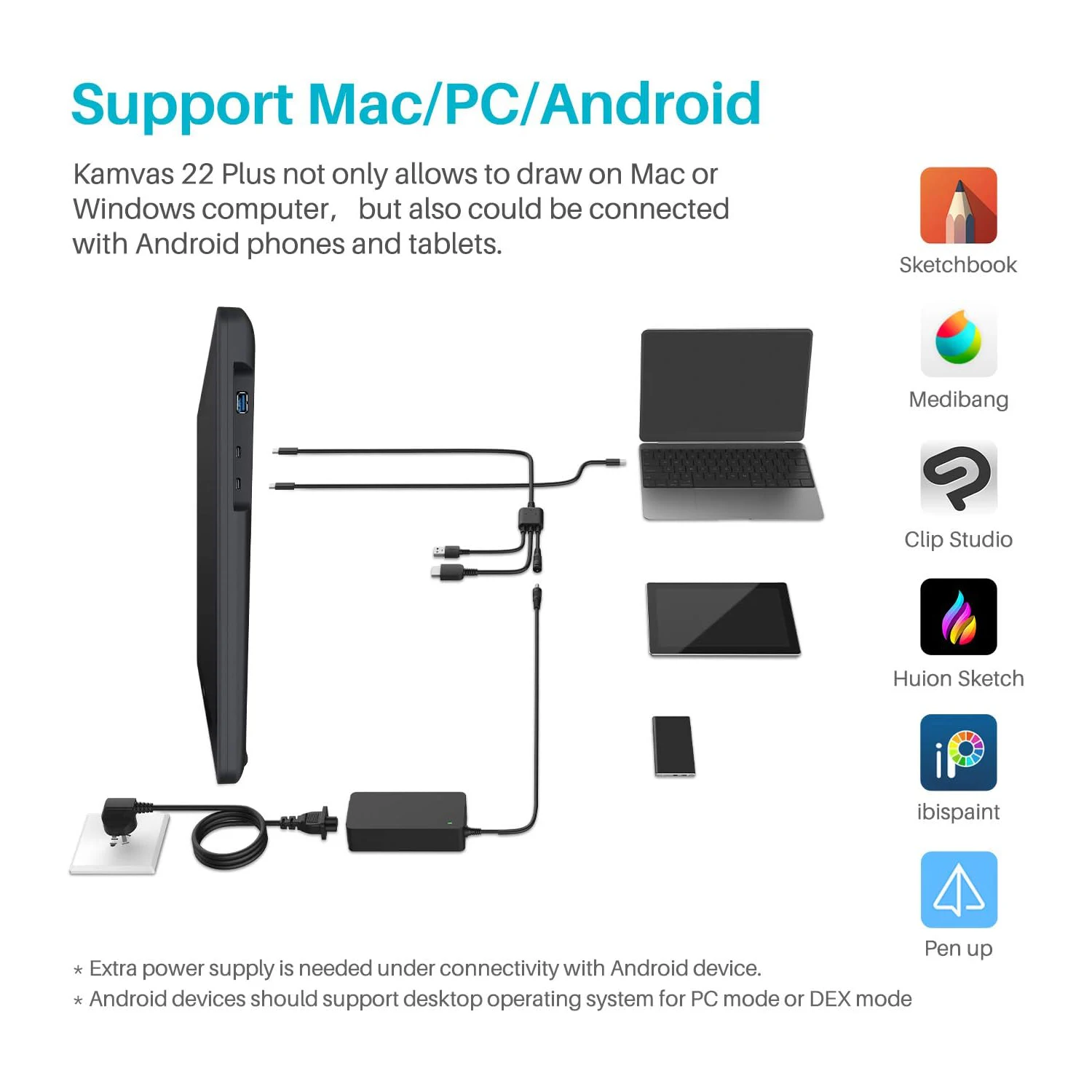
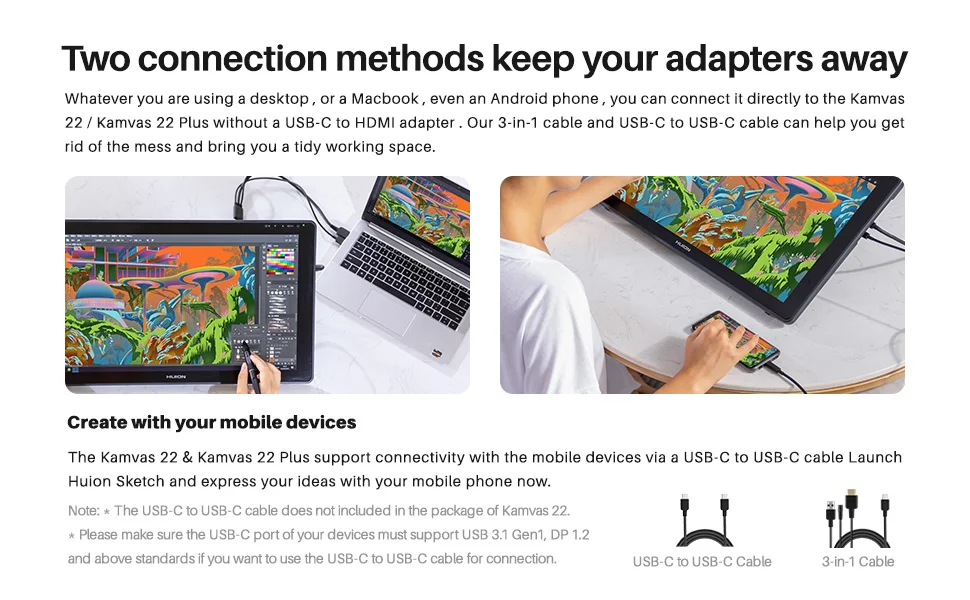
Kamvas 22 Series supports both a 3-in-1 cable connection and a full-featured USB-C connection. You can use the 3-in-1 cable, or connect to some devices with a full-featured USB-C cable. When connecting to a mobile phone, you may need the 3-in-1 USB-C cable and external power to ensure a stable power supply.
OS and Software Compatibility
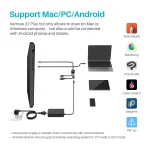
Kamvas 22 and Kamvas 22 Plus are compatible with Android (your device must support USB 3.1 and DP 1.2 or later), Windows, macOS 10.12 or later, and Linux. They work with most major drawing software such as Photoshop, SAI, Illustrator, and more.
Two USB-C Ports
3-in-1 USB-C Port (HDMI Signal): Connect your Kamvas 22 Series to the computer and power supply via a 3-in-1 cable.
Full-featured USB-C Port (DP Signal): Connect your Kamvas 22 Series to your computer or Android phone via a full-featured USB-C to USB-C cable. Extra power is required when using the full-featured USB-C cable.
Important Notices
1. Kamvas 22 and Kamvas 22 Plus are not standalone products. They must be connected to a computer or laptop to work.
2. Connection tips:
These drawing monitors include two USB-C ports and support both 3-in-1 USB-C (HDMI signal) and full-featured Type-C (DP signal) connections.
For the 3-in-1 USB-C cable, your computer needs HDMI and USB ports available. If not, you will need an adapter. Make sure the USB and HDMI connections are fully seated. The included power adapter is a US plug style and supports 110V to 240V. If you need an EU or other plug type, use a compatible plug adapter.
The full-featured Type C cable, it is included with Kamvas 22 Plus but not with Kamvas 22. This cable supports a Type C to Type C connection and does not require HDMI. Extra power is still needed. The Type C port on your PC or Android device must support USB 3.1 Gen 1 data transfer and DP 1.2.
For Android connection, a full-featured Type-C cable is required, and extra power is needed. Full-screen mode depends on your phone and is typically available only on devices that support desktop-style modes such as PC mode or DeX mode. Some compatible device examples include Samsung Galaxy Note 8, 9, 10, 10+, Samsung Galaxy S8, S8+, S9, S9+, S10, S10+, Samsung Tab S4, S5e, S6, Huawei P20, P30, and Huawei Mate series.
3. Driver installation tips:
Huion drivers are updated regularly, so download the latest version from Huion’s official website. Before installing, uninstall other tablet drivers, restart your computer, and close drawing programs during installation. For macOS Mojave (10.14), add TabletDriverAgent to the whitelist after installing. Make sure your driver version supports your macOS version.
4. Huion PenTech 3.0 uses a capacitive pressure sensor and a stable pen nib design to provide a more realistic pen writing feel.
What is included
Kamvas 22 Plus Package: Pen display, PW517 pen, pen holder, pen nibs x 10 (in the pen holder), stand, power adapter, USB-C to USB-C cable, AC cable, 3-in-1 cable, quick start guide, and cleaning cloth.
Kamvas 22 Package: Pen display, PW517 pen, pen holder, pen nibs x 10 (in the pen holder), stand, power adapter, AC cable, 3-in-1 cable, quick start guide, and cleaning cloth.
There are no reviews yet.