




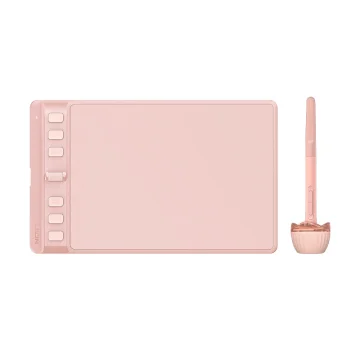
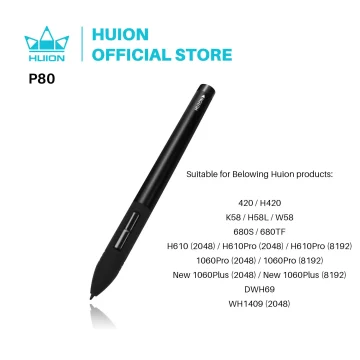

Huion Inspiroy 2 M Drawing Tablet 8 Keys
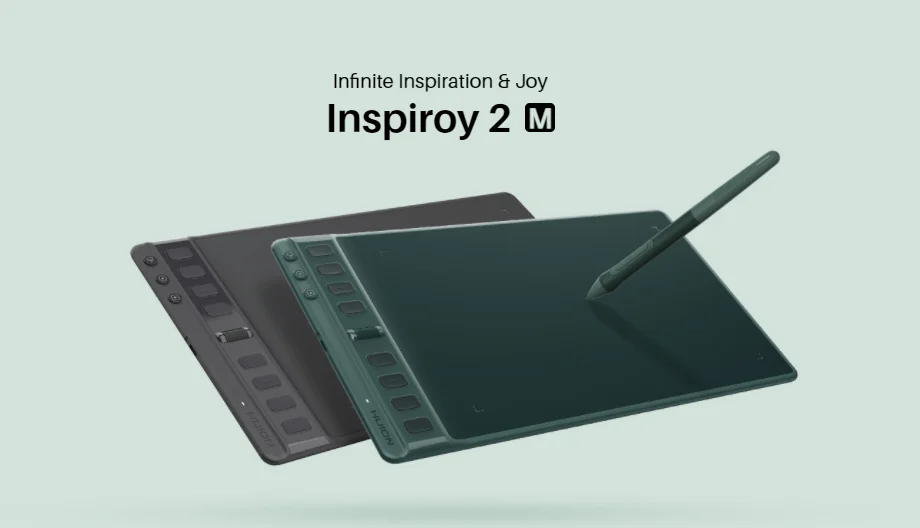
Inspiroy 2 M
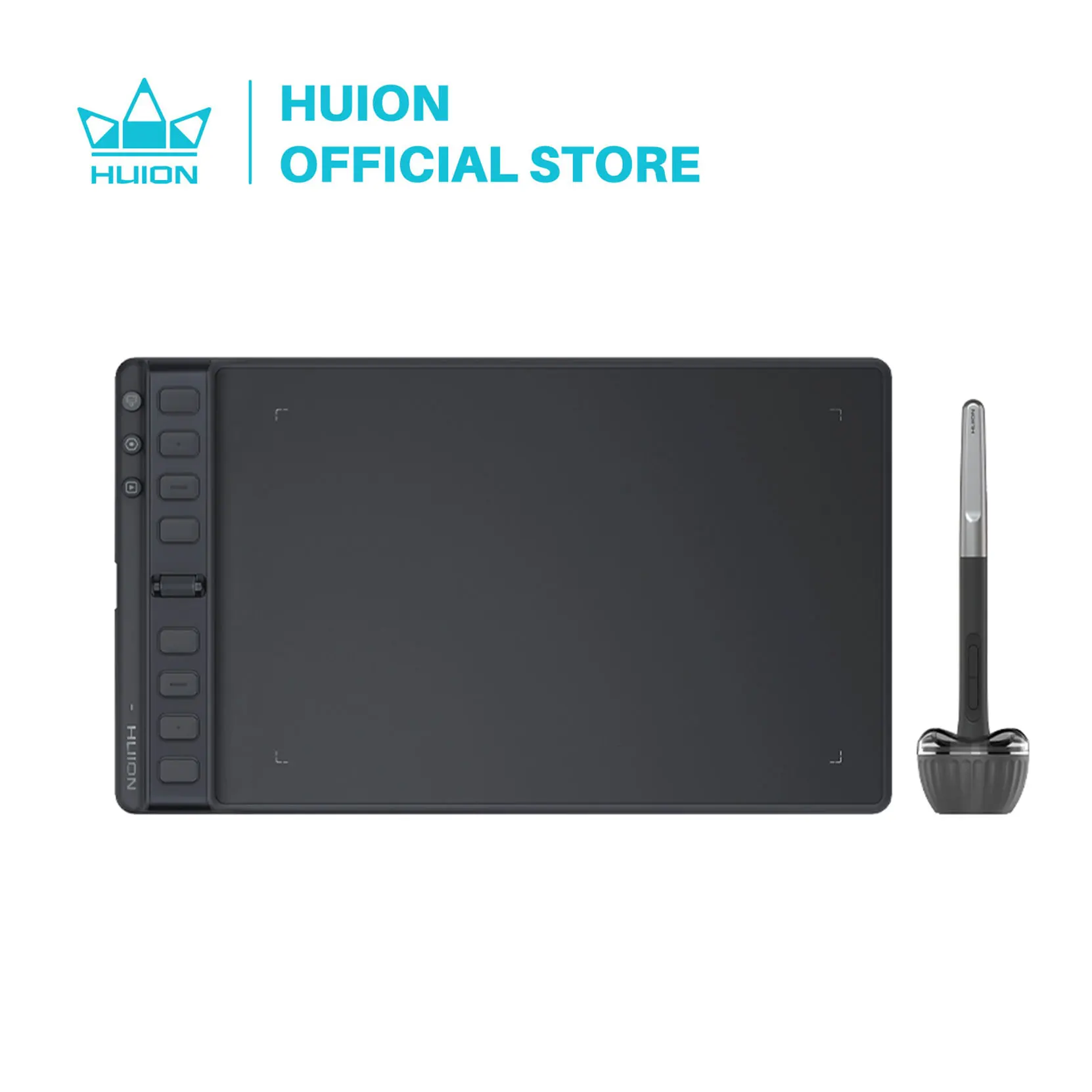
Two colors for choice: Pine Green and Black.
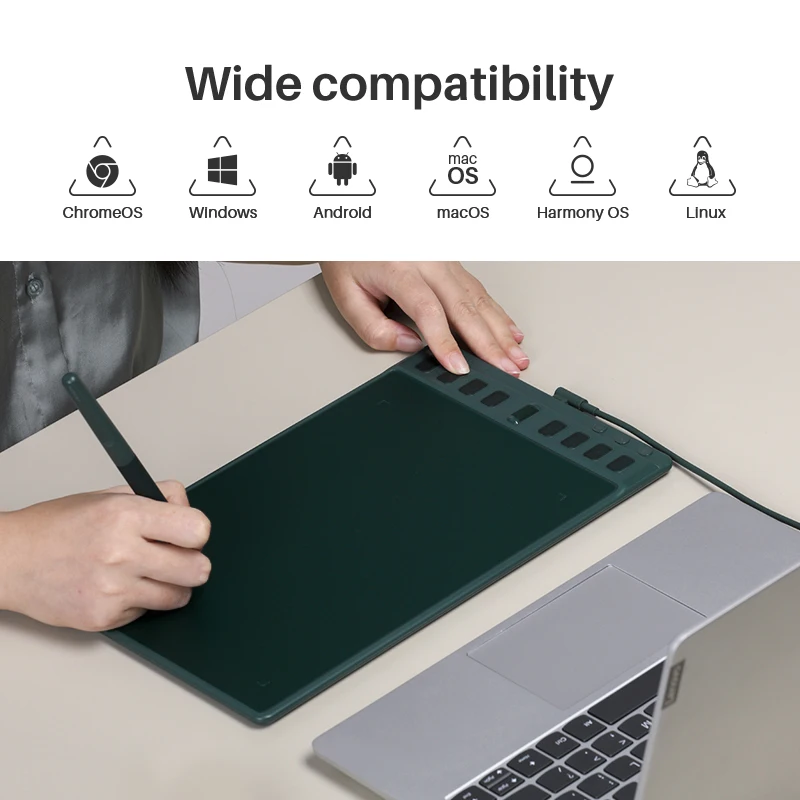
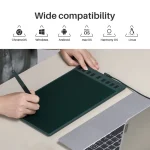
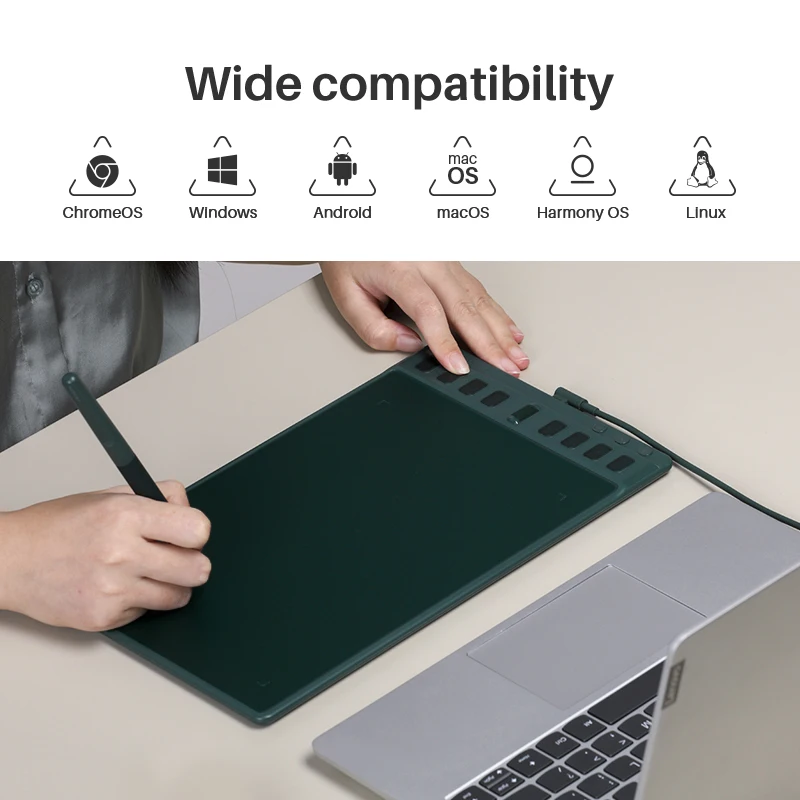
Wide OS Compatibility
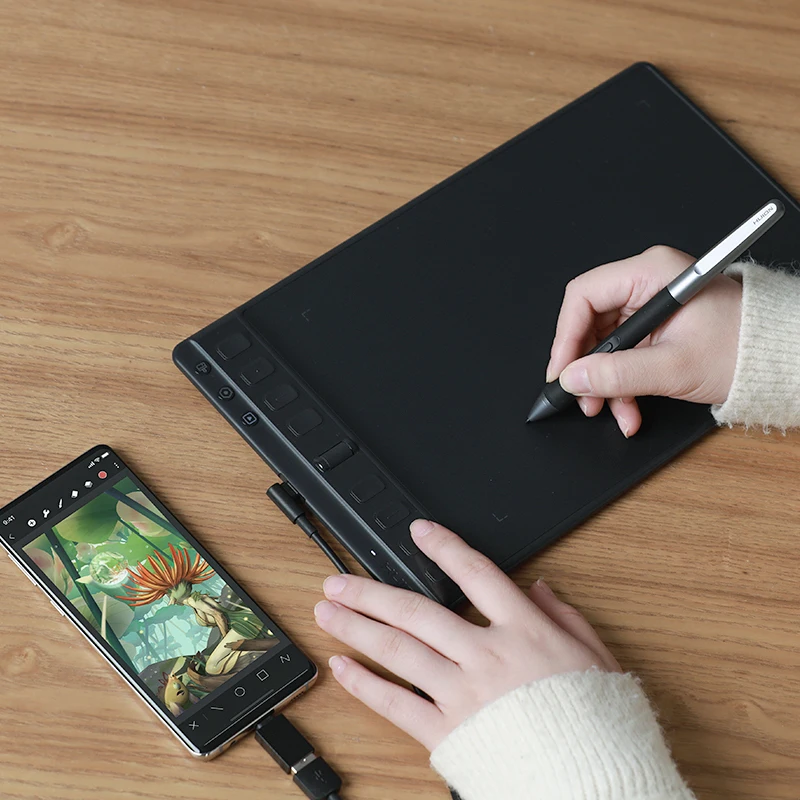
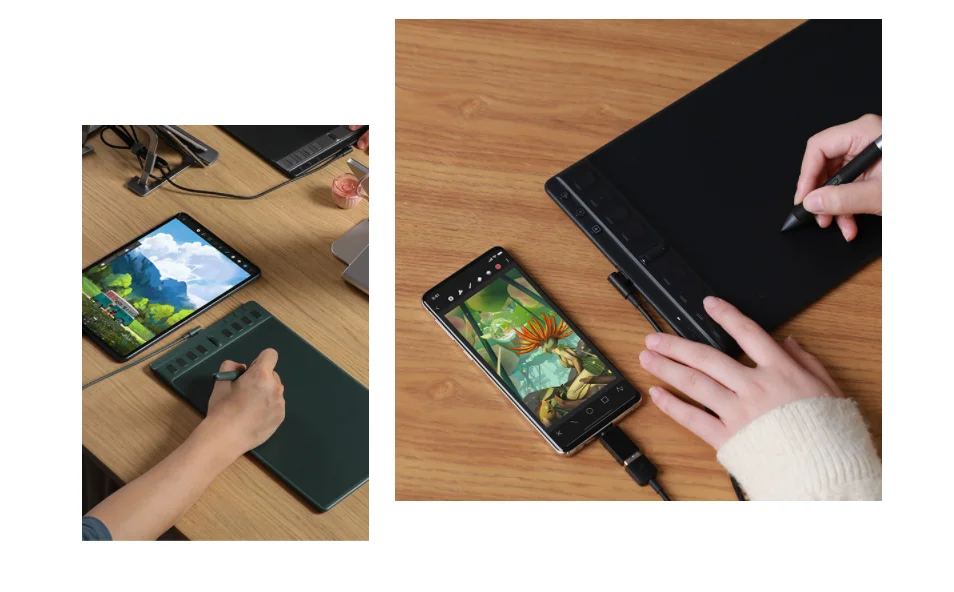
Inspiroy 2 runs on Windows, macOS, Linux, ChromeOS, Android, and HarmonyOS, so you can switch freely between your PC, Android phone, and tablet.
Group Keys, One Press Key, Three Functions
Inspiroy 2 adds three Group Keys, expanding the press keys from 8 up to 24 and unlocking more functions inside one app. You can customize the press keys in the driver, and the Press Keys View interface lets you see each key’s function without needing to memorize shortcuts.
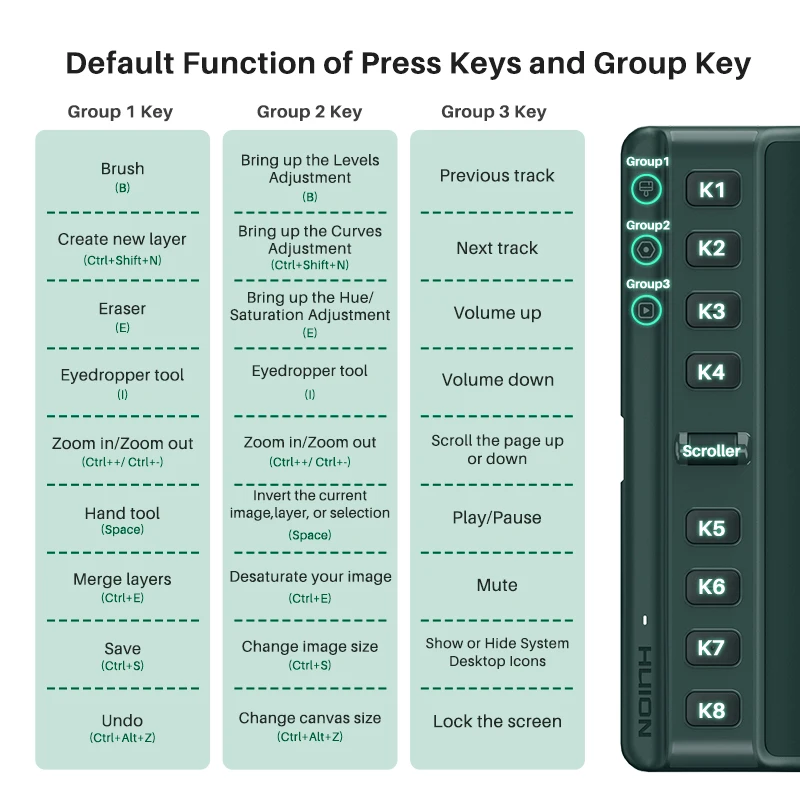
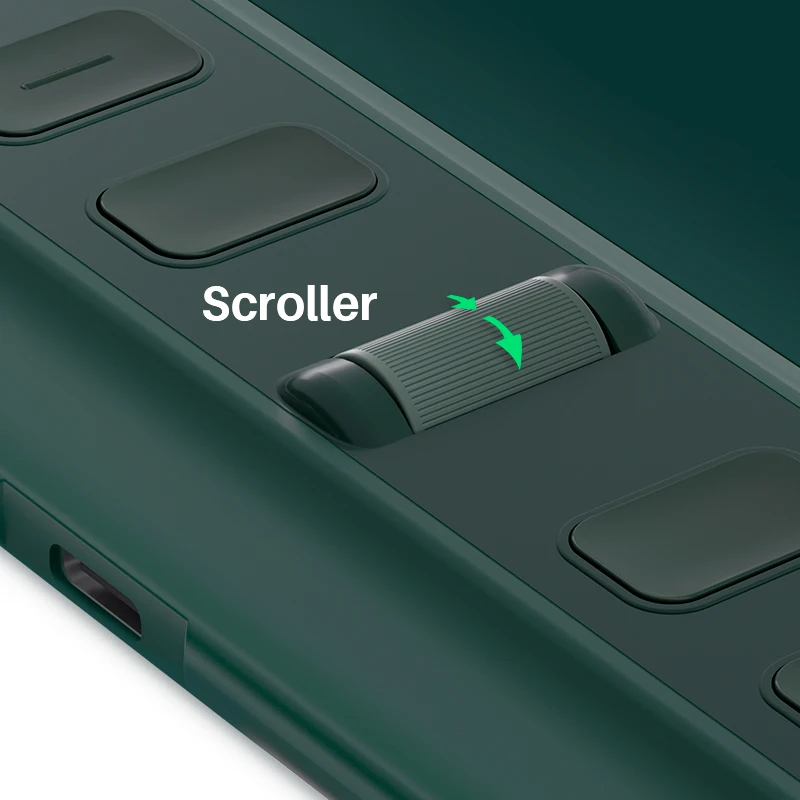
Shortcuts and Scroller, Simpler to Navigate, Easier to Use
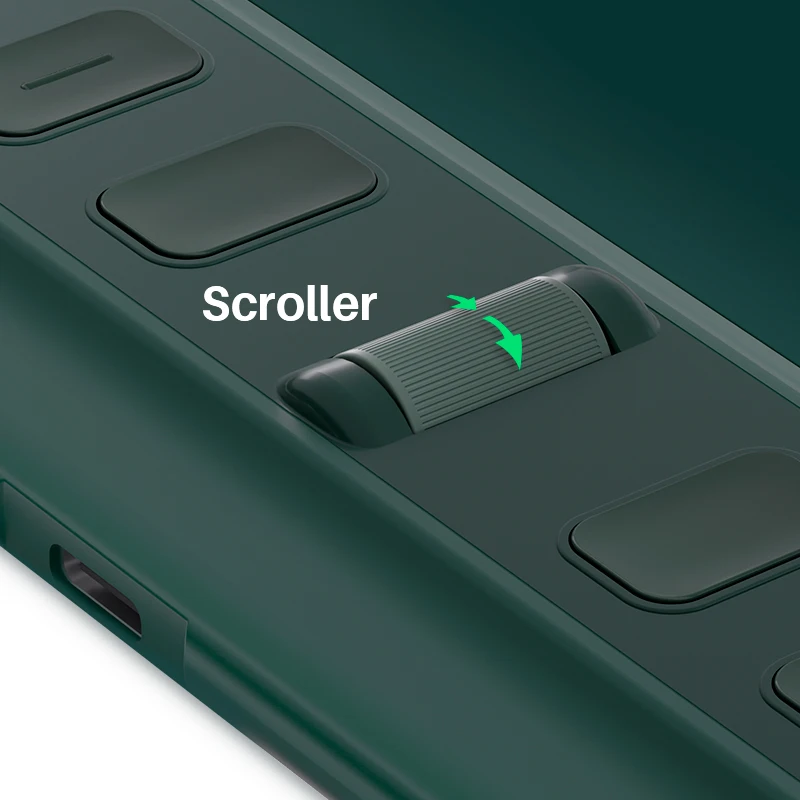
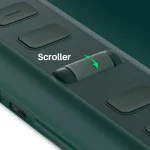
The press keys are easier to find and use thanks to the raised bar height (2mm higher than the drawing surface), the color contrast between keys and bar, and the bumps on each press key. Inspiroy 2 also includes a handy Scroller that works like a mouse scroll wheel, and its sensitivity can be adjusted in the driver.
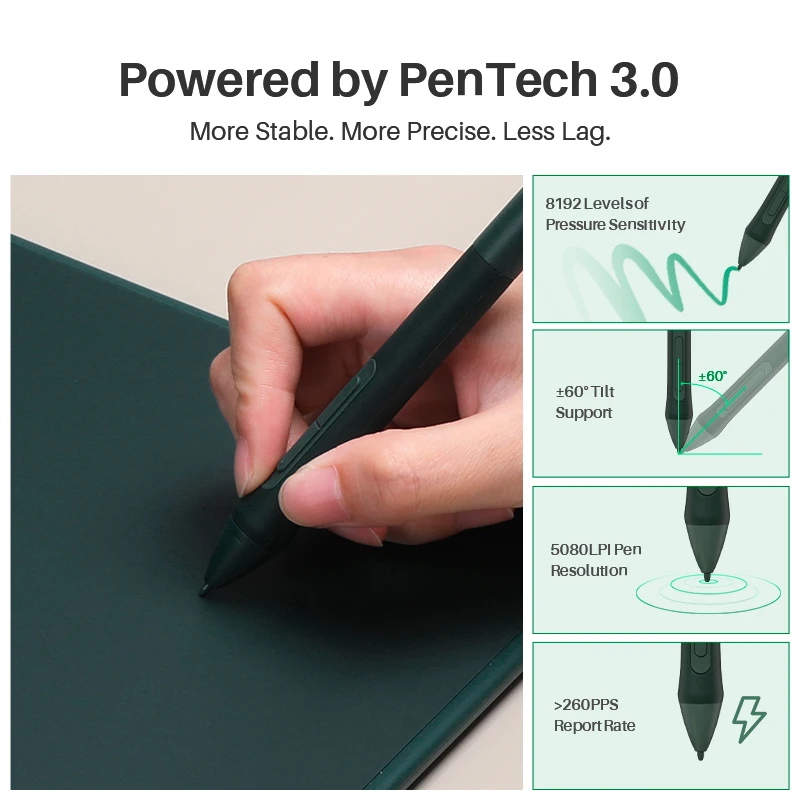
Compatible with Your Phone and Tablet
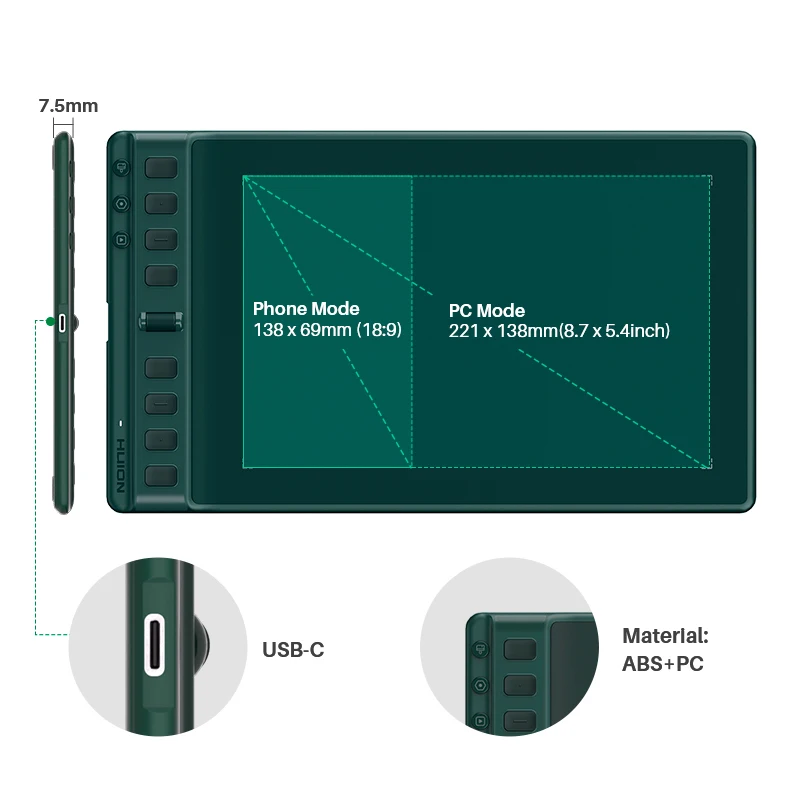
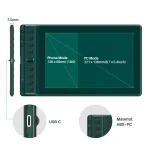
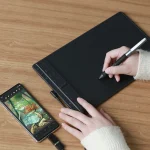
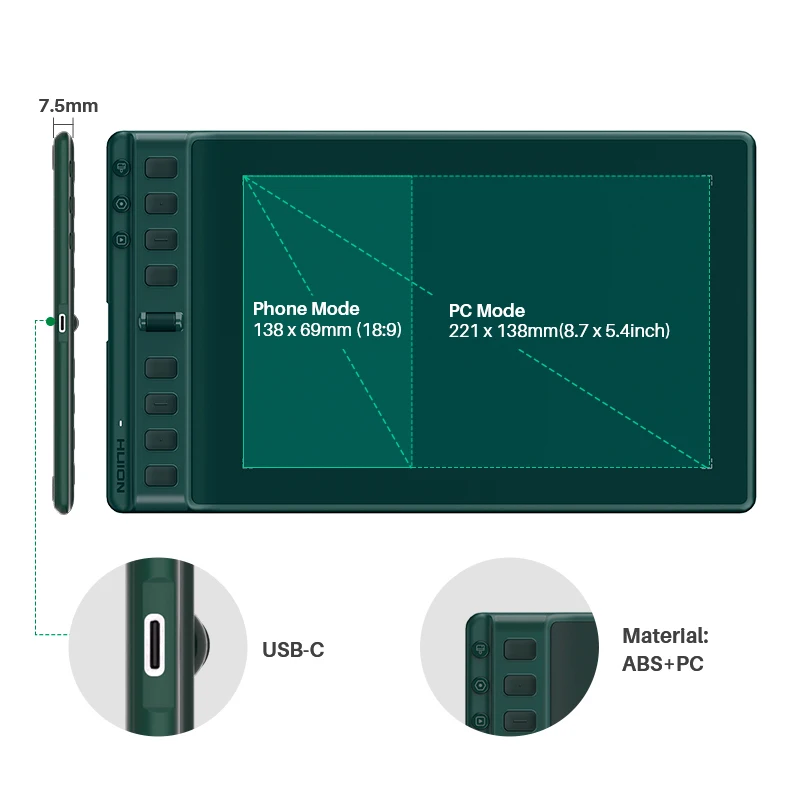
Aside from PC use, Inspiroy 2 is also compatible with Android and HarmonyOS phones and tablets, making it easy to connect whether you are a beginner or a professional artist. Working area: PC mode 221mm x 138mm, phone mode 138mm x 69mm.
Available for Left-Handed Artists
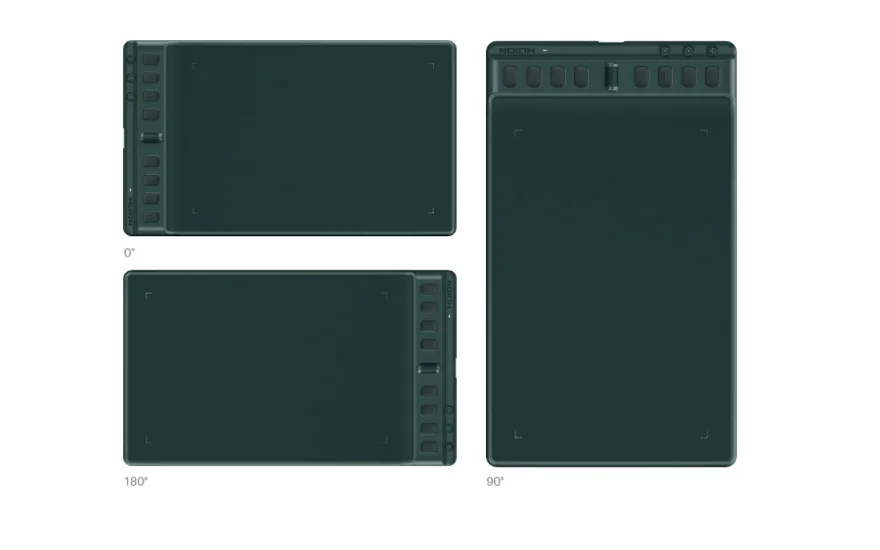
The USB-C port sits in the center of the left side of the tablet, and the press keys and Scroller are placed symmetrically. If you are left-handed, you can rotate the tablet 180 degrees in the driver’s seat. If you use a vertical monitor often, you can also rotate the tablet 90 degrees.
Portable, Pack into Your Backpack
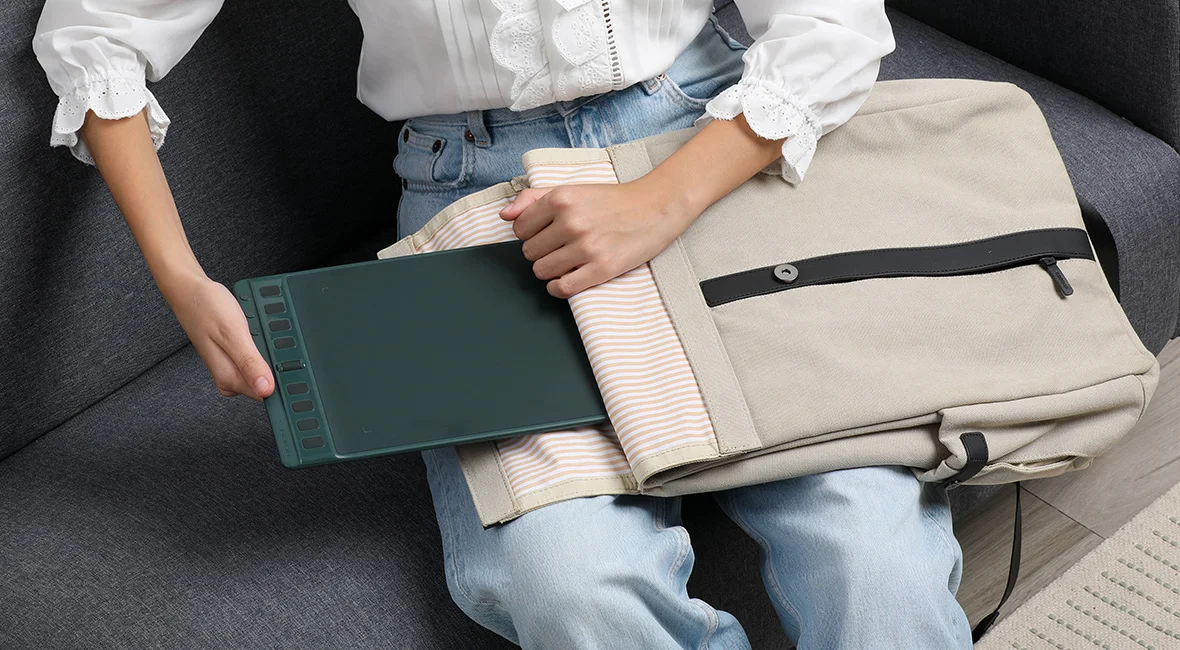
Inspiroy 2 narrows its width and keeps the overall thickness under 1cm, so it is easy to pack in a backpack for drawing on the go. The thinner body also helps reduce wrist discomfort during longer sessions.
Package Contents
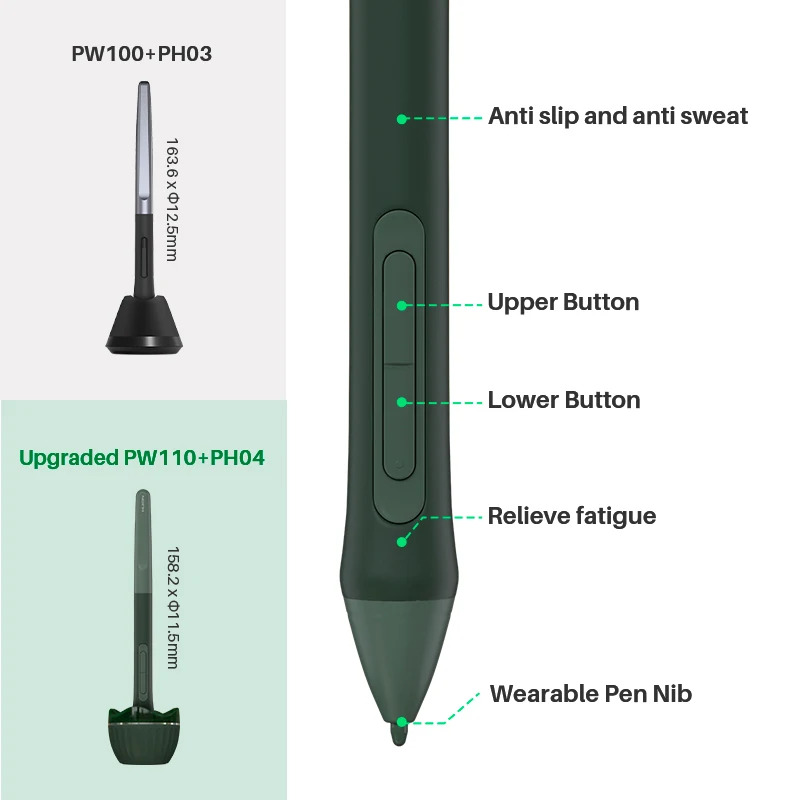
Inspiroy 2 M tablet, PW110 pen, pen holder, 10 pen nibs (stored in the pen holder), USB-C cable, USB-C OTG adapter, and quick start guide.
There are no reviews yet.