




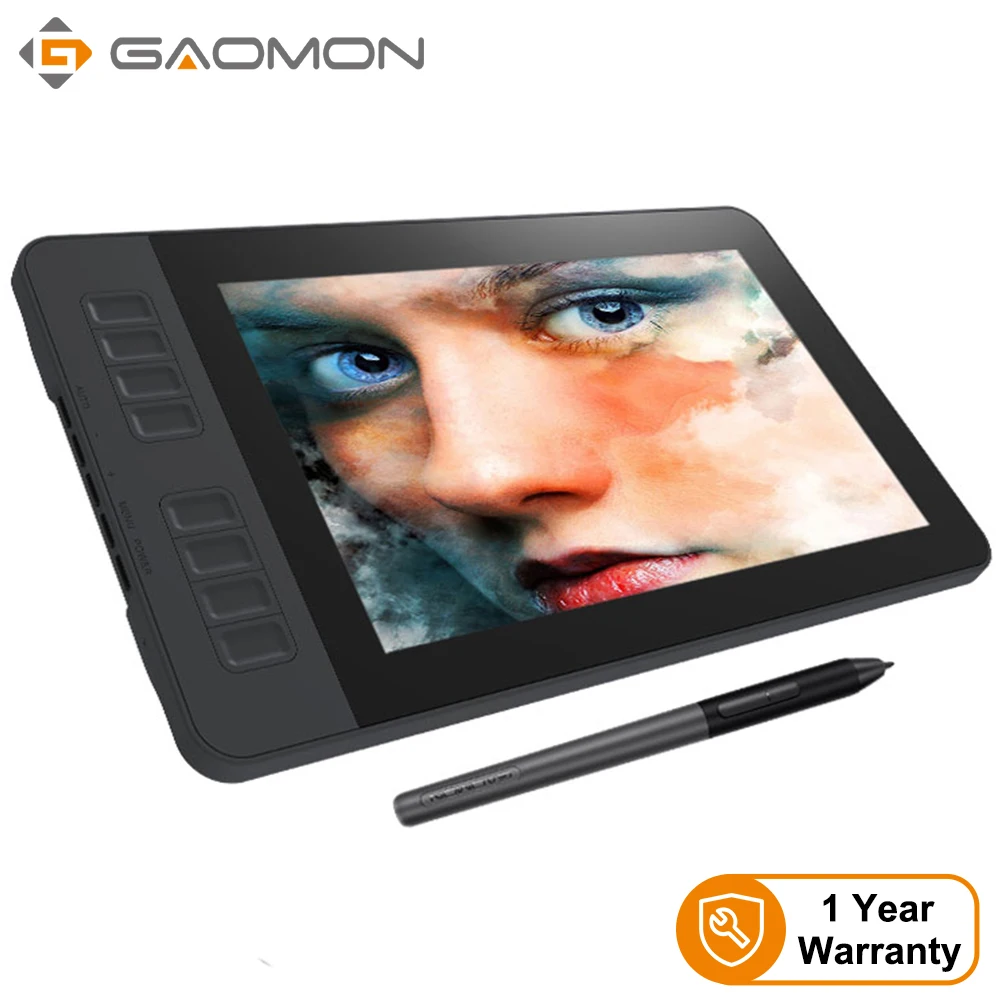
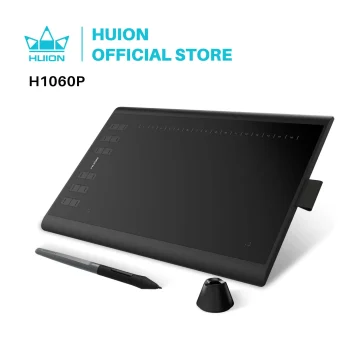
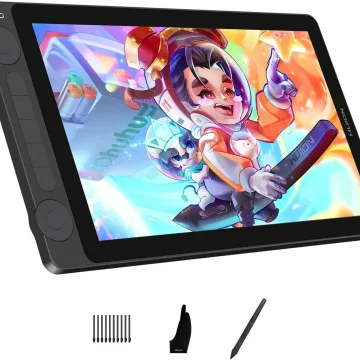

GAOMON PD1161 11.6-inch Drawing Monitor
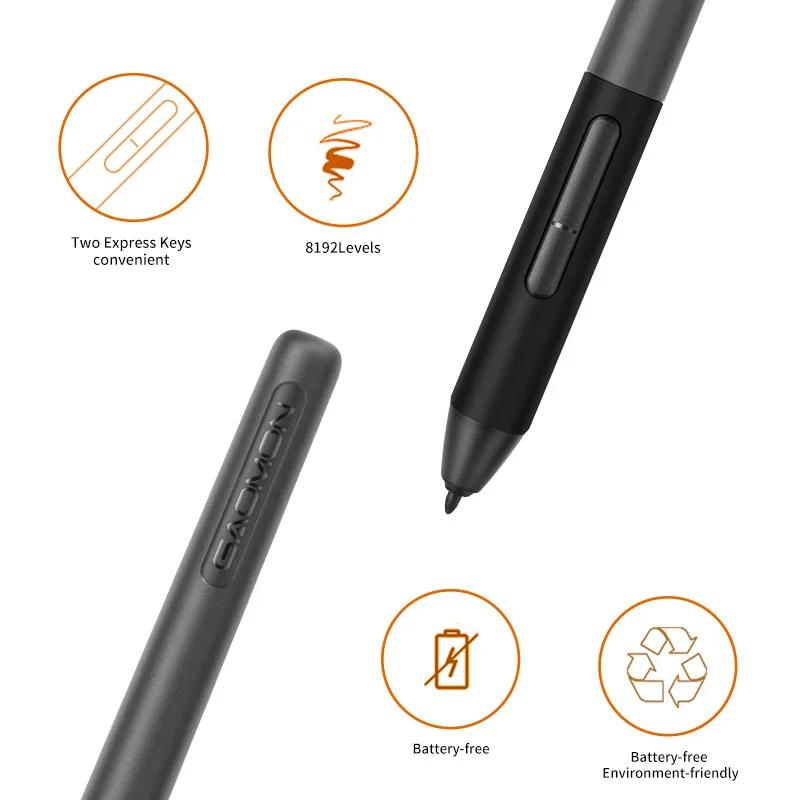
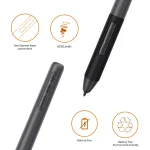
8192 Level Passive Pen
With 8192 levels of pen pressure, you get accurate, smooth, neat, and natural lines during digital creation. The battery-free pen technology means no charging and no battery replacements. A silicone grip helps reduce hand fatigue, so you can create comfortably for longer sessions.
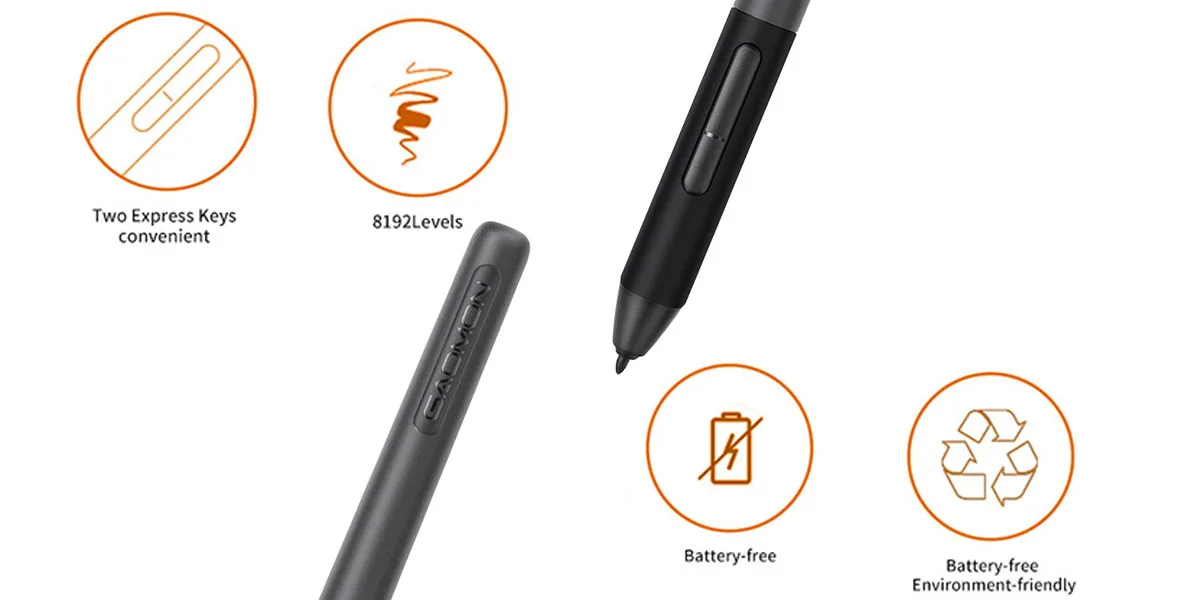
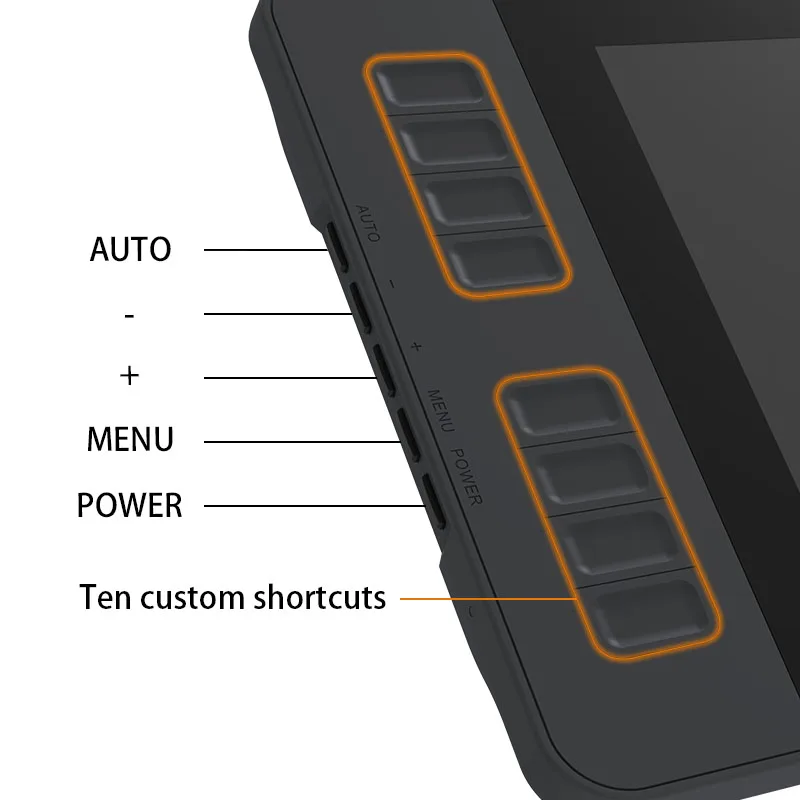
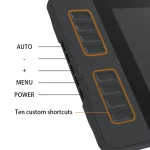
8 Shortcut Keys
Customize 8 shortcut keys to match your workflow, such as zoom in and out, scroll, brush changes, and more. There are also 5 menu keys: AUTO, +, -, MENU, and POWER. These are located on the left side of the display and allow quick adjustments to settings like color, brightness, and contrast.
Lightweight and Portable
At 866g (1.9lb), the 11.6-inch PD1161 is designed to be easy to carry while still giving you a comfortable working space. Great for the workplace, school, travel, outdoor sketching, or whenever inspiration hits.
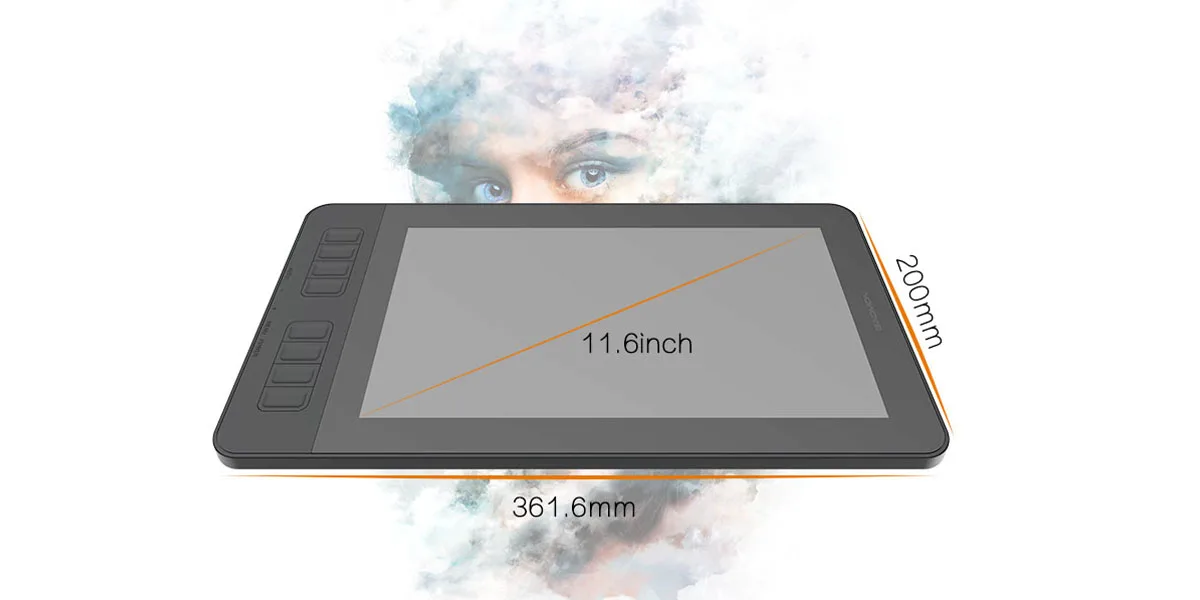
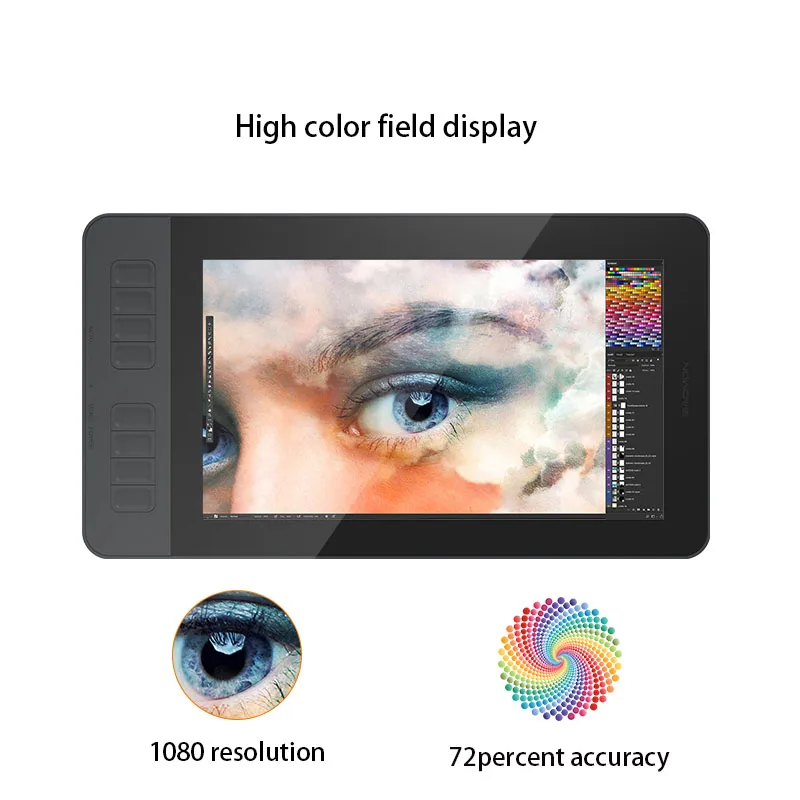
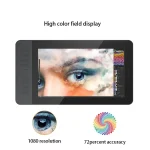
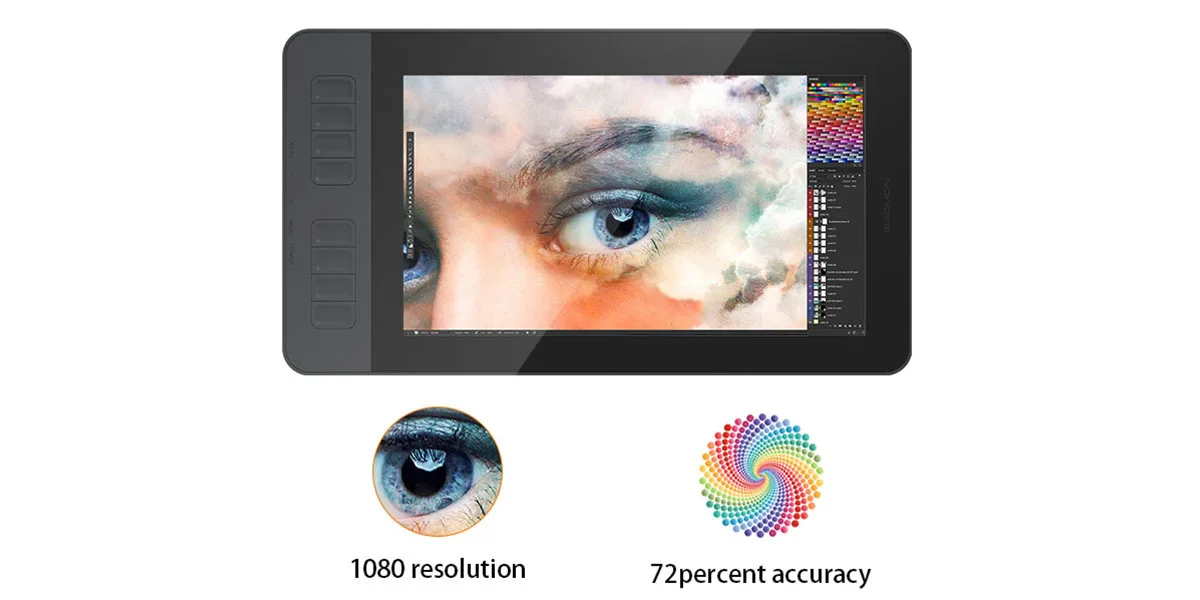
IPS Full HD Screen
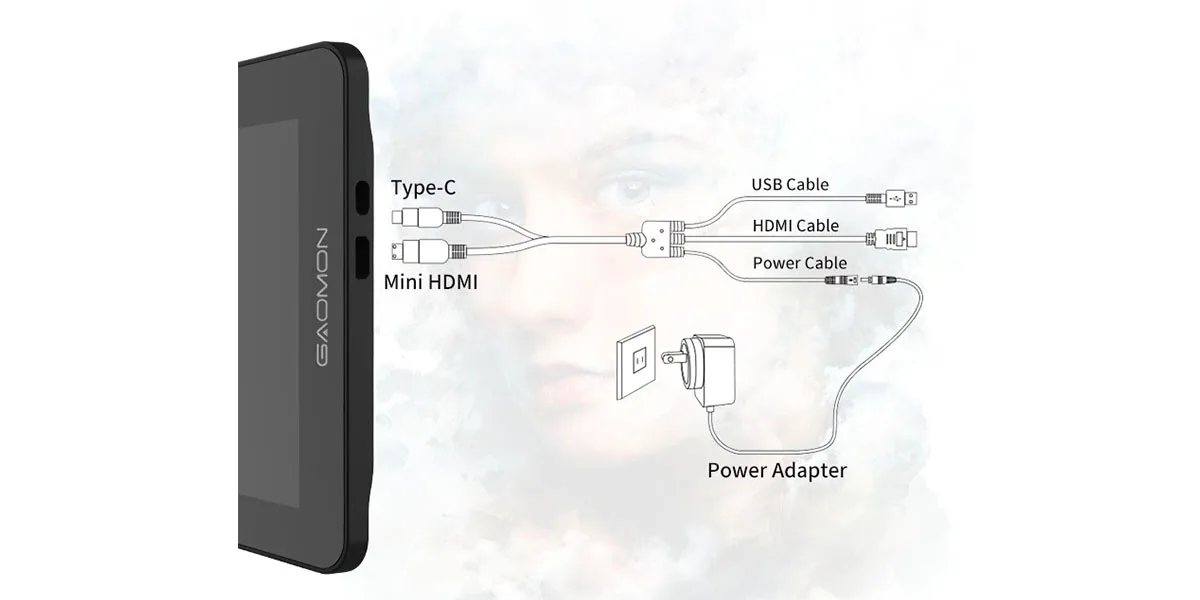
Screen resolution is 1920 x 1080 (16:9). It also supports 5080 LPI resolution and a 266 PPS report rate for responsive pen input. Active display area is 256.32 x 144.18mm (10.09 x 5.68 inches). Accuracy is ±0.5mm (center) and ±3mm (corner). Sensing height is 10mm. Signal output is Mini HDMI and Type-C.
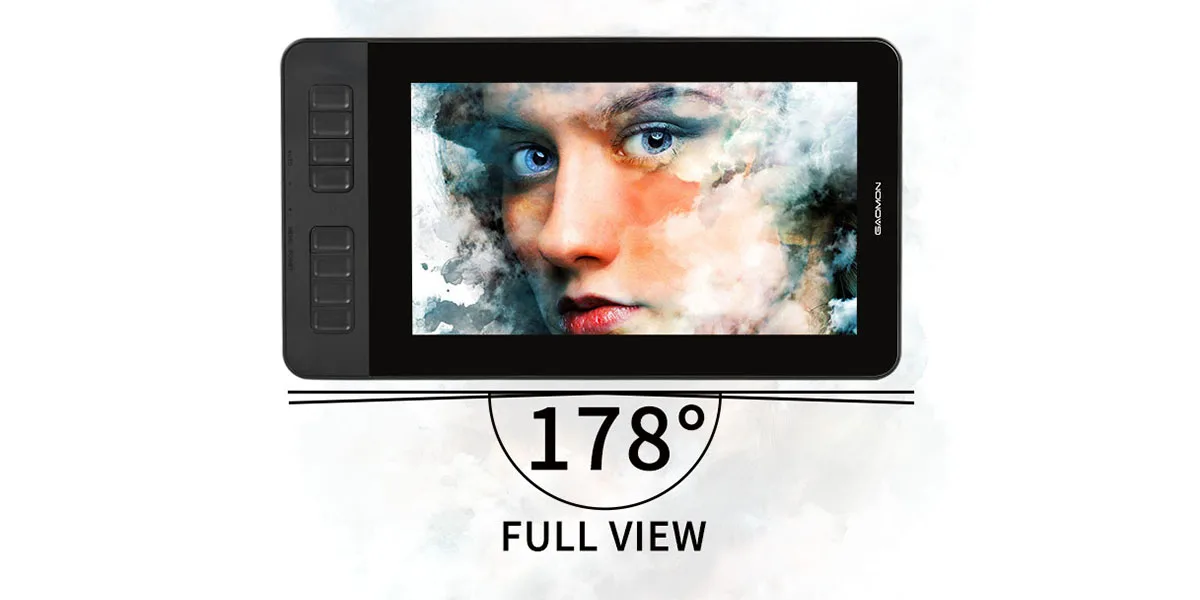
Viewing angle 89°/89° (H) and 89°/89° (V) (Typ.) (CR>10)
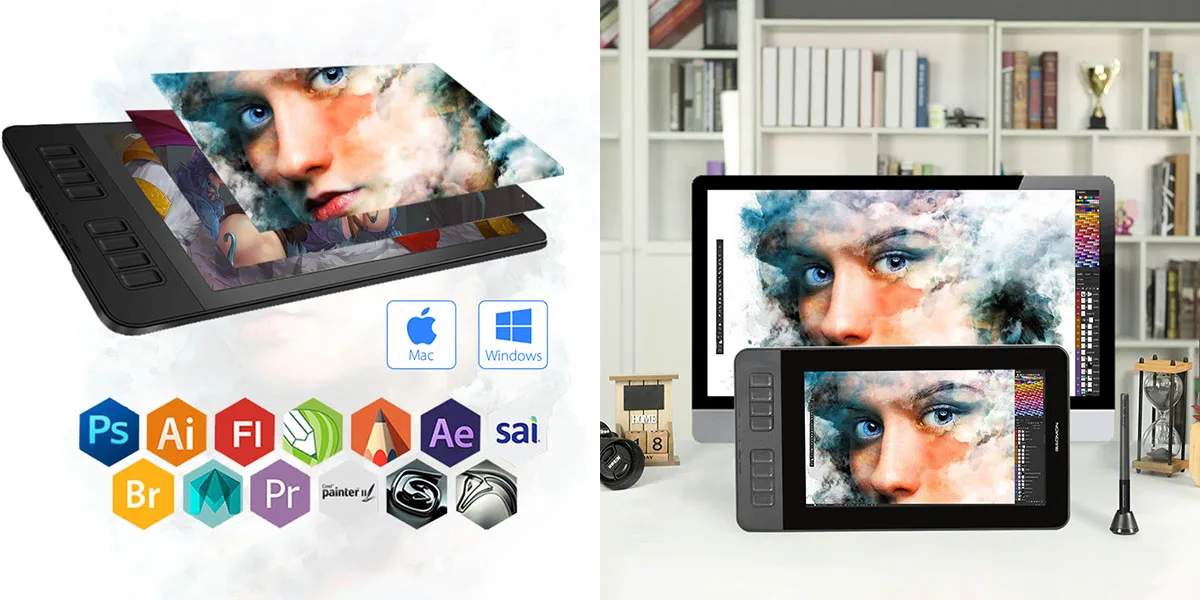
OS Support and Program Compatibility
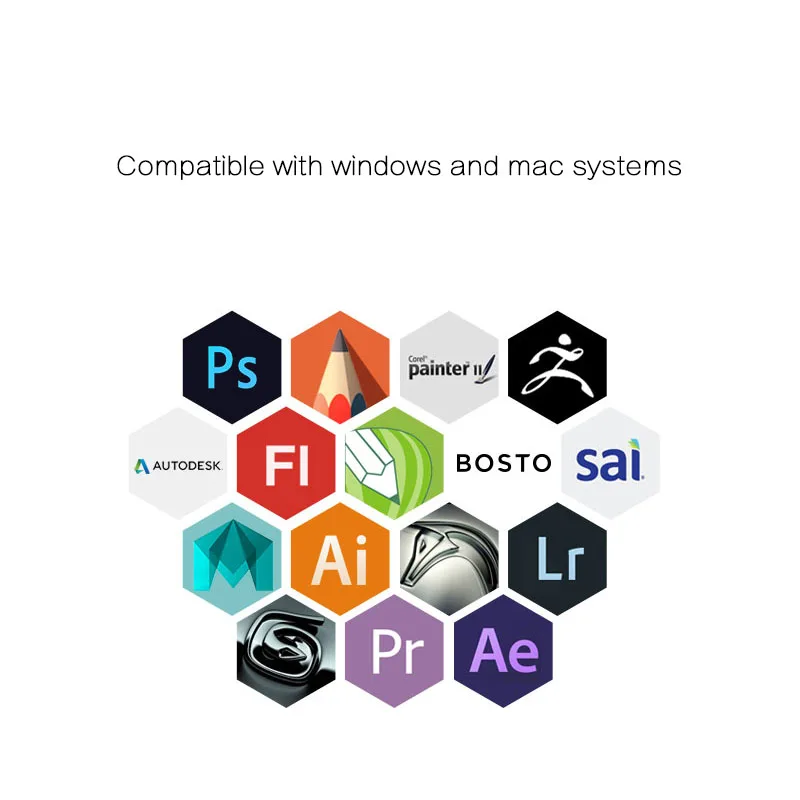
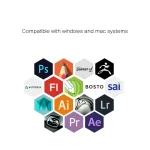
Compatible with Windows 7 or later and macOS 10.12 or later. Ideal for drawing, photography, animation, fashion, sketching, image editing, and 3D sculpting.
Works with most creative software, including Adobe Photoshop, Illustrator, Clip Studio, Lightroom, Sketchbook Pro, Manga Studio, CorelPainter, FireAlpaca, OpenCanvas, Paint Tool SAI2, Krita, and more.
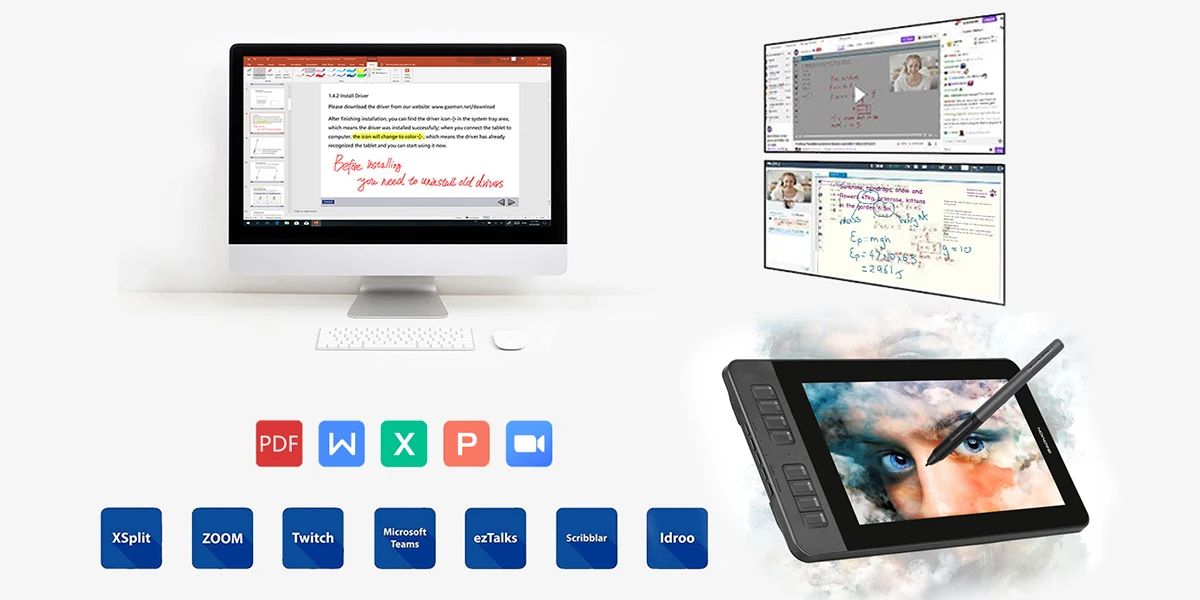
Draw, Sign, and Comment on Documents
Besides drawing, you can sign and annotate directly on PDF, Word, Excel, and PowerPoint files. You can also illustrate ideas during web conferencing or distance education (including Zoom), helping streamline workflows and improve efficiency.
Mini HDMI and Type-C Ports
Mini HDMI and Type-C ports provide fast connectivity to the peripherals you need for work.
Notes
Before installing the driver, uninstall other tablet drivers from your computer and close antivirus programs. After installation, restart your computer. Driver download is available from the official website gaomon dot net.
A one-year warranty is provided for non-human-made damages and accidental damages. Contact support if you need assistance.
For macOS Mojave 10.14, you may need to grant additional permissions after installing the Gaomon driver. In System Preferences, go to Security and Privacy and add GaomonTablet and TabletDriverAgent to ensure proper pen function.
Pen Display PD1161 is not a standalone product. It must be used with a computer running Windows or macOS.
Product parameters
Product model: PD1161
Digital pen: ArtPaint AP50
Screen size: 11.6 inches
Screen resolution: 1920 x 1080 (16:9)
Liquid crystal type: IPS
Dimensions: 361.6 x 200 x 13 mm
Active area: 256.32 x 144.18 mm
Contrast ratio: 1000:1
Brightness: 220 cd/m2
Report time: 25 ms
Resolution: 5080 LPI
Pressure sensitivity: 8192 levels
Reading height: 10 mm
Report rate: 266 PPS
Net weight: 866 g
Gross weight: 1.65 kg
Signal interface: Mini HDMI, Type-C
Accuracy: ±0.5mm (center) and ±3mm (corner)
Pen technology: Battery-free electromagnetic resonance
Viewing angle: 89deg/89deg (H) and 89deg/89deg (V) (Typ.) (CR>10)
OS support: Windows 7 or later, macOS 10.12 or later
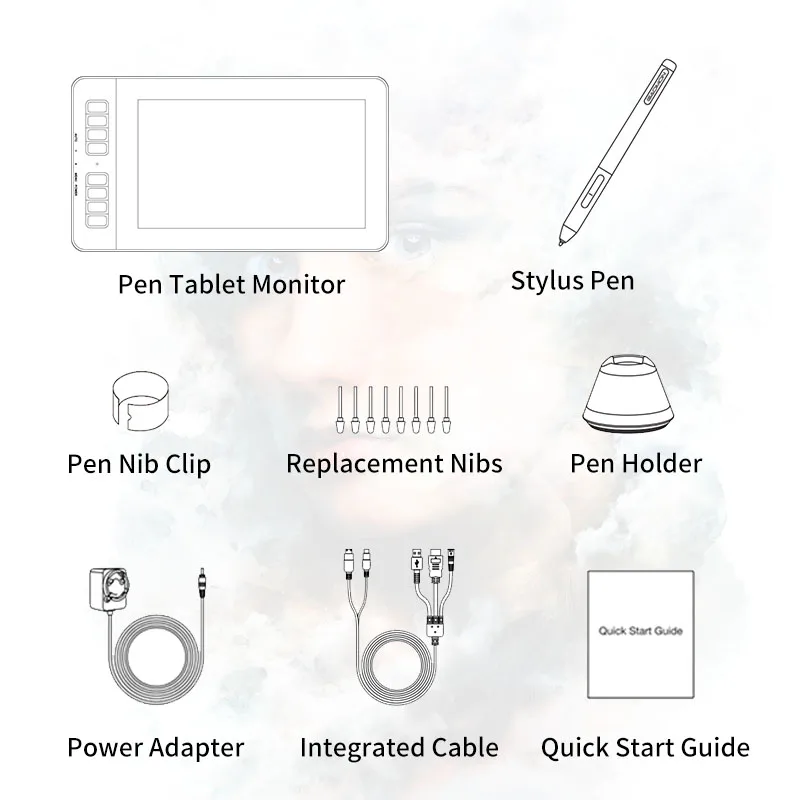
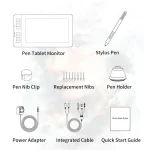
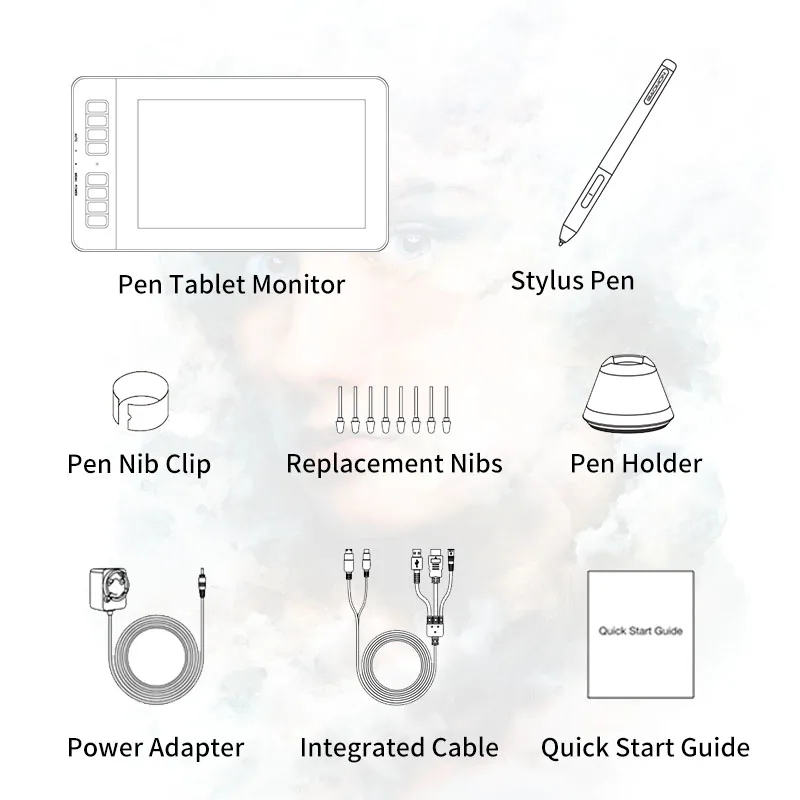
What’s in the box
Pen display PD1161 x 1
Passive pen AP50 x 1
Power adapter x 1
Pen holder x 1 (replacement nibs x 8 inside)
3 in 1 integrated cable x 1
Quick start guide x 1
There are no reviews yet.