




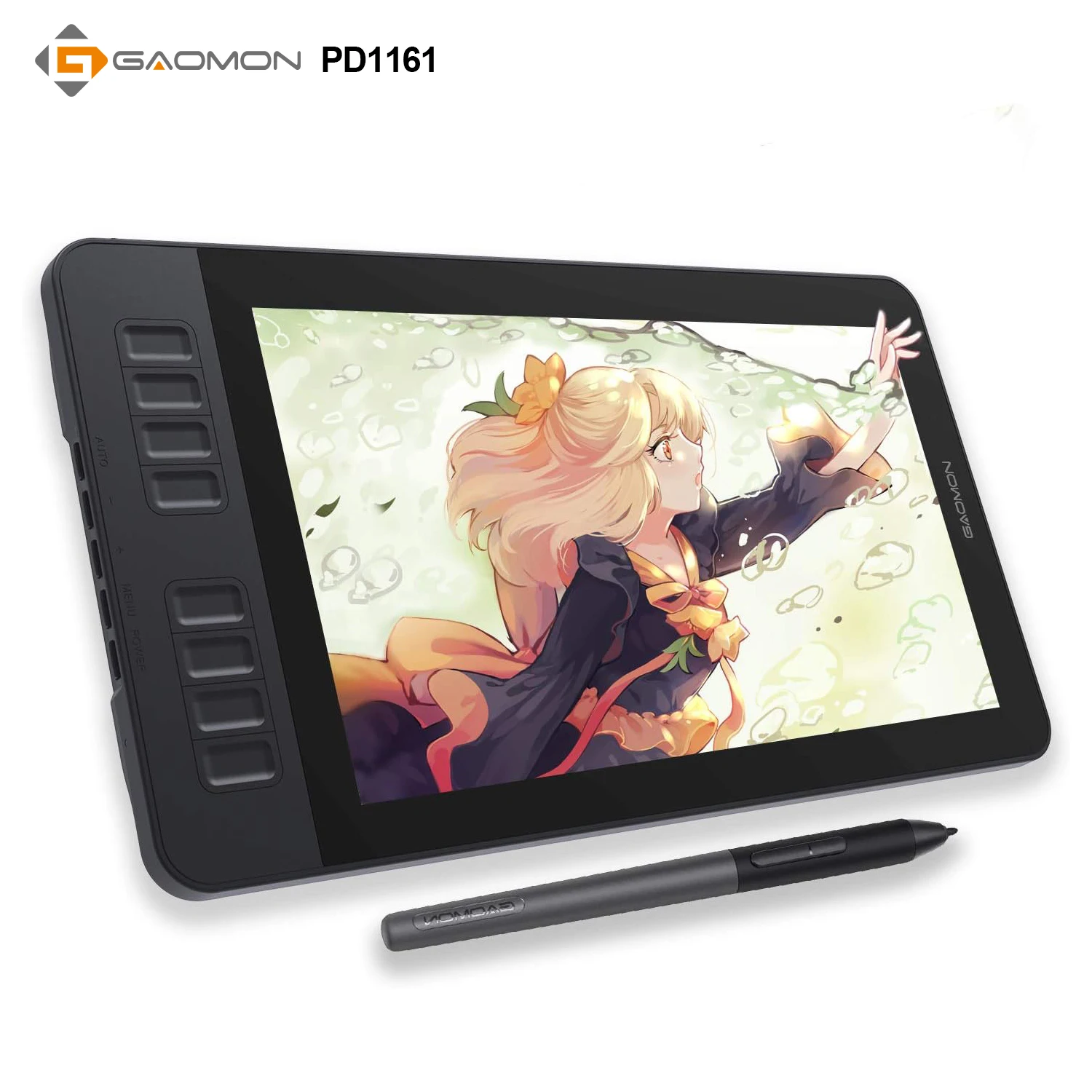


Gaomon PD1161 11.6 Inch Drawing Display
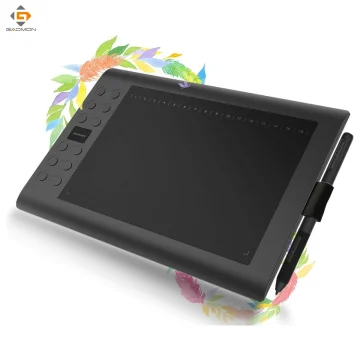
GAOMON PD1161 11.6 Inch Portable Pen Display
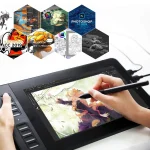
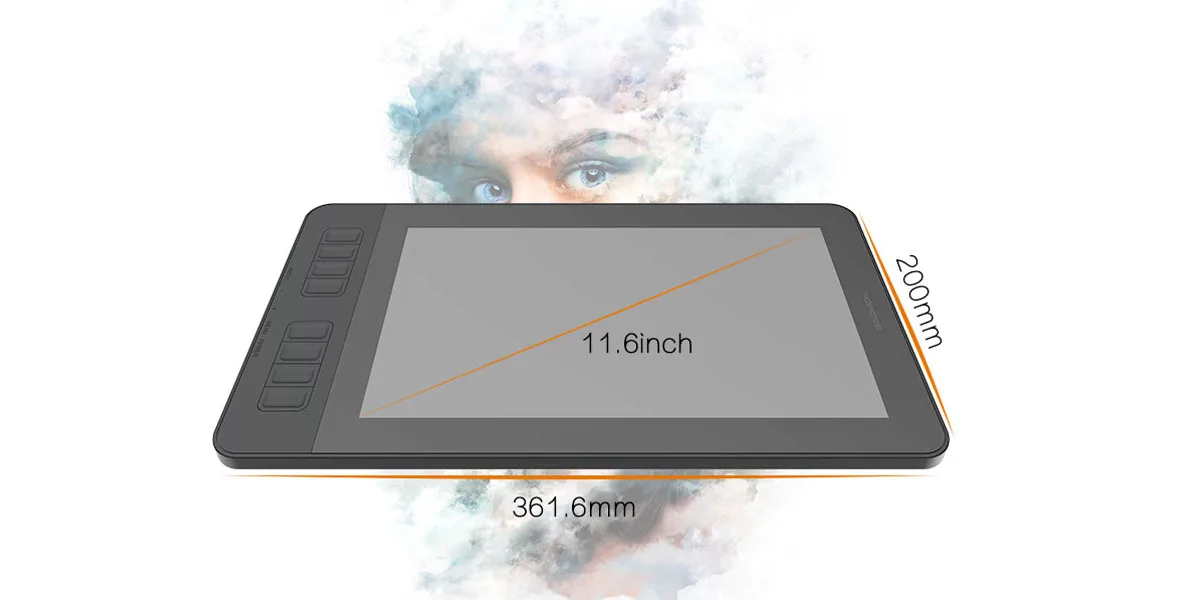
A compact and capable 11.6-inch drawing monitor built to capture inspiration anywhere you create. PD1161 combines a full HD IPS screen, responsive battery-free pen performance, and customizable shortcut keys to help you draw, design, edit, and collaborate with a natural pen-on-screen feel.
Strong OS and software compatibility
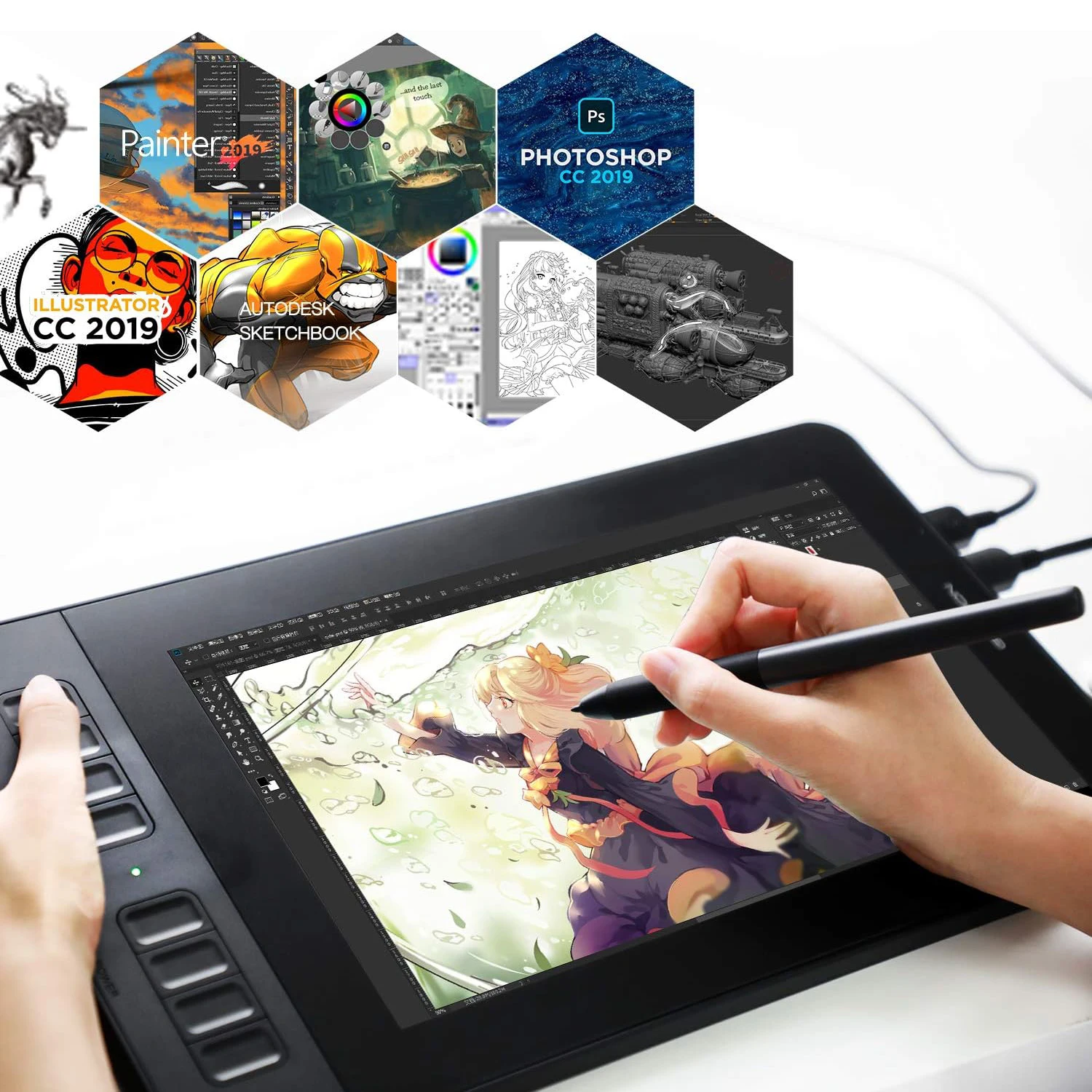
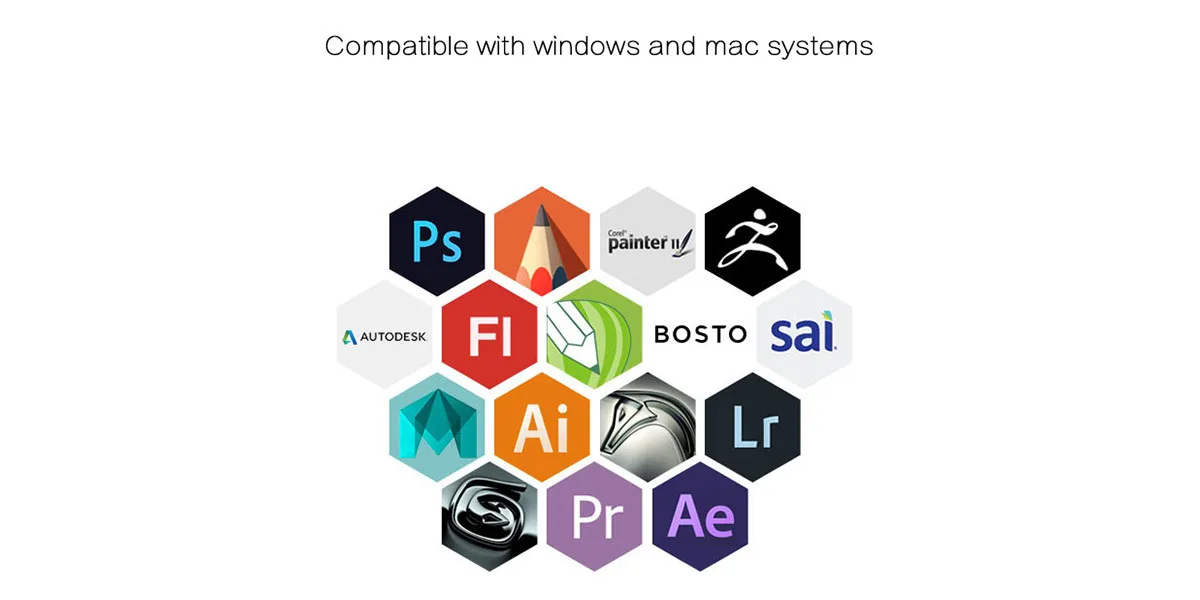
Works with Windows 7 or later and macOS 10.12 or later. PD1161 supports many popular creative apps like Photoshop, SAI, Krita, Medibang, Blender, and more. It also fits online learning and remote workflows with apps like OneNote, Microsoft Whiteboard, and Zoom. Not compatible with iOS or Android phones.
More than just a drawing tablet
Use PD1161 as a pen display for digital art, photo editing, and design, or as a digital writing tool for notes, mind maps, diagrams, and collaboration. Great for students, beginners, and creators who want a simple setup that still feels professional.
Custom shortcuts for faster workflow
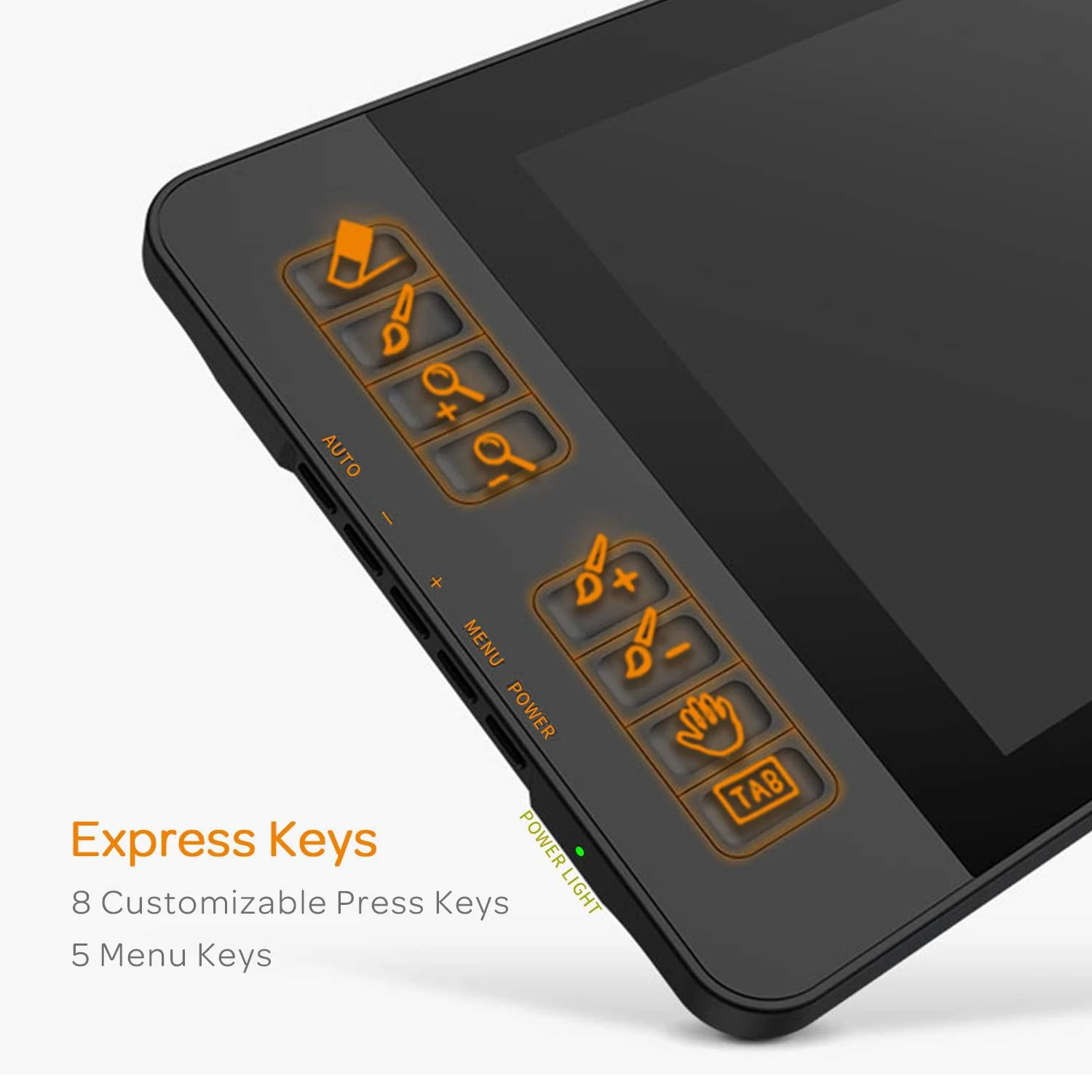
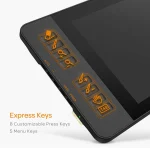
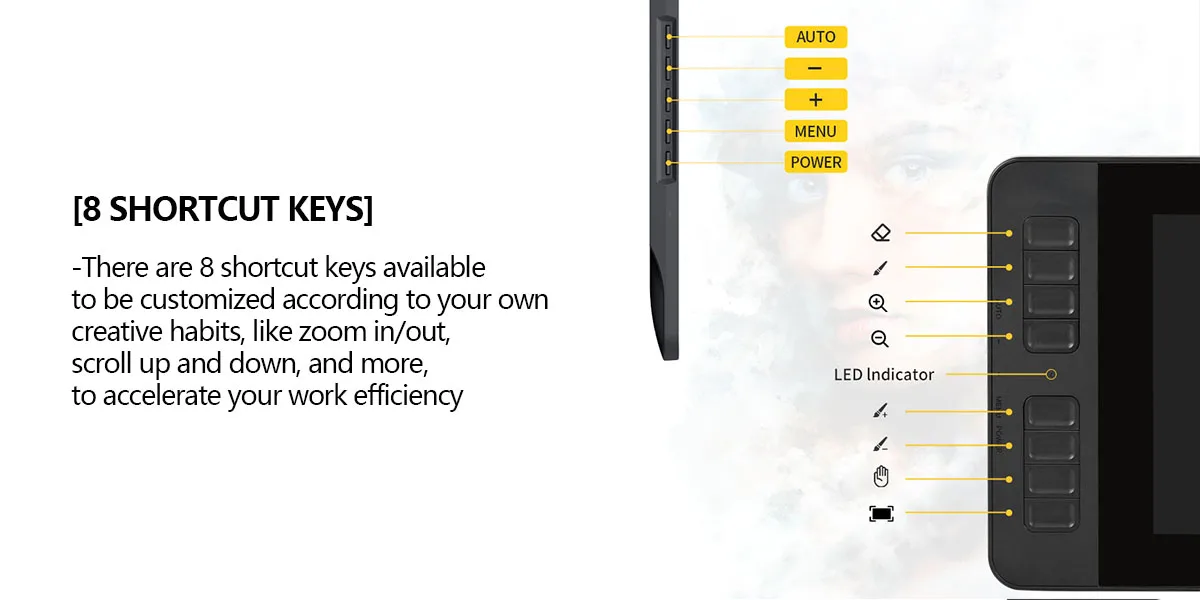
Eight side press keys on the display and two pen buttons can be programmed in the driver, giving you quick access to your favorite actions like brush size, zoom, undo, hand tool, and more.
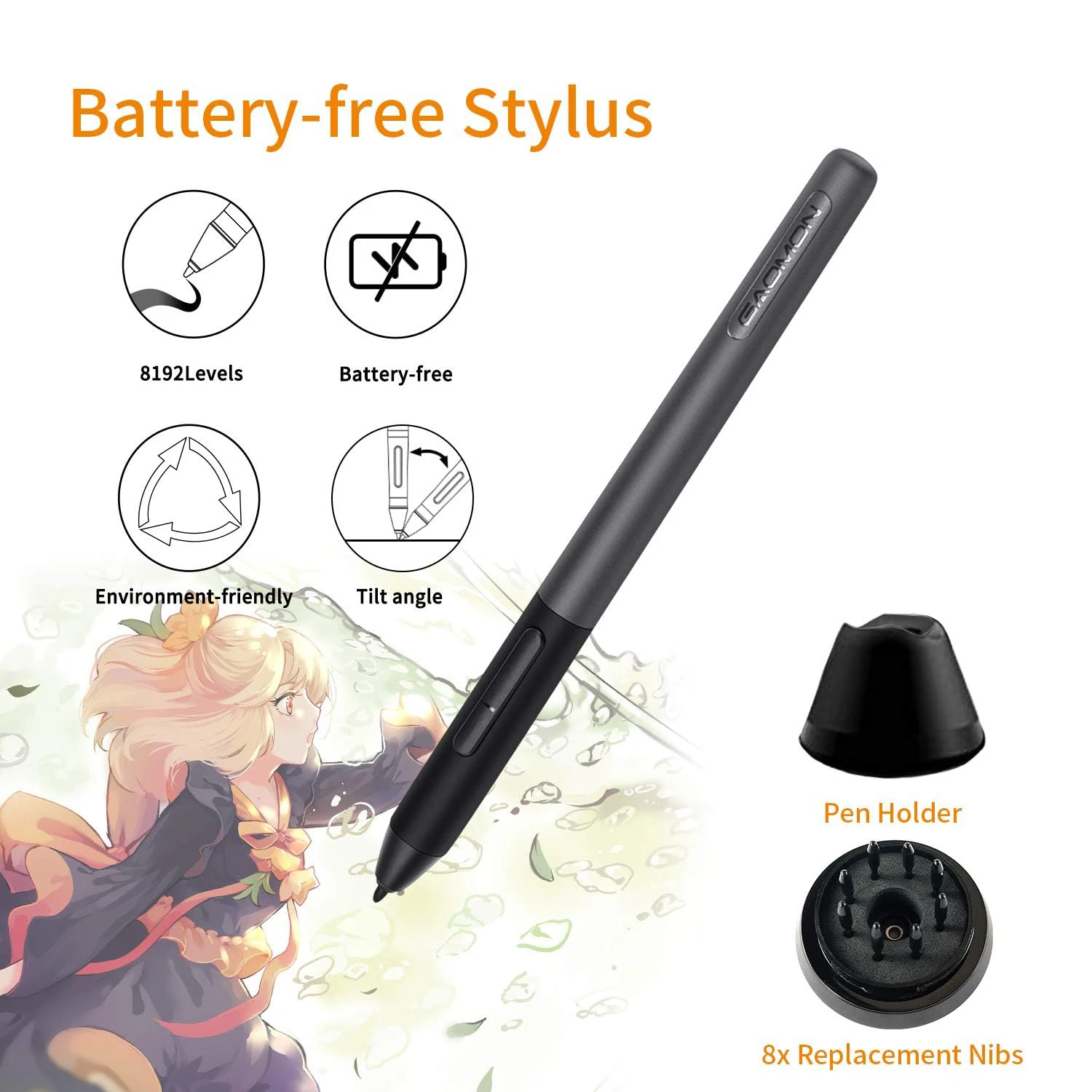
Battery-free stylus with smooth control
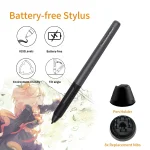
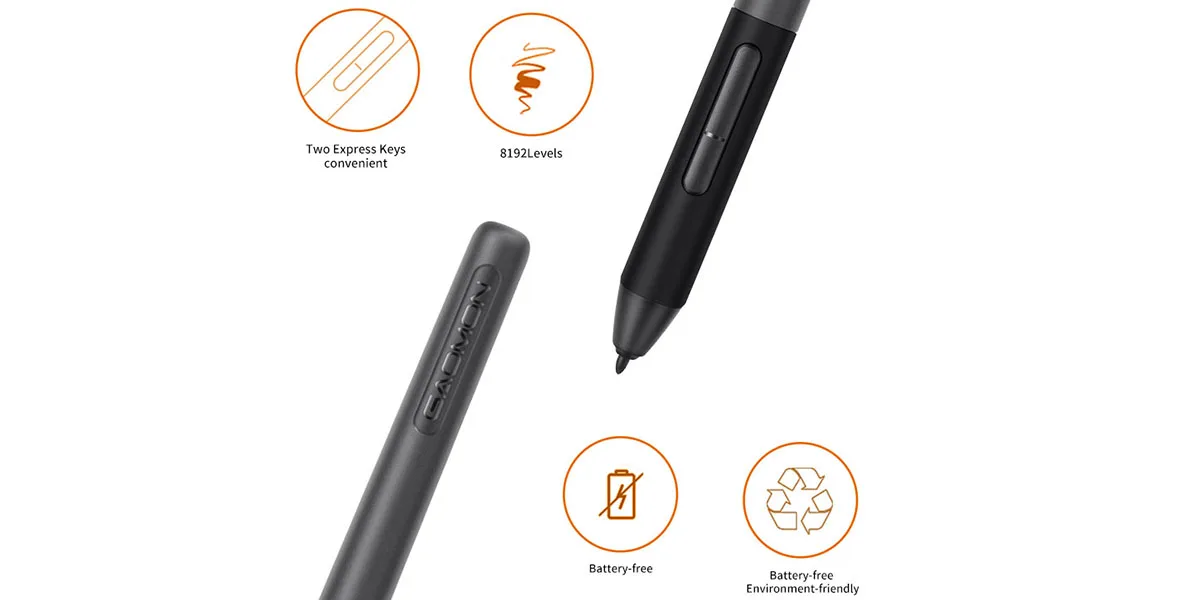
Includes the AP50 battery-free pen with 8192 levels of pressure sensitivity and tilt support for more natural strokes and shading. A 266 PPS report rate helps capture every input quickly and smoothly for responsive drawing.
Vivid color and full HD screen
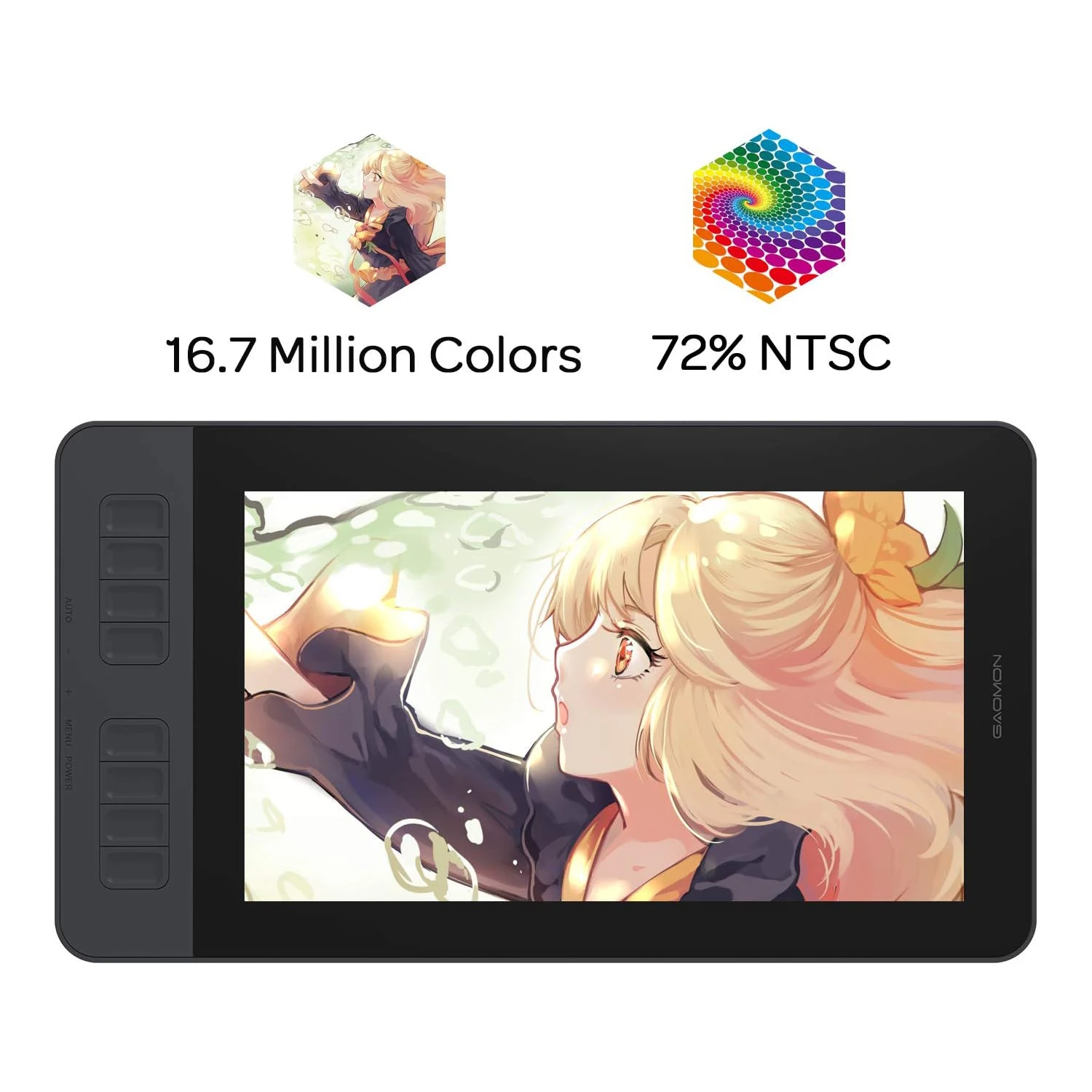
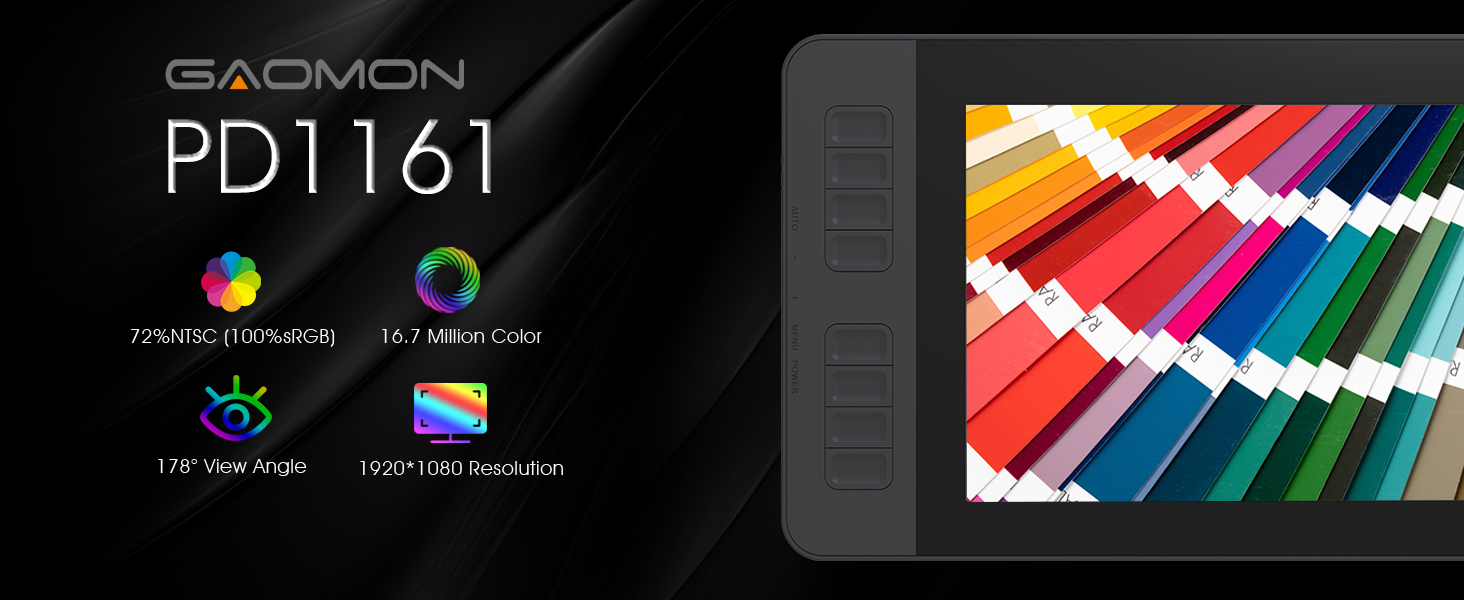
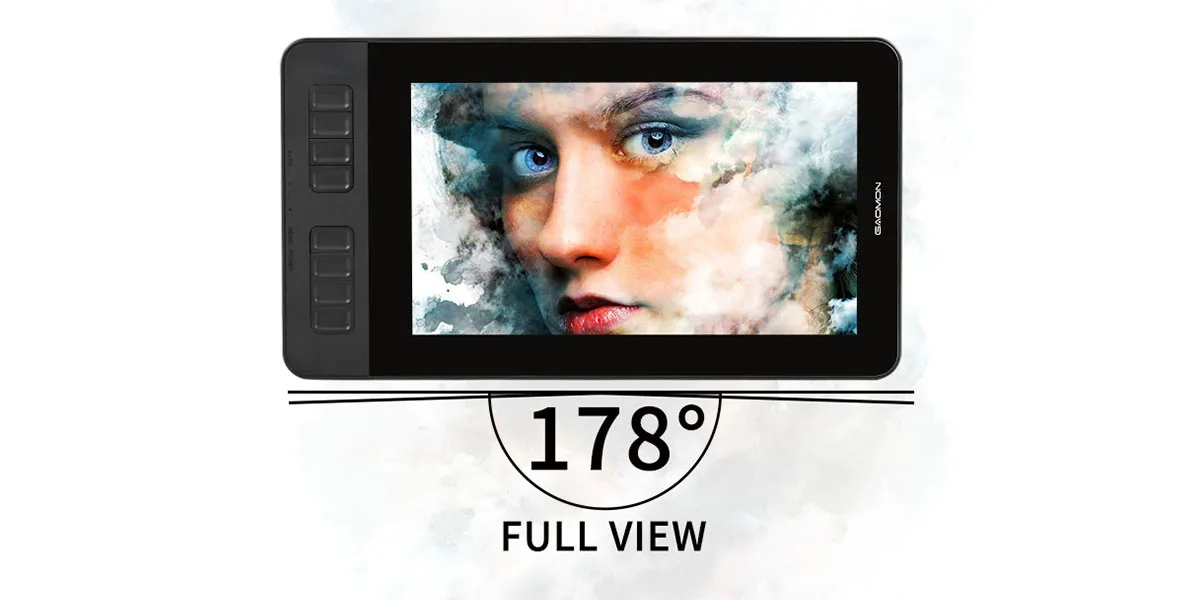
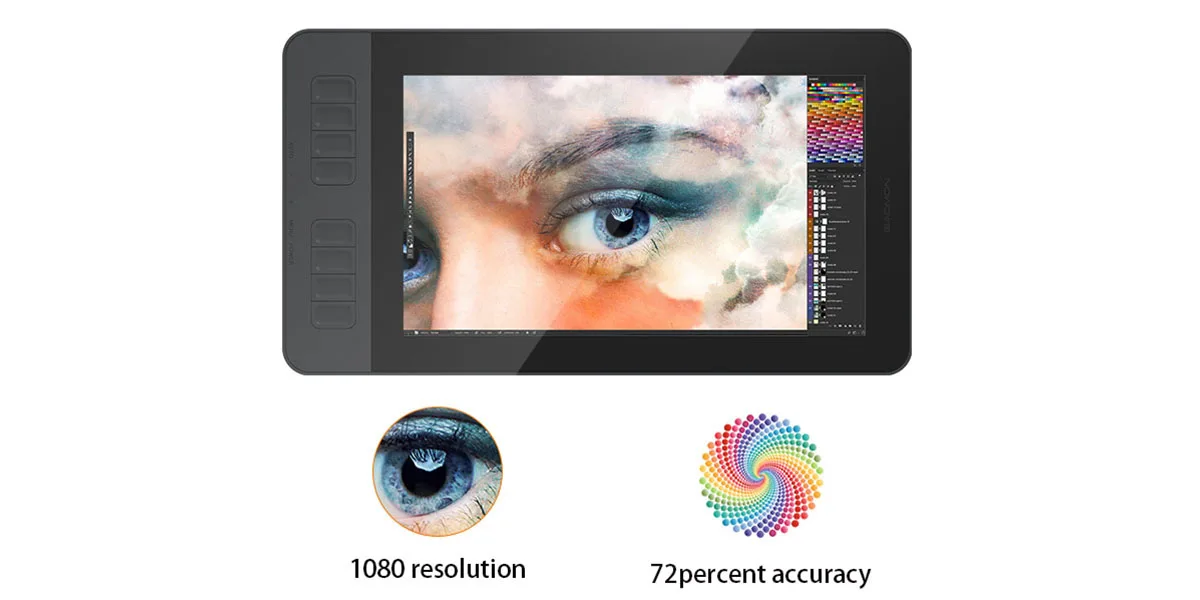
The 11.6-inch IPS display features 1920 x 1080 resolution, 72% NTSC (100% sRGB) color coverage, and 16.7 million colors for smoother gradients and lifelike color. The wide 178-degree viewing angle makes it easier to stay comfortable while drawing from different positions.
Paper-like feel with anti-glare screen film
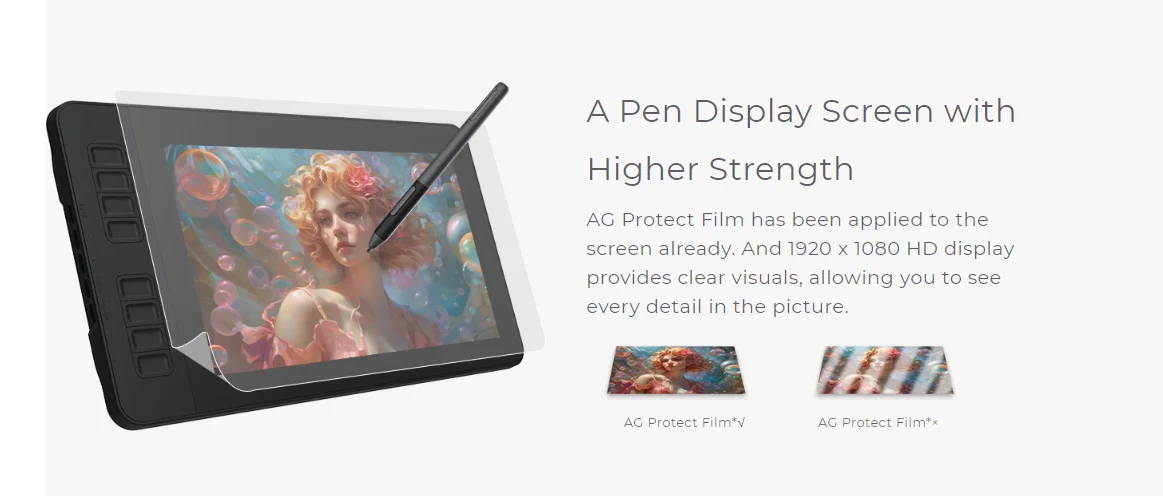
An anti-glare protective film is already applied to reduce reflections and help the surface feel more like sketching on paper.
Pen holder and extra nibs
The pen holder helps protect the pen from drops and includes 8 replacement nibs inside. Replacing the nib regularly helps keep your strokes consistent and smooth.
Important reminder
PD1161 is not a standalone device. It must be connected to a computer running Windows or macOS to work.
The terms HDMI, HDMI High Definition Multimedia Interface, HDMI Trade dress, and the HDMI Logos are trademarks or registered trademarks of HDMI Licensing Administrator, Inc.
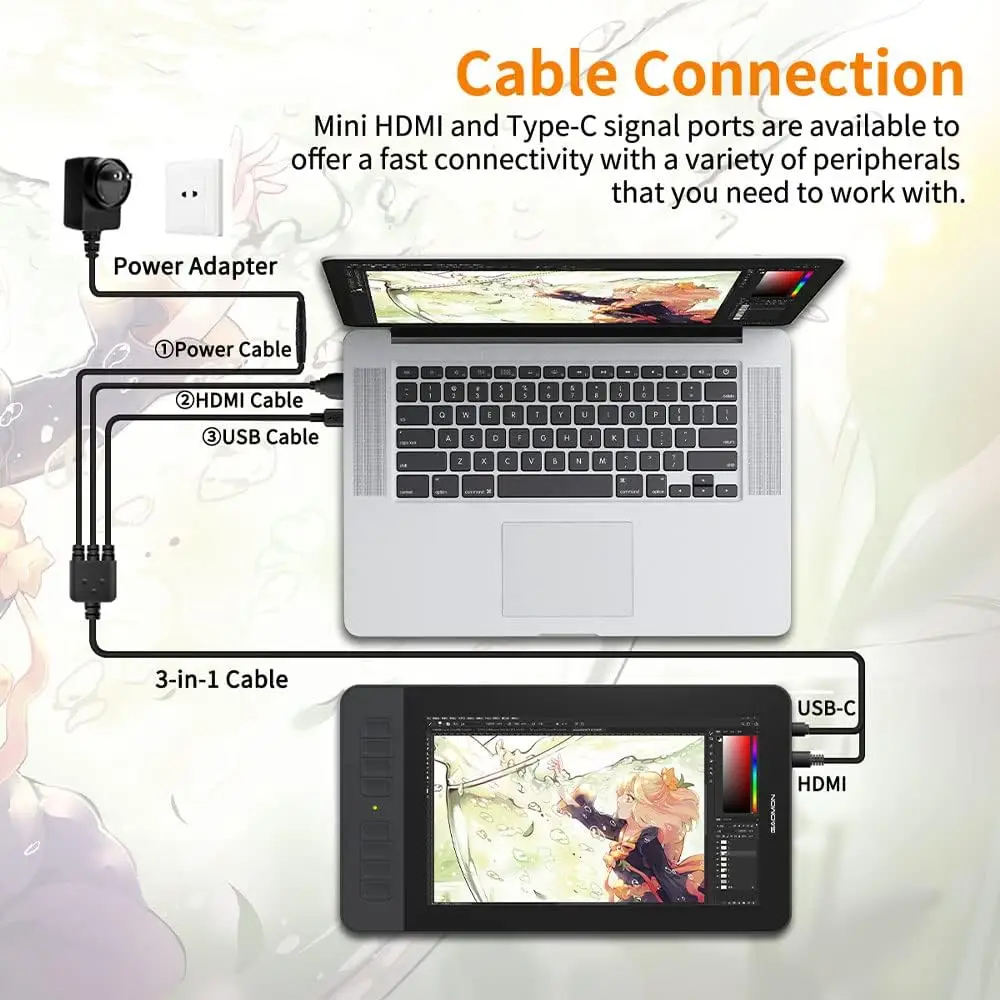
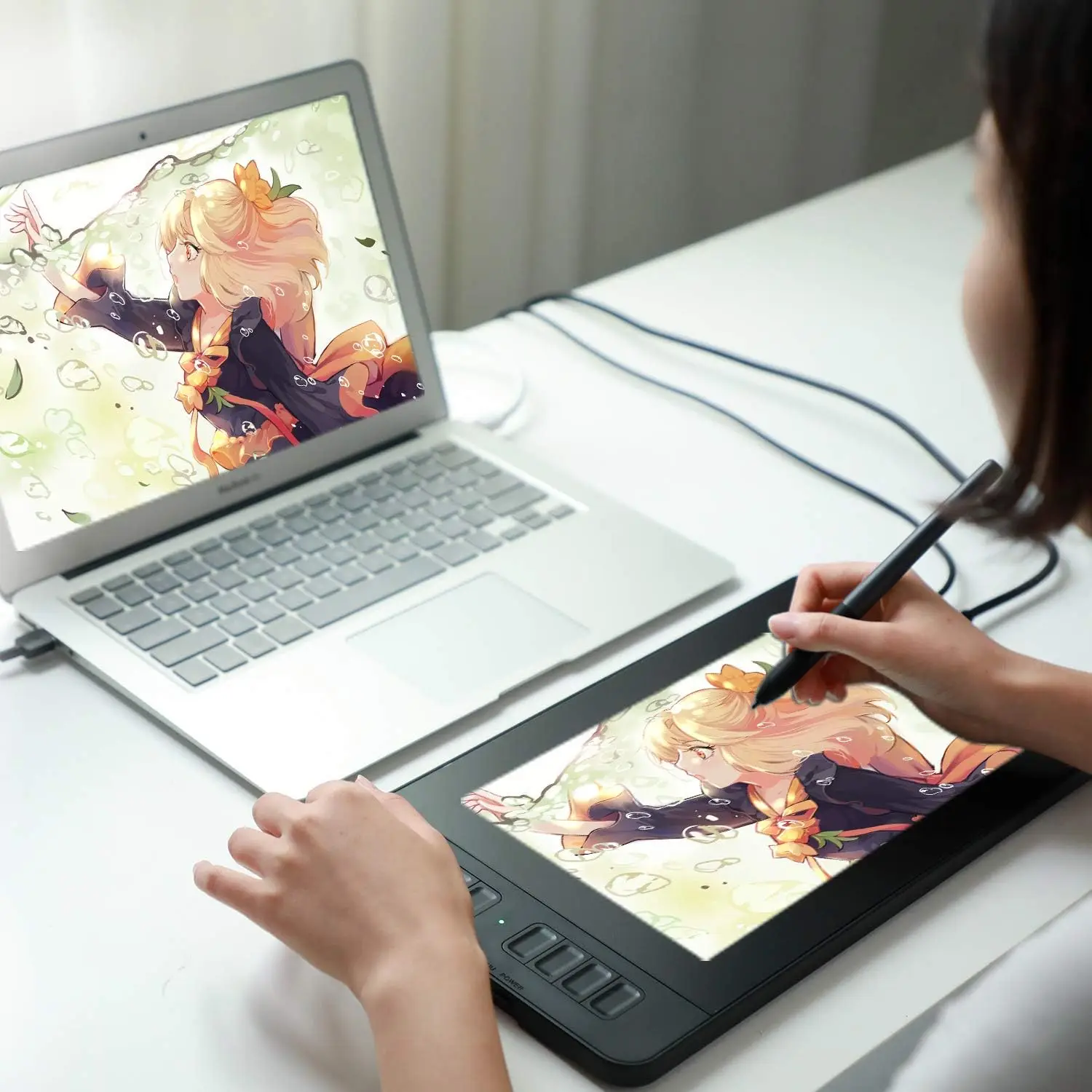
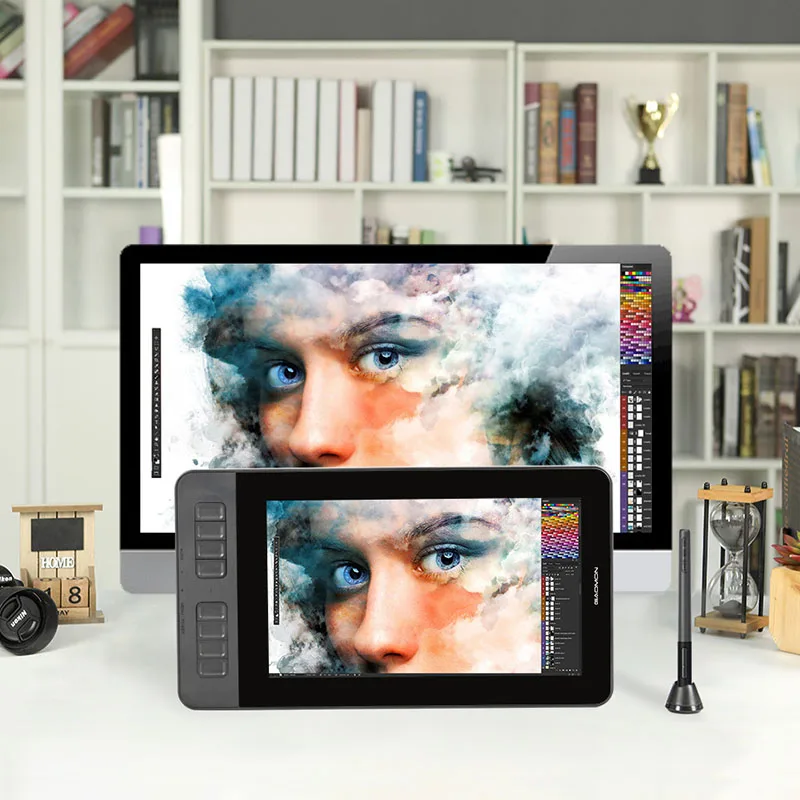
Dual and tri monitor support
Duplicate mode: PD1161 shows the same content as your main monitor. What you draw on PD1161 appears on your computer screen.
Windows: Press Windows + P and choose Duplicate.
Mac: System Preferences, Displays, Arrangement, enable Mirror Displays.
Extended mode: Use PD1161 as a separate display so you can draw on the tablet while your main monitor shows other apps.
Windows: Press Windows + P and choose Extend. Open the GAOMON Driver Panel, Work Area, then select the PD1161 display and apply.
Mac: System Preferences, Displays, Arrangement, disable Mirror Displays. Open the GAOMON Driver Panel, Work Area, then select the PD1161 display and apply.
Tri monitor: Depends on your computer graphics card’s support for three displays. If supported, follow the same steps as above and select the correct display in the GAOMON driver.
Notes
Before installing the driver, uninstall other tablet drivers, close antivirus programs, and then restart after installation. Driver downloads are available from gaomon dot net. For macOS 10.14 Mojave, allow required permissions for the driver in Security and Privacy so the pen functions properly.
What is included
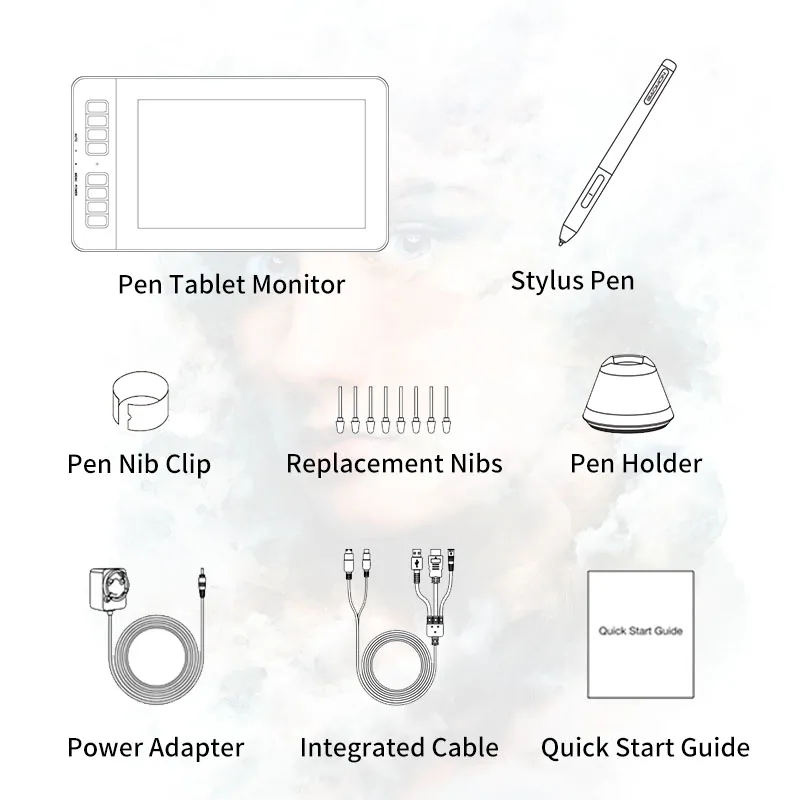
Pen Display PD1161, Passive Pen AP50, Power Adapter, Pen Holder with 8 replacement nibs, 3-in-1 integrated cable, Quick Start Guide.
There are no reviews yet.