


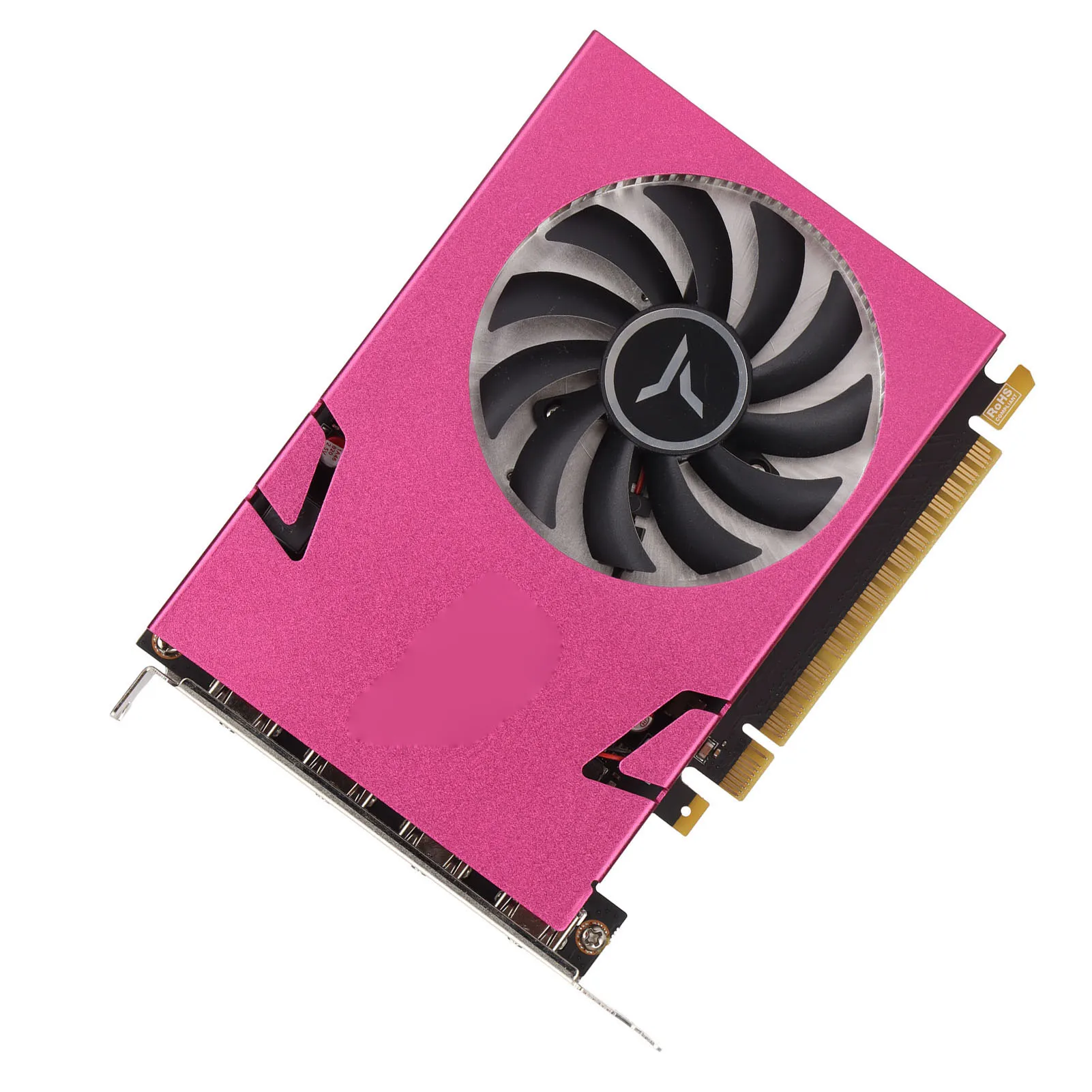
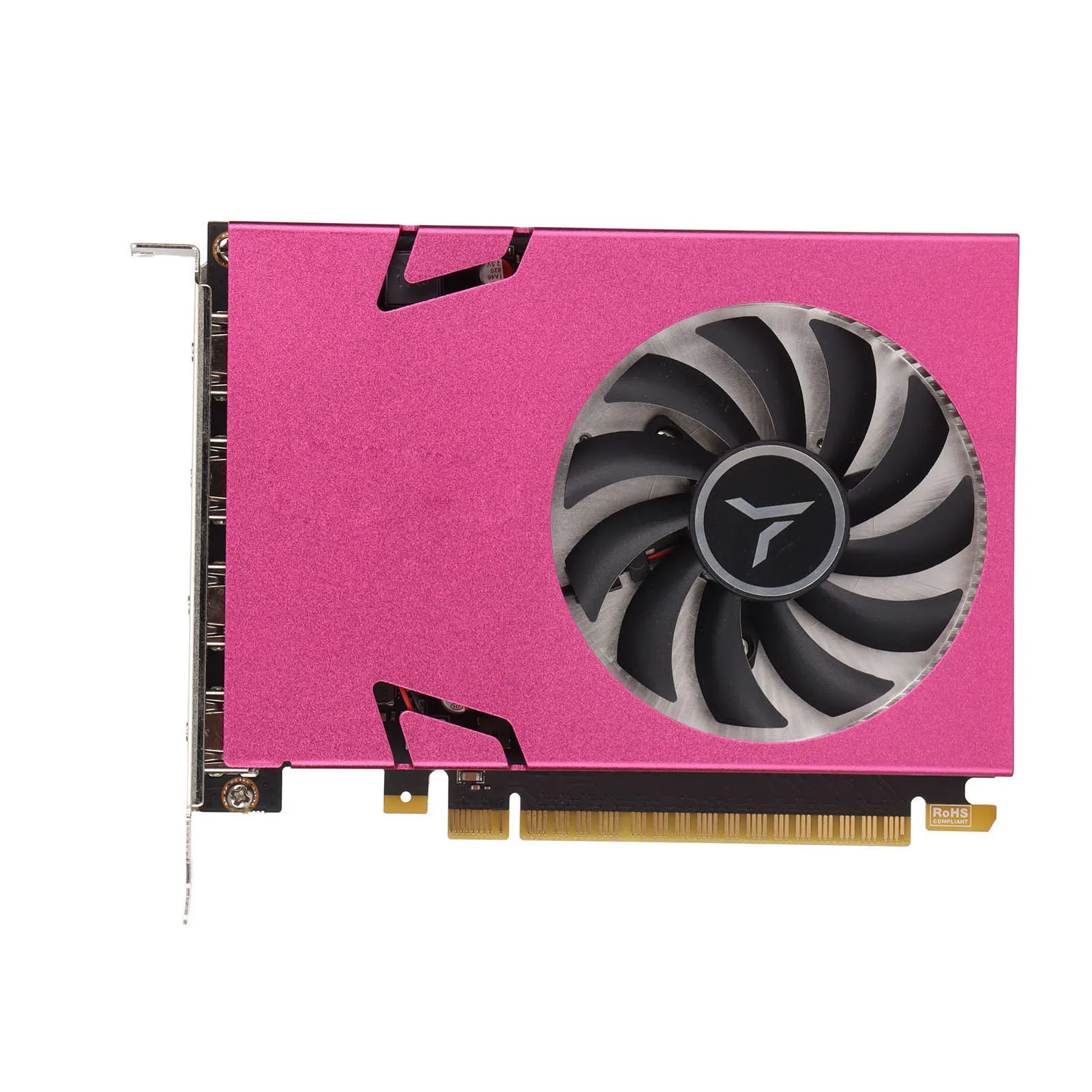
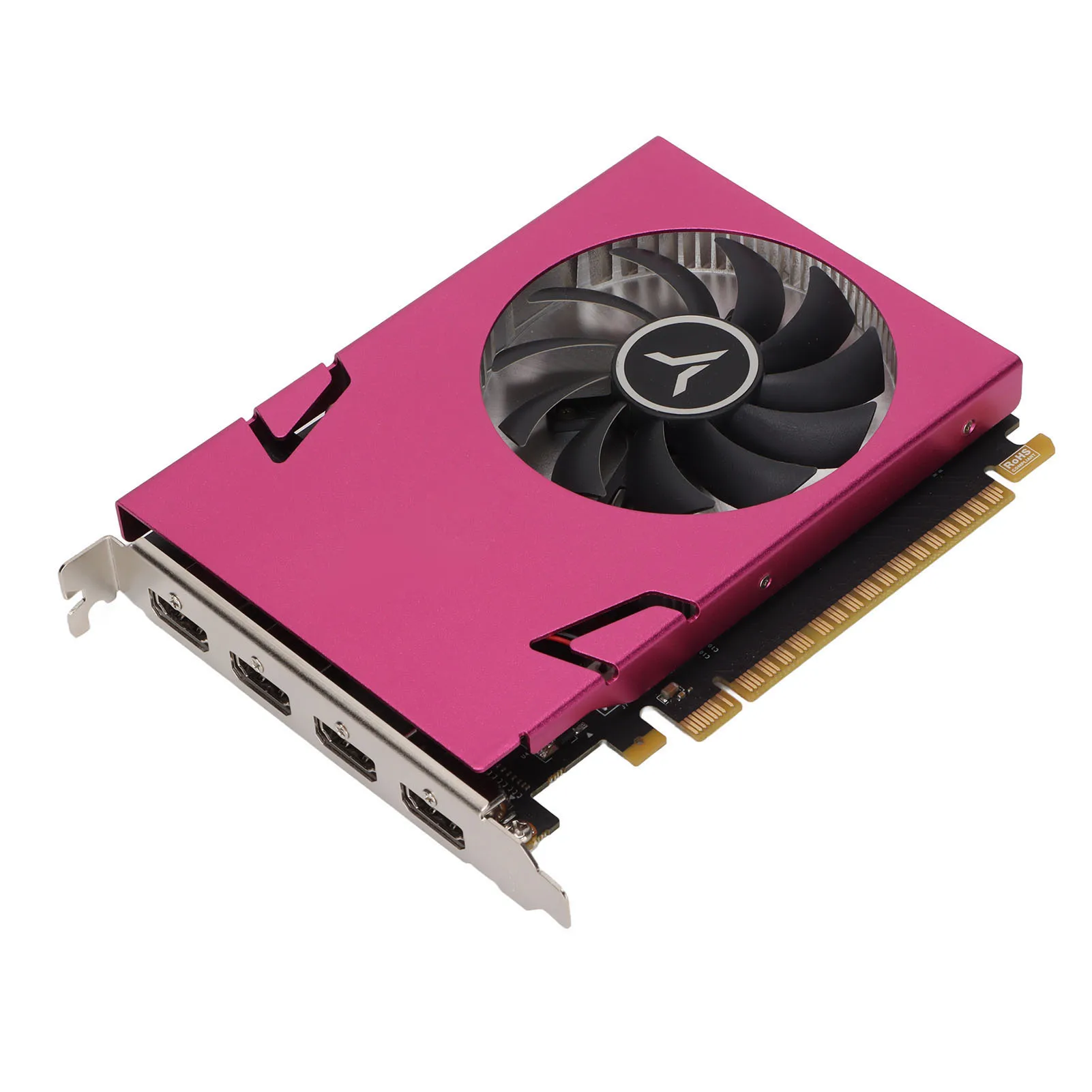
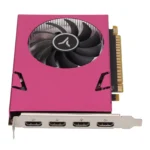
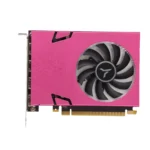
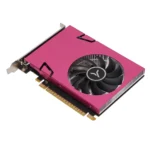
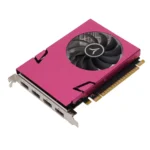
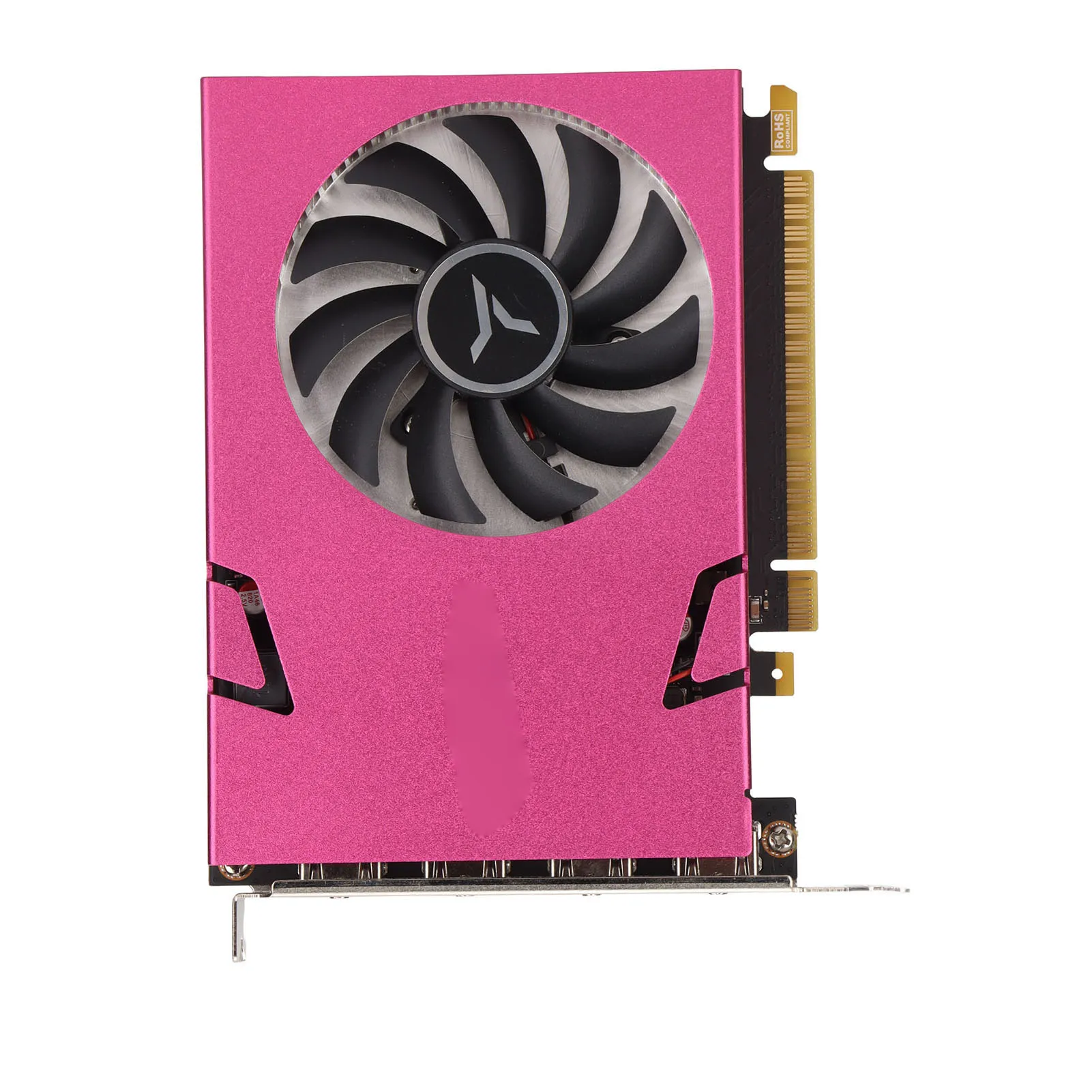
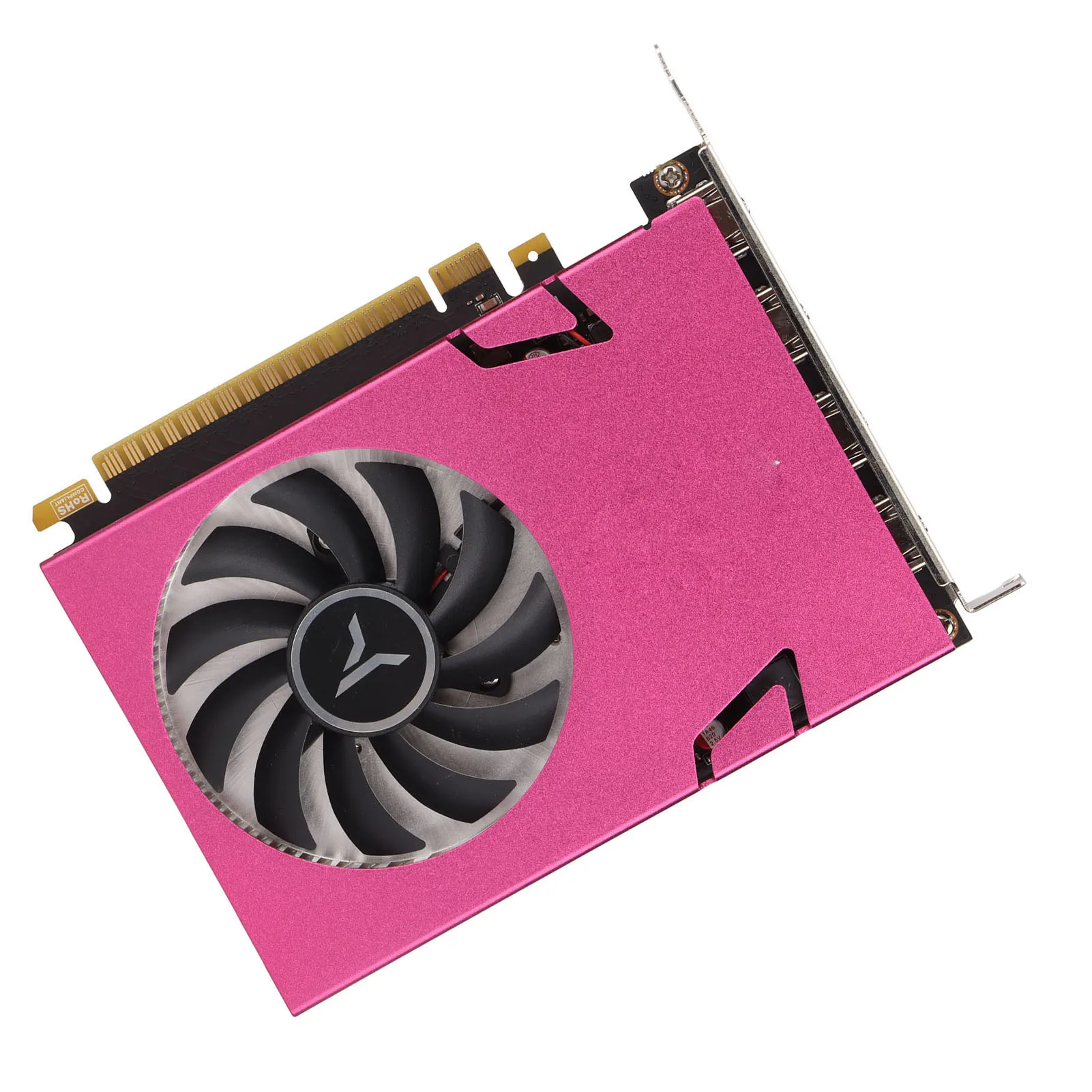
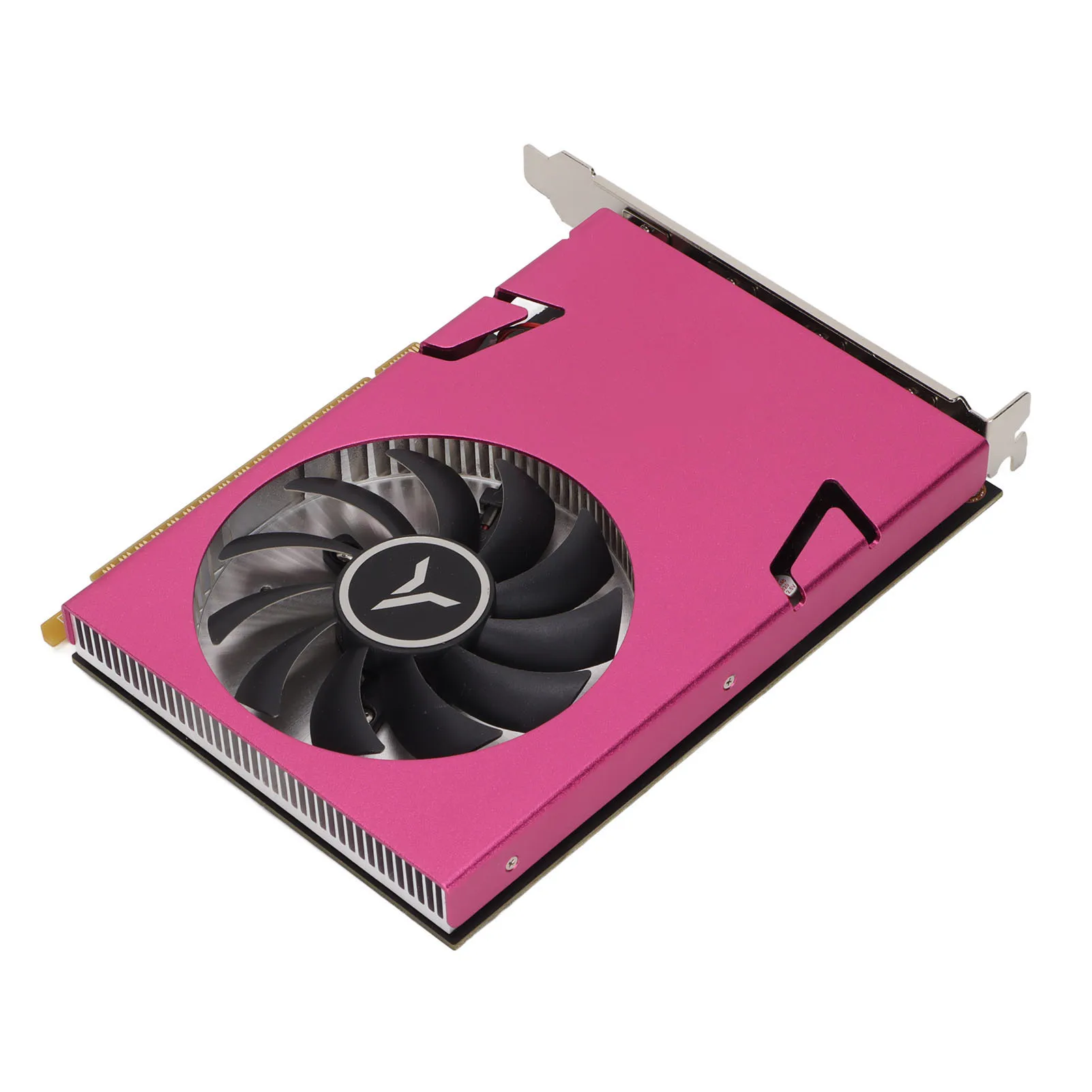
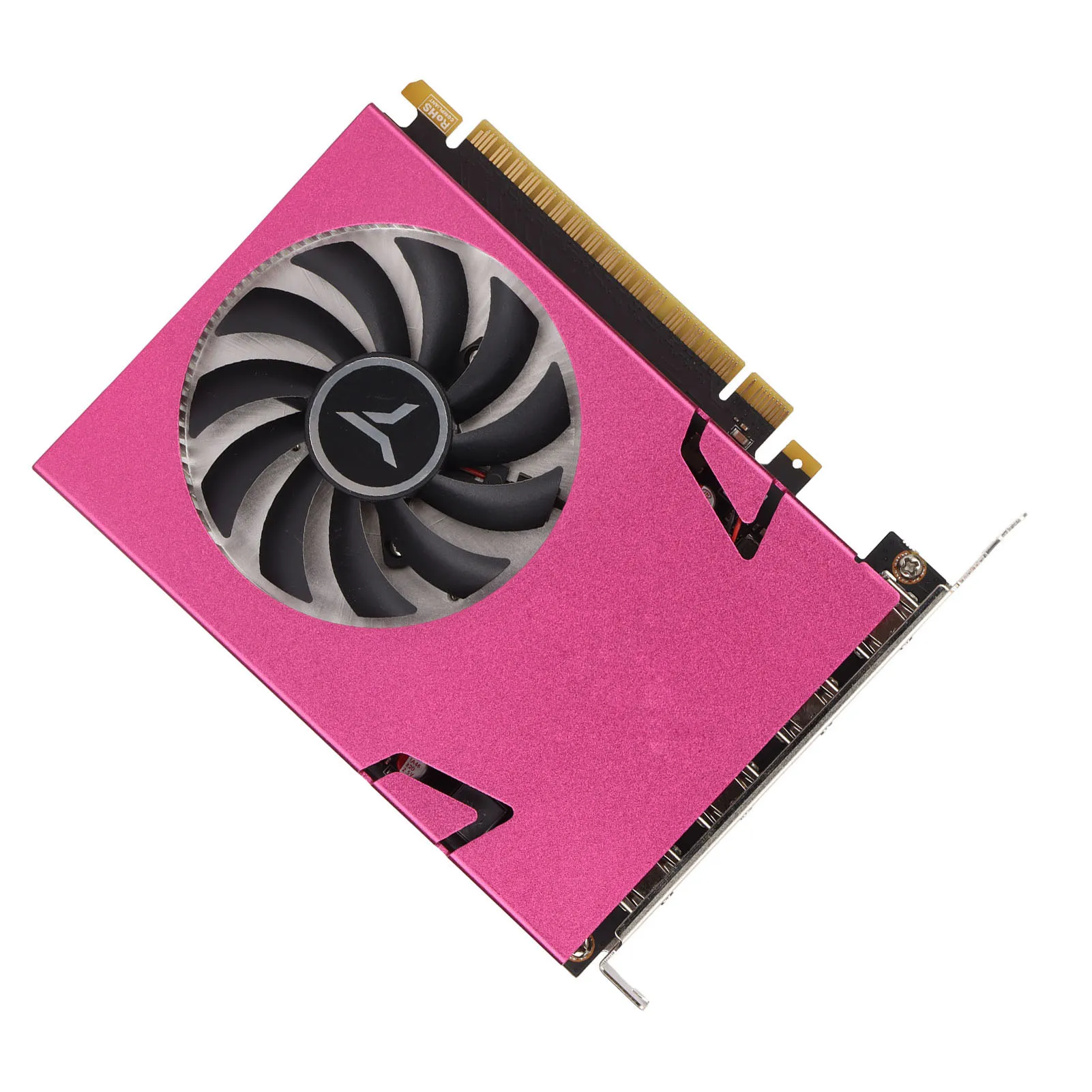
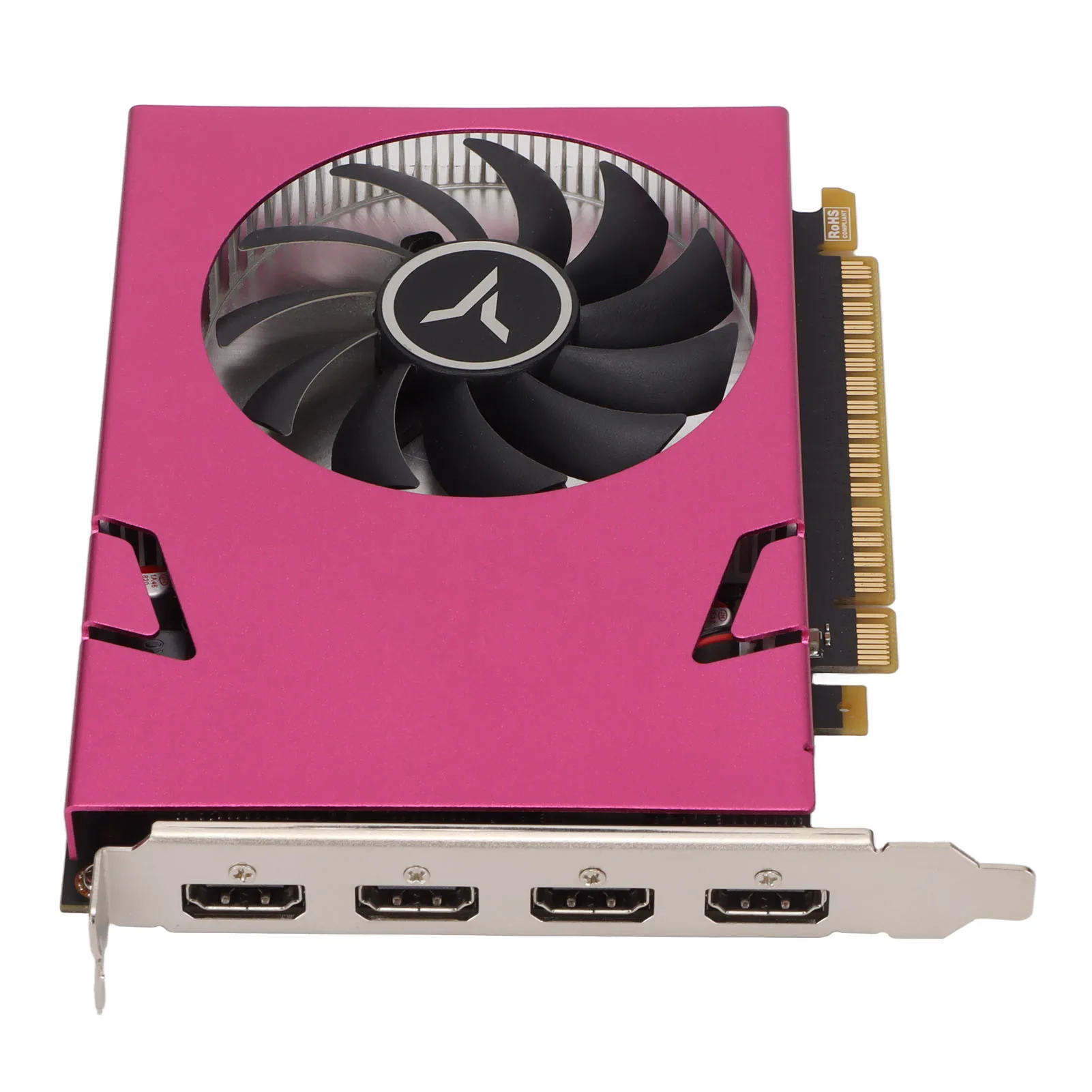
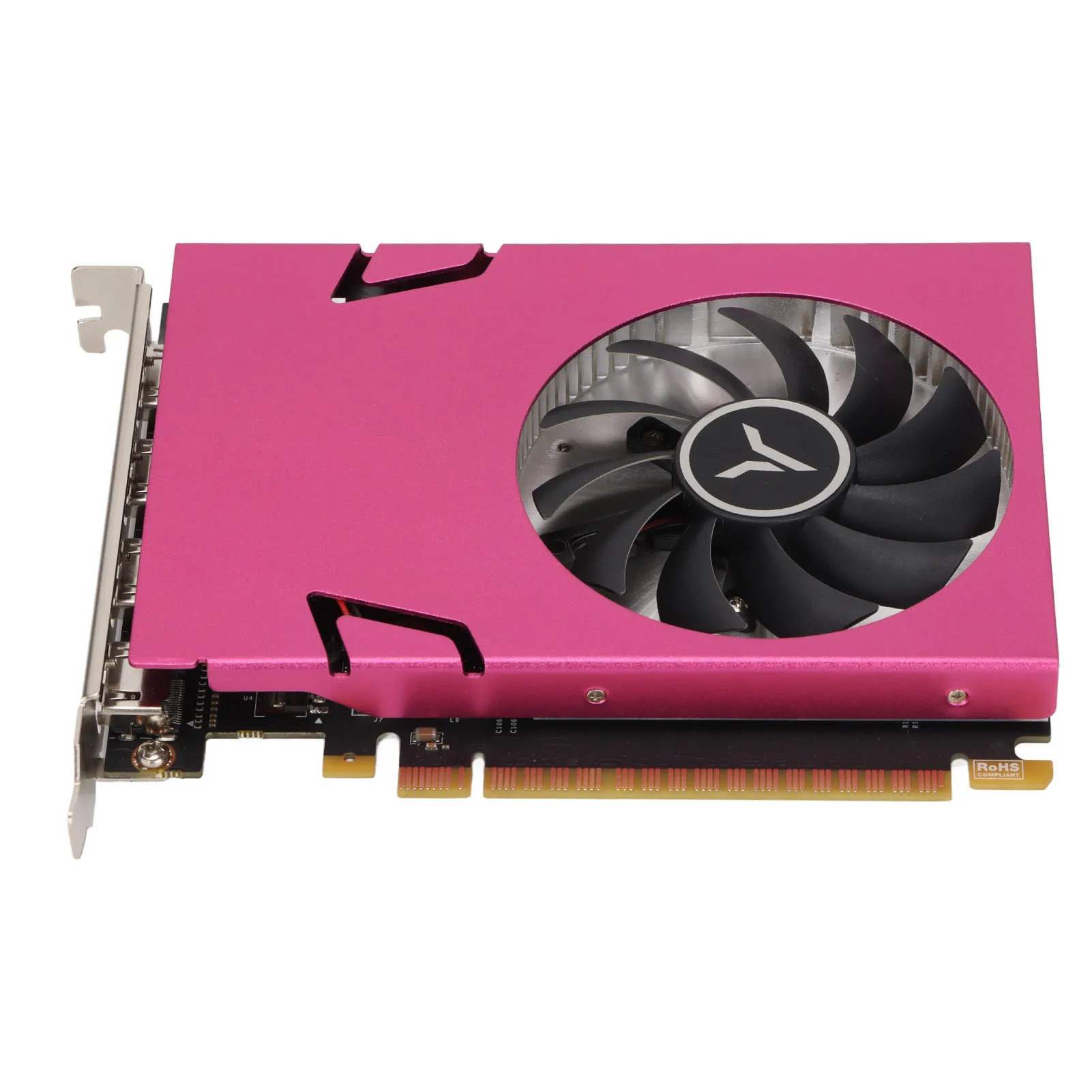
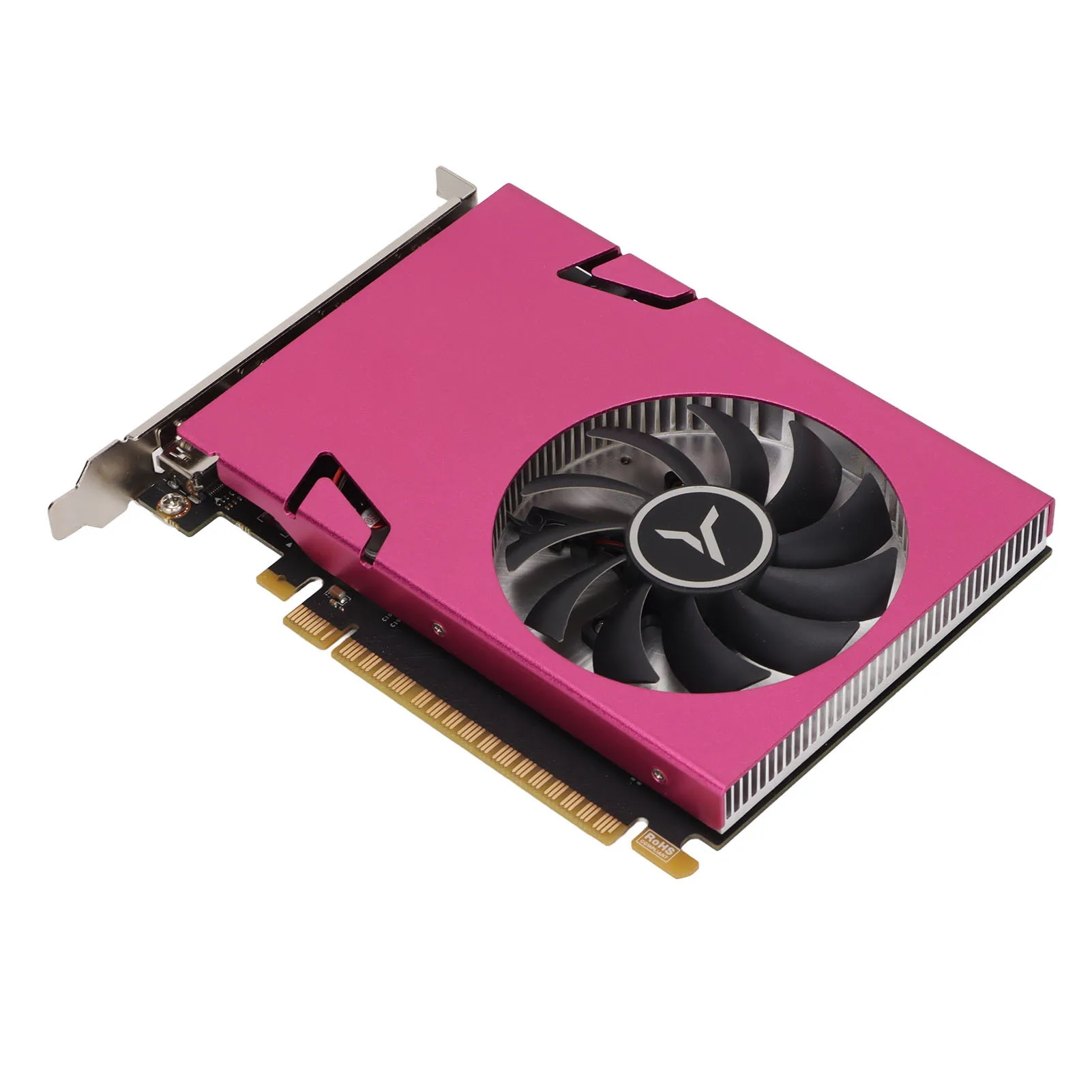
4K HDR 4G 128-bit DDR3 Computer Graphics Card
Specification:
- Item Type: Computer Graphics Card
- Material: PCB, Metal, Aluminum
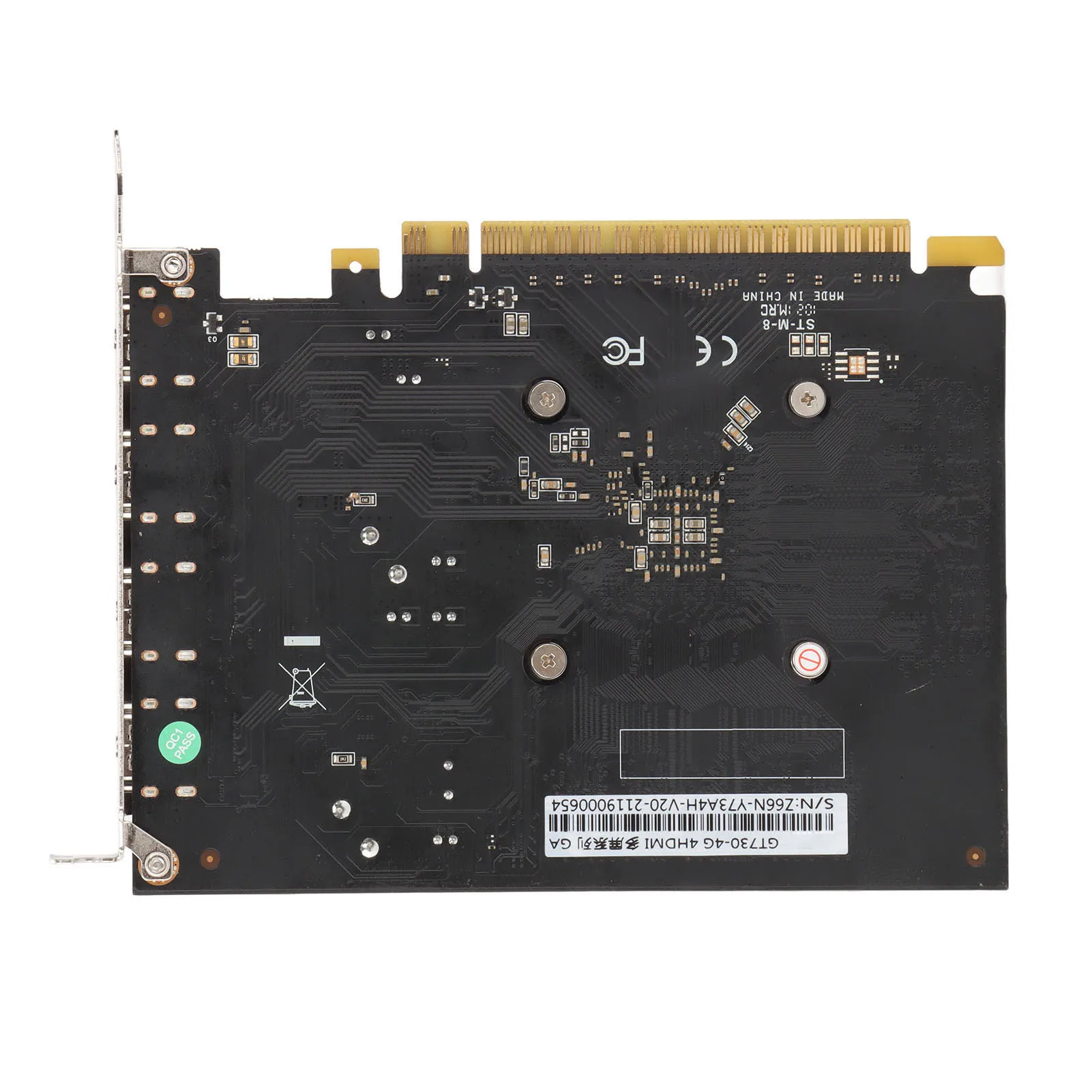
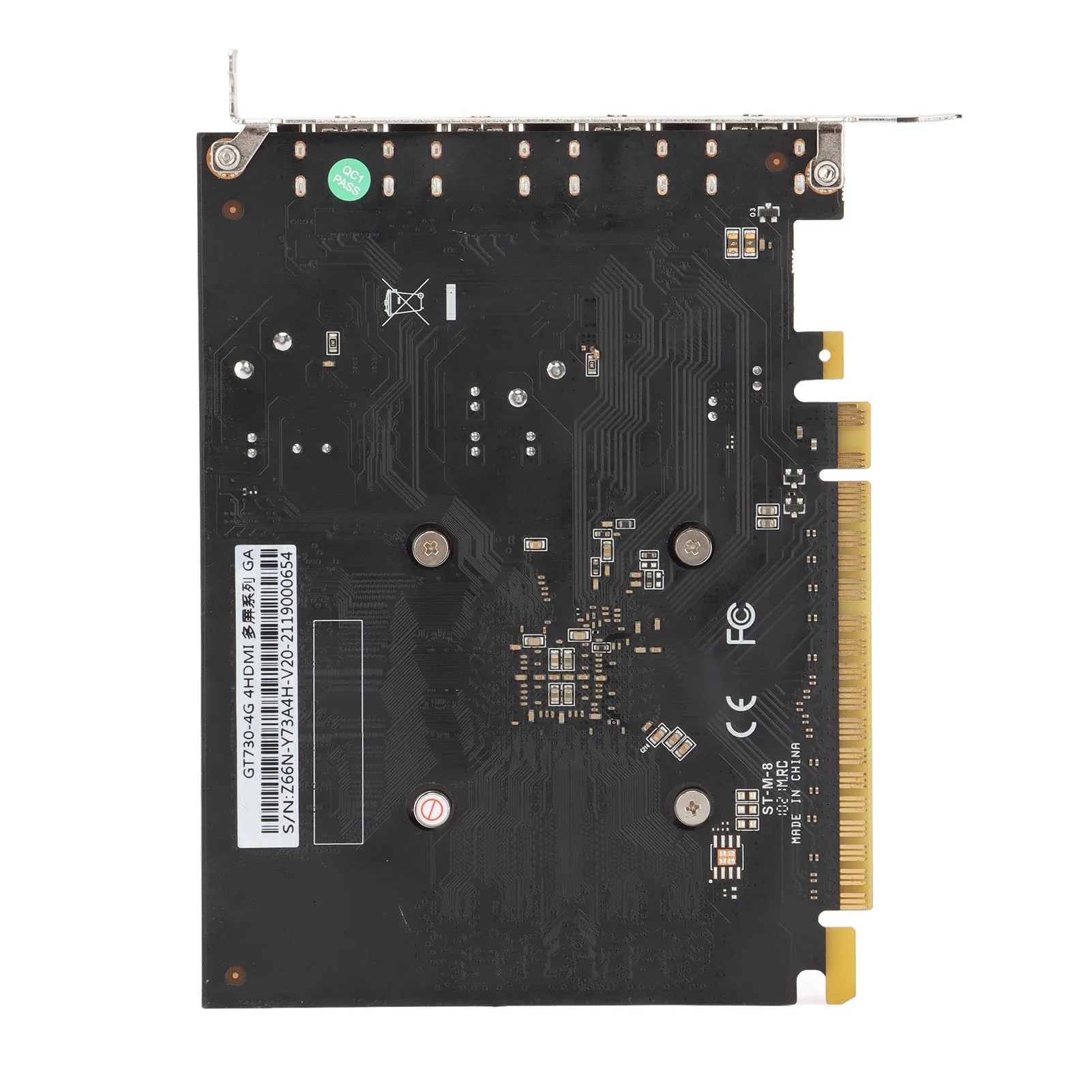
- Model: For GT730-4G 4 HDMI GA
- Color: Pink
- Core and Manufacturing Process: GK107 / 28nm
- Core Frequency / Video Memory Frequency: 993 / 1600MHz
- Memory Capacity and Specifications: 4GB / 128-bit / DDR3
- 3D Features: DirectX 11 / OpenGL 4.6
- Other Features:
- API
- CUDA
- PhysX
- FXAA
- OS Compatibility:
- Windows 7
- Windows 10 (32 and 64 bit)
- Heat Sink: YDP18-A
- Bus Interface: PCI-Express 2.0 x16
- Output Interface: 4 x HDMI
- External Power Supply: None
- Half Height Baffle: None
Product Installation:
- Turn off the power, unplug all connectors, and open the case.
- If another graphics card is installed, remove it first. Insert the new graphics card into the PCI Express x16 slot on the motherboard.
- If the graphics card has an additional power input, connect the corresponding plug from the power supply to the graphics card to ensure sufficient power.
- Tighten the screws on the bracket to secure the graphics card properly.
- Close the case, reconnect all peripherals, and plug the monitor connector into the graphics card.
- If you need to use TV-OUT, HDMI, DisplayPort, or other interfaces, ensure the graphics card has the correct port. Connect the display device with the appropriate cable.
Driver Installation:
- Driver installation is required after the hardware installation.
- Follow these steps to install the correct driver:
- After starting the system, go to the official website and navigate to the product center.
- Check the model number on the packaging or the back of the graphics card.
- Enter the product page for your model, click “Driver Download,” and download the correct driver for your operating system.
- After downloading, double-click the file to start the installation and follow the on-screen instructions.
- Restart your computer after installation completes.
Package List:
- 1 x Computer Graphics Card
There are no reviews yet.