



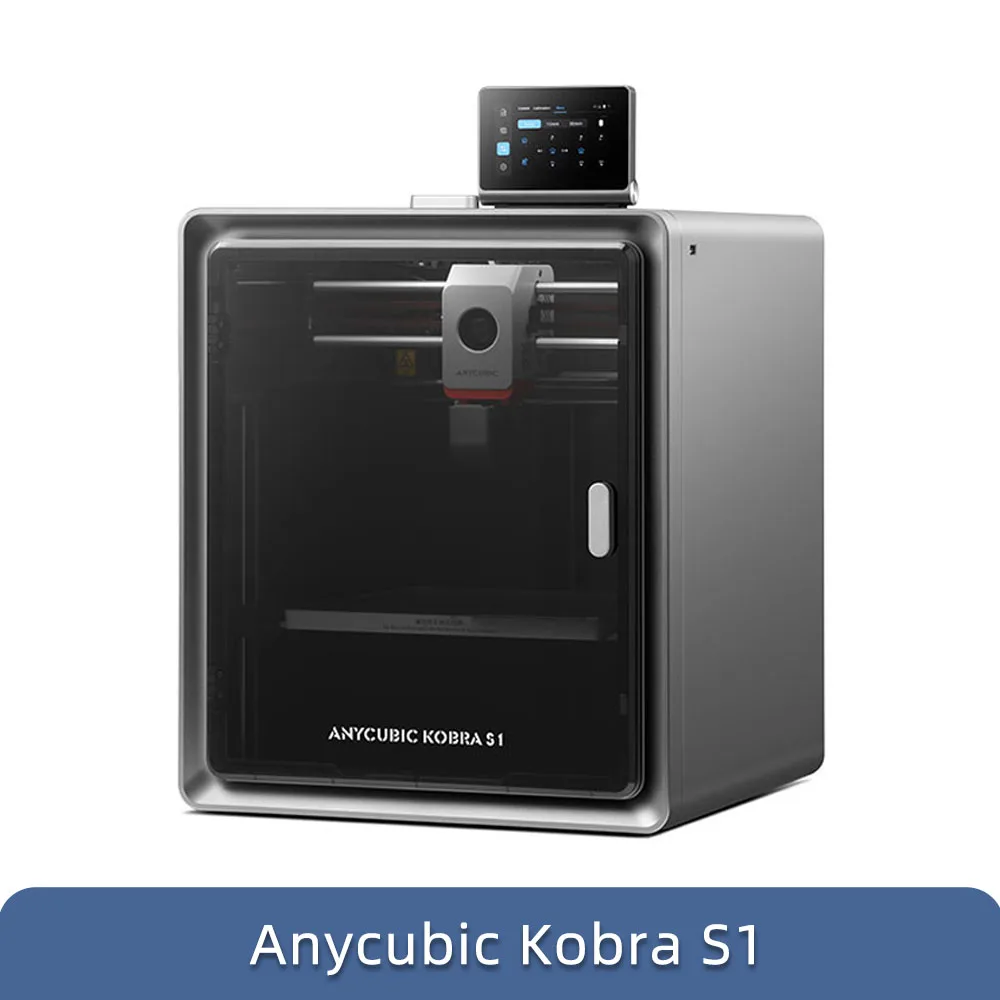




Anycubic Kobra S1 Multi-Color 3D Printer
Product Features
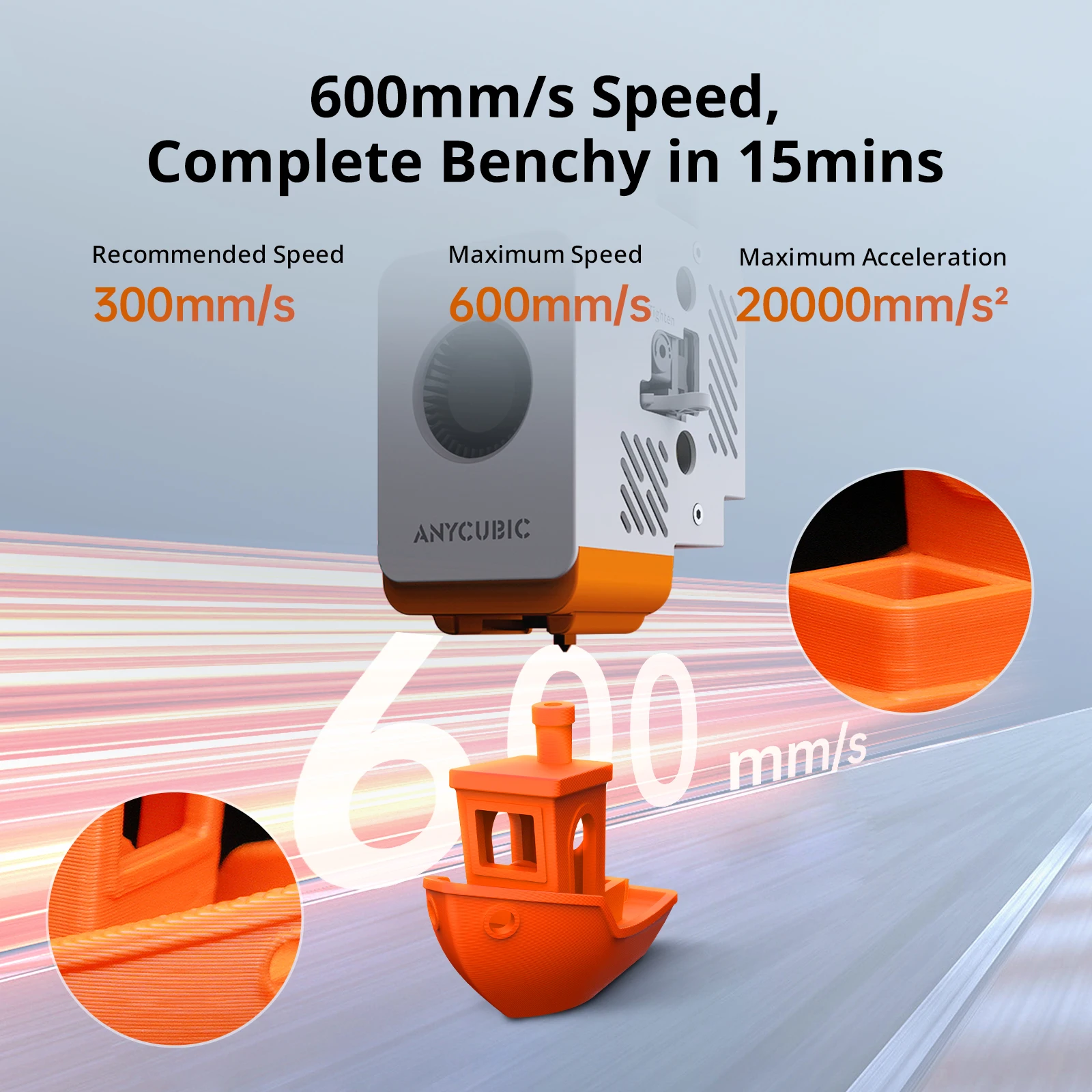
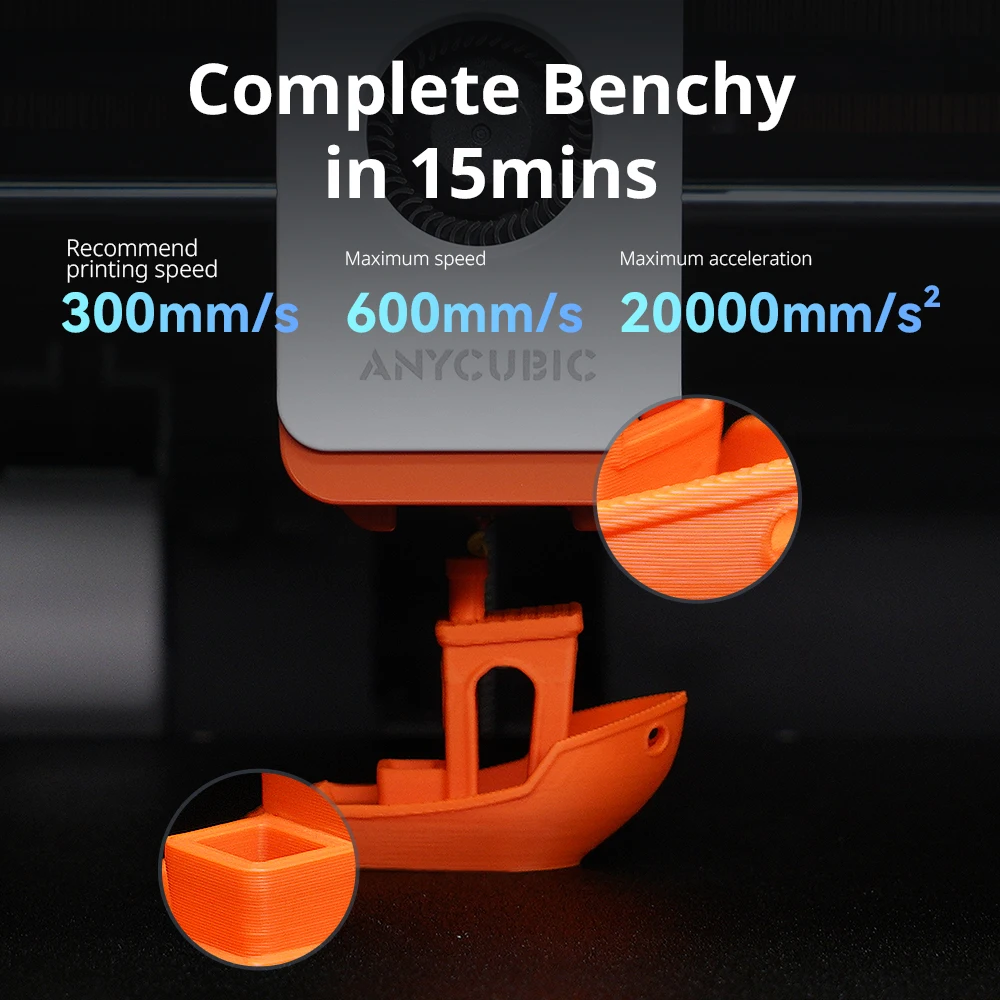
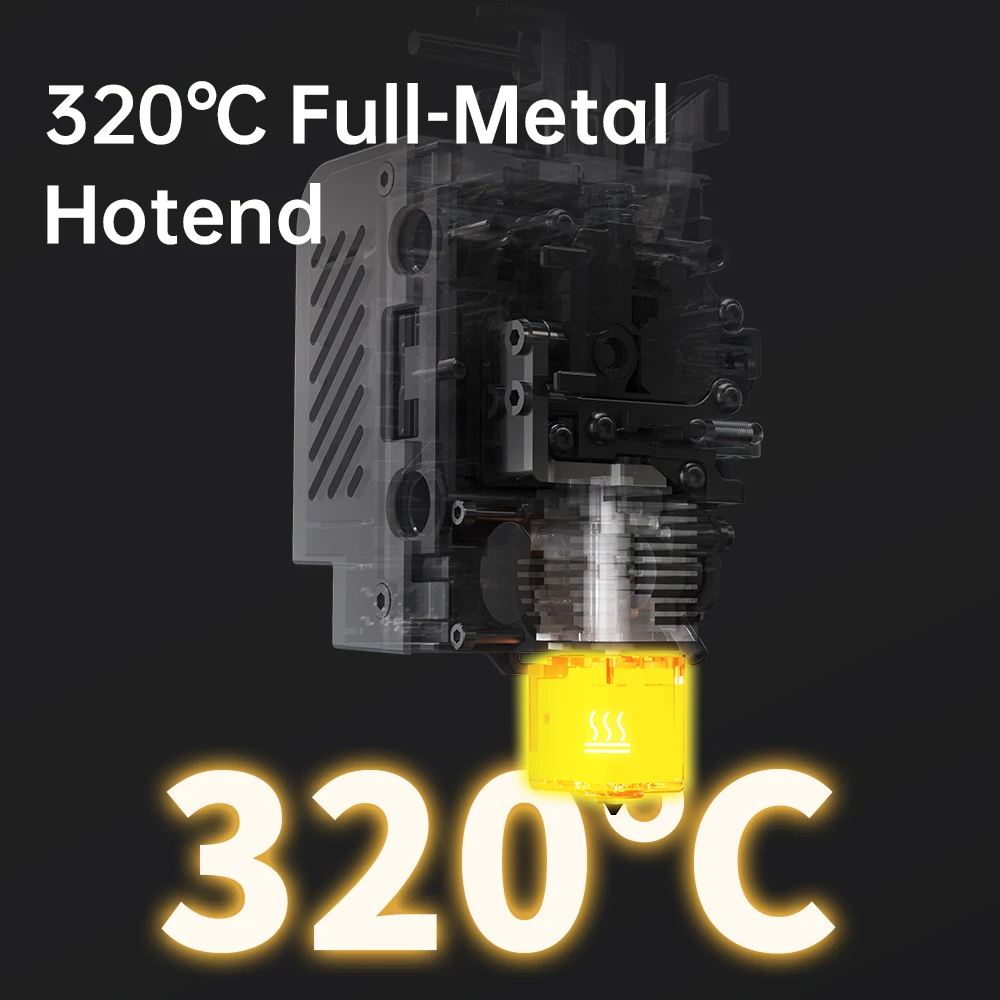
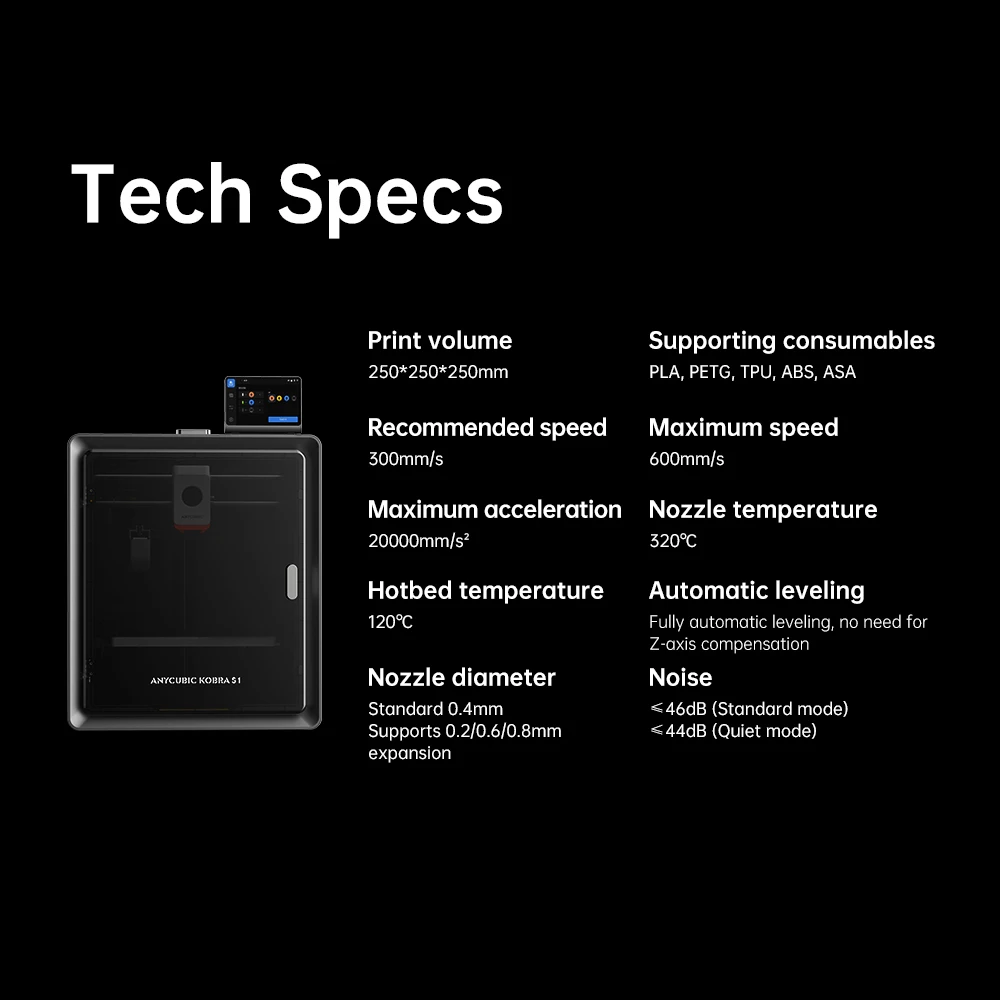
- 600mm/s High Speed with 320℃ Hotend: Features a full metal hotend capable of reaching a peak temperature of 320℃. A benchy can be completed in 15 minutes with 600 mm/s ultra-high speed to save you time. Its hotbed can consistently maintain a maximum temperature of 120℃, enabling effortless printing of filaments such as ABS, ASA, and other materials.
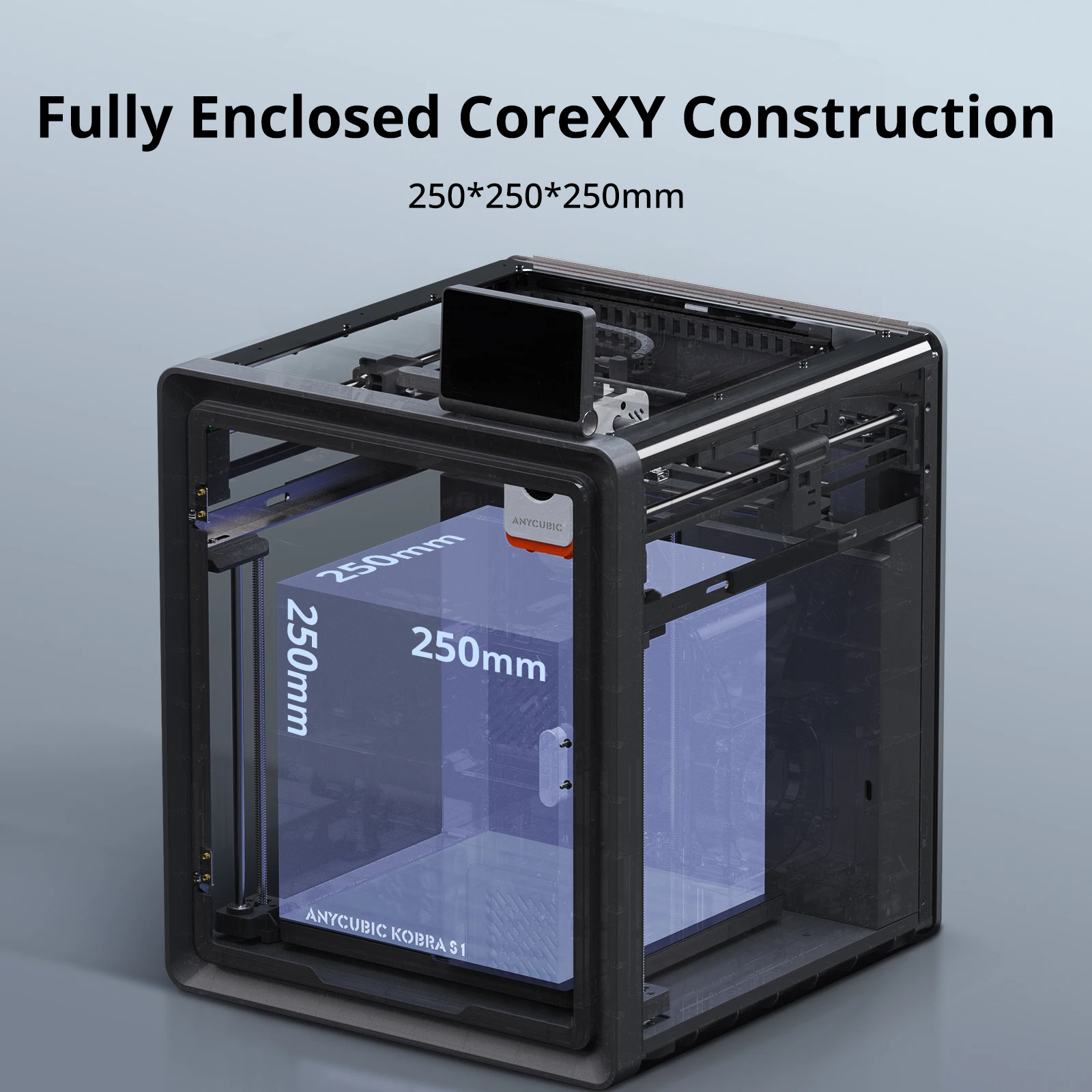
- 1+1+1 Superior Structure: Fully enclosed CoreXY construction with a 250x250x250mm size. The Kobra OS system and cooling system minimize vibrations and enhance responsiveness to improve printing quality.
- Intelligent Functions: LeviQ3.0 auto-leveling system allows for effortless automatic bed leveling. Resonance compensation and flow correction eliminate resonance patterns in all models and enhance printing accuracy. AI Monitoring ensures smooth operation.
- 44dB Ultra-Quiet and Built-in Camera: The built-in camera enables AI Monitoring, belt tension monitoring, and seamless operation. It instantly detects and alerts you to anomalies such as spaghetti, ensuring smooth operation. The low noise level is as low as 44 dB.
- Anycubic Intelligent Ecosystem: Anycubic Slicer Next is equipped with different specifications and filament parameter sets. The Anycubic App supports remote control and time-lapse recording. Makeronline offers many free model resources.
FAQ
1. What steps should be taken during the first startup?
Start with PID tuning, then perform feedback compensation, and finally click on auto-leveling. After that, you can begin your printing journey. The entire process takes about 10 minutes.
2. What materials can the Kobra S1 print?
It can perfectly print PLA, PETG, TPU (95A), ABS, and ASA. Additionally, it supports high-temperature materials such as PC, PA, carbon fiber, and glass fiber.
3. Does the Kobra S1 Combo have power-loss recovery and filament runout detection?
Yes, the machine supports both power-loss recovery and filament runout detection functions.
4. How many colors does this machine support for printing?
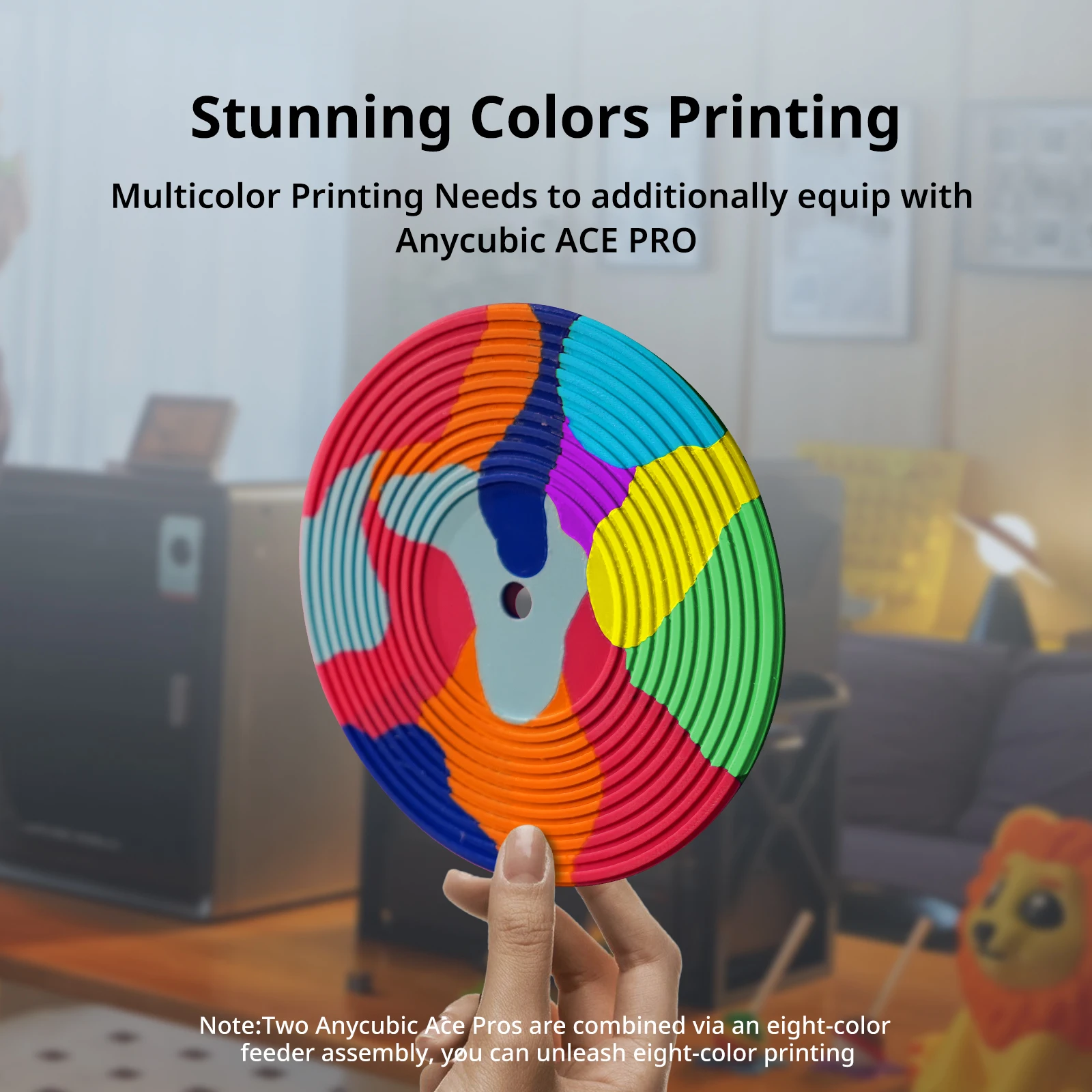
With the addition of ACE Pro, it supports multi-color printing. By connecting up to two ACE Pros, it can achieve 8-color printing.
5. What do I need to be aware of when replacing or cleaning the Kobra S1 hotend?
Wait for the filament to cool completely before removing/unplugging the hotend. We do not recommend removing the hotend before the filament has cooled down. The molten filament may pull out the high-temperature ceramic composite tube, causing the cooled filament to accumulate inside the throat, which could affect the cleaning and reinstallation of the hotend.
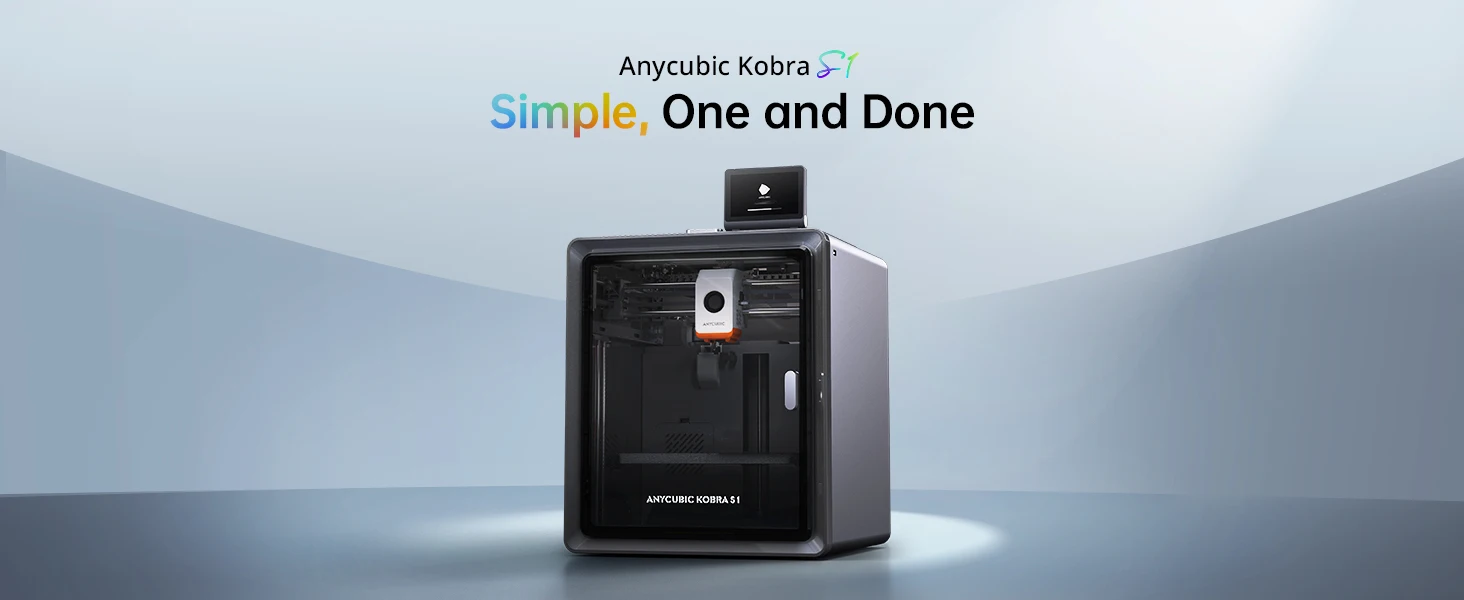
Anycubic Kobra S1
Simple, One, and Done
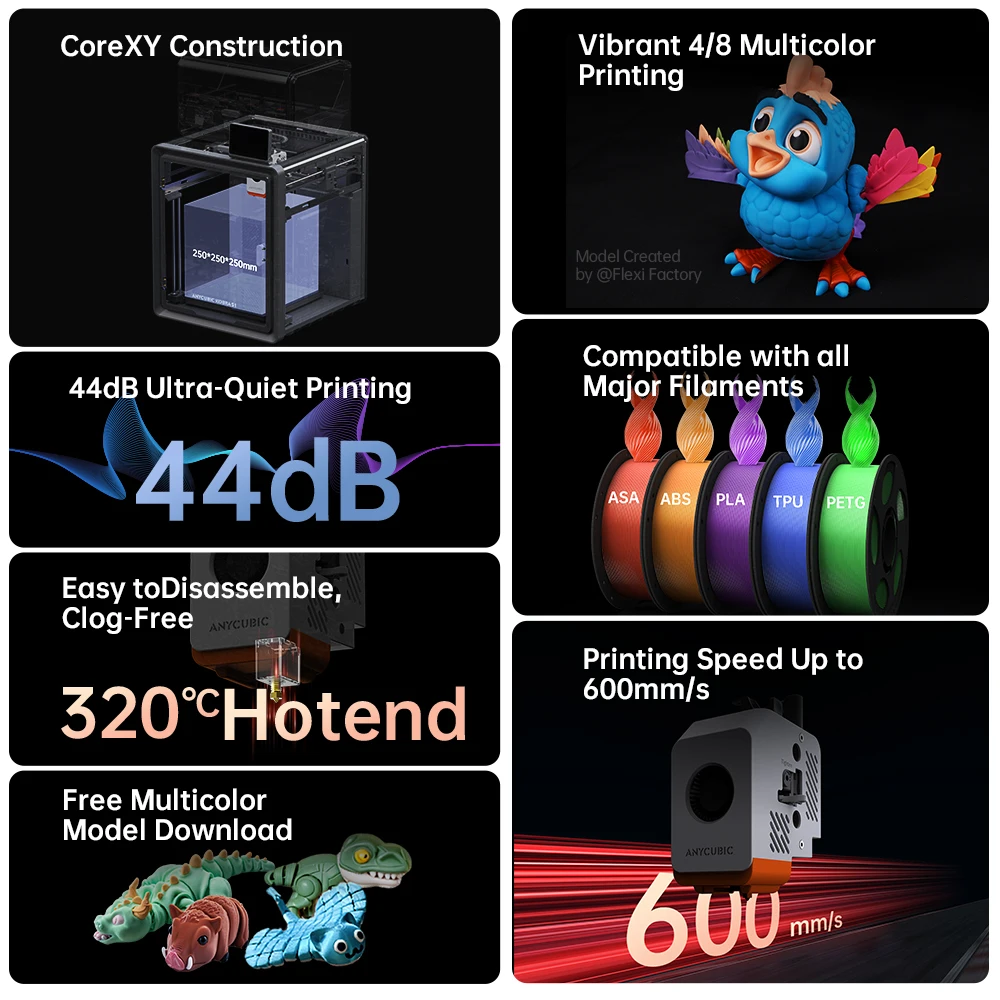
CoreXY Construction with a Print Size of 250x250x250mm
Drying & Printing at the Same Time
44dB Ultra-Quiet Printing
Stunning 4- or 8-color Printing
320°C Hotend, Easy to Disassemble, Clog-Free
Printing Speed Up to 600mm/s
Compatible with all Major Filaments
ACE PRO for Kobra S1: More than Just Active Drying.
Active Drying
Intelligent Multi-Filament Drying
Anti-Entanglement Design

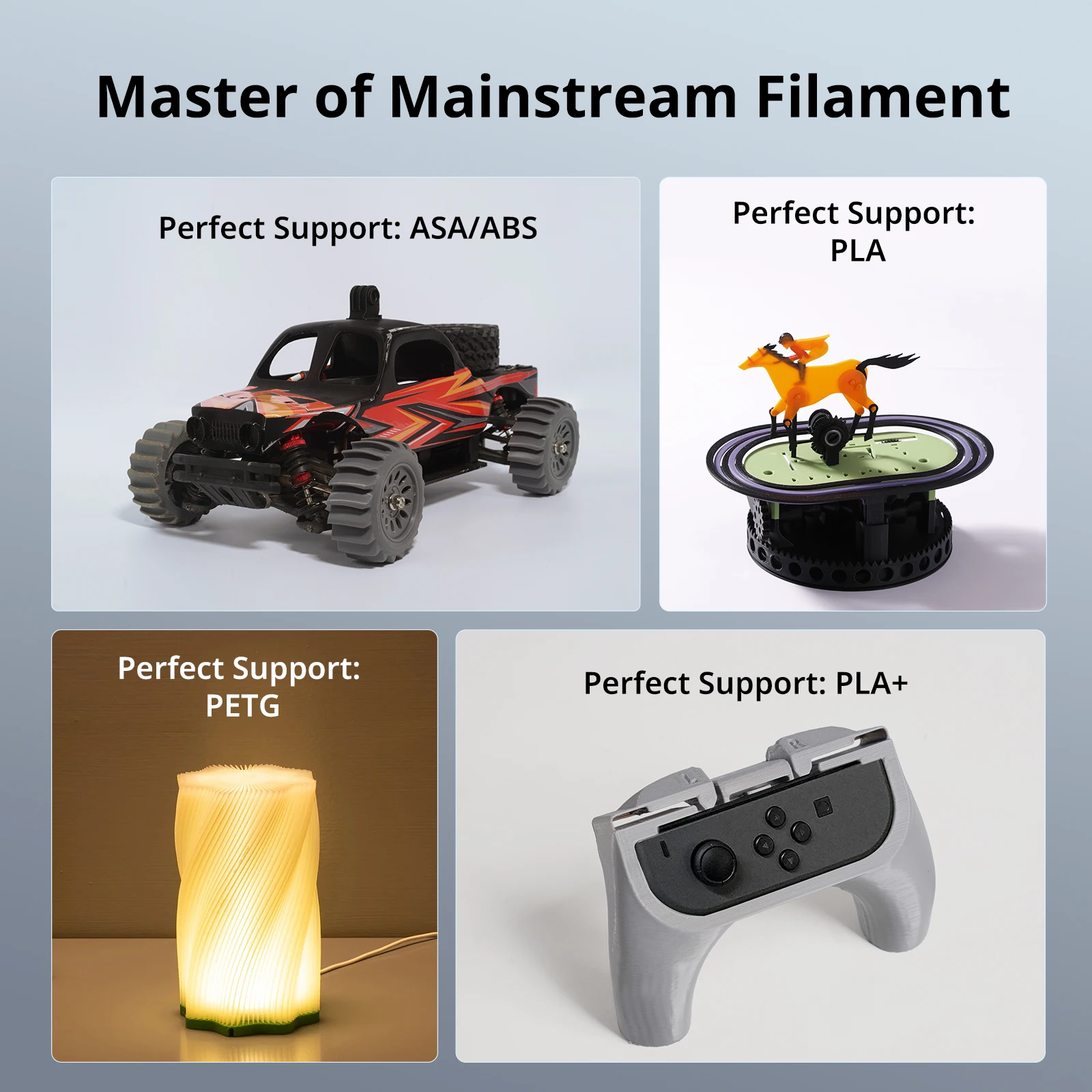
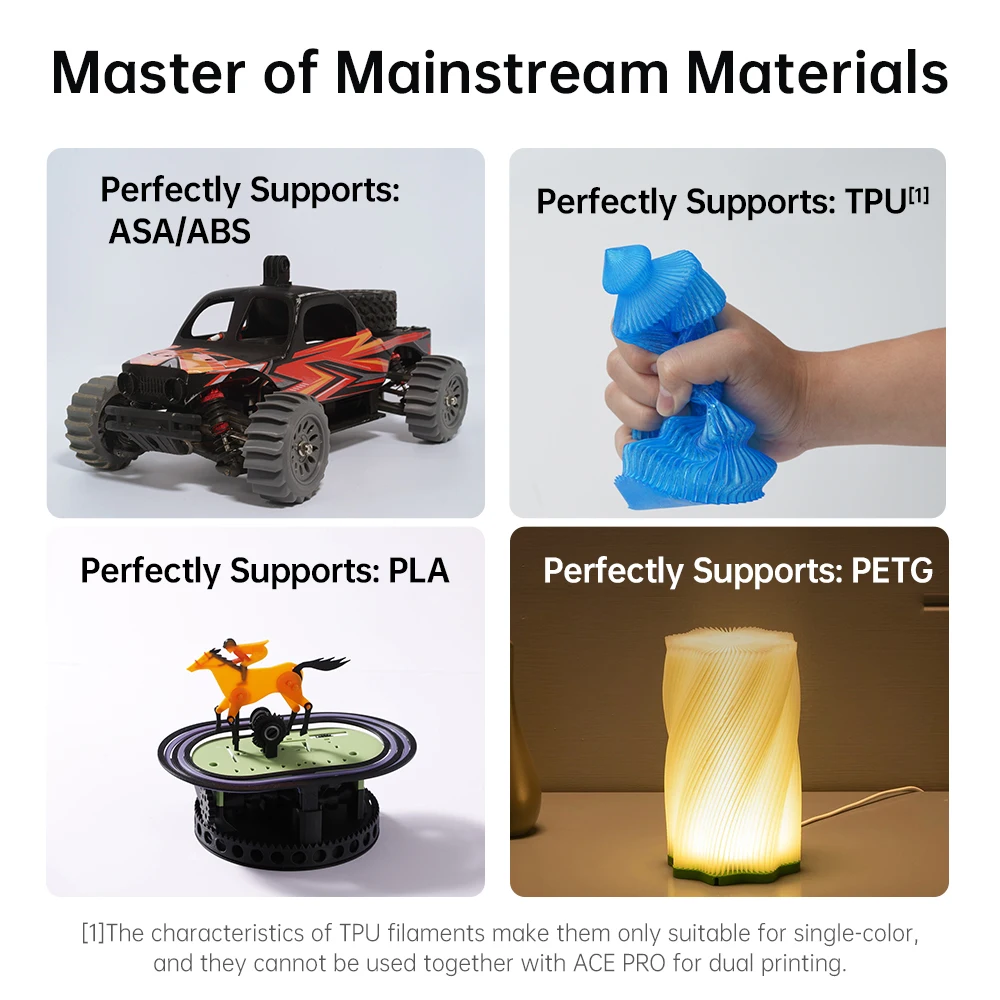
Master of Mainstream Materials
Perfectly Supports: ASA/ABS
Weather- and high-temp-proof, Outdoor applications, High-resilience
Perfectly Supports: PLA
Environmentally friendly and non-toxic, Vibrant colors, High-precision
Perfectly Supports: PETG
Vibrant colors, Easy to print, environmentally friendly
Perfectly Supports: TPU
Soft and highly elastic, Oil- and abrasion-resistant, Comfortable to the touch
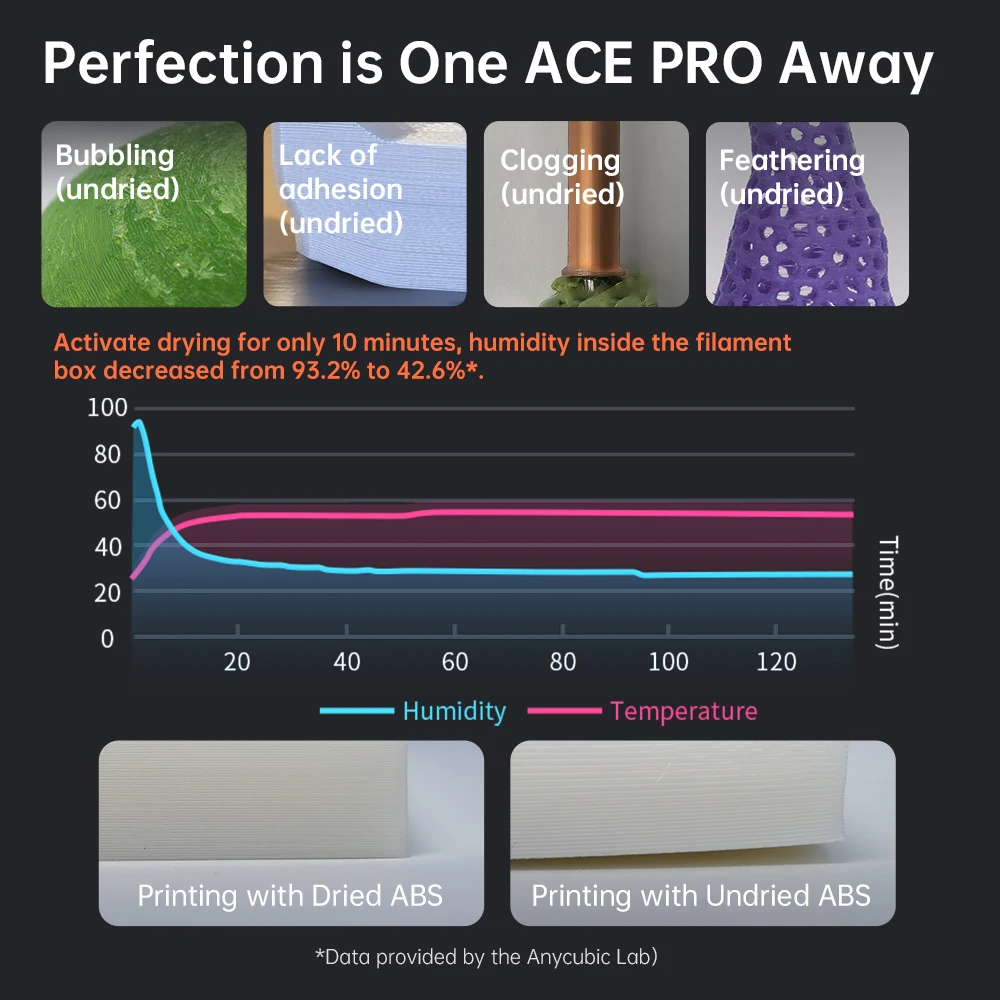
Perfection is One ACE PRO Away
Dual PIC heating module + 360° hot air circulation drying technology ensures even heating of the filaments, keeping them in optimal printing condition at all times to create the perfect model.
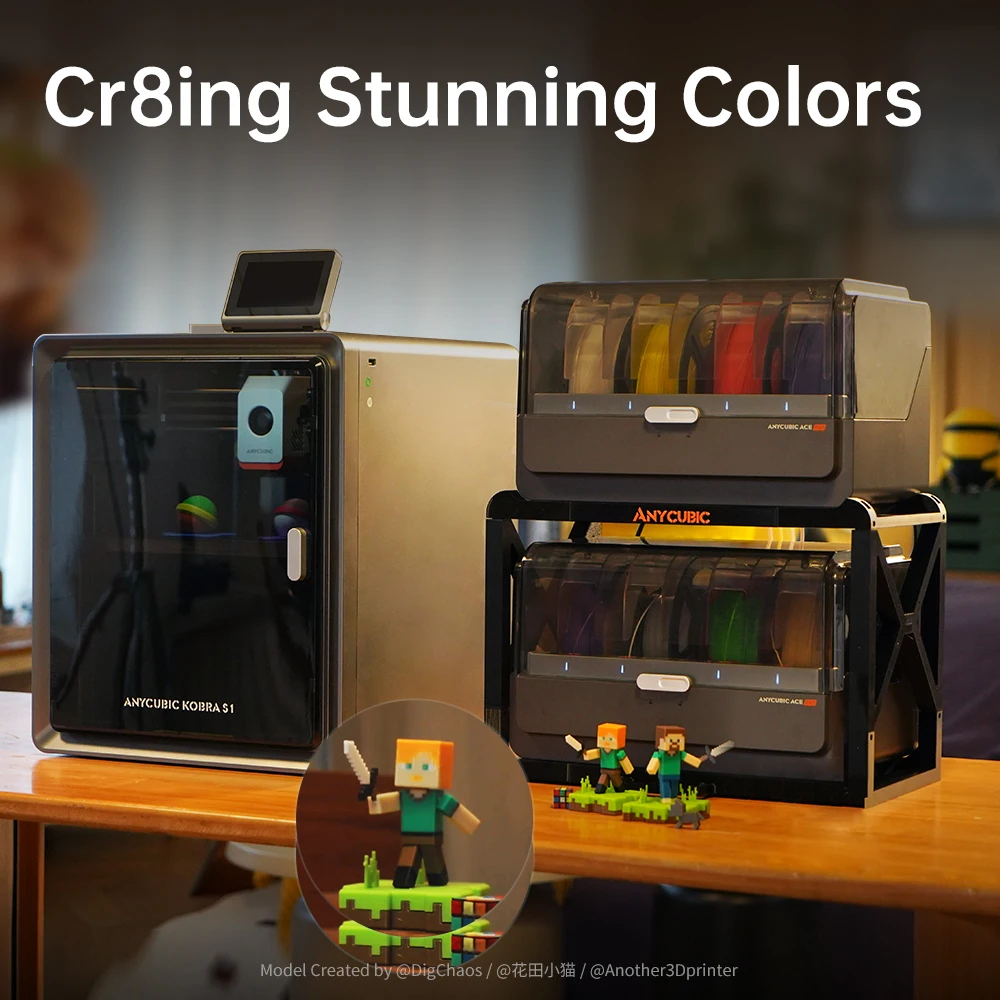
Creating Stunning Colors
The ACE PRO features 4 slots, effortlessly tackling basic four-color printing. When two ACE PROs are combined, you can then unleash eight-color printing to bring you even more unimaginable possibilities.
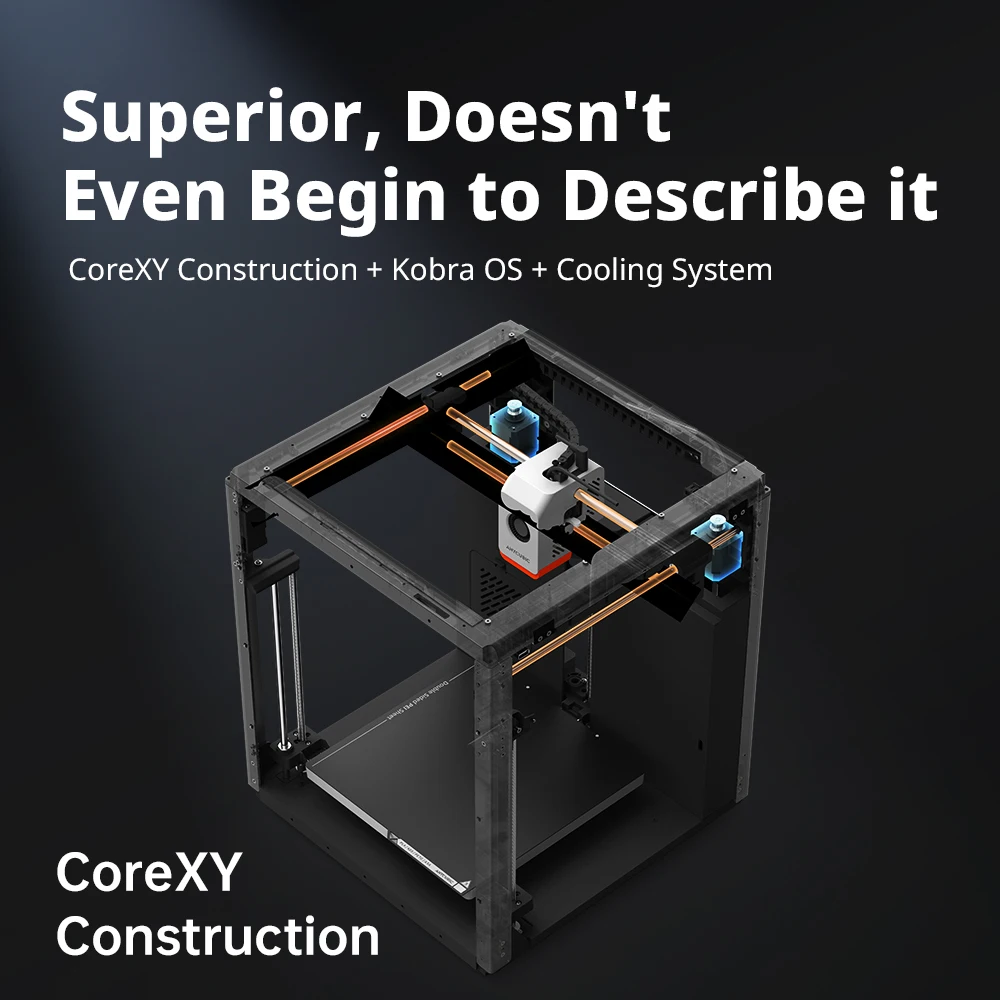
Superior, Doesn’t Even Begin to Describe it
CoreXY Construction + Kobra OS + Cooling System
The seamless integration of the ultra-stable CoreXY construction, dual motor drive, and Kobra OS system greatly minimizes vibrations during printing, enhancing the responsiveness and precision of the extruder. This results in a smoother and more precise printing process.
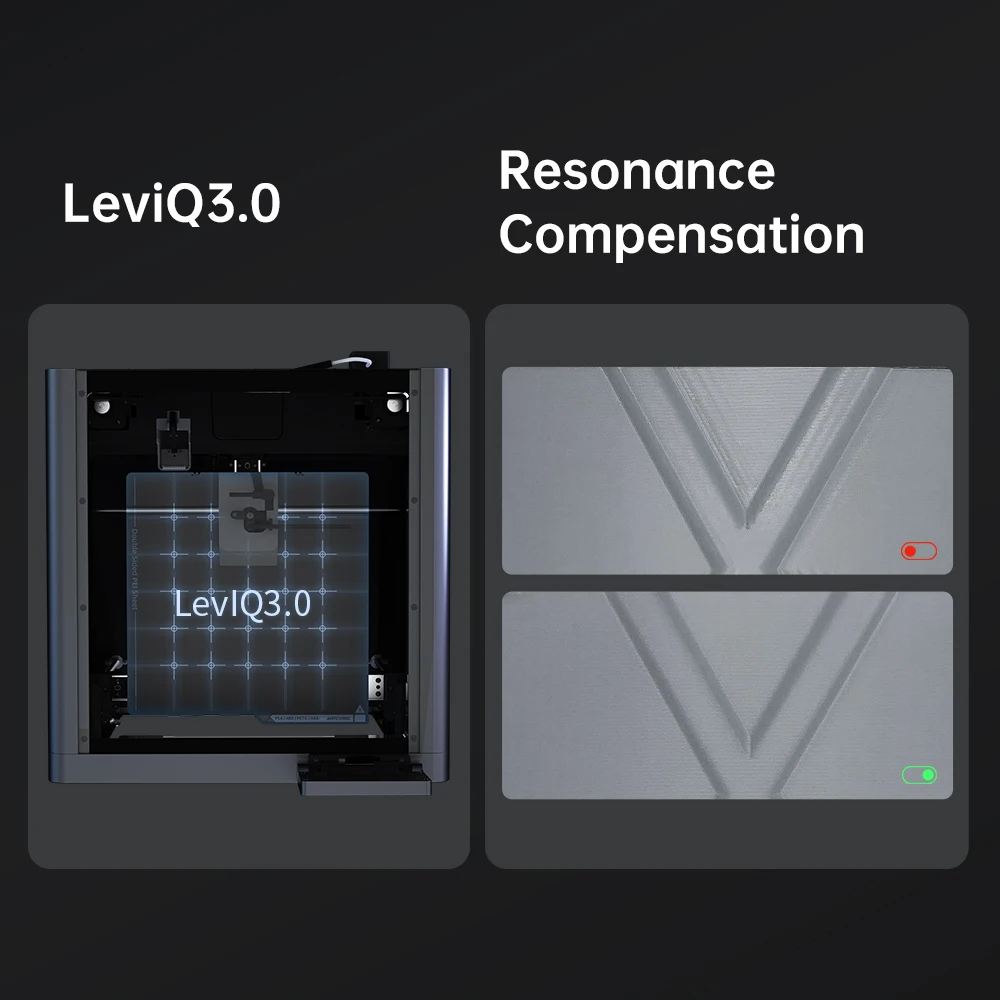
LeviQ3.0
Utilizing LeviQ3.0 technology allows for effortless automatic bed leveling and automatic Z-axis offset.
Resonance Compensation
Built-in accelerometer for automatic detection of resonance frequency to eliminate resonance patterns in all models.
Complete Benchy in 15 mins
Recommended print speed: 300mm/s
Maximum print speed: 600mm/s
Maximum acceleration: 20000mm/s²
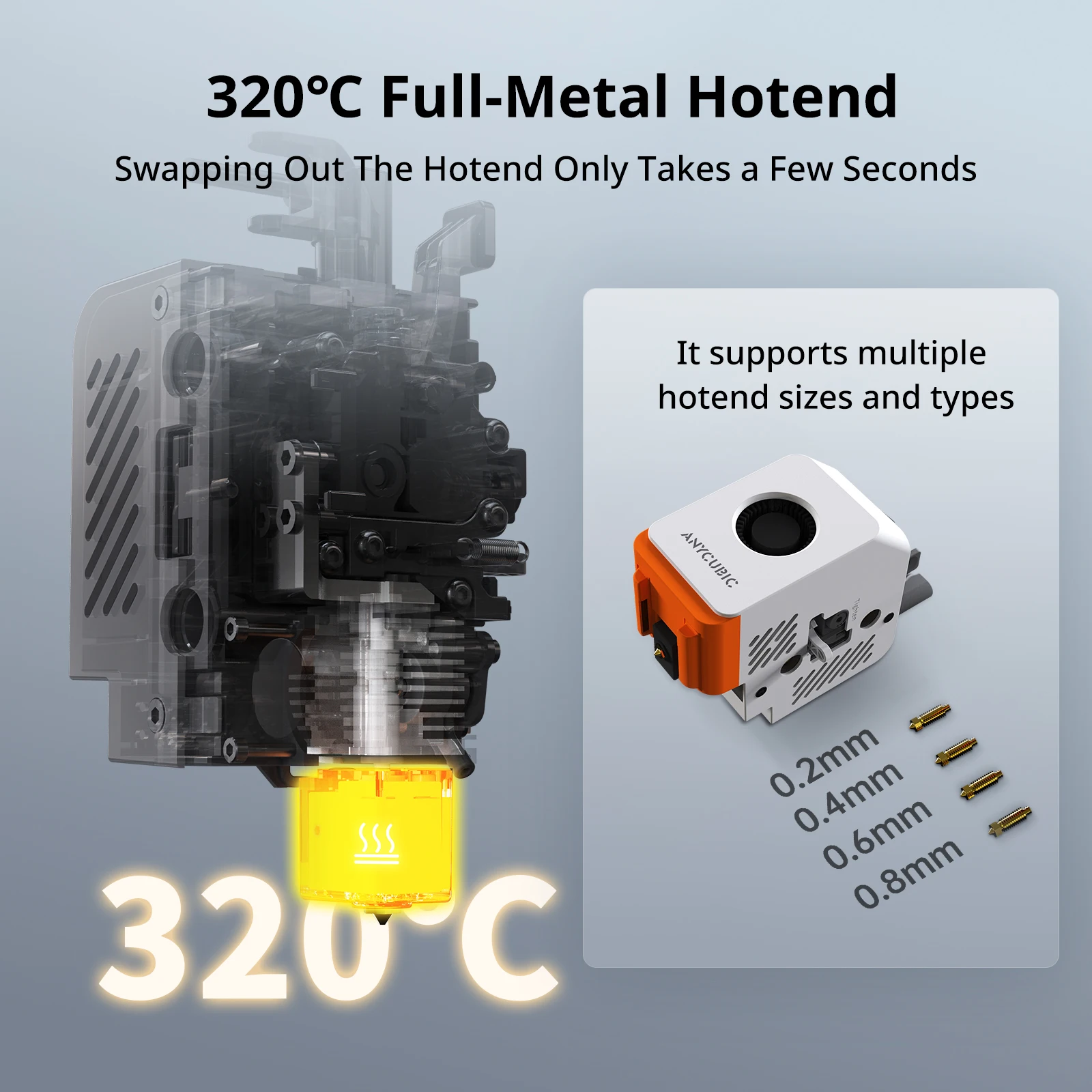
320°C Full-Metal Hotend
The Kobra S1 printer features a full metal hotend capable of reaching a peak temperature of 320°C. Its hotbed can consistently maintain a maximum temperature of 120°C, enabling effortless printing of filaments such as ABS, ASA, and other materials.
Clog-Free Aerospace-Grade Ceramic Composite Throat Tube
Maximum Heat Resistance
Low-Friction Surface

1+1+1 Cooling System
The 1+1+1 cooling system cools down models instantly for superb print quality and performance.

Tool-Free Hotend Disassembly
Now, swapping out the hotend only takes a few seconds thanks to the improved tool-free hotend disassembly design.

4 Intuitive Arrangements
Print, Sweep, Close, Done
The inner compartment has a dedicated cleaning channel to make cleaning out debris a walk in the park.
4.3″ Touchscreen
Just Like a Smartphone
Unbox & Start Printing in 15 mins
Making Progress, not Noises!
Standard mode: as low as 46dB
Quiet print mode: as low as 44dB

Rest Assured, You’re in Good Hands
AI Monitoring
Instantly detects and alerts you to anomalies such as spaghetti, ensuring smooth operation.
Belt Tension Monitoring
Ensures precision by continuously checking belt status to prevent disruptions.
Seamless Operation
Automatically resumes printing after power loss and interruptions, ensuring efficiency and reliability.

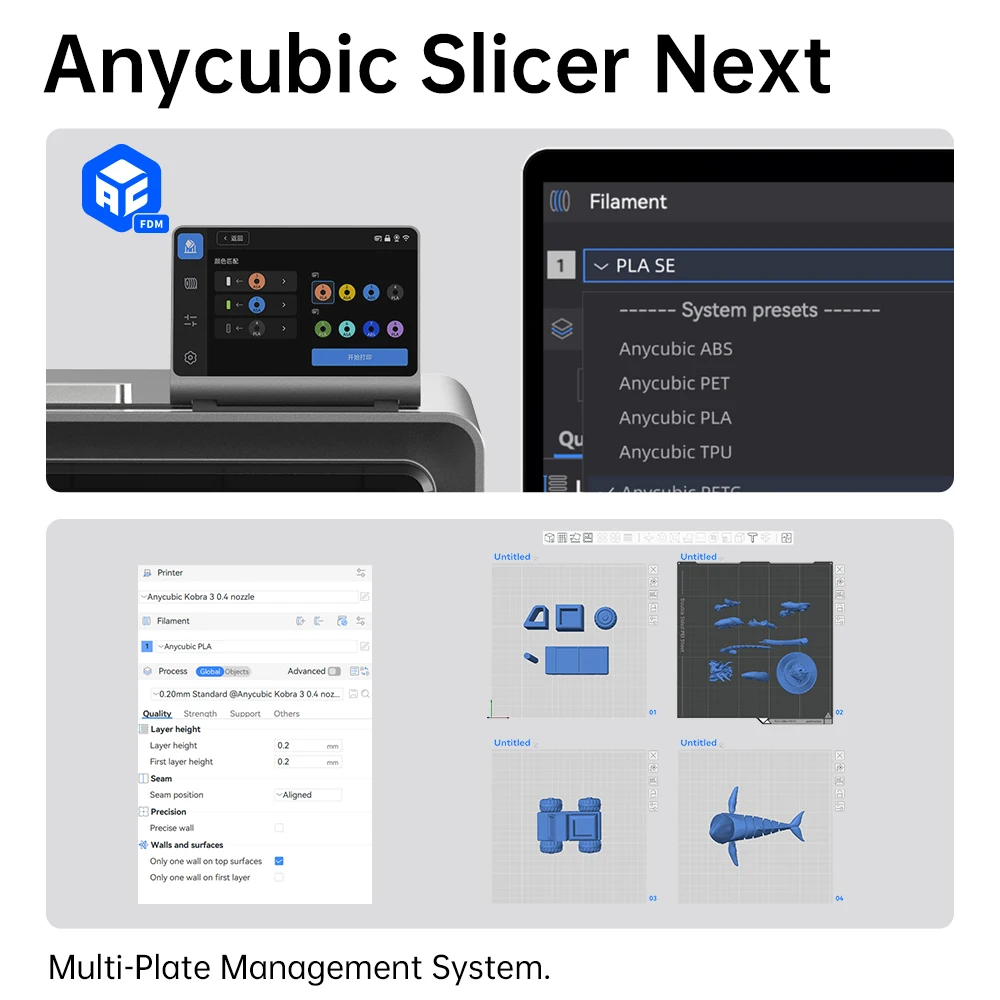
Anycubic Slicer Next
Anycubic Slicer Next is a software based on the Orca open-source platform, tailored for Anycubic 3D printers. It incorporates refined algorithms developed through multiple iterations to enhance slicing and printing quality. Additionally, it supports local area network mode to ensure privacy and security.
Equipped with multiple sets of printing parameter presets for different specifications and filaments, Anycubic Slicer Next makes it effortless, even for beginners, to start a printing task with just a single click.
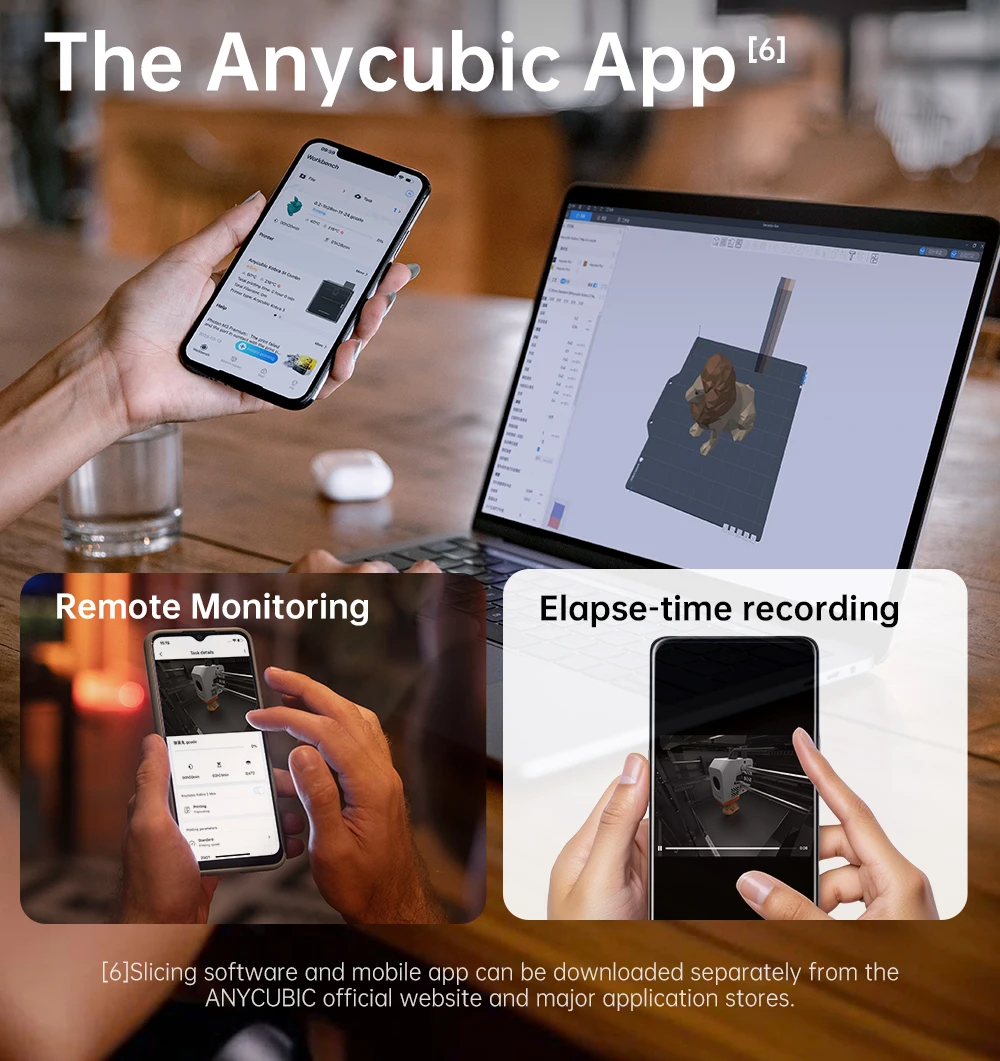
The Anycubic App
Remote Control
One-click printing anywhere using your remote devices to start your print process. It supports multi-plate document parsing for more complex printings.
Remote Monitoring
Monitor the real-time printing status through the Anycubic app on your mobile devices, including cellphones, tablets, and laptops.
Time-Lapse Recording
Document the entire printing process of each layer from start to finish and share it on your social media platforms.
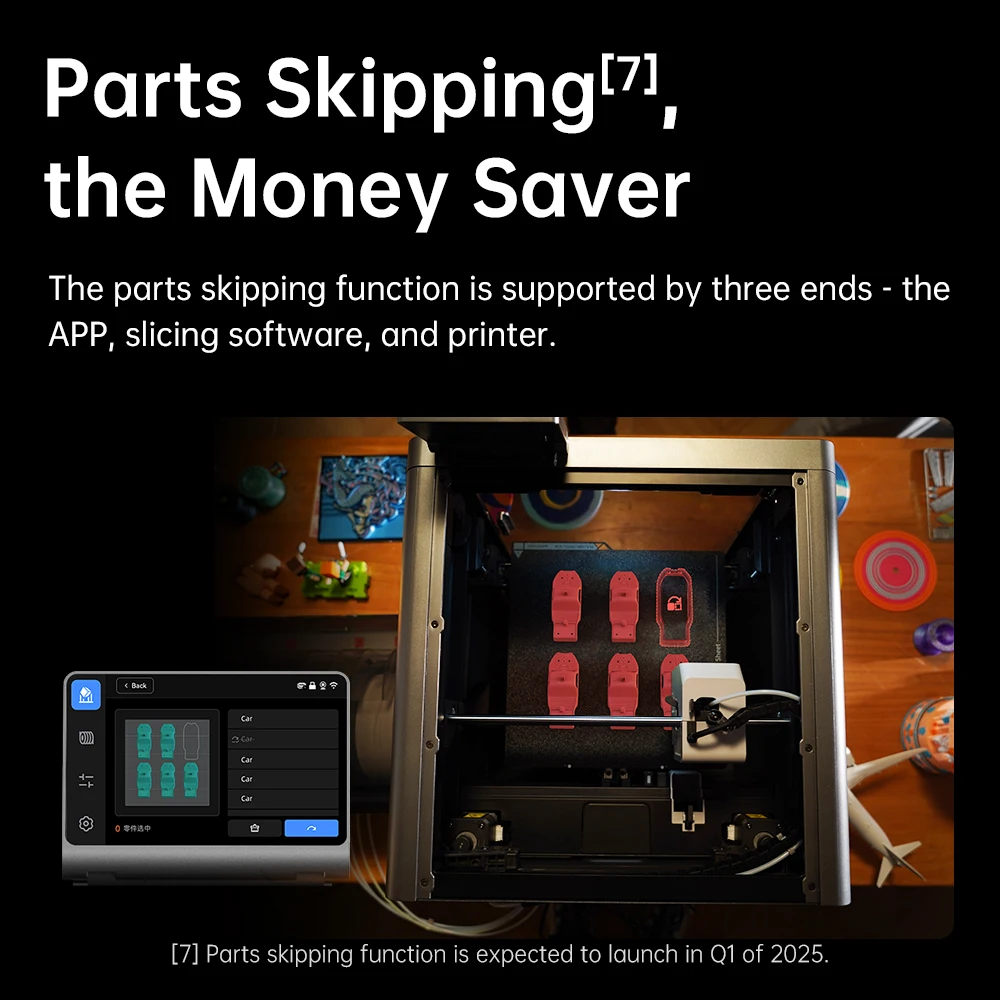
Parts Skipping, the Money Saver
The parts skipping function is supported by three ends: the App, the slicing software, and the printer.
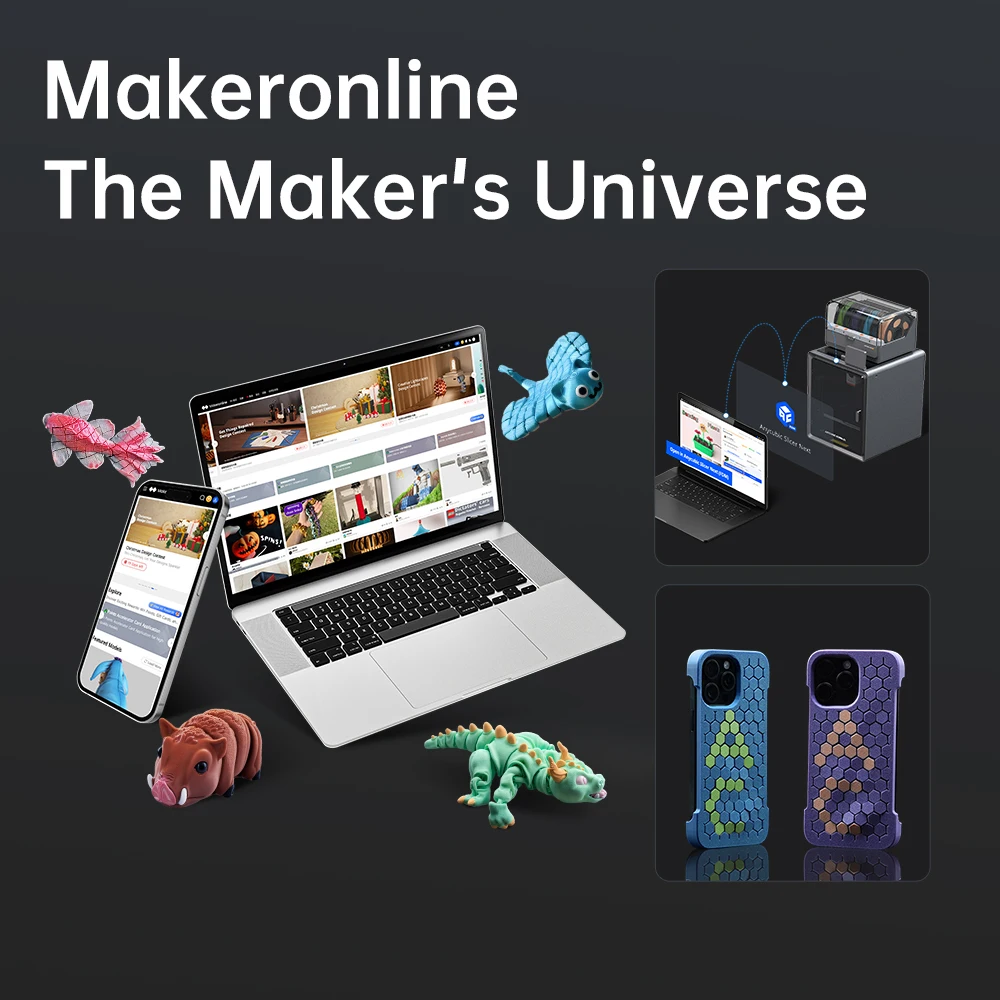
Makeronline: The Maker’s Universe
Anycubic’s self-operated model library, Makeronline, offers a vast collection of high-quality model resources from over 3000 designers worldwide, all available for free.
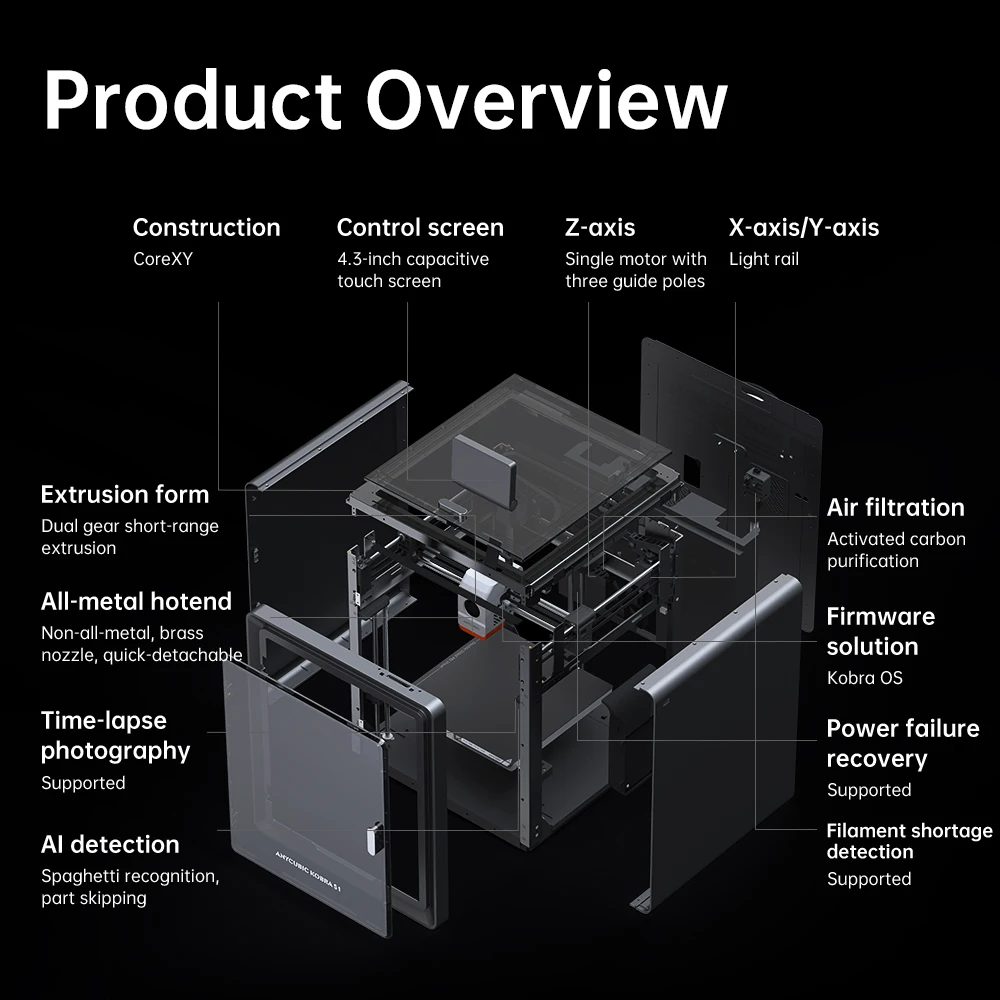
Product Overview
There are no reviews yet.