

15.6-Inch FHD Portable Monitor USB-C HDMI
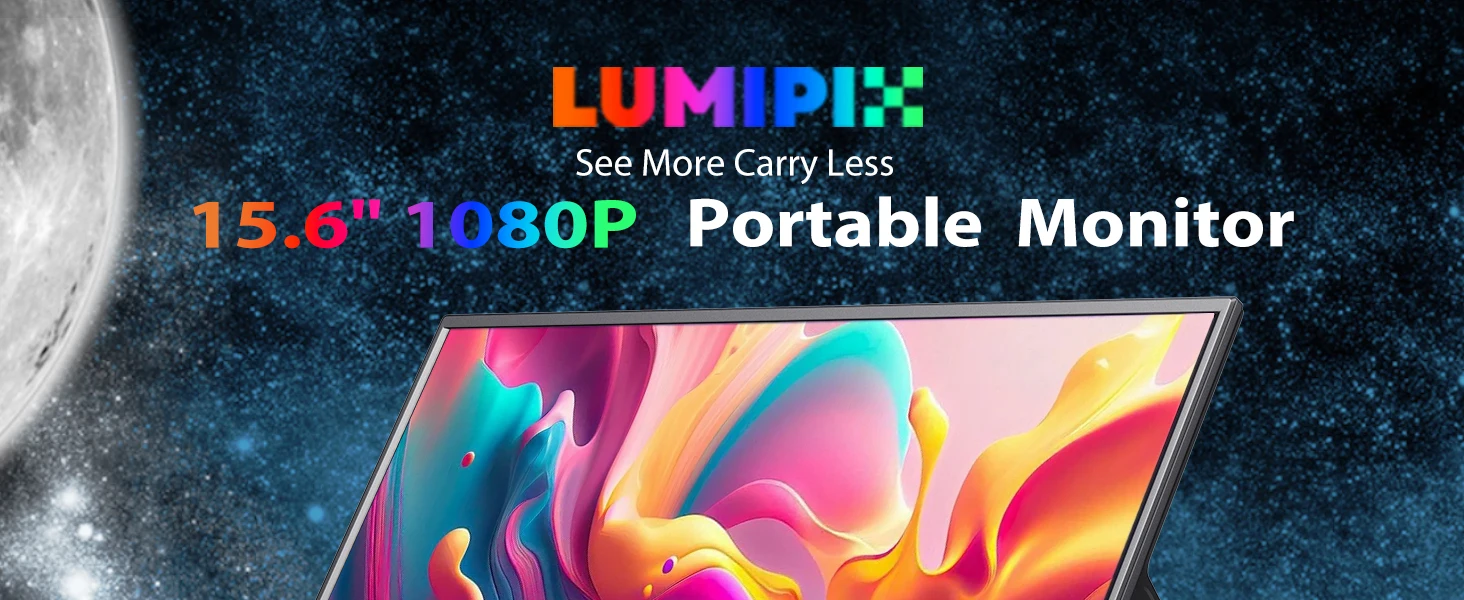
Ultra Slim 15.6-Inch FHD Portable Monitor
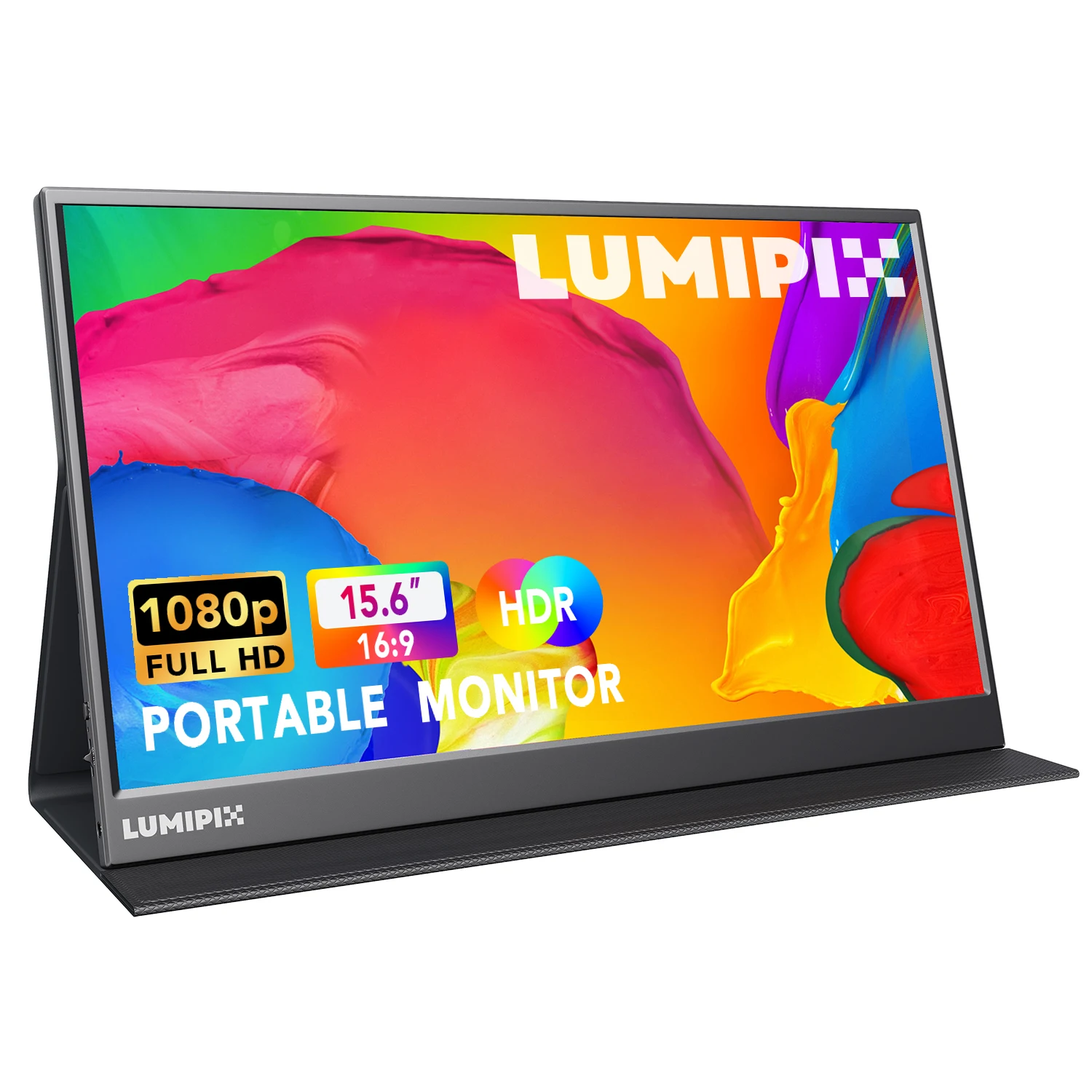
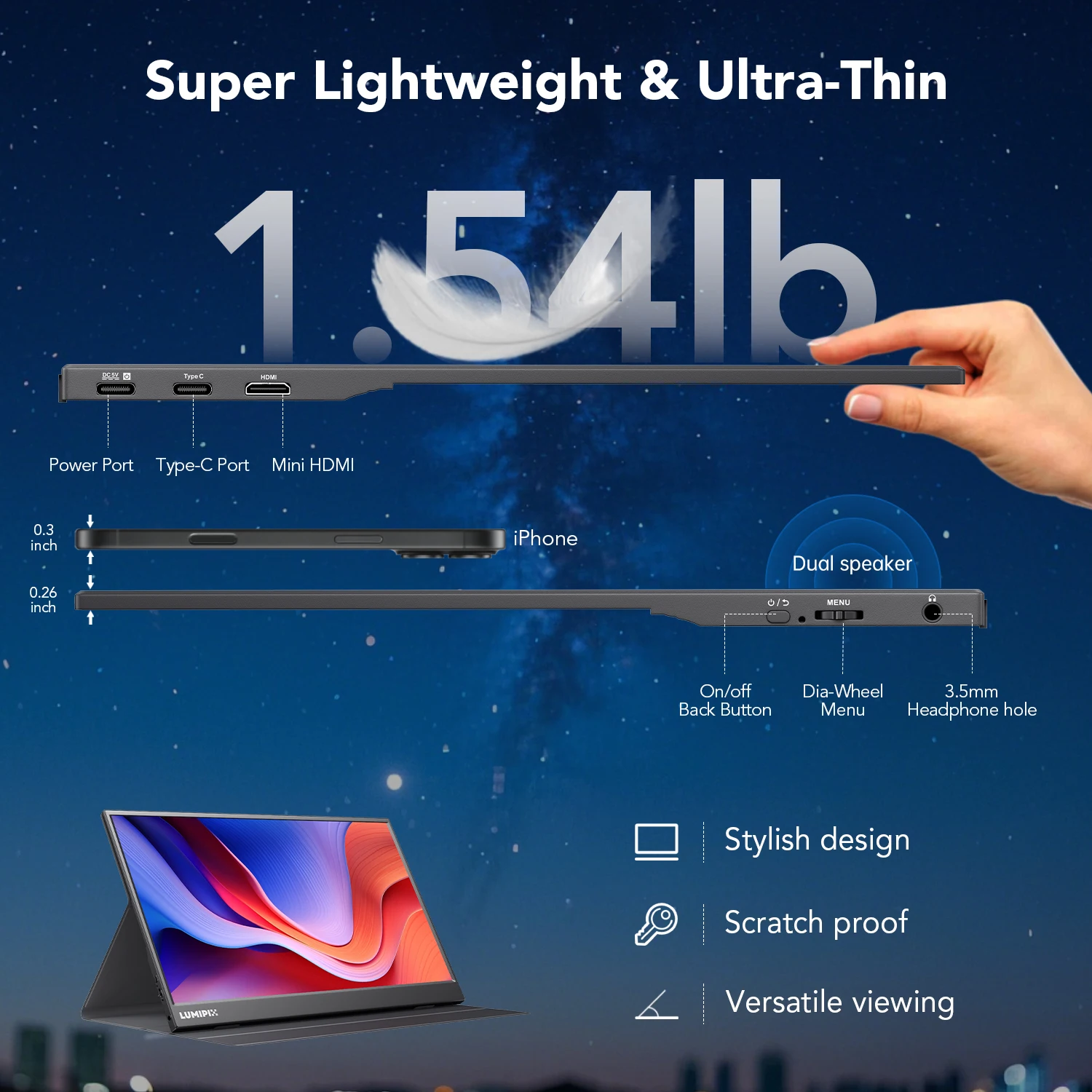
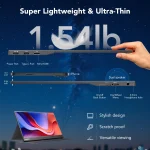
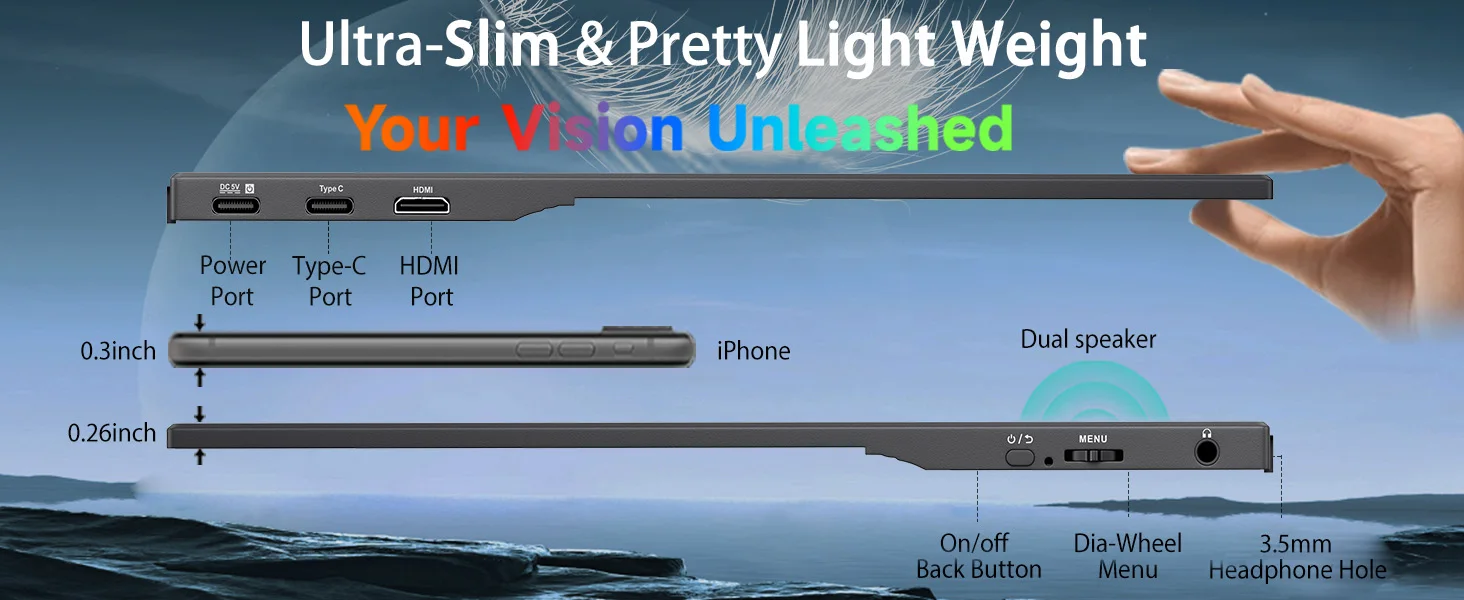
Turn any space into a productivity hub or entertainment center with this ultra-slim 15.6-inch portable monitor. Designed for professionals, gamers, and digital nomads, it is lightweight (1.54 lb) and slim (0.26 inches) for easy travel, with a durable aluminum alloy frame for everyday carry.
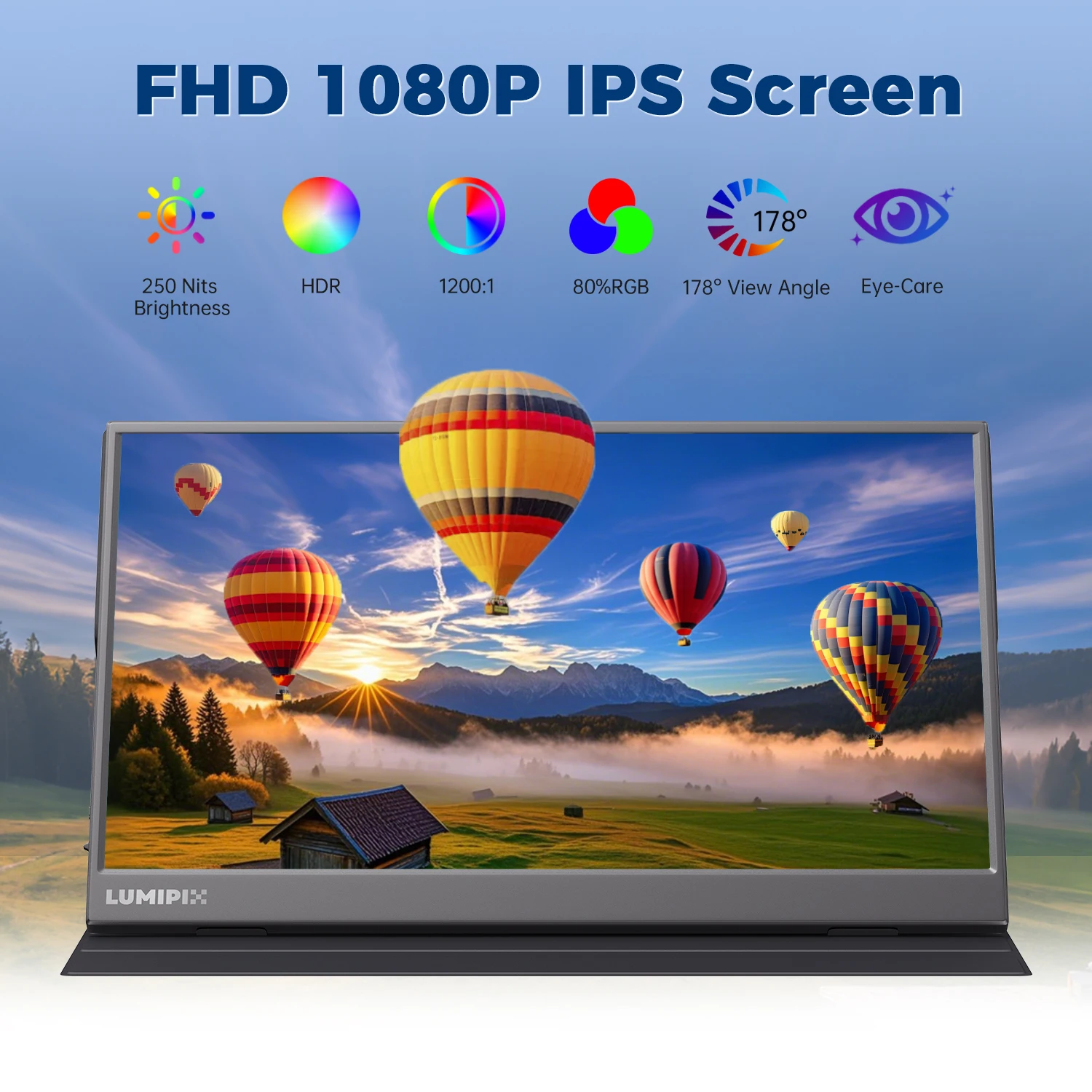
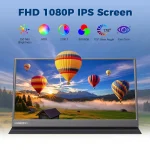
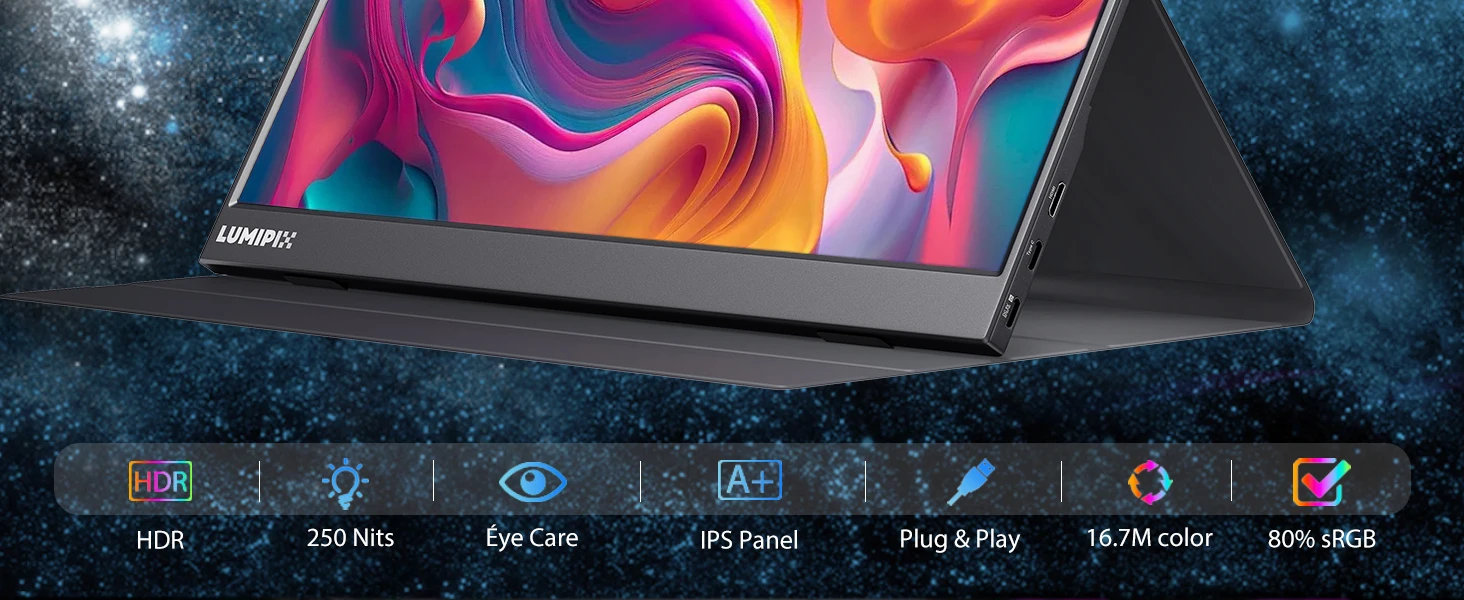
- Crystal-clear Full HD visuals: 1920 x 1080 resolution with a 1000:1 contrast ratio and 100% sRGB color gamut for sharp detail and vibrant color.
- Eye care for long sessions: Low blue light and anti-glare technology help reduce eye strain during extended use.
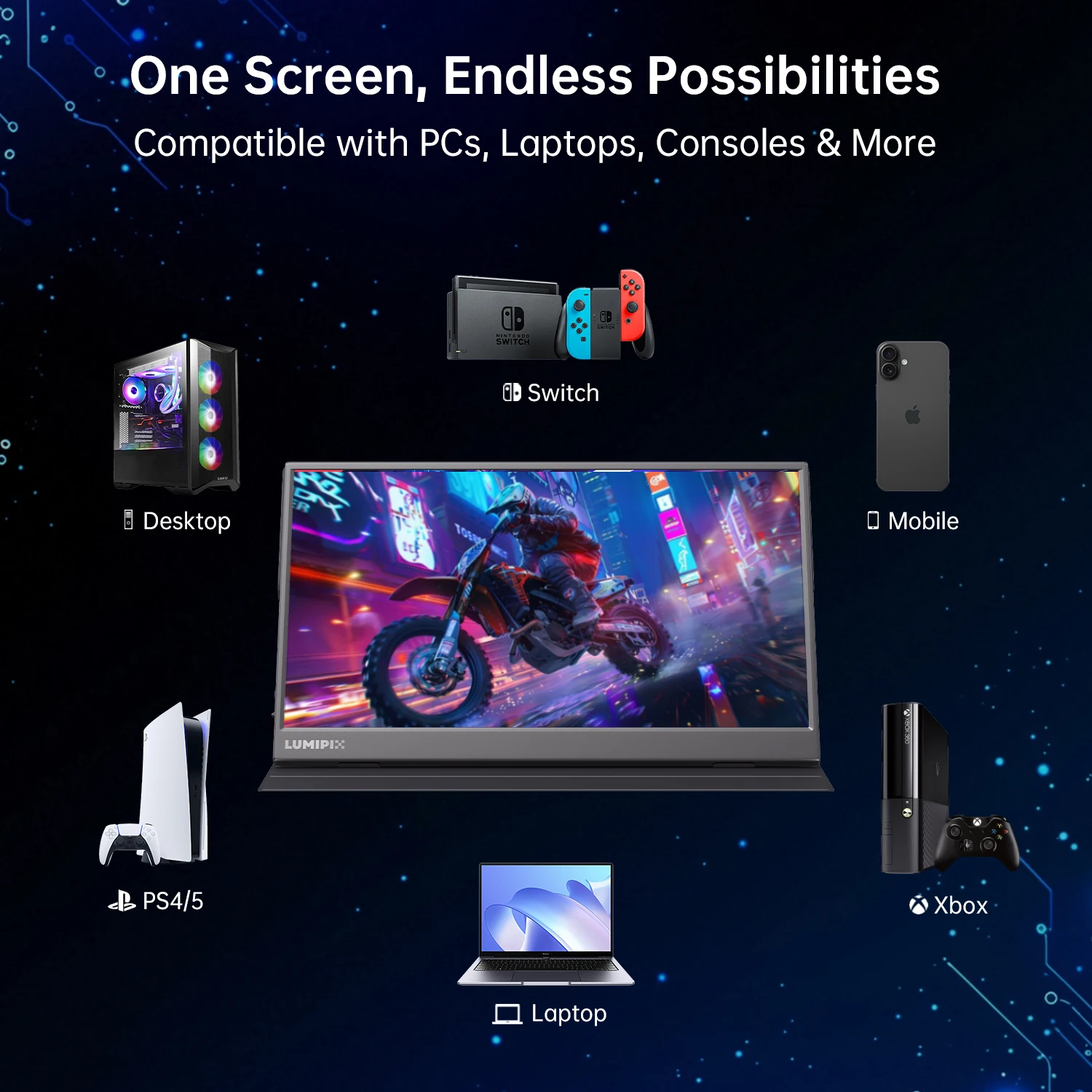
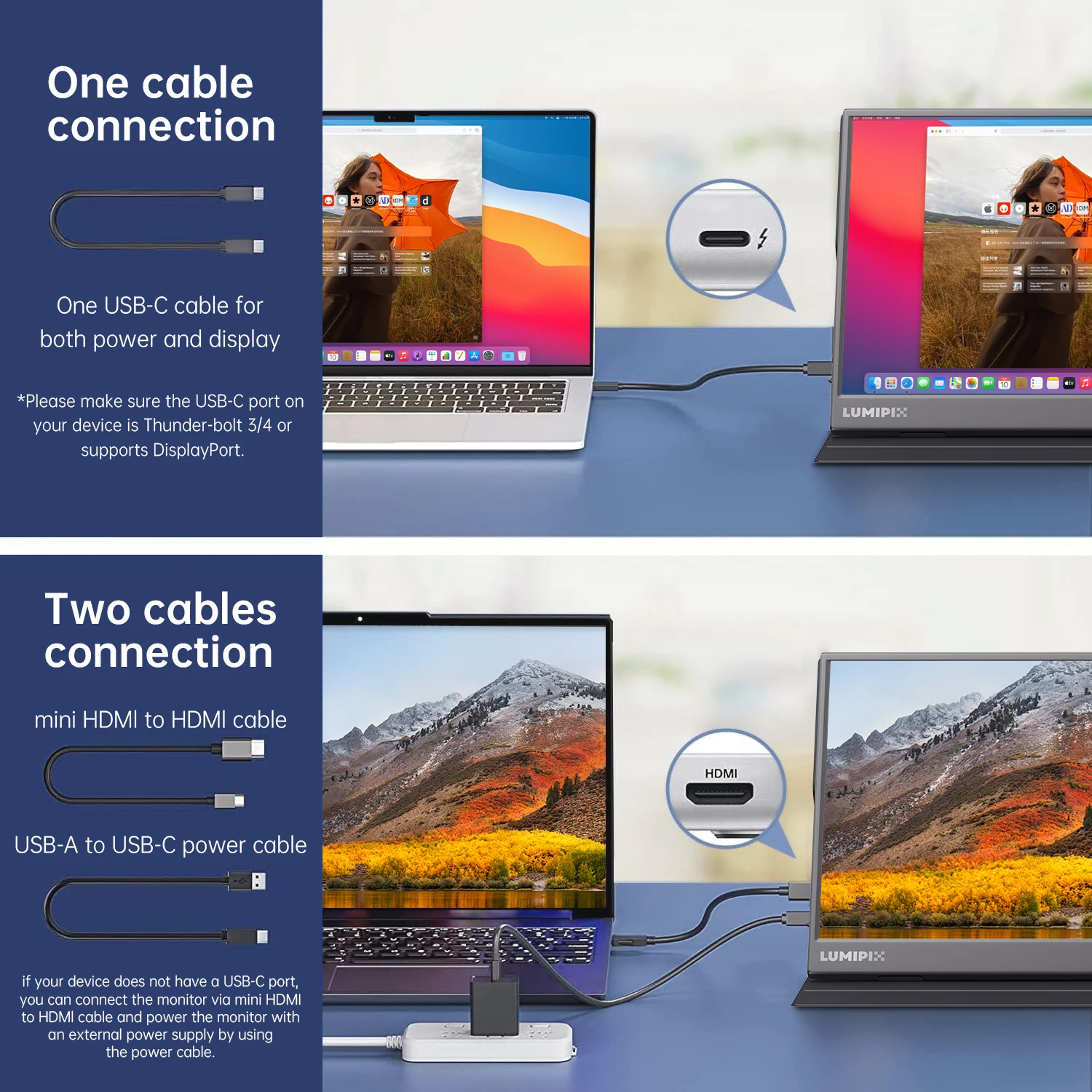
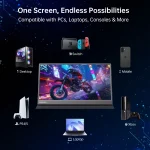
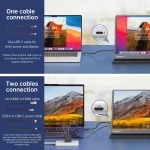
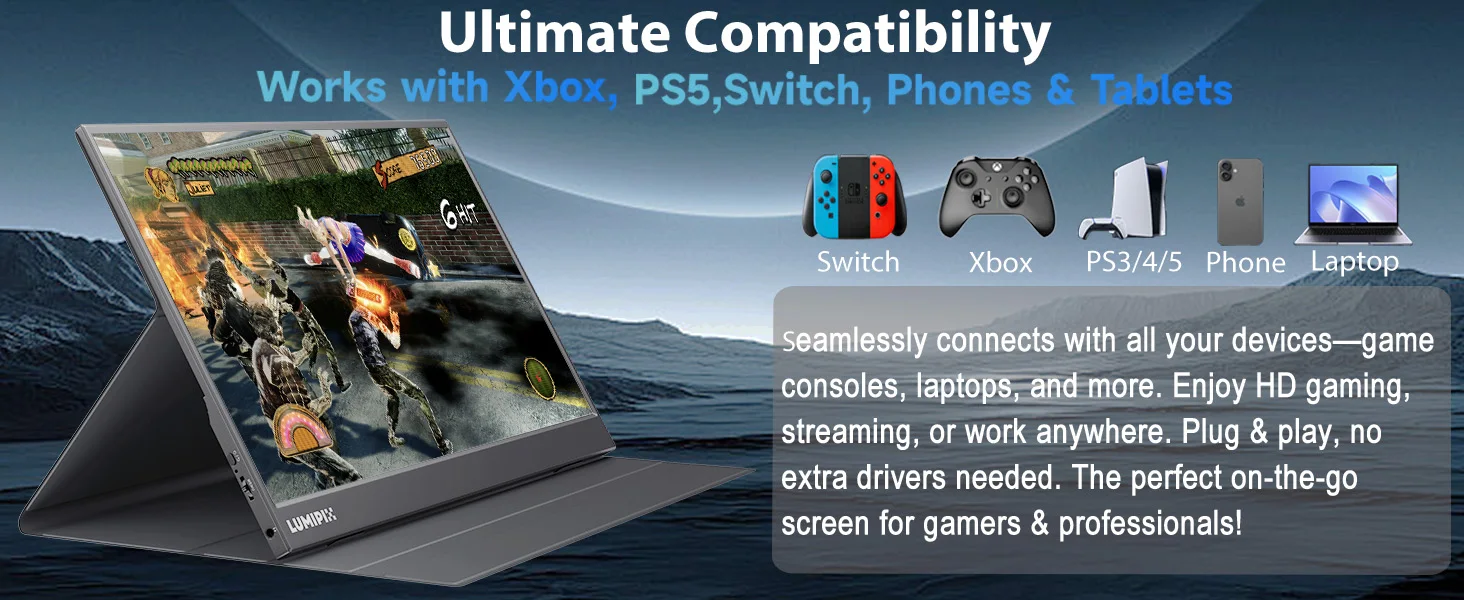
- Plug-and-play compatibility: Connect to laptops, PCs, consoles, and mobile devices using Mini HDMI or USB-C. Dual USB-C ports support power, video, and audio through a single cable when supported.
- Built for mobile use: Slim profile and light weight make it ideal for backpacks, carry-ons, and on-the-go work setups.
- Conquer any environment: Anti-glare IPS panel helps keep images clear in brighter settings, and HDR support enhances highlights and shadows for more depth.
What’s Included
- 15.6-inch portable monitor
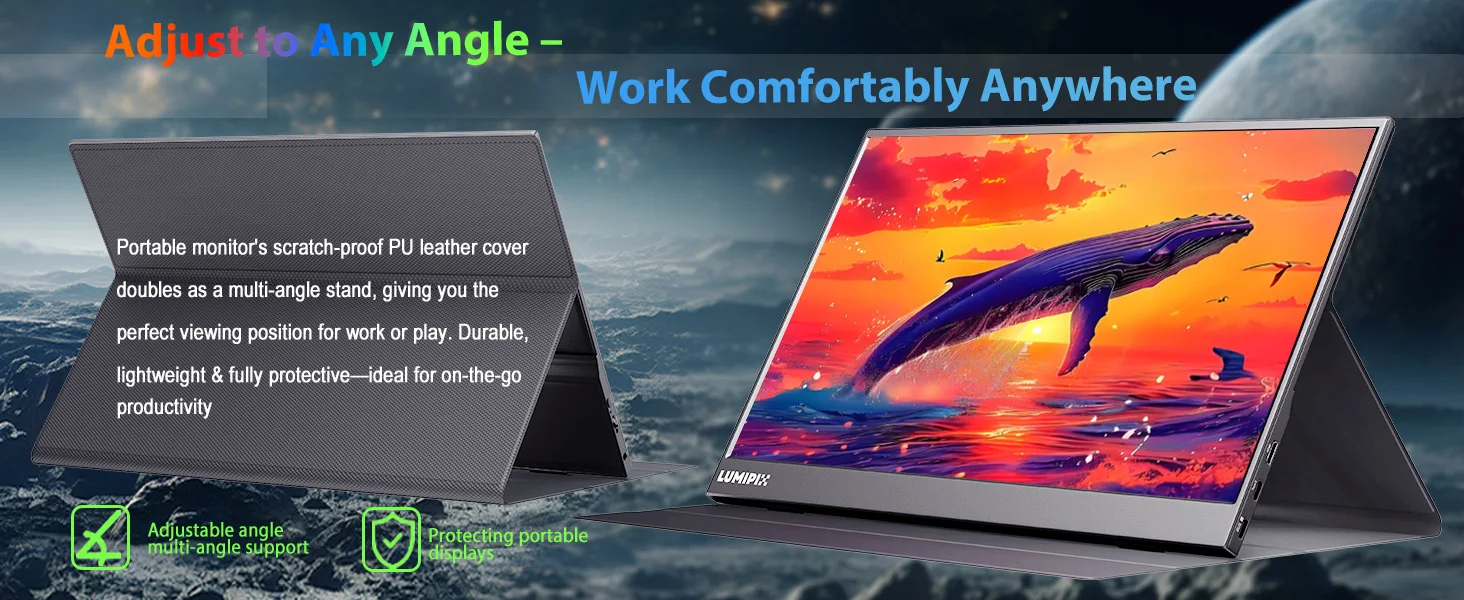
- Smart cover adjustable stand (up to 178° viewing angles)
- Mini HDMI cable
- Full-function USB-C cable
- User manual
- 12-month warranty
Great For
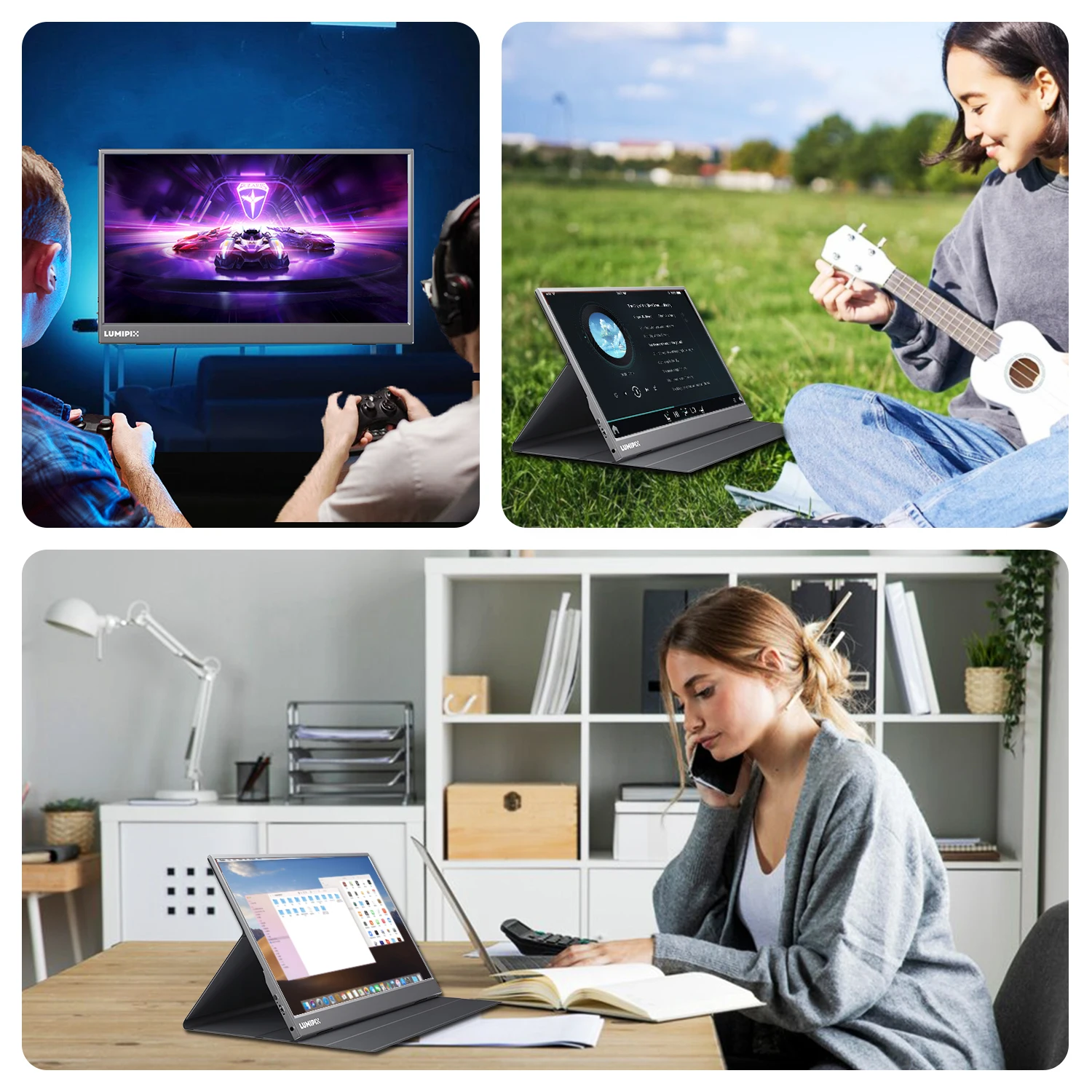
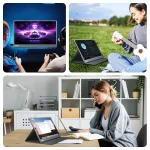
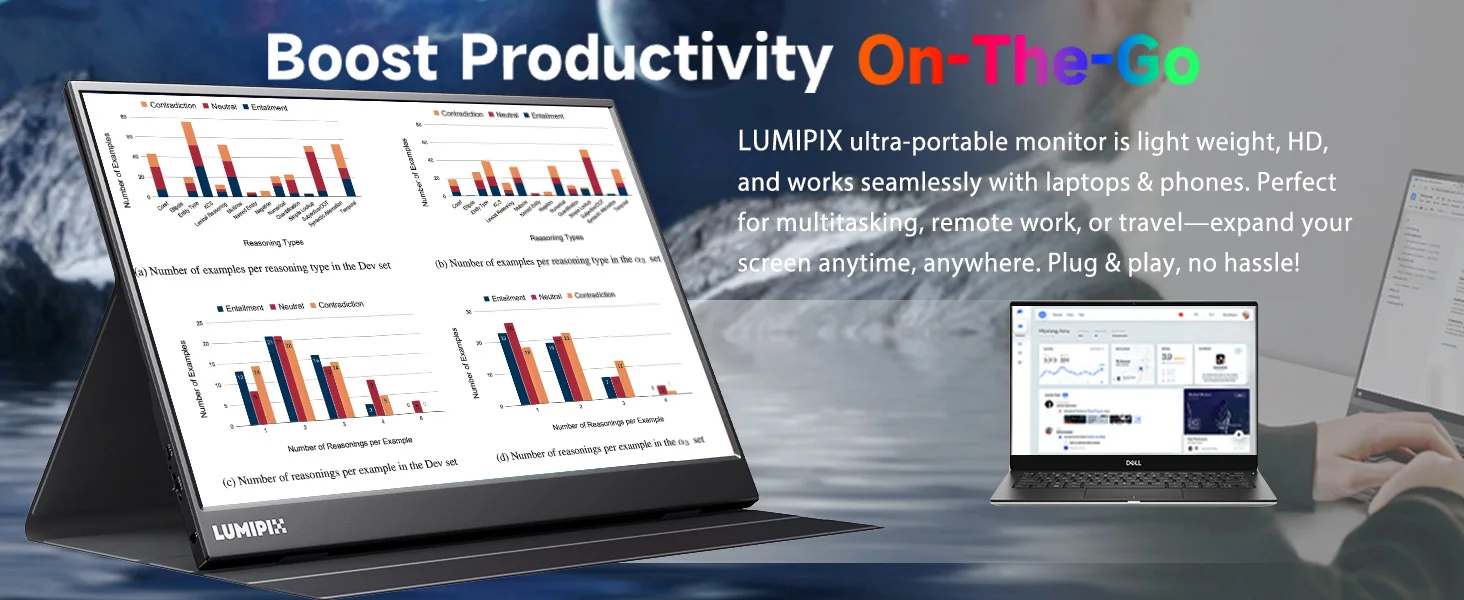
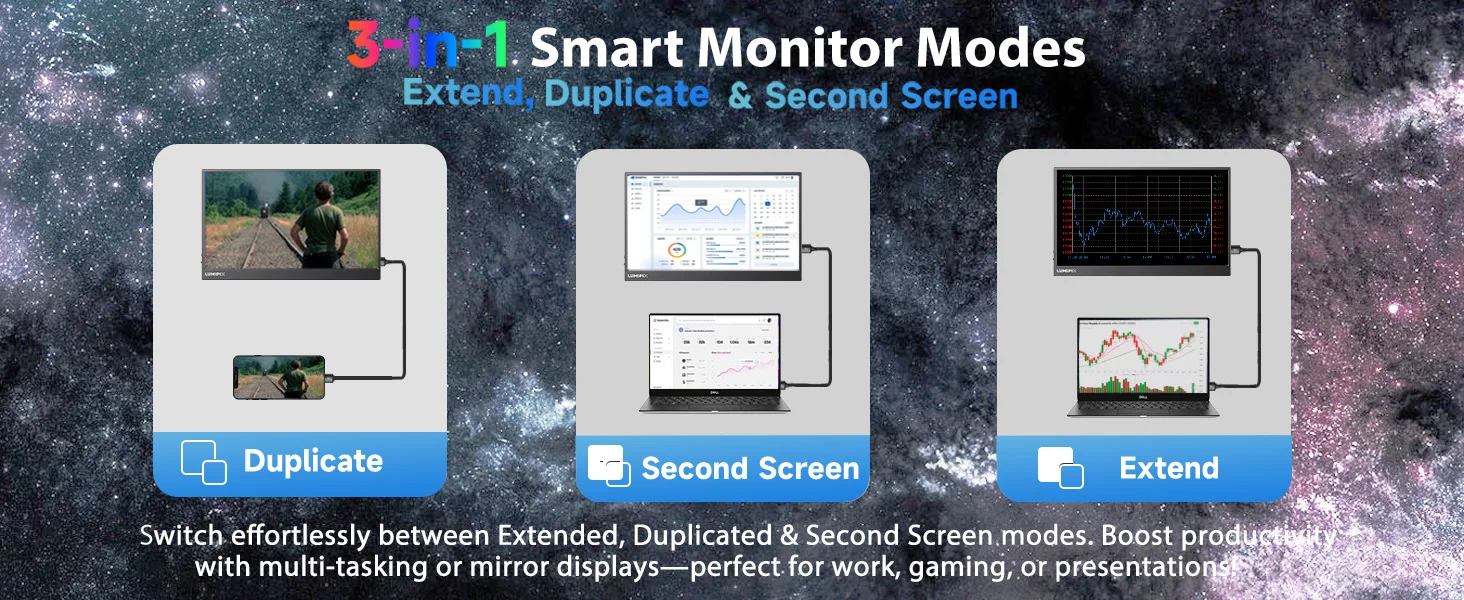
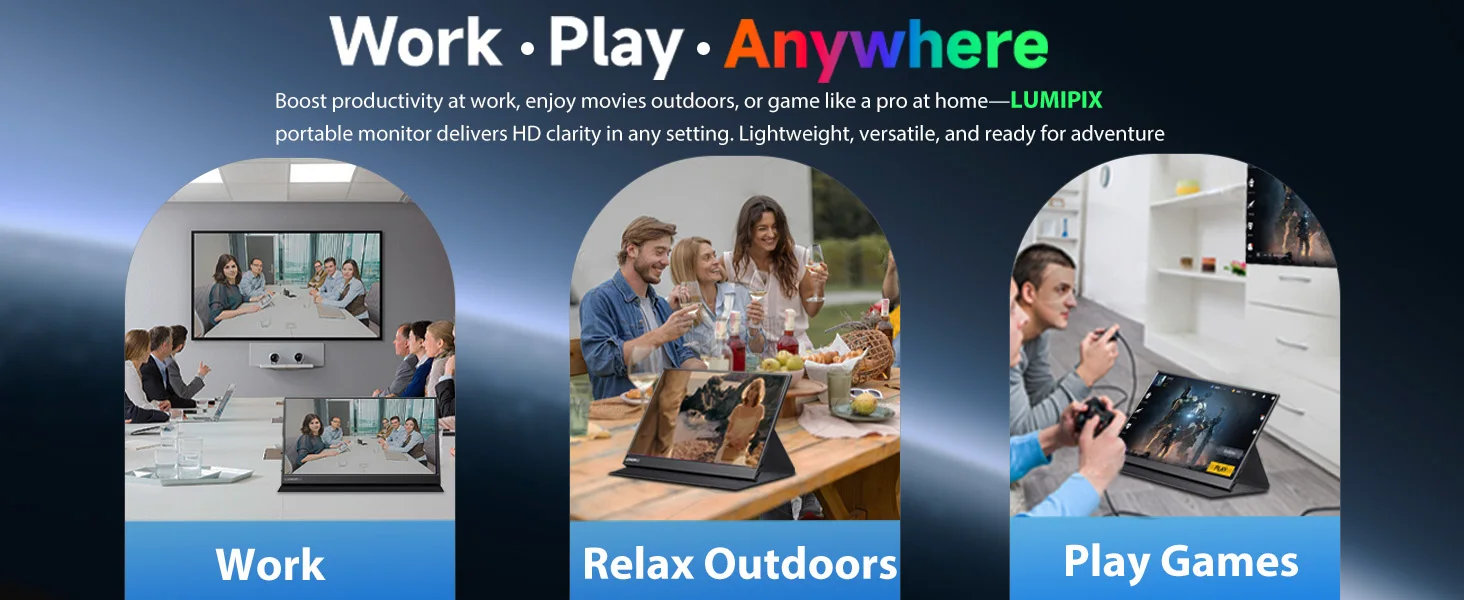
- Work smarter: Extend your laptop screen for multitasking, video calls, and coding.
- Game anywhere: 60Hz refresh rate for smooth gameplay on consoles and handheld systems.
- Entertainment on the go: Mirror or extend your screen for movies during travel or hotel stays.
What should I know before buying?
- Phones without a full-featured USB-C port may require an adapter to connect.
- Laptops without a full-featured USB-C port may need HDMI for video plus a USB-C to USB-A cable for power.
- This monitor does not support Bluetooth, wireless, or Wi-Fi connections. It has no built-in battery and is not a touchscreen.
What is each cable used for?
- USB-C to USB-A cable: Power only.
- USB-C to USB-C cable: Power and video output (requires a full-featured USB-C port).
- Mini HDMI to HDMI cable: Video output only.
Note: For HDMI connections, use the USB-C to USB-A cable to power the monitor.
Will any USB-C to USB-C cable work with this display?
Use a USB-C 3.1 cable (or better) that supports video output. A power-only cable will not work.
Why does it show “No Signal”?
This portable monitor does not include a built-in battery. Connect it to your device using either USB-C to USB-C (video-capable) or Mini HDMI to HDMI for video, and provide power using a USB-C to USB-A cable when required.
How do I connect this monitor to an iPhone?
- Power the monitor using a USB-C to USB-A cable with an external power supply.
- Use a Mini HDMI to HDMI cable with a Lightning to HDMI adapter (not included) to connect the iPhone for video output.
- Keep the iPhone powered using an external power source as needed.


There are no reviews yet.